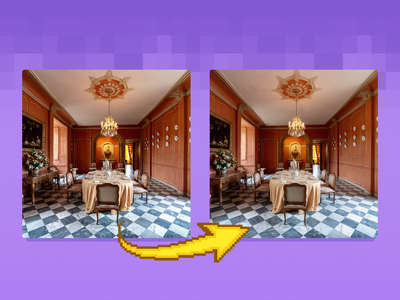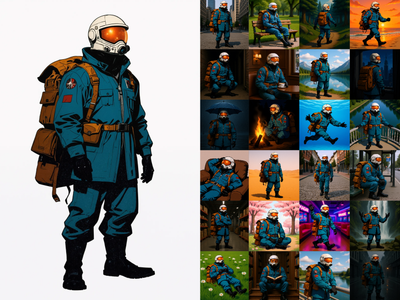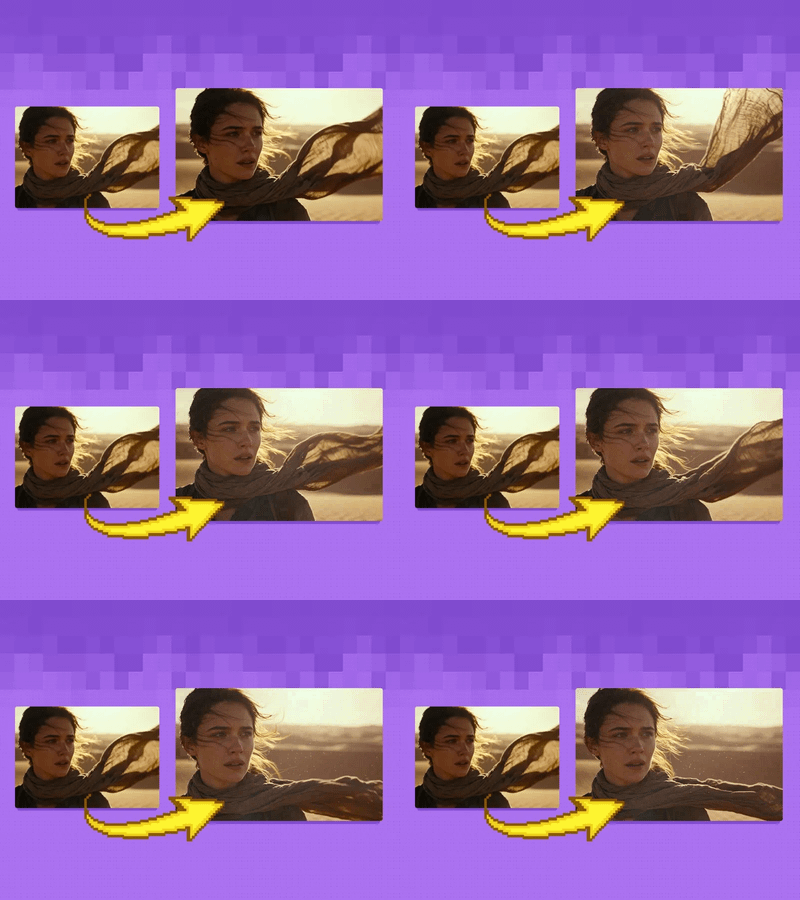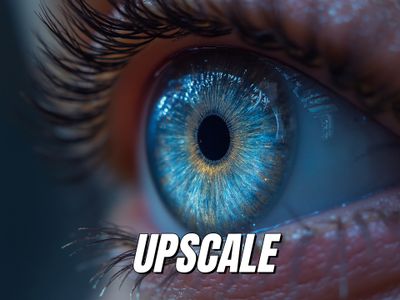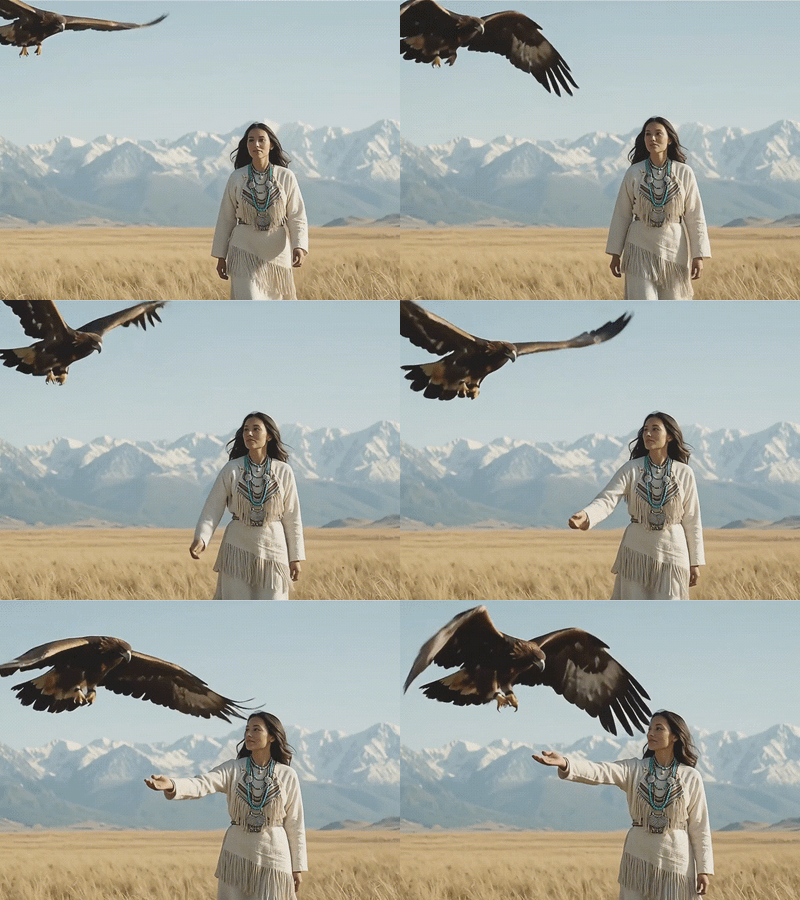
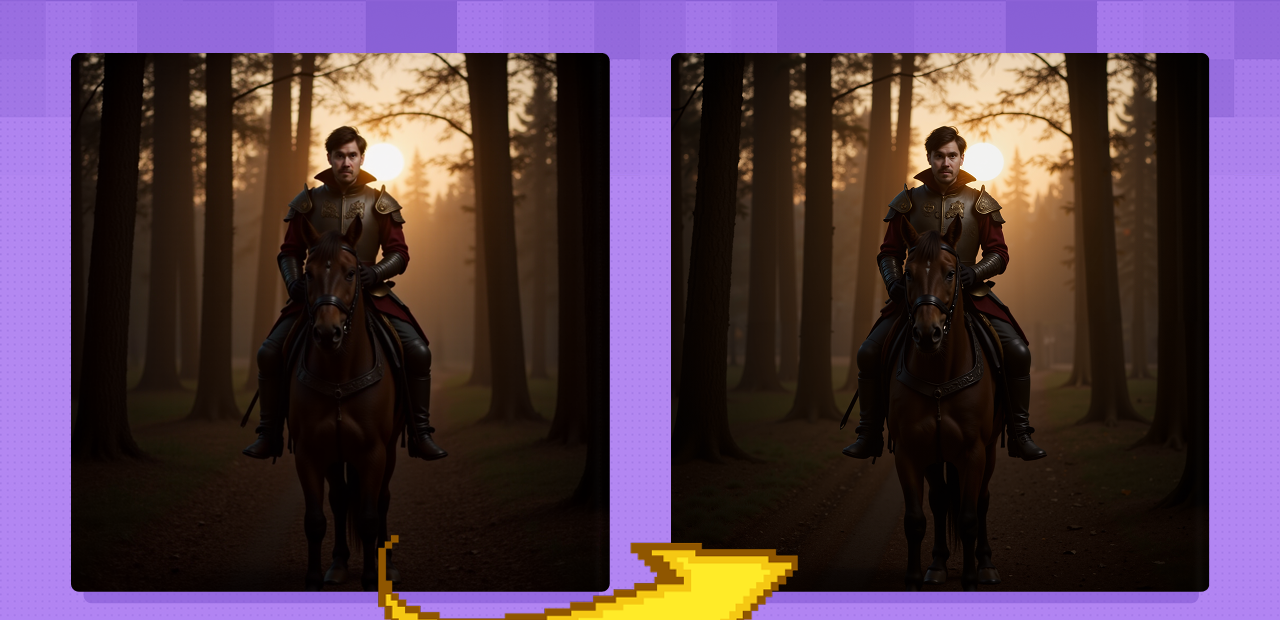
Image Upscaler with LoRA
Create a larger more detailed image along with an extra AI model for fine tuned guidance. Key Inputs Load Image: Use any JPG or PNG showing your subject clearly Load LoRA: Load your reference model here Prompt: as descriptive a prompt as possible Upscale by: The factor of magnification Denoise: The amount of variance in the new image. Higher has more variance.
Flux
Image
LoRa
Upscale
2
988

Nodes & Models
UNETLoader
flux1-dev.safetensors
Ver Private
Comm Use
DualCLIPLoader
t5xxl_fp16.safetensors
Ver Private
Comm Use
clip_l.safetensors
Ver Private
Comm Use
VAELoader
ae.safetensors
Ver Private
Comm Use
Label (rgthree)
LoadImage
UpscaleModelLoader
4x-UltraSharp.pth
Ver Private
Comm Use
LoraLoader
Seb_FluxPortrait.safetensors
Ver Private
Comm Use
CLIPTextEncode
FluxGuidance
SaveImage
UltimateSDUpscale
Create a larger more detailed image along with an extra AI model for fine tuned guidance.
Key Inputs
Load Image: Use any JPG or PNG showing your subject clearly
Load LoRA: Load your reference model here
Prompt: as descriptive a prompt as possible
Upscale by: The factor of magnification
Denoise: The amount of variance in the new image. Higher has more variance.
Read more
N