

Overview
A quick read before you jump in. Helps you know what to pick and why.
Inpainting workflows on Floyo
Pick a workflow that suits your needs and start building something amazing right away.


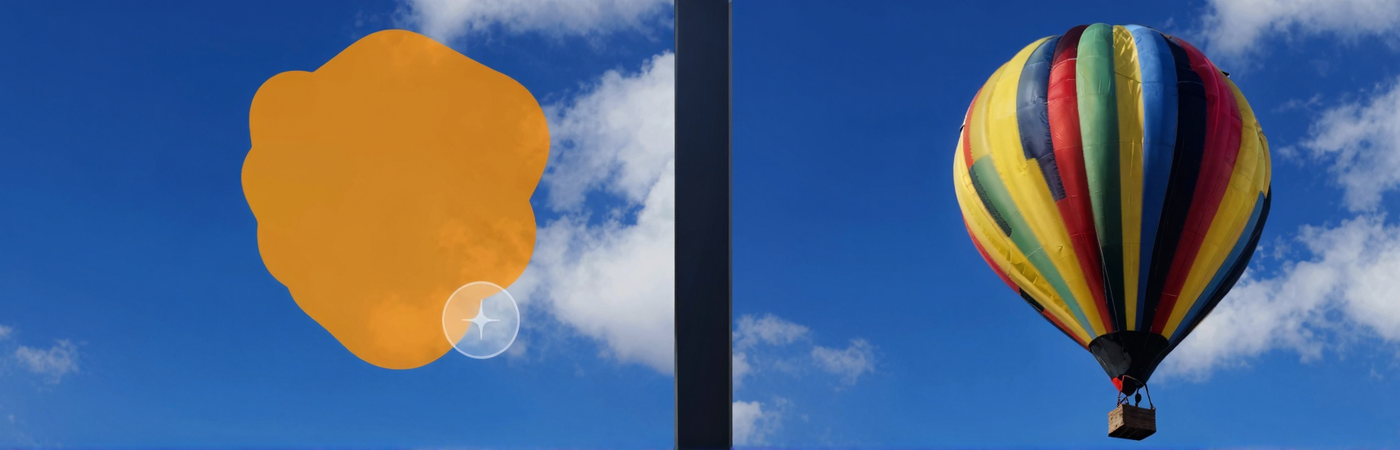
Z-Image Turbo · Inpainting
Repaint any masked area with a text instruction using Z-Image Turbo and depth-guided ControlNet. Upload an image, paint the mask, describe the edit, run.
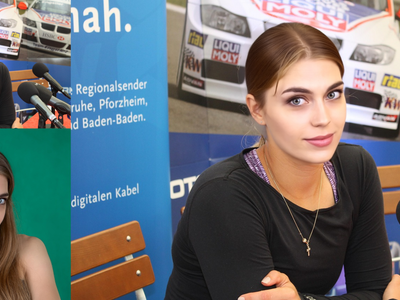
Qwen Image Edit 2509 · Face Swap
Swap a face between two photos with Qwen Image Edit 2509. Upload a main image and a reference, paint a mask on each face, hit run. Apache 2.0 open weights.
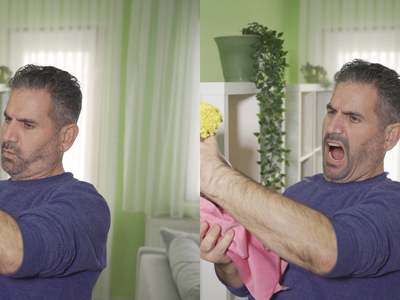

Flux Kontext Inpainting
Inpaint with the power of Flux Kontext, providing additional content-awareness.
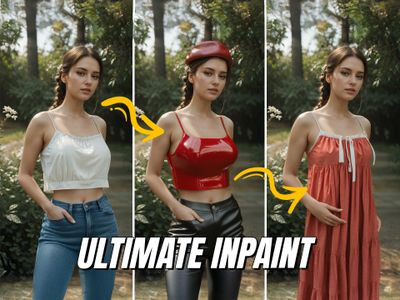
Flux Inpaint - ULTIMATE workflow.
Flux inpainting with Flux fill model and regular Flux dev model. All in one Flux inpainting workflow that easily AI retouches any image.
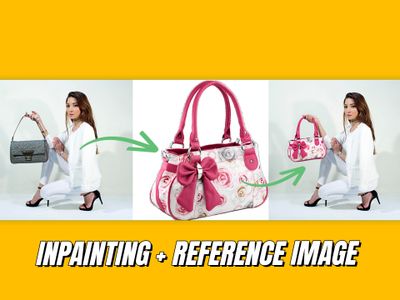
Inpainting with reference image
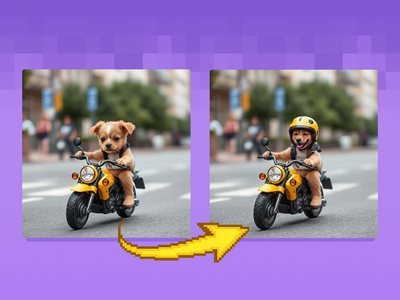
Image Inpainting
Change specific details on just a portion of the image, sometimes known as inpainting or Erase & Replace. Key Inputs Image reference: Use any JPG or PNG showing your subject clearly Masking tools: Right-click to reveal the masking tool option, and create a mask of the desired area to inpaint Prompt: as descriptive a prompt as possible to help guide what you would like replaced in the masked area
_1786516256661.png?width=400&height=300&quality=80&resize=cover)
FLUX.2 Klein 9B: Image Inpainting
Inpainting image using Flux.2 Klein and LanPaint
Which inpainting workflow for which job ?
All workflows matched to their best use case.
Frequently asked questions
Common questions about running inpainting workflows on Floyo.