Z-Image Turbo_Text to Image_opensauce
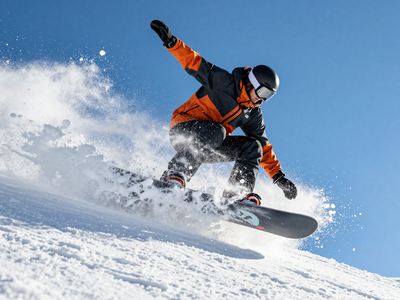
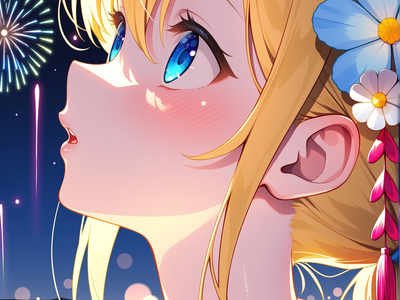
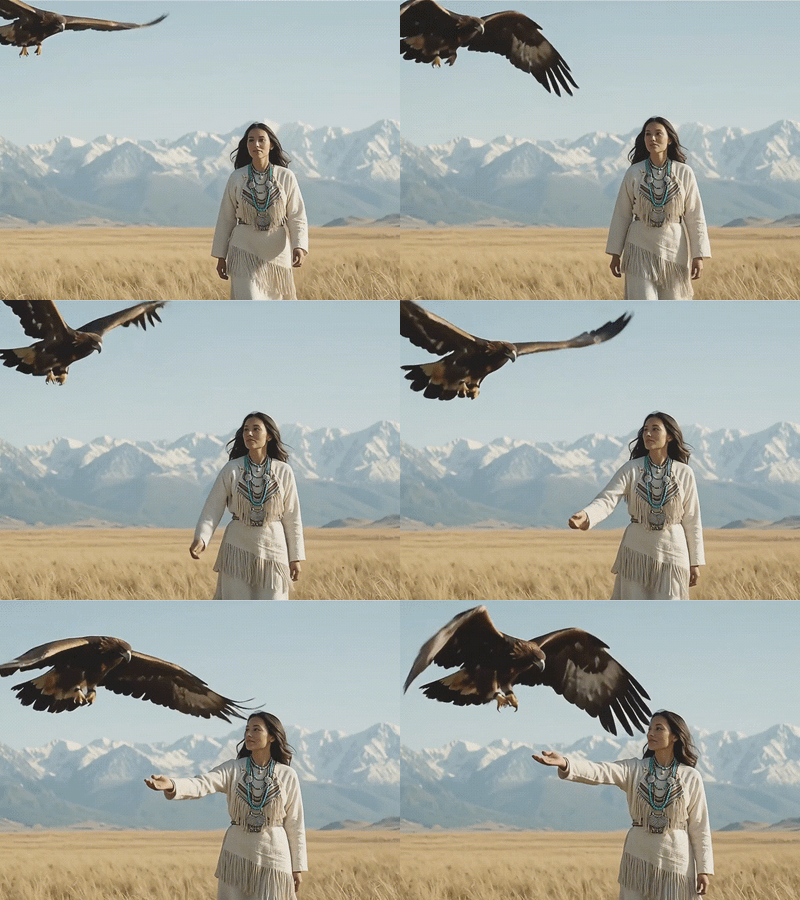
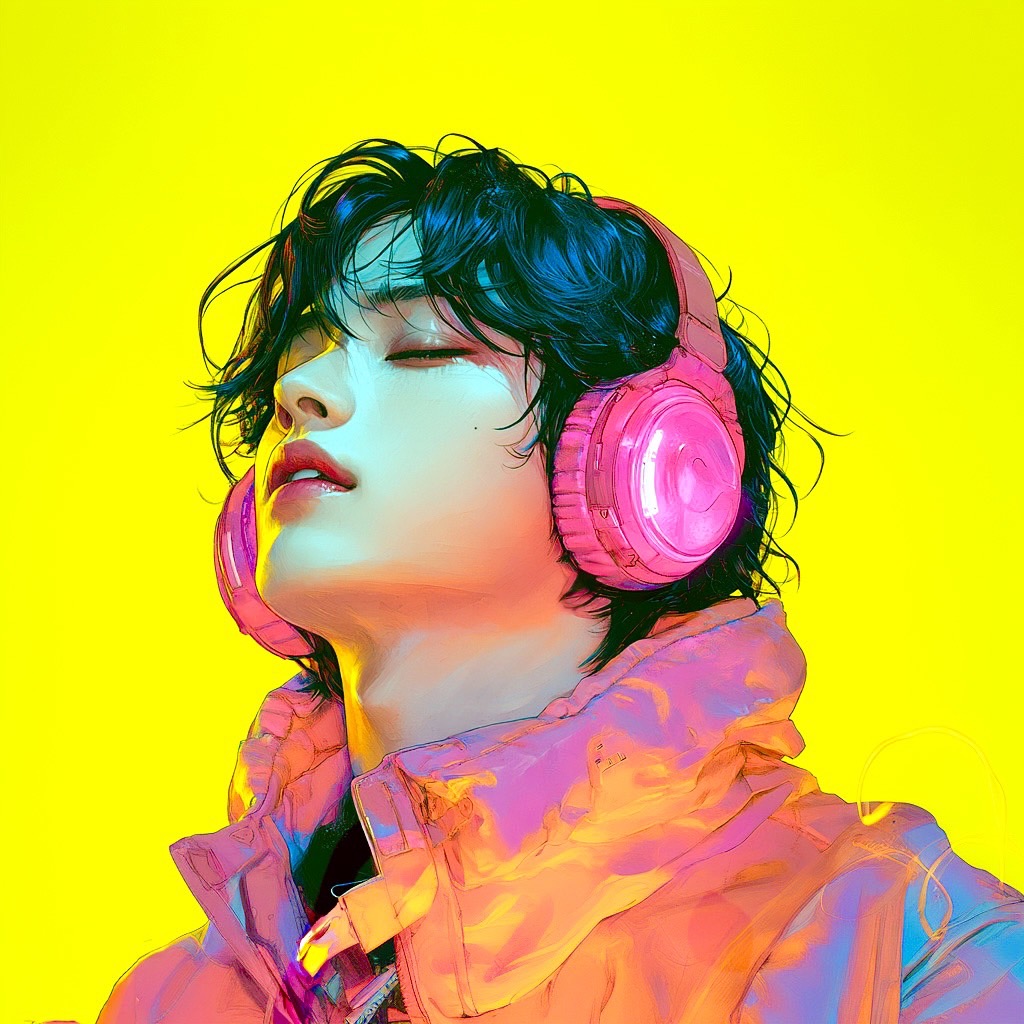
Z-Image Turboを使用した高速Text to Imageワークフローです。8ステップ前後の少ない推論回数で高品質な画像生成を狙えるため、検証・量産・SNS向けビジュアル制作に向いています。 This is a fast Text to Image workflow using Z-Image Turbo. It can generate high-quality images with a small number of inference steps.
Open Source
Text to Image
Z-Image Turbo
22
4.1k
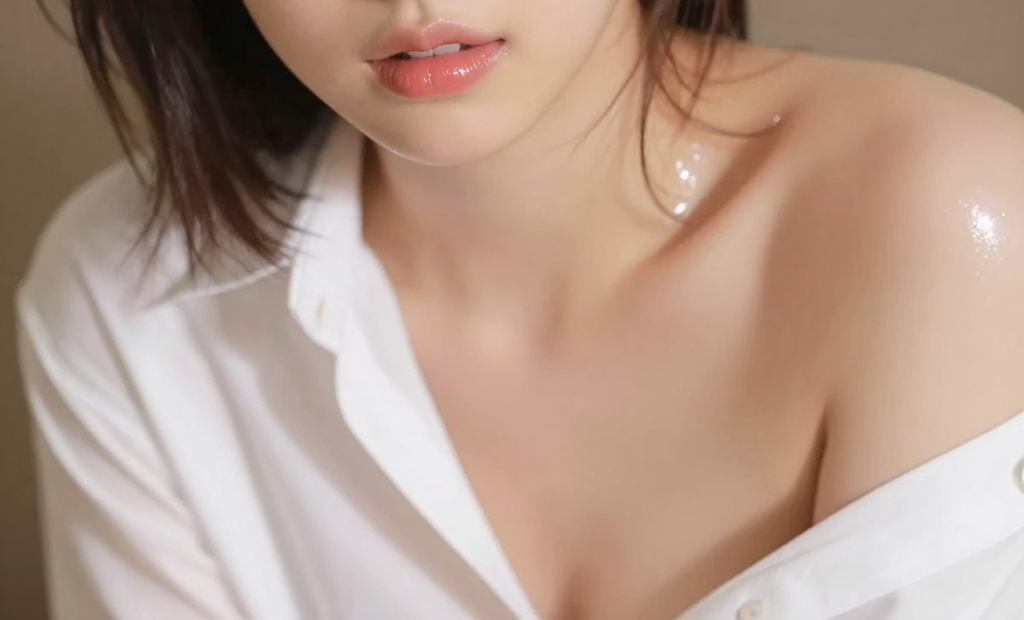

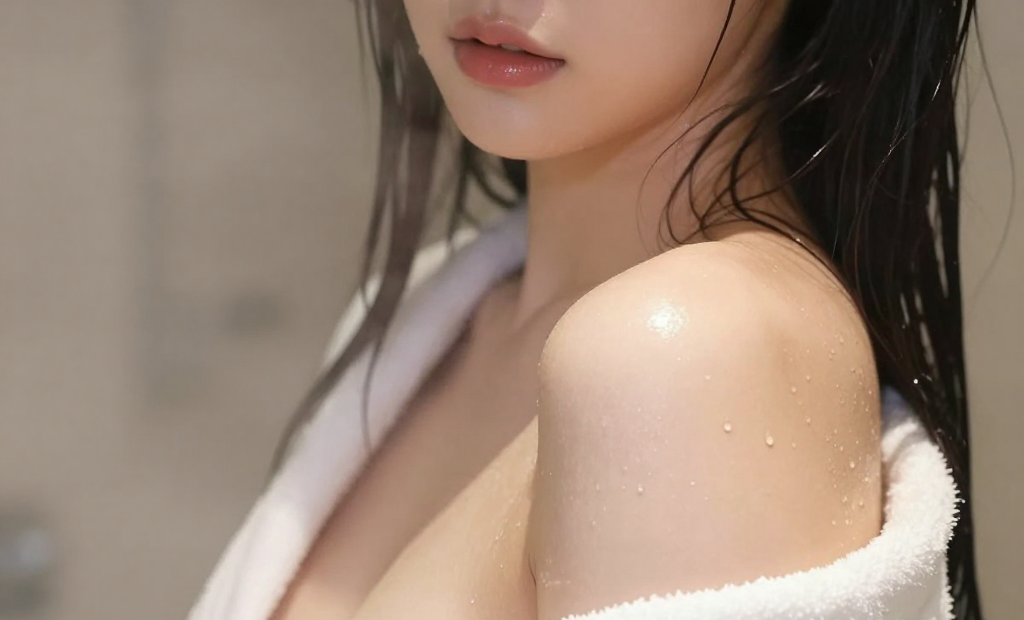

Nodes & Models
VAELoader
ae.safetensors
EmptySD3LatentImage
UNETLoader
z_image_turbo_bf16.safetensors
CLIPLoader
qwen_3_4b.safetensors
ModelSamplingAuraFlow
CLIPTextEncode
KSampler
VAEDecode
SaveImage
1. Overview|概要
このワークフローは、Z-Image Turboを使用したText to Image用の画像生成ワークフローです。
This workflow is a Text to Image generation workflow using Z-Image Turbo.
Z-Image Turboは、Alibaba Tongyi-MAIによるZ-Image系の高速画像生成モデルです。
Z-Image Turbo is a fast image generation model from Alibaba Tongyi-MAI’s Z-Image family.
Z-Image Turboは、6Bパラメータの高効率な画像生成モデルファミリーの一つです。
Z-Image Turbo is part of an efficient 6B-parameter image generation model family.
Turbo版は蒸留モデルで、少ない推論回数でも高品質な画像生成を狙える点が特徴です。
The Turbo version is a distilled model designed to generate high-quality images with fewer inference steps.
公式では、Z-Image Turboは8 NFEで強力な生成性能を発揮すると説明されています。
Officially, Z-Image Turbo is described as delivering strong generation performance with only 8 NFEs.
フォトリアルな画像生成、英語・中国語の文字描画、指示追従性に優れています。
It is strong at photorealistic image generation, English and Chinese text rendering, and instruction following.
高速に結果を確認しやすいため、アイデア検証、プロンプトテスト、SNS向け画像制作に向いています。
Because it is fast to test, it is useful for idea testing, prompt testing, and social media image creation.
2. How It Works|使い方
このワークフローは、プロンプトを変更するだけですぐに使えます。
You can use this workflow immediately by simply changing the prompt.
生成したい画像の内容をプロンプト欄に入力してください。
Enter the image you want to generate in the prompt field.
人物、商品、背景、構図、光、質感、画風をプロンプトに書いてください。
Describe the subject, product, background, composition, lighting, texture, and visual style in the prompt.
基本的には、プロンプトを編集して実行するだけで画像を生成できます。
Basically, you only need to edit the prompt and run the workflow.
細かく調整したい場合は、必要に応じてサンプラーやステップ数を変更してください。
If you want finer control, change the sampler or step count if needed.
まずはデフォルト設定のまま生成し、結果を見ながら調整するのがおすすめです。
It is recommended to start with the default settings and adjust based on the result.
3. Prompt Control|プロンプトによる調整
プロンプトには、生成したい画像の内容をできるだけ具体的に書いてください。
In the prompt, describe the image you want to generate as clearly as possible.
Z-Image Turboは指示追従性が高いため、自然文で具体的に書くと狙いを反映しやすくなります。
Z-Image Turbo has strong instruction adherence, so clear natural language prompts can help reflect your intention.
人物を生成する場合は、年齢感、表情、髪型、服装、ポーズ、カメラアングルを指定してください。
For character generation, specify the age impression, expression, hairstyle, outfit, pose, and camera angle.
フォトリアル寄りにしたい場合は、realistic photo、natural skin texture、studio lightingなどを指定してください。
For photorealistic results, specify terms like realistic photo, natural skin texture, and studio lighting.
文字入り画像を作る場合は、表示したい文字、言語、配置、デザインを明確に書いてください。
For images with text, clearly describe the text, language, placement, and design.
Z-Image Turboは英語と中国語の文字描画に強いとされています。
Z-Image Turbo is known to be strong at rendering English and Chinese text.
商品画像や広告風画像では、商品名、背景、光、質感、余白、レイアウトを書くと効果的です。
For product or advertising-style images, describe the product name, background, lighting, texture, margin, and layout.
短いプロンプトでも生成できますが、詳細に書くほど出力をコントロールしやすくなります。
Short prompts can work, but detailed prompts usually make the output easier to control.
4. Settings|設定
基本設定では、プロンプトを変更するだけですぐに使えます。
With the basic settings, you can use it immediately by only changing the prompt.
まずはデフォルト設定のまま生成することをおすすめします。
It is recommended to generate with the default settings first.
品質や安定感を調整したい場合は、必要に応じてステップ数を少し変更してください。
If you want to adjust quality or stability, change the step count slightly if needed.
出力の雰囲気を変えたい場合は、必要に応じてサンプラーを変更してください。
If you want to change the feel of the output, change the sampler if needed.
サンプラーを変更すると、質感、線の出方、コントラスト、安定感が変わる場合があります。
Changing the sampler may affect texture, line quality, contrast, and stability.
大きく設定を変えるよりも、まずはプロンプトを改善しながら微調整するのがおすすめです。
Rather than changing many settings at once, it is recommended to improve the prompt and make small adjustments.
Read more
0
Reply
0
Reply
0
Reply
0
Reply