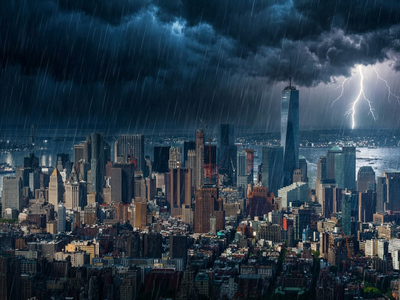
Video to YouTube Thumbnail - Nano Banana
Upload a video and your brand assets. A built-in AI prompt engine writes the image prompt, then Nano Banana Pro generates a click-ready 16:9 thumbnail.
content creation
image to image
nano banana
text to image
thumbnail
youtube
158
_1789926985575.png?width=1400&height=620&quality=80&resize=contain)
_1789926985575.png?width=104&height=104&quality=80&resize=cover)
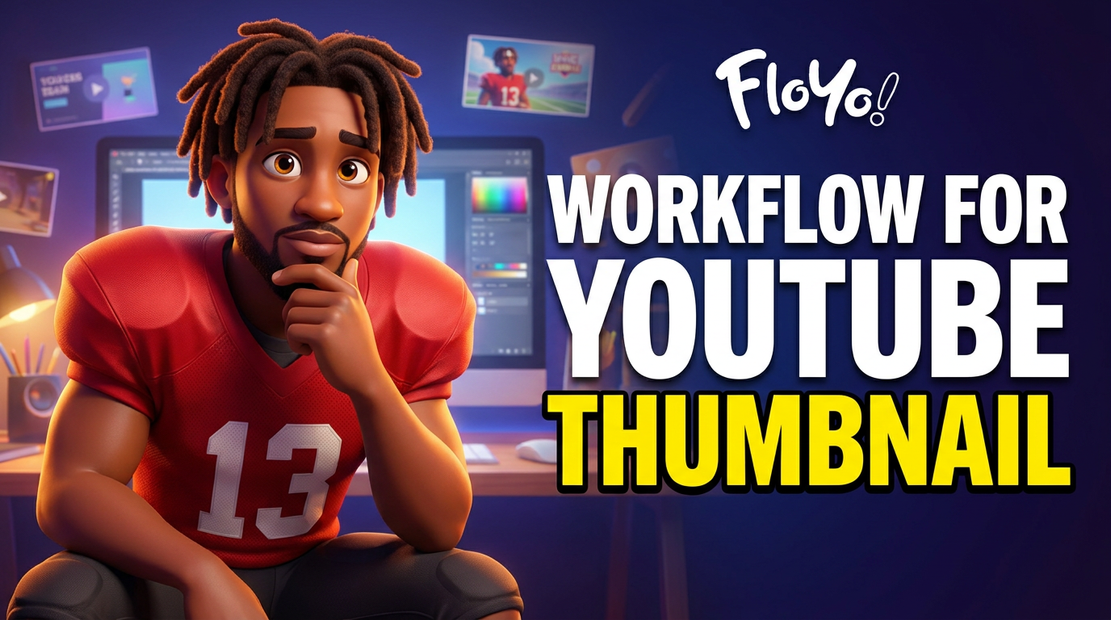
Generate YouTube thumbnails from your own video footage and brand assets. No prompt engineering needed.
Upload a video and up to four reference images (logos, brand elements, style guides). A built-in AI prompt engine (Claude Sonnet) watches your video frame and references, then writes a CTR-optimized image prompt for you. Nano Banana Pro takes that prompt, your video frame, and your brand assets and generates a polished 16:9 thumbnail.
Describe what you want in plain language. The AI handles the rest. Output is a 2K PNG ready to upload.
How do you generate YouTube thumbnails with Nano Banana Pro?
Upload a video and up to four reference images. Describe the thumbnail you want in a few words. The workflow's built-in AI prompt engine rewrites your description into an optimized image prompt, then Nano Banana Pro generates a 16:9 thumbnail that keeps your logos and branding intact.
Your description (prompt field)
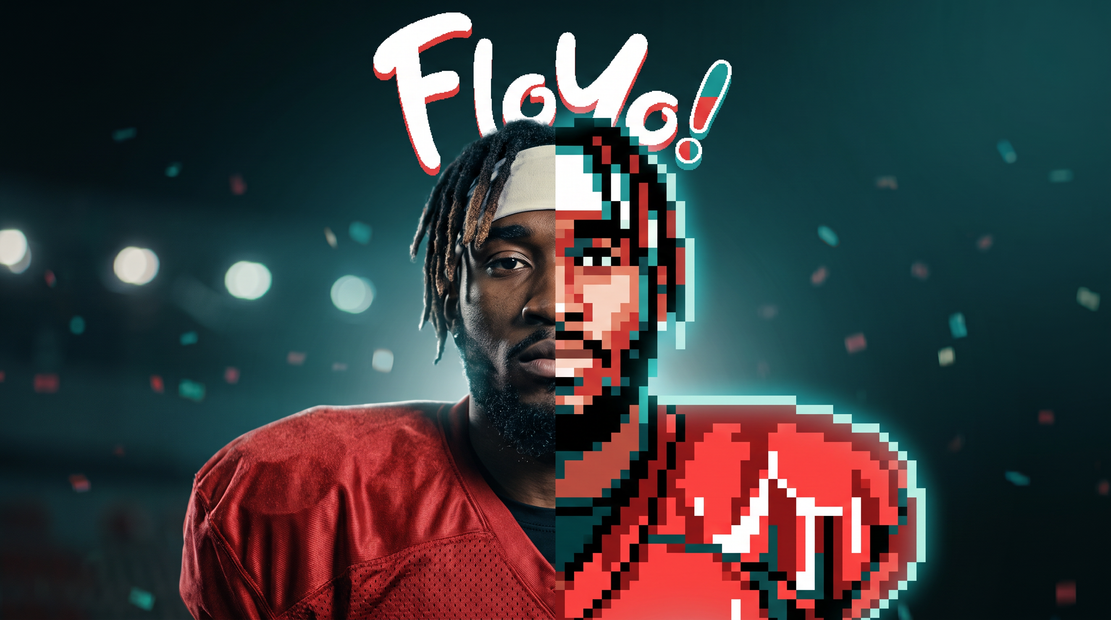
This is where you tell the workflow what kind of thumbnail you want. You do not need to write a detailed image prompt. Write it like you would explain it to a person: "retro pixel style with ComfyUI Course text and logo in the corner" works. The AI prompt engine expands your short description into a full image-generation prompt with composition, lighting, and contrast built in.
Reference images (4 slots)
Upload logos, brand colors, watermarks, or style references. All four get stitched into a single reference board that the AI reads alongside your video frame. The AI is instructed to preserve logos and branding from these references. You do not need to fill all four slots, but the more brand context you give it, the more consistent the output.
Video upload
The workflow pulls a frame from your video and uses it as visual context for both the AI prompt engine and the image generator. A clear, well-lit frame from your actual footage helps the thumbnail match the feel of your content.
Resolution
Default is 2K, which covers standard YouTube thumbnail specs (1280x720). Leave it here for most use cases.
Aspect ratio
Default is 16:9. That is YouTube's native thumbnail ratio. No reason to change it unless you are repurposing the output for a different platform.
Number of images
Default is 1. Want to pick from a few options? Set this to 3 or 4 and compare. Each run generates variations from the same prompt.
Seed
Set to randomize by default. Lock the seed when you find a result you like and want to iterate on it with small prompt changes.
What is the Nano Banana Pro YouTube thumbnail workflow good for?
This workflow is built for creators, editors, and social media teams who need on-brand YouTube thumbnails without writing complex image prompts. It handles the prompt engineering for you and carries your brand assets through to the final image.
YouTube creators who batch-produce content will get the most out of this. Upload a frame from your latest video, drop in your channel logo and brand elements, describe the vibe in a sentence, and get a thumbnail back. No need to open Photoshop or write a 200-word Nano Banana prompt.
Editors working across multiple channels can swap the reference images per brand and keep the same workflow. The reference board handles brand consistency without manual prompt adjustments.
If you need full manual control over every composition detail, this is not the right fit. The AI prompt engine makes opinionated choices about layout, lighting, and color. That is the point: it handles the prompt so you do not have to. But if you want pixel-level control, use a standard Nano Banana Pro text-to-image workflow instead.
FAQ
What AI model writes the thumbnail prompt?
The workflow uses Claude Sonnet as a visual language model to analyze your video frame and reference images, then write a single optimized image-generation prompt. You describe what you want in a sentence. Claude handles composition, lighting, contrast, and text placement rules tuned for YouTube click-through rates.
Do I need to write a detailed image prompt?
No. That is the whole point of this workflow. Write a short description like "dramatic cooking fail with channel logo" and the AI prompt engine expands it into a full Nano Banana Pro prompt. Over-writing the prompt can conflict with the AI's output, so keep your input short and descriptive.
Can I add text to the thumbnail?
Yes. Mention the text you want in your description and the AI will include it in the prompt. The system is tuned for 3 to 5 words max, bold and readable at small sizes. If you want specific text, say it: "add text ONE CLICK in the corner."
Will my logo appear in the generated thumbnail?
Upload your logo as one of the four reference images. The AI is instructed to inspect references and preserve logos and branding. Results vary depending on complexity, but clean logos on solid backgrounds carry through most reliably.
How do I run the Nano Banana Pro YouTube thumbnail generator online?
You can run this workflow online through Floyo. No installation, no setup. Open the workflow in your browser, upload your video and reference images, and hit run. Free to try.
Read more
_1756358901929.png?width=400&height=300&quality=80&resize=cover)