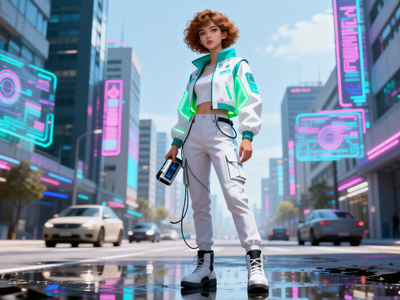
Nano Banana 2.1 for Text to Image
Generate images from a text prompt using Nano Banana 2.1, Google’s updated Gemini Flash image model. Write a prompt, pick a resolution, and hit run.
Image
Nano Banana 2.1
Text to Image
77
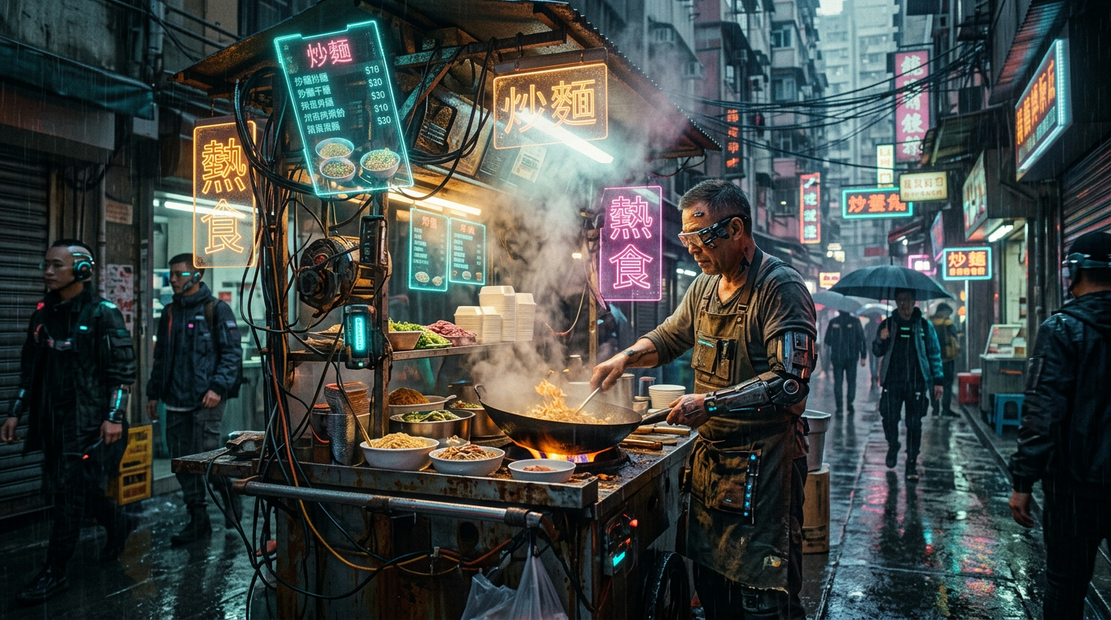
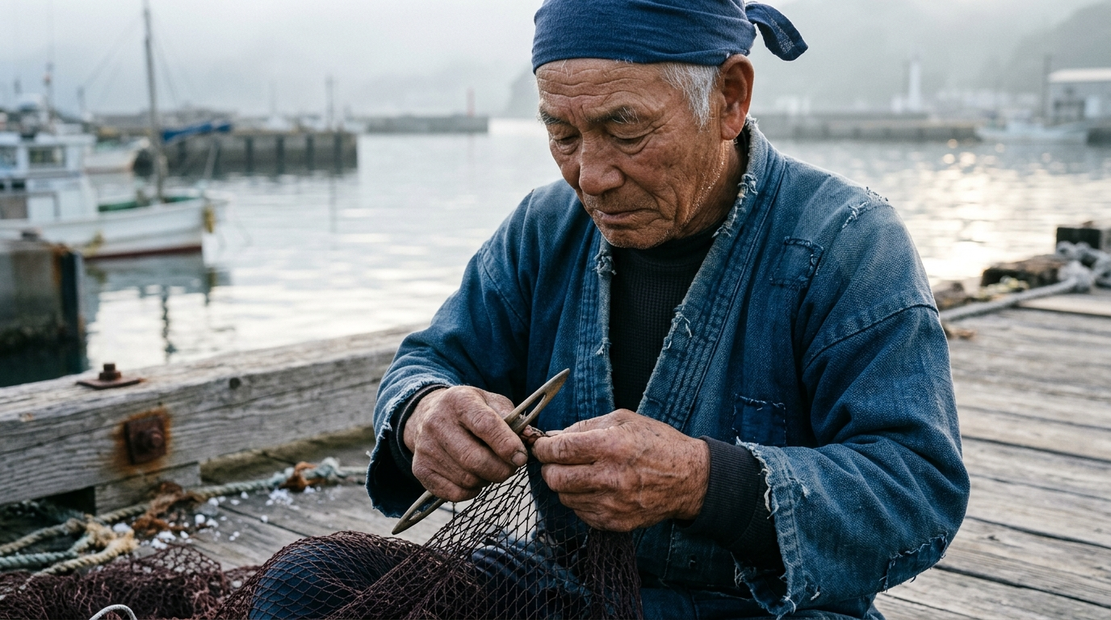
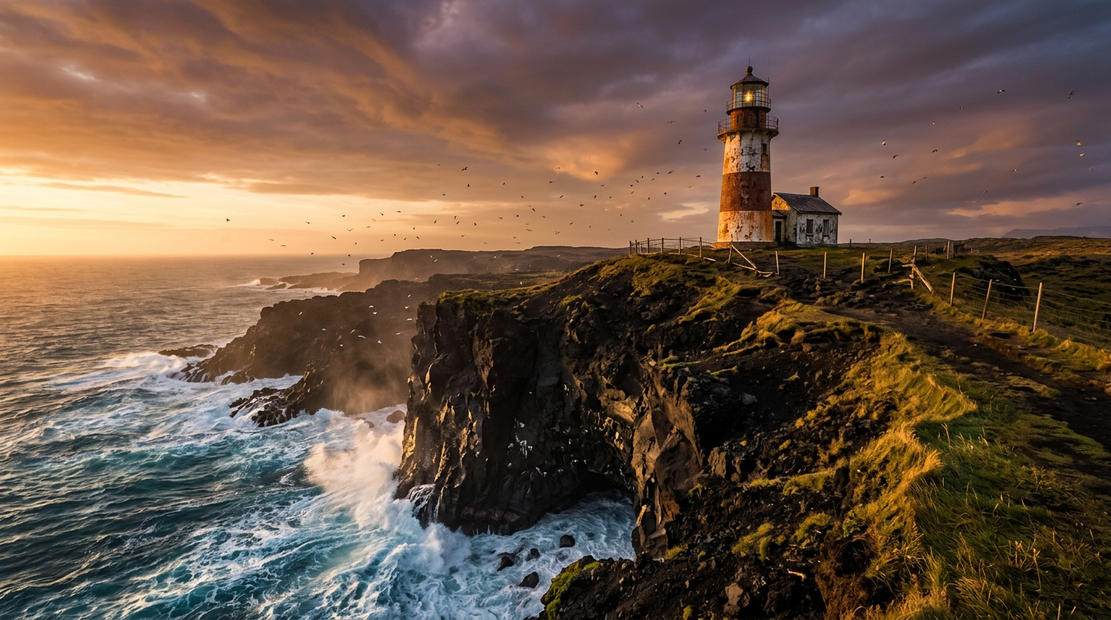



Nodes & Models
NanoBanana21TextToImage_floyo
PreviewImage
ABOUT THE WORKFLOW
Generate an Image from Text
Write a prompt describing the image you want. Nano Banana 2.1 reads your text, reasons about it, and generates the image. Set the resolution, aspect ratio, and output format, or leave everything on defaults and run.
Partner node. This workflow calls an external API, so each run uses credits from your API wallet. No API key needed. Floyo handles the connection.
Model
Nano Banana 2.1 by Google. An updated Flash-tier image model strong at text rendering in images, prompt adherence, and fast generation. Outputs at 1K, 2K, or 4K.
HOW IT WORKS
Step 1. Write your prompt
Describe the image you want. Be specific about subject, setting, lighting, and style.
Works great with: product shots · illustrations · scenes with text · concept art
Step 2. Set a system prompt (optional)
Add a persona or style direction the model follows for every generation. Leave it empty for a standard run.
Step 3. Hit run and download
The model generates your image and shows it in the preview. Download the result in PNG or your chosen format.
Ready for: Photoshop · Figma · Canva · any editor
First time? Leave every setting as-is. The defaults (1K · 1 image · random seed · PNG) are the right starting point for almost everyone.
RECOMMENDED SETTINGS
Quick-start guide. Find the goal that matches yours and copy the settings.
Standard generation (most people) — 1K · 1 image · random seed · PNG · medium thinking. The right starting point for almost everyone.
Need higher resolution — Switch resolution to 2K or 4K. Sharper output, higher cost per run.
Want options to choose from — Raise the number of images to generate several versions and keep the strongest.
Need a specific aspect ratio — Change the aspect ratio from auto to match your canvas. Auto generates a square.
Generating text-heavy images — Spell out the exact words you want in the prompt. This model renders text accurately.
Real-world place or product — Turn on web search so the model grounds the image in current visual references.
The image is not matching the prompt — Raise the thinking level to high. The model spends more time reasoning about your description, which improves adherence on complex prompts.
Prompt: Be specific about what you want in the frame. “A golden retriever on a park bench at sunset, warm light, shallow depth of field” works better than “a dog outside.” Name the subject, the setting, the lighting, and the style.
LEARN
📹 Videos
ComfyUI 101 Free Course ft. Sebastian Kamph
Floyo 101 for Team Collaboration
✨ Quick links
USE CASES
🎨 Concept Artists
Explore visual directions fast. Describe a scene, get an image back in seconds, and iterate on the prompt until the mood lands.
🛍️ Product & Marketing Teams
Generate product visuals, social media assets, and campaign imagery from a text description without a photoshoot.
🔤 Text-in-Image Design
Create images with legible text baked in, like signs, labels, posters, or title cards. Nano Banana 2.1 renders text more accurately than most image models.
🎮 Game & 3D Artists
Block out environment concepts, character ideas, or UI mockups from a prompt before committing to a full build.
📐 Presentations & Decks
Generate custom visuals for slides and reports instead of searching stock libraries.
WHAT WORKS BEST / WHAT TO AVOID
✅ Works great
Specific, detailed prompts with subject, setting, and style
Images that include readable text or lettering
Single-subject scenes with clear composition
Real-world references with web search turned on
⚠️ May produce softer results
Vague one-word prompts like “landscape” or “portrait”
Complex multi-subject scenes with many interacting elements
Prompts that contradict each other
Extremely niche styles without enough description
FAQ
What is Nano Banana 2.1 and how is it different from Nano Banana 2?
Nano Banana 2.1 is Google’s updated Flash-tier image generation model, released October 2026. It is the successor to Nano Banana 2 (Gemini 3.1 Flash Image) with improved prompt adherence and text rendering. It is a proprietary model with no open weights, accessed through an API.
Is Nano Banana 2.1 good for generating text in images?
Yes. Accurate text rendering is one of its strongest features. If you need legible words, labels, signs, or titles inside a generated image, spell out the exact text in your prompt. The model handles it better than most alternatives.
What resolution options does Nano Banana 2.1 support?
The workflow supports 1K, 2K, and 4K output. The default is 1K, which works well for previews, social media, and most screen use. Step up to 2K or 4K when you need sharper detail for print, large displays, or close inspection. Higher resolution costs more per run.
What does the thinking level setting do?
Thinking level controls how much reasoning the model applies before generating. The default is medium. Raising it to high helps with complex or detailed prompts where the model needs to parse more information. Lower settings are faster but may miss nuance in the prompt.
What does web search do in a text-to-image workflow?
When turned on, web search grounds the image in current visual references from the web. Use it when your prompt names a real place, product, person, or recent event and you want the output to reflect how that subject looks in reality. Leave it off for fictional or abstract prompts.
How is Nano Banana 2.1 different from Nano Banana Pro?
Nano Banana 2.1 is the Flash-tier model, built for speed. Nano Banana Pro is the full-size model, stronger at complex multi-subject scenes and deeper compositional reasoning. Use 2.1 when you need fast results and accurate text rendering. Use Pro when the scene is complex and depth matters more than speed.
How to run Nano Banana 2.1 online?
You can run Nano Banana 2.1 online through Floyo. No installation, no setup, no API key to wire up. Open the workflow in your browser, write your prompt, and hit run. Free to try.
WHY FLOYO?
Floyo is the only platform with team collaboration for ComfyUI in the browser. You run workflows with no install. You share run history, assets, and models across your team. You pay only when you generate. Floyo supports open-source and closed-source models.
A designer runs a generation and likes the result. A teammate opens that exact run from shared history and keeps going. No file handoffs. No version confusion.
For studios and enterprise teams, Floyo adds private workspaces, pooled resources, and a team usage dashboard. Other ComfyUI cloud tools run for one person at a time. Floyo runs for the whole team, with transparent per-generation costs.
Ready to try it?
Write your first prompt and run it. The settings are already set.
Questions? Watch the free course or check the FAQ above.
Read more