Image to YouTube Thumbnail - Nano Banana Pro
Upload a photo, describe your video topic, and an AI prompt engine generates a click-optimized YouTube thumbnail with Nano Banana Pro. No prompt skills needed.
content creation
image to image
nano banana
text to image
thumbnail
youtube
135
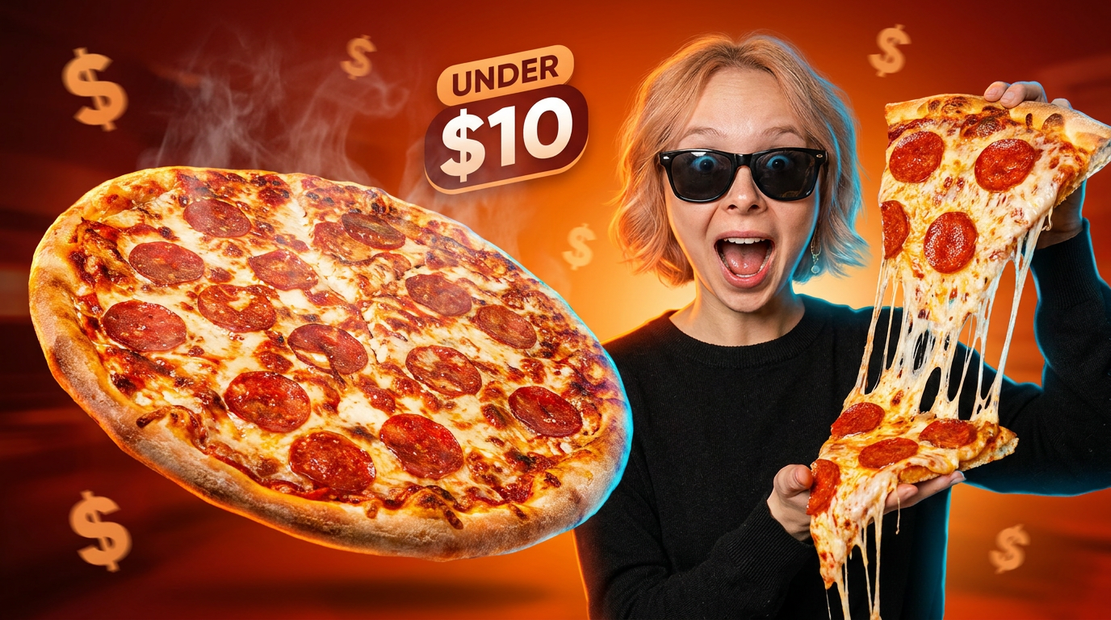
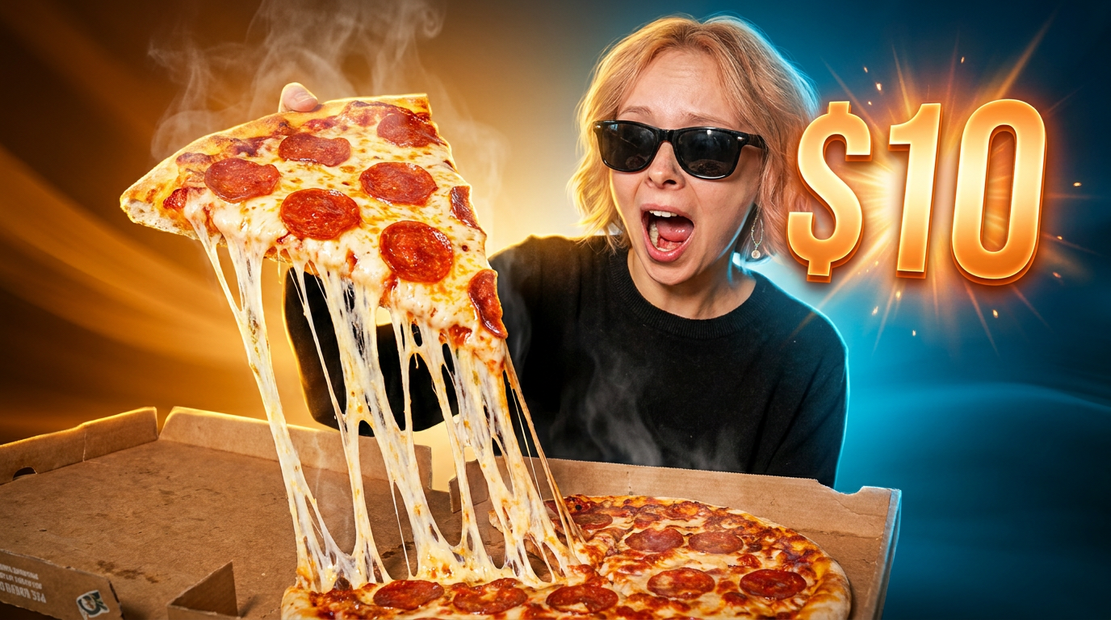


Turn any photo into a YouTube thumbnail. No prompt engineering required.
Upload an image and describe your video topic in a few words. A built-in AI prompt engine (Claude Sonnet) analyzes your photo and rewrites your description into a CTR-optimized image prompt. Nano Banana Pro generates a bold, scroll-stopping 16:9 thumbnail from that prompt and your image.
Write "best pizza under $10" and get a hyper-saturated, cinematic thumbnail with exaggerated composition and strong subject separation. The AI handles lighting, color strategy, and visual hooks for you.
How do you create YouTube thumbnails with Nano Banana Pro?
Upload one image, type a short description of your video topic, and hit run. The workflow's AI prompt engine turns your description into a full image-generation prompt optimized for click-through rate, then Nano Banana Pro generates a 16:9 thumbnail using your photo as visual context.
Your description (prompt field)
Write your video topic in plain language. "Best pizza under $10" works. "How I lost 30 pounds" works. "React vs Vue in 2025" works. The AI prompt engine takes whatever you write and expands it into a detailed Nano Banana Pro prompt with composition rules, lighting direction, color contrast, and visual hooks baked in. Keep it short. One sentence is ideal.
Image upload
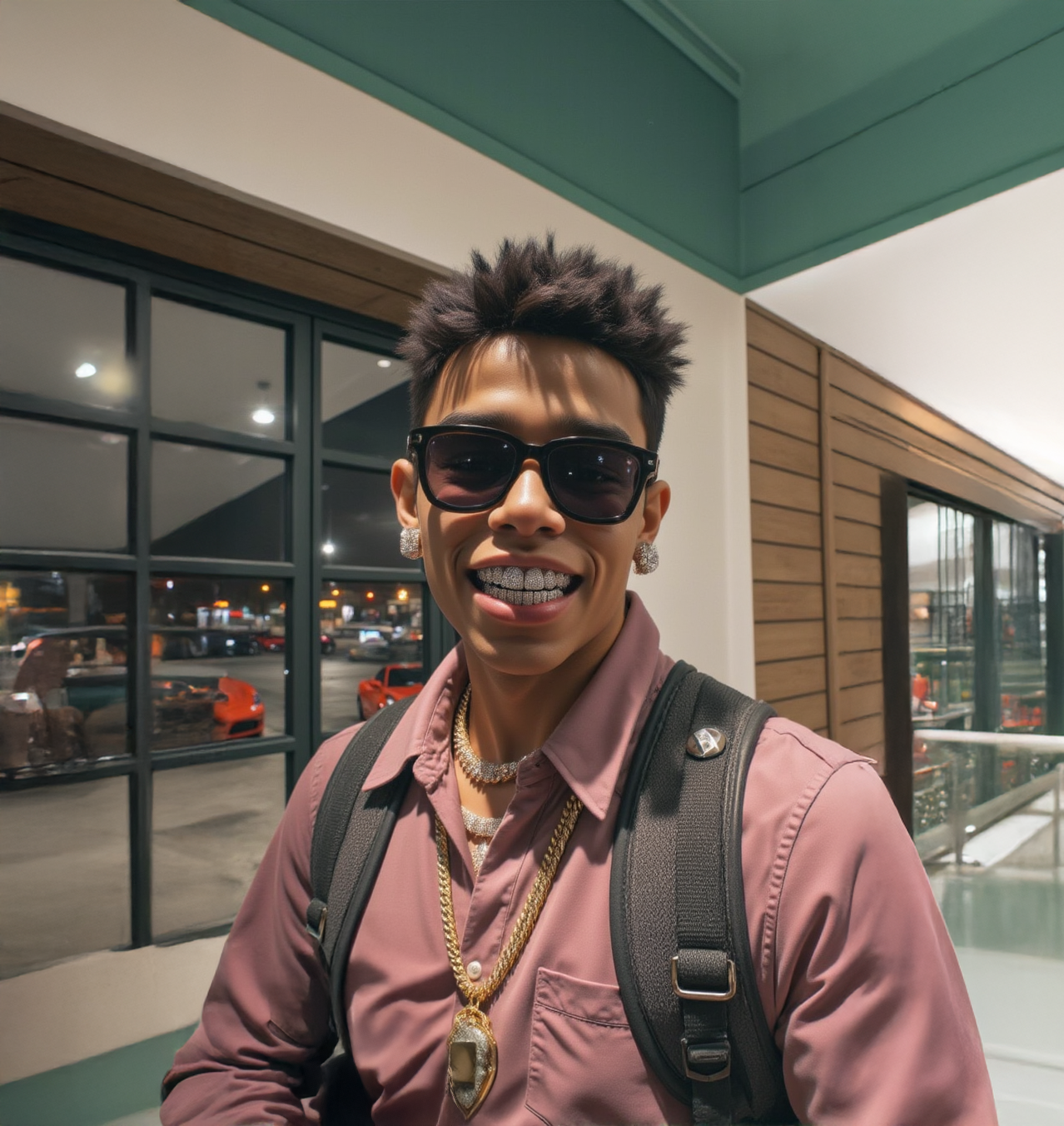
Your photo feeds into both the AI prompt engine and the image generator. The AI reads your image for context (lighting, subject, mood) and factors it into the prompt it writes. Nano Banana Pro uses it as a visual reference for the final thumbnail. A clear, well-lit photo gives the best results.
Resolution
Default is 1K. For standard YouTube thumbnails (1280x720), this works fine. Step up to 2K if you want sharper output for repurposing across platforms.
Aspect ratio
Default is 16:9. YouTube's thumbnail ratio. Leave it unless you need the output for Instagram (1:1) or a vertical platform (9:16).
Number of images
Default is 1. Want options? Set it to 3 or 4 and pick your favorite. Each variation comes from the same prompt with a different seed.
Seed
Randomized by default. Found a thumbnail style you like? Lock the seed and tweak your description to iterate without changing the overall composition.
What is the Nano Banana Pro thumbnail generator good for?
This workflow is for YouTube creators and content teams who want thumbnails that look professionally designed without touching Photoshop or learning image prompting. You describe the topic. The AI designs the thumbnail.
Solo creators will get the most value here. Upload a selfie or a product shot, type your video title, and get a thumbnail with exaggerated emotion, cinematic lighting, and high contrast built in. The AI is tuned to produce bold, clickable compositions, not realistic photos.
Content teams publishing multiple videos per week can batch thumbnails by swapping the image and description between runs. The prompt engine handles the design decisions, so the output stays consistent without a style guide.
This workflow takes one image as input, not multiple reference images or video. If you need to feed in logos, brand assets, or pull frames from video footage, use the Video to YouTube Thumbnail workflow instead, which includes a reference board and video input.
The AI makes opinionated design choices: high saturation, exaggerated scale, dramatic lighting. That is what makes thumbnails perform. If you want subtle or realistic output, this is not the right tool.
FAQ
Do I need to know how to write image prompts?
No. Write your video topic the way you would say it out loud. "Morning routine for busy moms" or "I built a $500 gaming PC" is enough. The AI prompt engine rewrites it into a full image-generation prompt with composition, lighting, and color strategy included.
What kind of photo should I upload?
Anything relevant to your video. A selfie, a product shot, a screenshot, a behind-the-scenes photo. The AI reads it for context and Nano Banana Pro uses it as a reference. Clear lighting and a visible subject produce the best results. Avoid heavy filters or extreme crops.
Can I add text to the thumbnail?
Yes. Include the text in your description: "add text ONE CLICK" or "text says TOO EASY in the corner." The AI is trained to place 3 to 5 words in bold, high-contrast type that reads at small sizes. If you do not mention text, the AI will skip it.
How is this different from a regular Nano Banana Pro text-to-image workflow?
This workflow includes a built-in AI prompt engine between you and Nano Banana Pro. Instead of writing a 200-word image prompt yourself, you write a video topic in a few words and the AI handles the rest. It is tuned for YouTube thumbnail composition, not general image generation.
How do I run the Nano Banana Pro thumbnail generator online?
You can run this workflow online through Floyo. No installation, no setup. Open the workflow in your browser, upload your image, type your topic, and hit run. Free to try.
Read more
_1756358901929.png?width=400&height=300&quality=80&resize=cover)