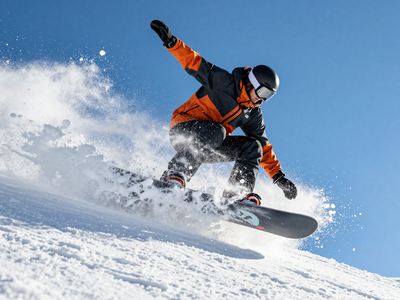
Grok Imagine Image 2.0 for Text to Image
Generate images from a text prompt using Grok Imagine Image 2.0, xAI's precision image model with strong text rendering and prompt accuracy. Write a prompt and hit run.
Grok Imagine Image 2.0
Image
Text to Image
59
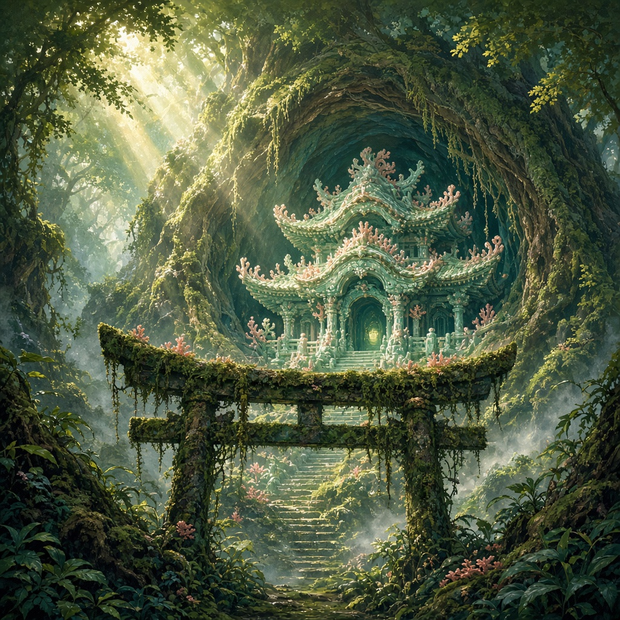
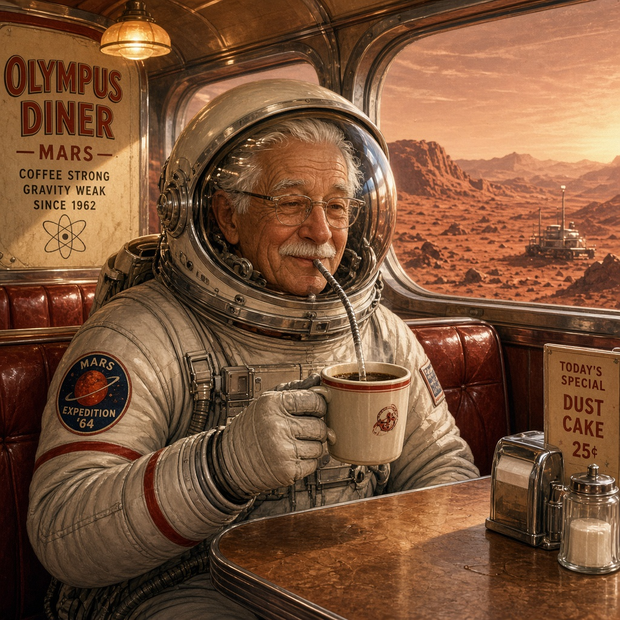





Nodes & Models
GrokImagineImage2_floyo
PreviewImage
ABOUT THE WORKFLOW
Generate an Image from Text
Write a prompt describing the image you want, and the model generates it. Pick an aspect ratio, resolution, and quality level. That's it.
Partner node. This workflow calls an external API, so each run uses credits from your API wallet. No API key needed. Floyo handles the connection.
Model
Grok Imagine Image 2.0 by xAI. A precision text-to-image model known for strong instruction following, accurate text rendering in images, and clean multi-element compositions.
HOW IT WORKS
Step 1. Write your prompt
Describe the image you want. Be specific about subject, style, lighting, and composition. The model handles detailed multi-element briefs well.
Works great with: character art · product shots · marketing visuals · typography-heavy designs
Step 2. Pick your settings
Choose an aspect ratio, resolution, and quality level. The defaults (1:1, 1K, medium) work for most first runs.
Step 3. Hit run and download
The model generates your image. Preview it in the workflow, then download.
Ready for: Photoshop · Figma · Canva · any editor
First time? Leave every setting as-is. The defaults (1 image, 1:1, 1K, medium quality, JPEG) are the right starting point for almost everyone.
RECOMMENDED SETTINGS
Quick-start guide. Find the goal that matches yours and copy the settings.
Standard generation (most people) — 1 image · 1:1 · 1K · medium quality · JPEG. The right starting point for almost everyone.
Want a higher-fidelity result — Switch resolution to 2K. Costs more per generation but delivers sharper detail.
Need a specific shape for social or web — Change the aspect ratio to match the placement: 9:16 for stories, 16:9 for thumbnails, 4:3 for presentations.
Want options to choose from — Raise the number of images to generate several variations and keep the strongest.
Need transparency or lossless output — Switch the output format from JPEG to PNG.
The image is not matching the prompt — Break the prompt into clear parts: subject first, then style, then lighting, then composition. The model follows structured briefs more accurately than loose descriptions.
Prompt: Be specific about every element you want in the frame. "A ceramic coffee mug on a marble countertop, soft morning light from the left, minimal background, product photography" lands better than "a mug on a table." When you want text in the image, put the exact words in quotes.
LEARN
📹 Videos
ComfyUI 101 Free Course ft. Sebastian Kamph
Floyo 101 for Team Collaboration
✨ Quick links
USE CASES
🎨 Concept Art and Illustration
Explore character poses, environments, and early art directions from a text description before committing to a full render pipeline.
🛍️ Product and Marketing Visuals
Generate product shots, ad creatives, and campaign imagery at different aspect ratios for quick A/B testing across platforms.
🔤 Text-heavy Designs
Create images with legible headlines, labels, and on-image copy, where most image models struggle with letter accuracy.
🎮 Game Asset Exploration
Draft character concepts, item icons, and environment mood frames in a rapid loop to set direction before final production.
WHAT WORKS BEST / WHAT TO AVOID
✅ Works great
Structured prompts with subject, style, lighting, and composition
On-image text and typography requests
Multi-element scenes with spatial instructions
Product photography and marketing layouts
⚠️ May produce softer results
Vague one-line prompts like "cool image"
Conflicting style directions in the same prompt
Requests for specific copyrighted characters or logos
Extremely dense scenes with dozens of small elements
FAQ
What is Grok Imagine Image 2.0?
Grok Imagine Image 2.0 is xAI's precision text-to-image model, released in August 2026. It generates images from text prompts with strong instruction following, accurate text rendering, and clean multi-element compositions. It supports 1K and 2K resolution, multiple aspect ratios, and two quality tiers.
Is Grok Imagine Image 2.0 good at rendering text in images?
Yes. Text rendering is one of its strongest features. Put the exact words you want in quotes inside your prompt, and the model plans hierarchy and layout the way a designer would. It handles headlines, sublines, labels, and even dense infographic text more reliably than most image models.
What is the difference between 1K and 2K resolution in Grok Imagine Image 2.0?
1K is the standard output and works for most use cases: social posts, web assets, concept exploration. 2K doubles the detail and is better suited for print-ready work, hero images, or anything viewed at large scale. 2K costs more per generation.
What aspect ratios does Grok Imagine Image 2.0 support?
The model supports a wide range: 1:1 (square), 3:4, 4:3, 9:16 (vertical stories), 16:9 (landscape), 2:3, and more. Pick the ratio that matches your output placement so you avoid cropping after generation.
Can I use Grok Imagine Image 2.0 images commercially?
Grok Imagine Image 2.0 is a proprietary model by xAI, so commercial use is governed by xAI's terms of service rather than an open license. Outputs carry an invisible SynthID watermark. Review xAI's current usage terms before using generated images in shipped commercial projects.
What is the difference between Grok Imagine Image 2.0 and GPT Image 2?
Both are proprietary text-to-image models with strong prompt accuracy. Grok Imagine Image 2.0 is built by xAI and emphasizes precision editing, text rendering, and structured multi-element compositions. GPT Image 2 is built by OpenAI. Performance varies by task, so the best way to compare is to run the same prompt through both and judge the output for your specific use case.
How to run Grok Imagine Image 2.0 online?
You can run Grok Imagine Image 2.0 online through Floyo. No installation, no setup, no API key to wire up. Open the workflow in your browser, write your prompt, and hit run. Free to try.
WHY FLOYO?
Floyo is the only platform with team collaboration for ComfyUI in the browser. You run workflows with no install. You share run history, assets, and models across your team. You pay only when you generate. Floyo supports open-source and closed-source models.
A designer runs an edit and likes the result. A teammate opens that exact run from shared history and keeps going. No file handoffs. No version confusion.
For studios and enterprise teams, Floyo adds private workspaces, pooled resources, and a team usage dashboard. Other ComfyUI cloud tools run for one person at a time. Floyo runs for the whole team, with transparent per-generation costs.
Ready to try it?
Write a prompt and generate your first image. The settings are already set.
Questions? Watch the free course or check the FAQ above.
Read more