floyo logobeta logo
Powered by
ThinkDiffusion
Lock in a year of flow. Get 50% off your first year. Limited time offer. Claim now ⏰
floyo logobeta logo
Powered by
ThinkDiffusion
Lock in a year of flow. Get 50% off your first year. Limited time offer. Claim now ⏰

GPT Image 1.5 Text to Image

13

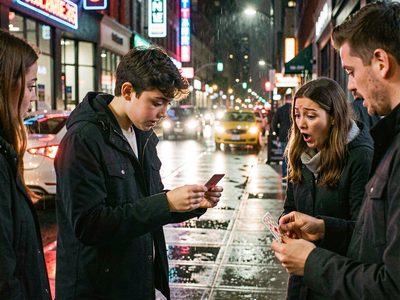
GPT Image 1.5 is OpenAI’s latest text‑to‑image model that turns natural‑language prompts into high‑quality, controllable images and also supports image editing.​

What GPT Image 1.5 is

  • It is a multimodal model for both generation and editing: you can create images from text, or upload an image and modify it with instructions.​

  • Compared to earlier OpenAI image models, it has stronger prompt adherence, better realism, and much more reliable text rendering inside images.​

Key strengths

  • Prompt fidelity: Follows detailed instructions about layout, composition, style, and positioning (for example, “put the logo in the top‑right corner, headline centered, button at the bottom”).​

  • Image quality: Produces photorealistic or stylized images with clean composition, accurate materials, and good handling of fine details like hands and small objects.​

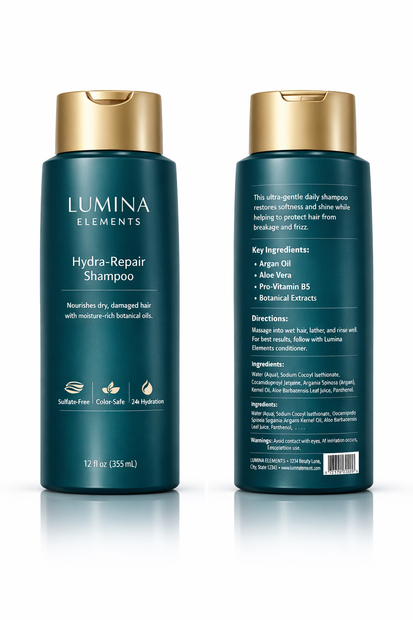
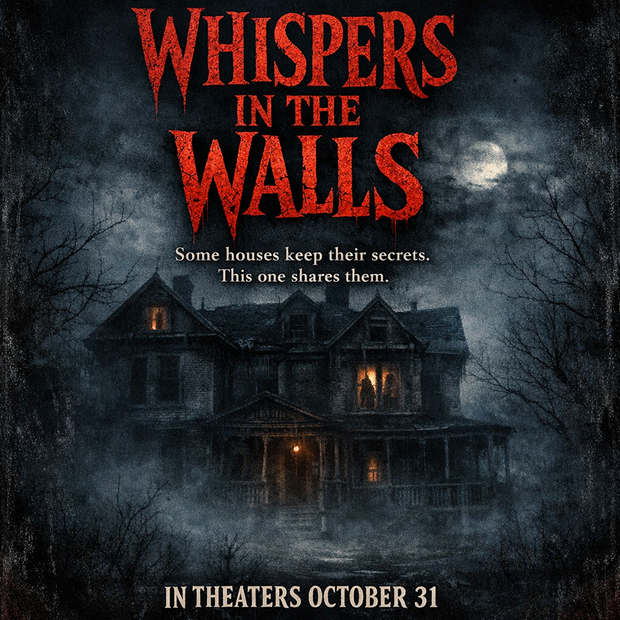
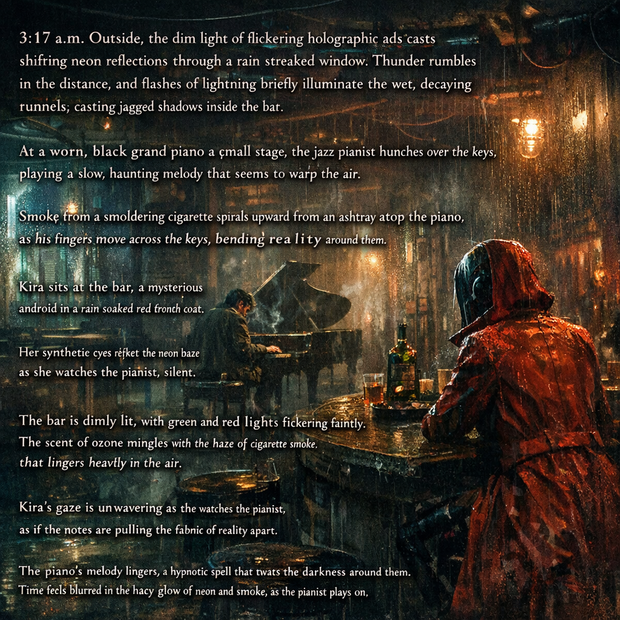
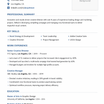
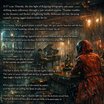
  • Text in images: Renders sharp, readable text for posters, UI mockups, labels, infographics, and documents, including dense or small text.​

Text‑to‑image usage

  • You provide a descriptive prompt; the model parses subject, layout, style, and any embedded text and synthesizes an image accordingly.​

  • It supports multiple sizes such as 1024×1024, 1024×1536, and 1536×1024, making it suitable for square, vertical, and horizontal outputs.​

  • The model works well with longer prompts that spell out structure (“grid of 6 panels”, “two characters on the left, UI panel on the right, headline at the top”).

Read more

Generates in about -- secs

Nodes & Models

GPT Image 1.5 is OpenAI’s latest text‑to‑image model that turns natural‑language prompts into high‑quality, controllable images and also supports image editing.​

What GPT Image 1.5 is

  • It is a multimodal model for both generation and editing: you can create images from text, or upload an image and modify it with instructions.​

  • Compared to earlier OpenAI image models, it has stronger prompt adherence, better realism, and much more reliable text rendering inside images.​

Key strengths

  • Prompt fidelity: Follows detailed instructions about layout, composition, style, and positioning (for example, “put the logo in the top‑right corner, headline centered, button at the bottom”).​

  • Image quality: Produces photorealistic or stylized images with clean composition, accurate materials, and good handling of fine details like hands and small objects.​

  • Text in images: Renders sharp, readable text for posters, UI mockups, labels, infographics, and documents, including dense or small text.​

Text‑to‑image usage

  • You provide a descriptive prompt; the model parses subject, layout, style, and any embedded text and synthesizes an image accordingly.​

  • It supports multiple sizes such as 1024×1024, 1024×1536, and 1536×1024, making it suitable for square, vertical, and horizontal outputs.​

  • The model works well with longer prompts that spell out structure (“grid of 6 panels”, “two characters on the left, UI panel on the right, headline at the top”).

Read more