

FLUX.3 for Text to Image
Generate images from a text prompt using FLUX.3 Image, Black Forest Labs' flagship model. Write a prompt, pick a size, and hit run.
FLUX.3
Image
text to image
3
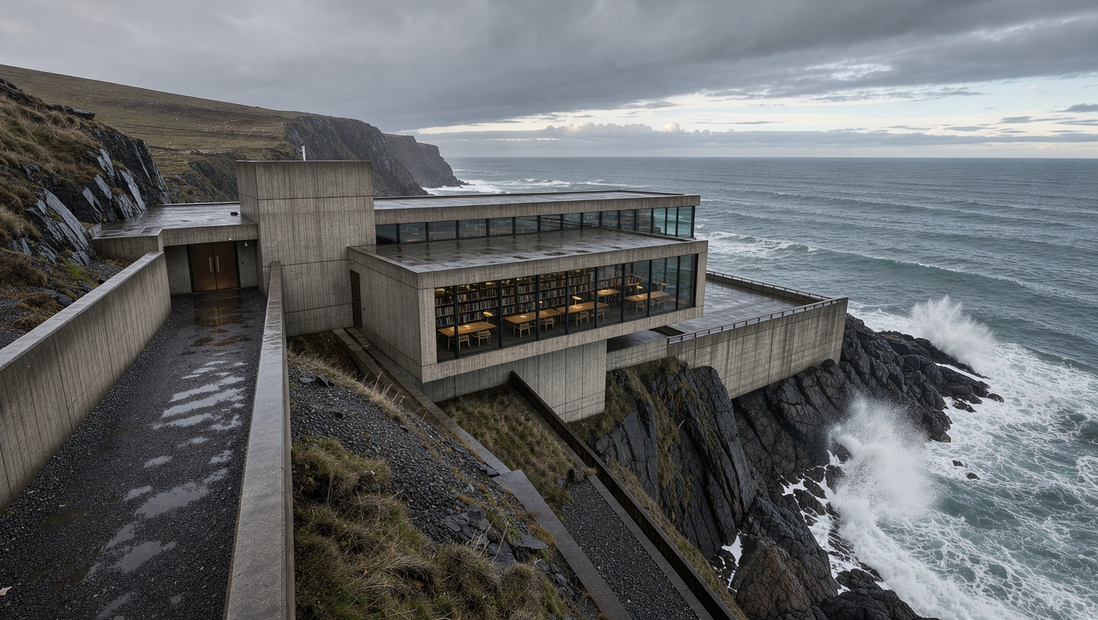

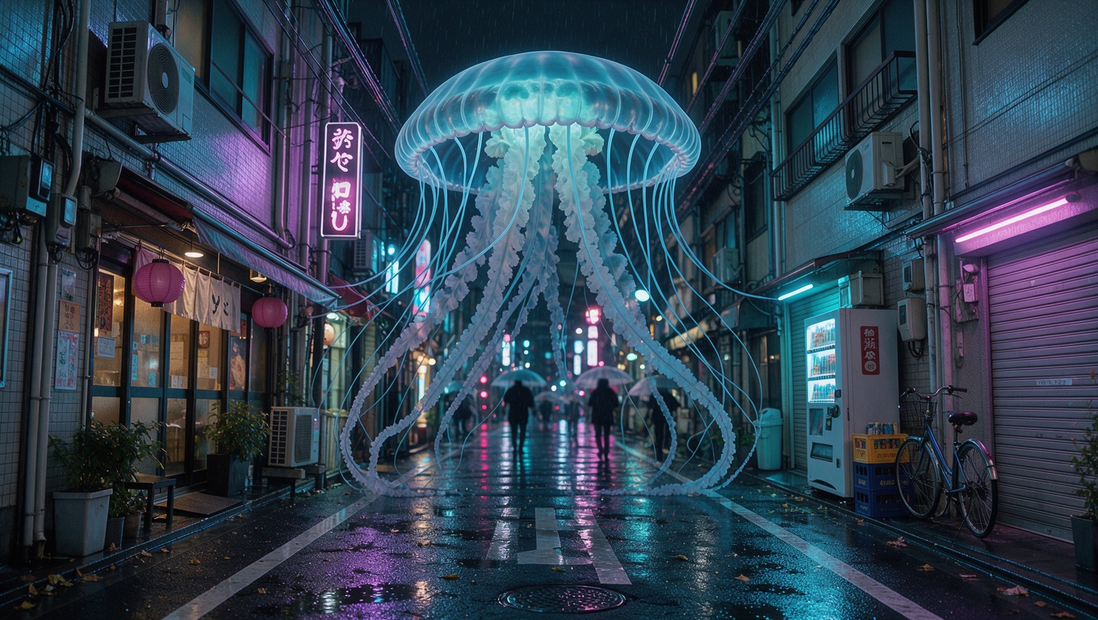


ABOUT THE WORKFLOW
Generate an Image
Write a text prompt describing the image you want, choose an aspect ratio and resolution, and FLUX.3 generates it. One image per run, previewed on the canvas. That's it.
Partner node. This workflow calls an external API, so each run uses credits from your API wallet. No API key needed. Floyo handles the connection.
Model
FLUX.3 Image by Black Forest Labs. The flagship model in the FLUX family, strong at photorealistic scenes, accurate text rendering in images, and complex multi-subject compositions.
HOW IT WORKS
Step 1. Write your prompt
Describe the image you want in plain language. Include the subject, setting, lighting, and style for the best results.
Works great with: photos · illustrations · product shots · scenes with text
Step 2. Pick your size and resolution
Choose an aspect ratio (or leave it on auto) and a resolution tier. Higher resolution costs more credits.
Step 3. Hit run and download
FLUX.3 generates your image. Preview it on the canvas, then right-click to save.
Ready for: Photoshop · Figma · Canva · any editor
First time? Leave every setting as-is. The defaults (auto aspect ratio · 1K · JPEG) are the right starting point for almost everyone.
RECOMMENDED SETTINGS
Quick-start guide. Find the goal that matches yours and copy the settings.
Standard generation (most people) — Auto aspect ratio · 1K · prompt expansion off · JPEG. The right starting point for almost everyone.
Quick test before committing — Auto · 768px. Fastest, cheapest way to check if your prompt works before running at higher resolution.
Need a specific shape — Set the aspect ratio to match where the image is going. 16:9 for hero banners, 9:16 for stories, 1:1 for social posts.
Short on prompt ideas — Turn prompt expansion on. The model rewrites your prompt with more detail, filling in lighting, mood, and composition.
Need print or large format output — Step up to 2K or 4K. Use this when the image will be viewed at full size or printed.
The image looks too generic — Be more specific. Add lighting direction, camera angle, time of day, and material textures to your prompt.
Prompt: Be specific about subject, setting, lighting, and style. "A ceramic coffee mug on a marble counter, morning light from the left, shallow depth of field, product photography" works better than "a mug on a table." Short prompts work too if you turn on prompt expansion.
LEARN
📹 Videos
ComfyUI 101 Free Course ft. Sebastian Kamph
Floyo 101 for Team Collaboration
✨ Quick links
USE CASES
📸 Product & Marketing
Generate product shots, hero images, and ad creatives from a text description without a photo shoot.
🔤 Images with Text
Create signs, posters, book covers, and UI mockups where the text in the image needs to be readable. FLUX.3 renders in-image text with high accuracy.
🎨 Concept Art & Illustration
Explore visual directions for characters, environments, and scenes before committing to a full render or commission.
🖼️ Social & Content Creation
Generate on-brand visuals for social posts, blog headers, and thumbnails in the aspect ratio you need.
WHAT WORKS BEST / WHAT TO AVOID
✅ Works great
Detailed, specific prompts with subject, lighting, and style
Photorealistic scenes and portraits
Images that include readable text (signs, labels, titles)
Multi-subject compositions with clear spatial relationships
⚠️ May produce softer results
Very short, vague prompts without prompt expansion on
Highly abstract or surreal concepts
Niche artistic styles the model has not seen widely
Prompts that rely on cultural references without describing them visually
FAQ
What is FLUX.3 Image?
FLUX.3 Image is the flagship image generation model from Black Forest Labs, the lab founded by the original Stable Diffusion researchers. It is part of the FLUX 3 family, which was announced in July 2026 and spans image, video, and audio generation. FLUX.3 Image generates images from a text prompt with optional aspect ratio and resolution controls, and is accessed through an API.
Is FLUX.3 good at rendering text in images?
Yes. Accurate text rendering is one of the strengths of the FLUX model family. FLUX.3 handles short to medium text (signs, logos, labels, titles) with high accuracy, which sets it apart from many other image generators. For images where legible text matters, FLUX.3 is a strong choice.
What is the difference between FLUX.3 and FLUX.2?
FLUX.3 is part of the new multimodal FLUX 3 architecture that was jointly trained on images, video, and audio. FLUX.2 was an image-only model family. Because of the broader training, FLUX.3 produces results with stronger real-world consistency and physical plausibility compared to FLUX.2. FLUX.2 models like Klein, Flex, and Max remain available for users who prefer open-weight or self-hosted options.
What resolution does FLUX.3 support?
This workflow supports output up to 2K resolution. FLUX.3 Image itself can generate up to 4K through the API. Higher resolutions produce sharper images but cost more credits per run. For social media and web use, 1K is a good starting point. Step up to 2K or 4K for print, large displays, or any output viewed at full size.
Can I use FLUX.3 images for commercial projects?
FLUX.3 Image is a proprietary model accessed through an API, so commercial use is governed by Black Forest Labs' terms. API-generated outputs are generally cleared for commercial work, but review the current terms before using images in shipped products, advertising, or client deliverables.
What does prompt expansion do in this workflow?
Prompt expansion lets the model rewrite your prompt with added detail before generating the image. It fills in lighting, composition, mood, and style cues you did not specify. Turn it on when your prompt is short or broad and you want the model to make creative choices. Leave it off when your prompt is specific and you want full control over the output.
How to run FLUX.3 online?
You can run FLUX.3 online through Floyo. No installation, no setup, no API key to wire up. Open the workflow in your browser, write a prompt, and hit run. Free to try.
WHY FLOYO?
Floyo is the only platform with team collaboration for ComfyUI in the browser. You run workflows with no install. You share run history, assets, and models across your team. You pay only when you generate. Floyo supports open-source and closed-source models.
A designer runs a generation and likes the result. A teammate opens that exact run from shared history and keeps going. No file handoffs. No version confusion.
For studios and enterprise teams, Floyo adds private workspaces, pooled resources, and a team usage dashboard. Other ComfyUI cloud tools run for one person at a time. Floyo runs for the whole team, with transparent per-generation costs.
Ready to try it?
Write a prompt and run it. The settings are already set.
Questions? Watch the free course or check the FAQ above.
Read more








