

FLUX.2 Klein 9B · Text to Image For Anime
Write a prompt and FLUX.2 Klein 9B generates a photorealistic image at 1920x1280 in 20 steps, using a fast 9-billion-parameter model with strong prompt adherence and native negative prompt support.
flux 2 klein
Image
text to image
220



Nodes & Models
FloyoStickyNote
KSamplerSelect
Flux2Scheduler
RandomNoise
CLIPLoader
qwen_3_8b_fp8mixed.safetensors
SaveImage
VAELoader
flux2-vae.safetensors
CLIPTextEncode
UNETLoader
flux-2-klein-9b.safetensors
EmptyFlux2LatentImage
CFGGuider
SamplerCustomAdvanced
VAEDecode
ABOUT THE WORKFLOW
Generate an Image from Text
Write a prompt describing the image you want. FLUX.2 Klein 9B generates it at 1920x1280 in 20 steps with CFG guidance and a negative prompt for quality control. The model handles detailed scene descriptions, character design, and photographic language with strong prompt adherence. One prompt in, one image out.
Model
FLUX.2 Klein 9B by Black Forest Labs. A 9-billion-parameter image model that unifies generation and editing in one architecture. Step-distilled for fast inference with an 8B Qwen 3 text embedder. Supports native negative prompting through CFGGuider for precise quality control.
HOW IT WORKS
Step 1. Write your prompt
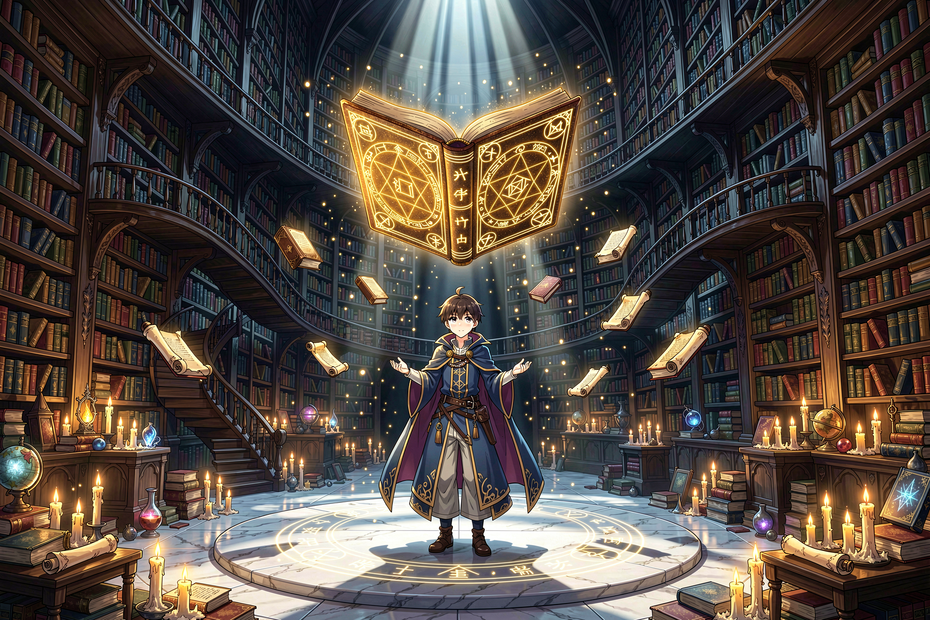
Describe the image in detail: subject, setting, lighting, camera, composition, and style. The model responds well to long, specific descriptions. "A young mage standing inside an enormous ancient library, thousands of bookshelves rising into darkness, golden spell circles illuminating her face, fantasy anime illustration, highly detailed" gives the model clear direction.
Works great with: anime · fantasy art · concept art · portraits · architecture · editorial photography
Step 2. Edit the negative prompt (optional)
The default is "blurry, bad quality." Add more terms to exclude specific elements: "blurry, bad quality, extra fingers, watermark."
Step 3. Hit run and download
FLUX.2 Klein 9B generates the image at 1920x1280 and saves it.
Ready for: Photoshop · Figma · Clip Studio · print · social media · web
First time? Write a detailed prompt and hit run. Leave all settings as-is.
RECOMMENDED SETTINGS
Quick-start guide. Find the goal that matches yours and copy the settings.
Standard image generation — 1920x1280, 20 steps, CFG 5, euler sampler, seed randomized. Write your prompt and run.
Different aspect ratio — Change the EmptyFlux2LatentImage and Flux2Scheduler dimensions. 1280x1920 for portrait. 1280x1280 for square. The Flux2Scheduler resolution should match the latent dimensions.
Faster generation — Drop steps from 20 to 10 or 12. Klein is step-distilled, so it produces usable results at lower step counts. Quality softens slightly.
Stronger prompt adherence — Raise CFG from 5 toward 7. The output follows the prompt more tightly. Go too high (above 10) and the image oversaturates.
Softer, more creative output — Lower CFG toward 3. The model takes more creative liberty with composition and detail.
Explore compositions — Keep seed on randomize. Each seed produces a different layout and interpretation of the same prompt. Lock the seed once you find a composition you want to refine.
Unwanted elements appearing — Add them to the negative prompt. "Extra fingers, watermark, text, logo, deformed hands" removes common artifacts.
Prompt: Write long and specific. "A magnificent high-detail Japanese fantasy anime illustration of a young mage standing inside an impossibly enormous ancient library, thousands of bookshelves rising hundreds of meters into darkness, golden symbols and spell circles illuminating her face" is the level of detail the model responds to. Short prompts produce generic results.
LEARN
📹 Videos
ComfyUI 101 Free Course ft. Sebastian Kamph
Floyo 101 for Team Collaboration
✨ Quick links
USE CASES
🎨 Anime and Fantasy Illustration
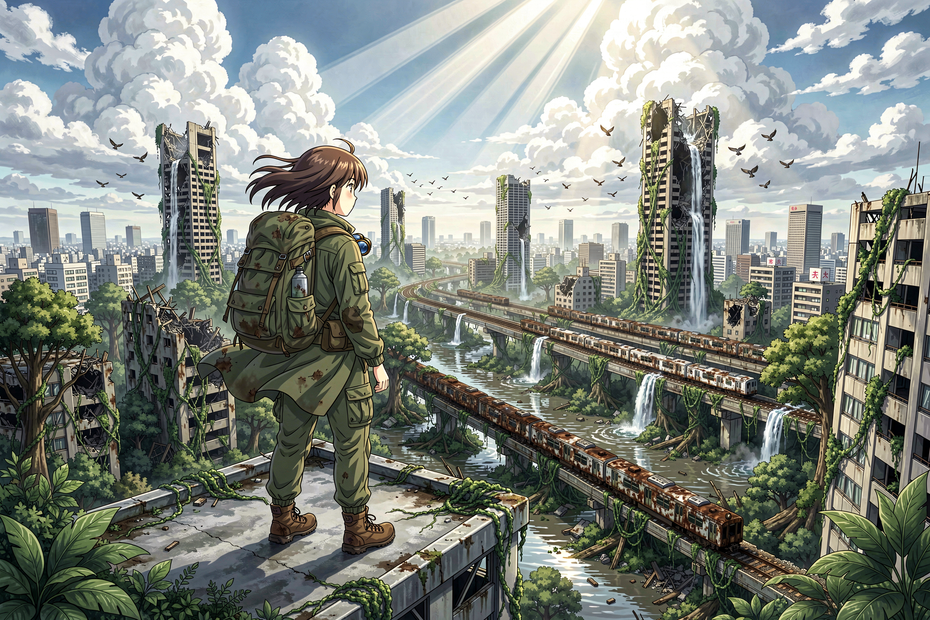
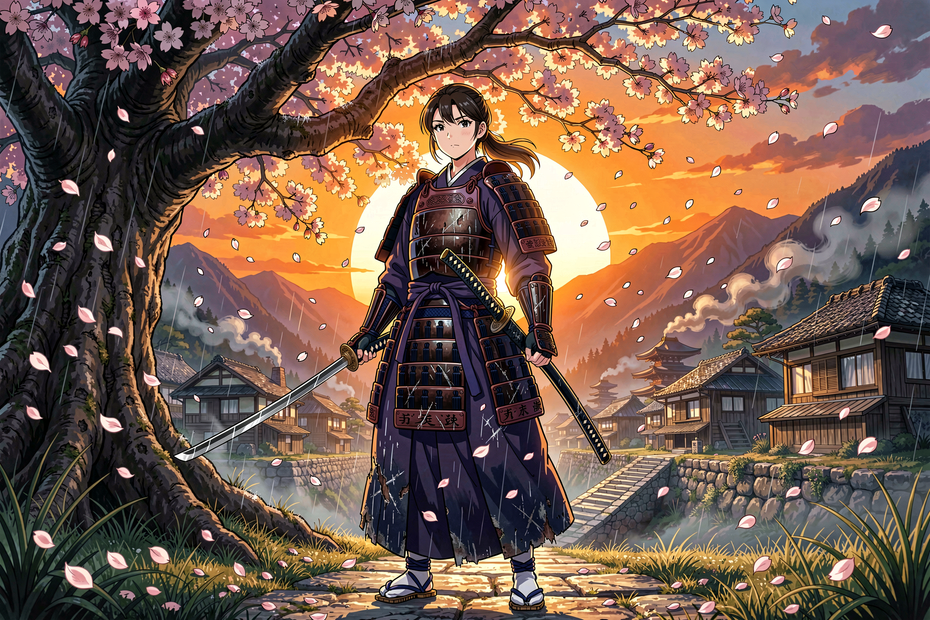
Generate detailed anime scenes, character art, and fantasy environments with complex compositions, magical effects, and atmospheric lighting.
📸 Editorial and Concept Photography
Produce photorealistic concept stills with specific camera, lens, and lighting descriptions for mood boards, pitch decks, and marketing assets.
🎮 Game Art and Character Design
Generate character concepts, environment art, and item designs with detailed descriptions of materials, poses, and visual effects.
📱 Social Media and Marketing Visuals
Create on-brand images across aspect ratios for posts, banners, and web content from a single detailed prompt.
WHAT WORKS BEST / WHAT TO AVOID
✅ Works great
Long, detailed prompts with specific visual descriptions
Fantasy, anime, and artistic styles with complex compositions
Photographic language (lens, lighting, exposure, color grading)
Negative prompts to exclude specific quality issues or unwanted elements
⚠️ May produce softer results
Very short prompts with no visual detail
Complex in-image text rendering (single words may work, sentences will not)
Exact brand logo reproduction
CFG values above 10 (oversaturation and artifacts)
FAQ
What is FLUX.2 Klein 9B?
FLUX.2 Klein 9B is a 9-billion-parameter text-to-image model by Black Forest Labs. It unifies text-to-image generation and image editing in a single architecture, step-distilled for fast inference. It uses an 8B Qwen 3 text embedder for strong prompt understanding and supports native negative prompting through CFGGuider.
Does FLUX.2 Klein support negative prompts?
Yes. This workflow uses a CFGGuider with a separate negative prompt input. The default negative is "blurry, bad quality." Add more terms to exclude specific elements like extra fingers, watermarks, or deformed anatomy.
What resolution does this workflow output?
The default is 1920x1280 (3:2 landscape). You can change the dimensions in both the EmptyFlux2LatentImage and Flux2Scheduler nodes to target different aspect ratios. The model supports a range of resolutions.
How is FLUX.2 Klein different from FLUX.2 Max or FLUX.2 Pro?
Klein is the 9B parameter open-weight variant, smaller and faster than Max or Pro. It runs locally or on cloud GPUs without API credits. Max and Pro are larger, higher-quality API models. Klein trades peak quality for speed, accessibility, and local deployment.
Can I use LoRAs with FLUX.2 Klein?
Yes. FLUX.2 Klein supports LoRA adapters for custom styles, characters, and concepts. Load a LoRA between the UNETLoader and the sampler to apply it.
Is FLUX.2 Klein 9B licensed for commercial use?
FLUX.2 Klein 9B is released under the FLUX Non-Commercial License for open-weight users. For commercial use, Black Forest Labs offers a separate Self-Hosted Commercial License. Check the current licensing terms on the Black Forest Labs site for your use case.
How to run FLUX.2 Klein 9B online?
You can run FLUX.2 Klein 9B online through Floyo. No installation, no setup, no local GPU needed. Open the workflow in your browser, write your prompt, and hit run. Free to try.
WHY FLOYO?
Floyo is the only platform with team collaboration for ComfyUI in the browser. You run workflows with no install. You share run history, assets, and models across your team. You pay only when you generate. Floyo supports open-source and closed-source models.
A designer runs an edit and likes the result. A teammate opens that exact run from shared history and keeps going. No file handoffs. No version confusion.
For studios and enterprise teams, Floyo adds private workspaces, pooled resources, and a team usage dashboard. Other ComfyUI cloud tools run for one person at a time. Floyo runs for the whole team, with transparent per-generation costs.
Ready to try it?
Write a detailed prompt and hit run.
Questions? Watch the free course or check the FAQ above.
Read more








