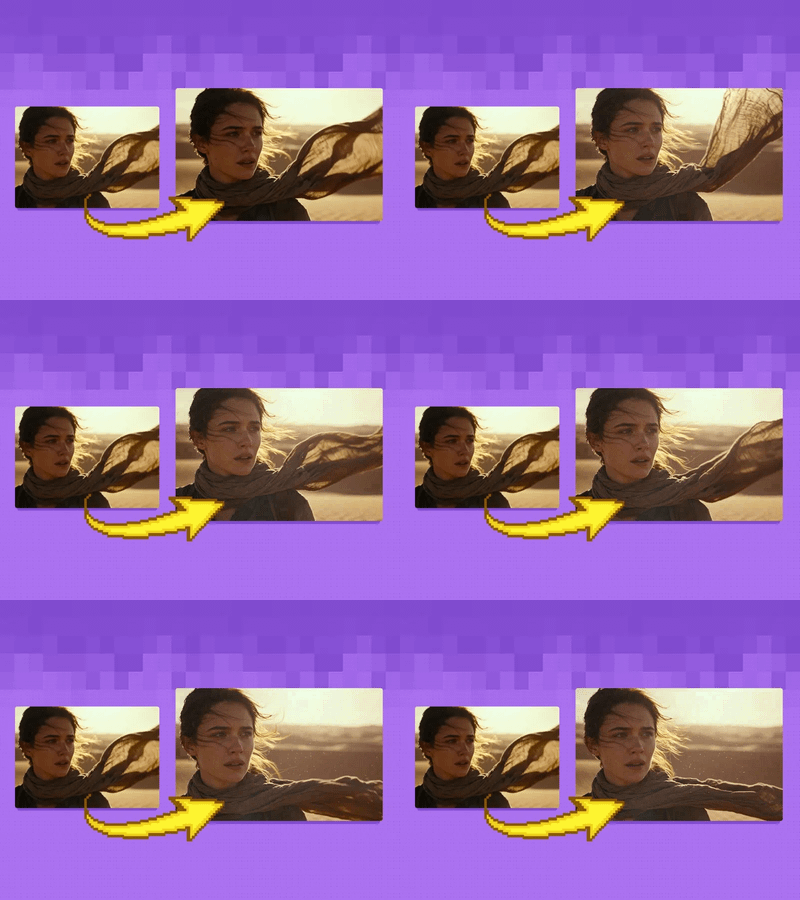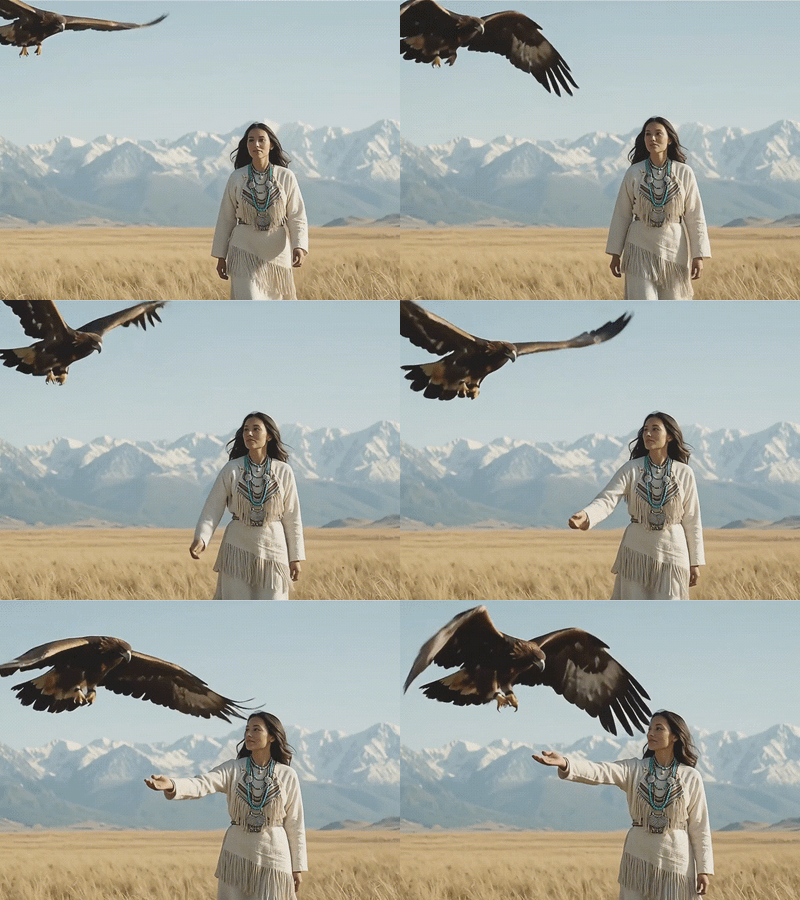
Consistent Character Generator — IPAdapter FaceID
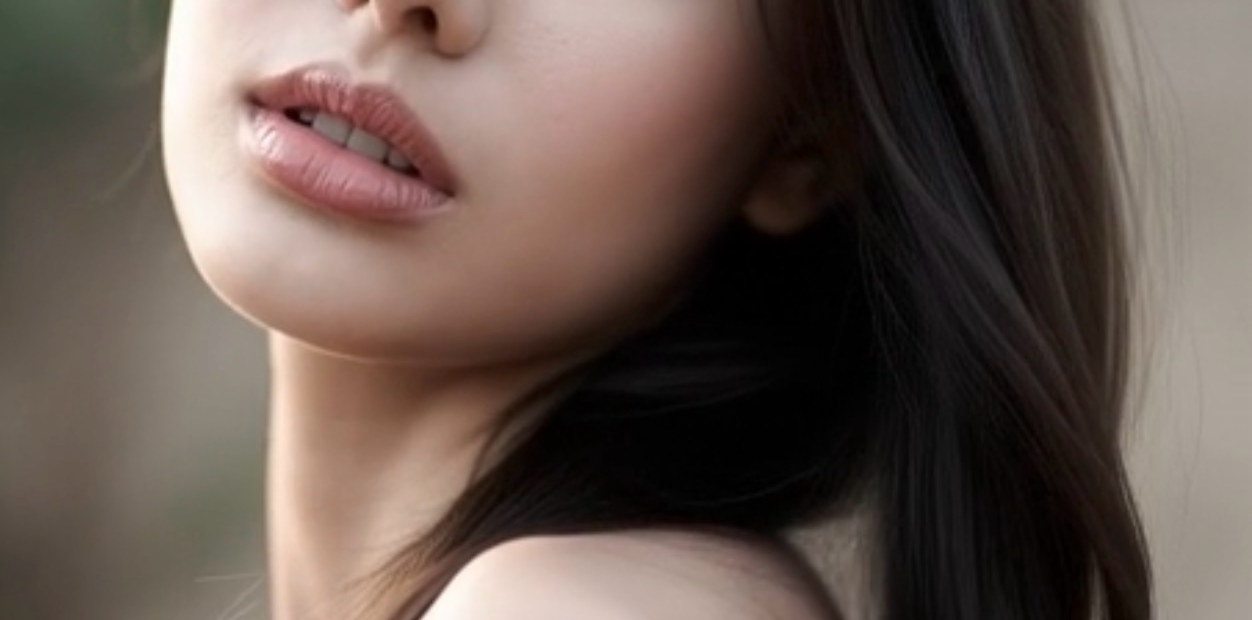
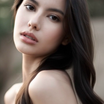
Generate consistent images of the same character across different scenes, poses, and outfits using a single reference photo. Built with IPAdapter FaceID + JuggernautXL for photorealistic results. Simply upload your reference image and describe the new scene — the character's face
Para o seu workflow
use estas 8 tags: ipadapter faceid character-consistency sdxl portrait realistic reference-image juggernautxl
1
2.4k

Nodes & Models
CheckpointLoaderSimple
_td/sdxl/juggernautXL_v8Rundiffusion.safetensors
LoadImage
CLIPVisionLoader
clip_vision_g.safetensors
LoraLoaderModelOnly
ip-adapter-faceid-plusv2_sdxl_lora.safetensors
CLIPTextEncode
EmptyLatentImage
KSampler
VAEDecode
SaveImage
IPAdapterModelLoader
IPAdapterAdvanced
IPAdapterModelLoader
IPAdapterModelLoader
IPAdapterAdvanced
## What this workflow does
Generate consistent images of the same character across different scenes, poses, and outfits — all from a single reference photo.
## How it works
This workflow uses IPAdapter FaceID Plus v2 + JuggernautXL to lock the character's facial identity while allowing full creative control over scene, lighting, clothing, and expression through text prompts.
## Requirements
Before running, download these free models:
- ip-adapter-faceid-plusv2_sdxl.bin → place in models/ipadapter/
- ip-adapter-faceid-plusv2_sdxl_lora.safetensors → place in models/loras/
- clip_vision_g.safetensors → place in models/clip_vision/
All models available free on HuggingFace (cubiq/IP-Adapter-FaceID)
## How to use
1. Upload your reference photo in the Load Image node (green)
2. Edit the positive prompt to describe the new scene
3. Adjust IPAdapter weight (0.8–1.0 recommended)
4. Run and generate
## Tips
- Use a clean front-facing photo for best face consistency
- Lower the weight to 0.6–0.7 for more creative freedom
- Change the seed for variety while keeping the same character
Read more