

BitDance 14B - Text to Image
Generate photorealistic images from text prompts using BitDance 14B, a 14-billion parameter autoregressive model that predicts up to 64 visual tokens per step.
bitdance
Image
T2V
text to image
324
_1775022984504.png?width=1400&height=620&quality=80&resize=contain)
_1775022984504.png?width=104&height=104&quality=80&resize=cover)


Nodes & Models
VLM_floyo
WorkflowGraphics
PreviewImage
Description:
Text-to-image generation with BitDance 14B, an open-source autoregressive model that uses binary visual tokens instead of traditional codebook indices.
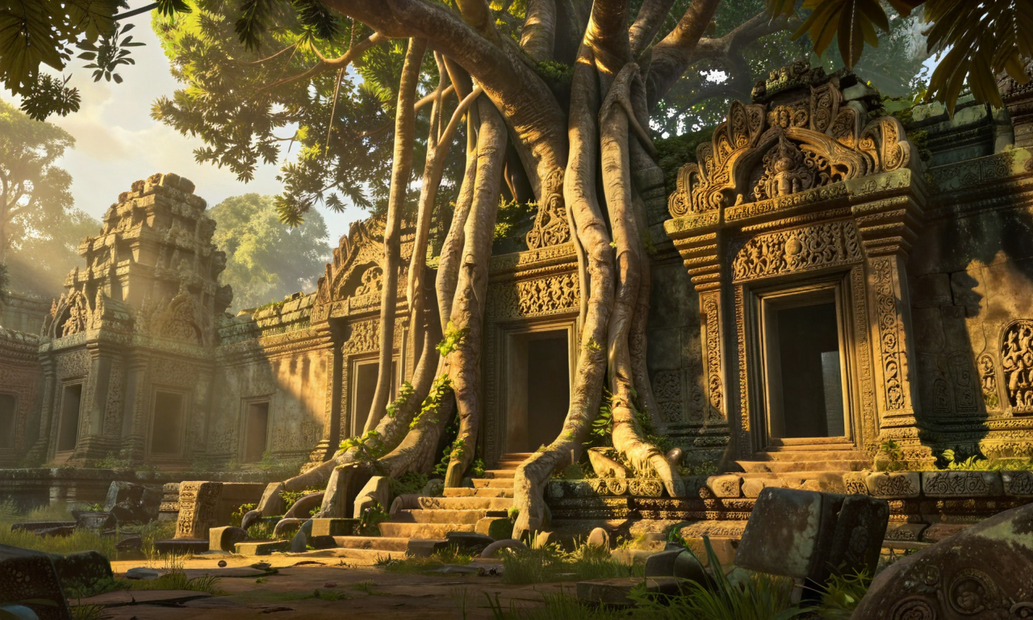
Write a prompt, pick a resolution, and BitDance generates high-resolution photorealistic images. The model predicts multiple visual tokens in parallel (up to 64 per step), so generation is fast for a 14B parameter model. Includes a built-in VLM node for prompt assistance if you need help writing descriptions.
How do you generate images with BitDance 14B?
Write your prompt in the positive prompt field, choose a resolution, and hit run. The sampler defaults (50 steps, 7.5 guidance, euler_maruyama) are tuned for quality out of the box. Most runs need no settings changes beyond your prompt and resolution.
Positive Prompt Describe what you want to see. BitDance responds well to detailed scene descriptions with lighting, color, and composition cues. The example prompt in the workflow shows the level of detail that works: subject, setting, clothing, lighting direction, color tone.
Negative Prompt Describe what you want to avoid. Leave it empty if you have no specific exclusions. Common entries: blur, low quality, watermark, text.
Resolution Default is 1280x768 (landscape). Pick the aspect ratio that fits your output. The model handles a range of resolutions up to 1536px on the long side.
Guidance Scale Default: 7.5. Want images that follow your prompt closely? Keep it at 7.5 or go higher (up to 10). Want more creative variation? Drop it to 4 or 5. Below 3, the model starts ignoring your prompt.
Sampling Steps Default: 50. This gives you the best quality. In a hurry? Drop to 25 for faster results with a small quality tradeoff. Below 20, you start losing detail.
Sampler Default: euler_maruyama. This is the recommended sampler for BitDance. Leave it unless you want to experiment.
Num Images Default: 1. Set higher to generate a batch in one run. Useful for picking the best result from multiple seeds.
Seed Set to randomize by default. Lock it to a specific number when you want to reproduce a result or compare settings side by side.
VLM Prompt Helper (Optional) The workflow includes a Gemini-powered VLM node. Not connected by default. You can wire it up to help write or refine prompts from reference images.
What is BitDance 14B good for?
BitDance 14B is a general-purpose text-to-image model that handles portraits, landscapes, product shots, concept art, and illustrations. Its autoregressive architecture with binary tokens makes it faster than similar-sized models while maintaining photorealistic quality.
BitDance handles detailed portrait work well. Skin textures, hair strands, and lighting on faces come through clean. The example prompt in this workflow is a portrait, and that is where the model shows its strengths most clearly.
For concept art and illustration, it picks up style cues from your prompt. Mention a specific art style, color palette, or medium and the model follows. The example includes a children's book illustration style that shows this range.
This is a text-to-image workflow. If you need image editing, inpainting, or img2img, look for a BitDance workflow built for those tasks.
FAQ
How many steps should I use with BitDance 14B? 50 steps gives you the best quality. 25 steps is a good compromise when you want faster results. The quality difference between 25 and 50 is noticeable but small. Below 20 steps, detail drops off.
What guidance scale works best for BitDance 14B? 7.5 is the default and works for most prompts. Go higher (8-10) for tighter prompt adherence. Go lower (4-5) for more creative variation. Stay above 3 to keep the model following your text.
What resolutions does BitDance 14B support? The model supports multiple preset resolutions up to 1536px on the longest side. Common choices include 1280x768 (landscape), 768x1280 (portrait), and 1024x1024 (square). Pick the aspect ratio that matches your output.
How to run BitDance 14B online? You can run BitDance 14B online through Floyo. No installation, no setup. Open the workflow in your browser, upload your inputs, and hit run. Free to try.
Read more








