



COMMUNITY PAGE
Run Kling Omni on Floyo
Home / Model / Kling Omni on Floyo
AI IMAGE & VIDEO GENERATION
Run Kling Omni on Floyo
Kuaishou's unified multimodal creation engine. Video-to-video editing, image-to-video, reference-based generation, image editing, and multi-image scene composition. Native 4K at 60fps with synchronized audio.
Run Kuaishou's Kling Omni models through ComfyUI in your browser. No API key, no installs, no local GPU.
|
Resolution Up to native 4K |
Duration Up to 15 seconds |
|
Audio Native sync (multi-language) |
Modes Video + Image (edit + generate) |
| Try Kling Omni Now → | Browse All Models |
No installation. Runs in browser. Updated April 2026.

What you get?
Kling Omni is Kuaishou's unified multimodal creation engine covering video generation, video editing, image generation, and image editing in one system. The Omni models (O1 through 3.0 Omni) consolidate text, image, video, and audio into a single pipeline. Video output reaches native 4K at 60fps with synchronized multi-language audio. The system supports reference-based generation, multi-shot storyboarding, inpainting, outpainting, and multi-image scene composition. Available as ComfyUI API nodes on Floyo with 6+ workflows.
KLING OMNI WORKFLOWS ON FLOYO

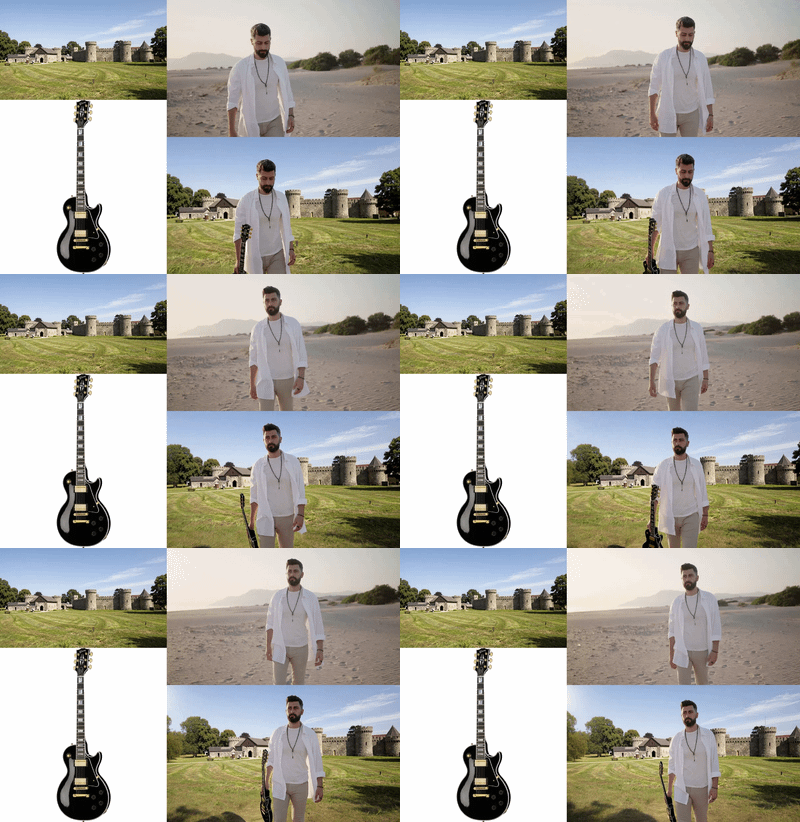
Kling Omni One Video-to-Video Edit
What is Kling Omni?
Kling Omni is Kuaishou's unified multimodal creation system. It started with Kling O1 (December 1, 2025), the first model to unify text, video, image, and subject inputs into a single generation and editing engine. This evolved into Kling 3.0 Omni (February 5, 2026), which added native 4K at 60fps, multi-shot storyboarding, and multi-language audio generation. Over 60 million creators use the Kling platform globally.
The core idea behind the Omni line is consolidation. Traditional video pipelines require separate tools for generation, editing, lip-sync, and audio. Kling Omni handles all of these in one model. You provide text, images, video, or any combination. The model generates, edits, or transforms the content. Audio (dialogue, effects, music) is generated alongside video in the same pass.
Kling O1 introduced the Multi-modal Visual Language (MVL) framework and the Elements system for subject consistency. Kling 3.0 Omni built on this with Visual Chain-of-Thought (vCoT) reasoning, multi-shot storyboarding with up to 6 camera cuts per generation, and Omni Reference 3.0 for video-based subject creation (upload a video clip instead of a static image to define characters).
On Floyo, Kling Omni runs through ComfyUI API nodes. The workflows cover video-to-video editing, image-to-video generation, reference-based video creation, image editing, and multi-image scene composition. Your prompts and assets are sent to Kuaishou's inference servers, and the results stream back to your ComfyUI canvas. You can chain Kling Omni outputs with local processing nodes in the same workflow.
What are Kling Omni's technical specifications?
Kling Omni uses a diffusion-based Transformer with 3D spatiotemporal compression and Multi-modal Visual Language (MVL) training. Video output reaches native 4K (3840x2160) at 60fps with up to 15-second duration. Synchronized audio supports English, Chinese, Japanese, Korean, Spanish, and environmental soundscapes. The 3.0 Omni variant adds Visual Chain-of-Thought reasoning and multi-shot storyboarding.
| Spec | Details |
|---|---|
| Developer | Kuaishou Technology |
| Architecture | Diffusion Transformer with 3D spatiotemporal compression + MVL framework |
| Models | Video O1, Video 3.0 Omni, Image 3.0, Image 3.0 Omni (Omnipotent Image 2.0) |
| Video Resolution | Up to native 4K (3840x2160) |
| Frame Rate | Up to 60fps |
| Duration | Up to 15 seconds per generation |
| Audio | Native audio-video sync (EN, CN, JA, KO, ES + environmental soundscapes) |
| Multi-Shot | Up to 6 camera cuts per generation (3.0 Omni) |
| Reference Input | Image and video references for subject consistency (Elements system) |
| Reasoning | Visual Chain-of-Thought (vCoT) for scene composition (3.0 Omni) |
| Editing | Video-to-video, image editing, inpainting, outpainting, style transfer |
| Text Rendering | Native on-screen text in generated video and images |
| Users | 60+ million creators globally, 168+ million videos generated |
| ComfyUI Access | API-based partner nodes on Floyo (6+ workflows) |
| Release Dates | O1: Dec 1, 2025 / 3.0 Omni: Feb 5, 2026 |
What can you create with Kling Omni?
Kling Omni covers video-to-video editing, image-to-video generation, reference-based video creation, image editing, multi-image scene composition, multi-shot storyboarding, style transfer, character replacement, inpainting, and outpainting. All tasks run through the same unified engine. Audio (dialogue, effects, music) generates alongside video in a single pass.
| Capability | What It Does | Use Case |
|---|---|---|
| Video-to-Video Edit | Upload existing video and edit with natural language. Style transfer, element replacement, lighting changes, character restyling. No manual masking required. | Post-production, client revisions, footage transformation |
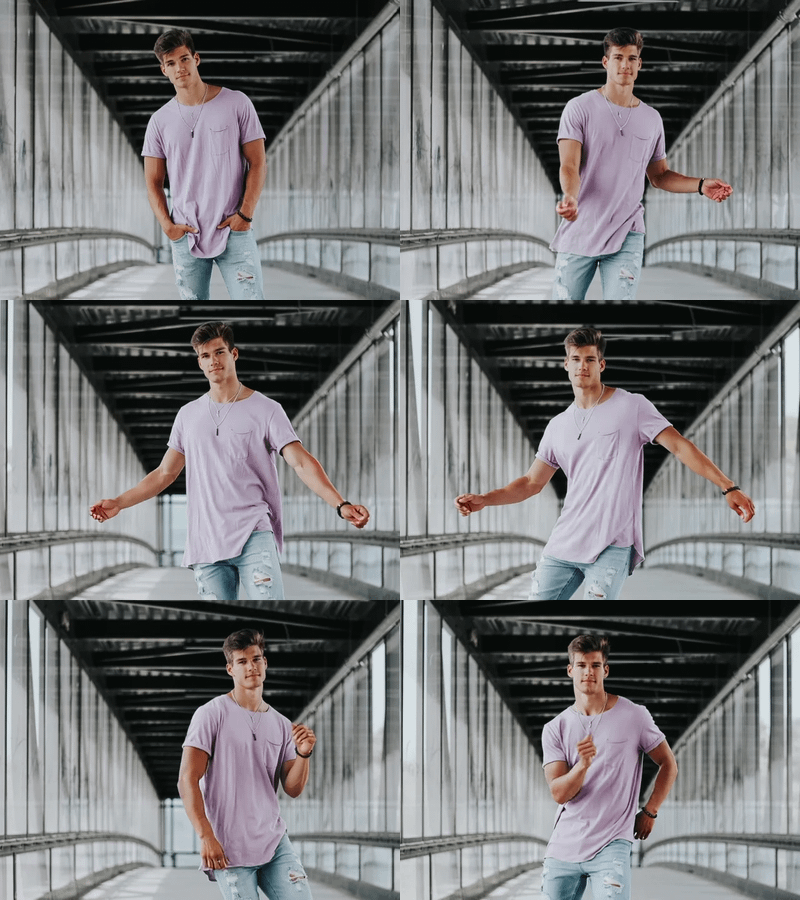
| Image-to-Video | Animate still images into video with cinematic motion, lighting progression, and synchronized audio. | Product animation, photo-to-scene, character turnarounds |

| Reference-to-Video | Upload a reference image or video to define character appearance and voice. The model replicates them in new scenes with consistent identity. | Character-consistent content, AI influencer videos, series |
| Image Edit | Edit images with text prompts. Change backgrounds, add or remove objects, adjust styling. Pixel-level semantic understanding preserves structure. | Product retouching, creative composites, mockup generation |
| Multi-Image Composition | Combine multiple input images into a single composed scene. Blend products, characters, and backgrounds into cohesive compositions. | Ad creatives, catalog scenes, marketing collages |
| Multi-Shot Storyboard | Define up to 6 camera shots in a single generation. Specify duration, angle, composition, and camera movement per shot. Automatic transitions with subject continuity. | Short films, product narratives, branded content series |
What are Kling Omni's key features?
Kling Omni's feature set is built around one goal: consolidate the entire video creation pipeline into a single engine. Generation, editing, audio, and subject consistency all happen in the same model. The MVL framework treats text, image, video, and audio as interchangeable tokens in a unified processing space.
Unified Multimodal Engine
One model handles text-to-video, image-to-video, video editing, image editing, and multi-image composition. You don't switch between tools. Input text, an image, a video, or any combination. The model understands the task from context and generates or edits accordingly. This is powered by the Multi-modal Visual Language (MVL) framework.
Native 4K at 60fps
Kling 3.0 Omni generates at true native 4K (3840x2160), not upscaled from lower resolution. Output is suitable for broadcast, connected TV, digital out-of-home, and large-format displays. Frame rate reaches 60fps for smooth, cinematic motion. Duration extends to 15 seconds per generation.
Omni Reference System
Upload a reference image or video clip to define subject characteristics. The Elements system (O1) and Omni Reference 3.0 (3.0 Omni) extract appearance and voice traits and replicate them faithfully across new scenes. Video-based references capture motion patterns and voice characteristics, not just visual appearance.
Multi-Shot Storyboarding
Define up to 6 distinct camera shots within a single 15-second generation. For each shot, specify duration, shot size, camera perspective, narrative content, and camera movement. The model generates all shots in sequence with automatic transitions and maintains subject continuity across every cut. This replaces manual editing and cutting with a single prompt.
Native Audio Generation
Audio and video are generated in a single pass. Dialogue with lip-sync, environmental soundscapes, and sound effects all align with the visual content. Supported languages include English, Chinese, Japanese, Korean, and Spanish, with dialect and accent support. This is not post-generated audio pasted onto video.
Visual Chain-of-Thought
Kling 3.0 Omni uses vCoT reasoning to plan scenes before rendering. The model reasons through spatial relationships, physics, lighting, and composition before generating pixels. This produces more realistic output, especially for complex scenes with multiple subjects, specific camera angles, and detailed environmental requirements.
No-Mask Editing
Video and image editing works with natural language commands. No manual masking required. Describe what you want to change ("replace the car with a bicycle," "change the sky to sunset") and the model uses pixel-level semantic understanding to apply the edit while preserving the rest of the scene.
How does Kling Omni compare to other video models?
Kling Omni's main advantage is the unified engine: generation and editing in one model with synchronized audio. Seedance 2.0 leads on multi-modal reference input (12 files). Wan 2.7 leads on open-source flexibility. Veo 3 leads on audio sync quality for specific use cases. Runway Gen-4.5 leads on editing ecosystem maturity. Kling Omni is the only model with multi-shot storyboarding built into a single generation.
| Model | Resolution | Multi-Shot | Editing | Native Audio |
|---|---|---|---|---|
| Kling Omni | Native 4K @ 60fps | 6 shots per gen | Unified (no-mask) | Yes (5+ languages) |
| Seedance 2.0 | 2K | Lens switch keyword | Segment editing | Yes (8+ languages) |
| Wan 2.7 | Up to 4K | No | Instruction editing | No |
| Runway Gen-4.5 | 1080p | No | Separate editing tools | Limited |
Source: Kuaishou official documentation, Comfy Org partner node documentation, third-party reviews, and model comparison reports as of April 2026.
How does Kling Omni work?
Kling Omni uses a diffusion-based Transformer with 3D spatiotemporal joint attention. The model processes video as a 3D signal (spatial + temporal dimensions simultaneously) rather than frame-by-frame. This is combined with the Multi-modal Visual Language (MVL) framework, which unifies text, image, video, and audio tokens in a single processing space.
The 3D VAE compresses video spatially and temporally in one operation. This synchronized compression preserves the relationship between visual and audio elements during generation. The result is tighter lip-sync, more natural environmental audio timing, and coherent audio-visual storytelling without the artifacts that appear when combining separately generated elements.
For editing tasks, the model uses pixel-level semantic reconstruction. It understands the content of each region in a frame (faces, objects, backgrounds, text) and can modify specific elements while preserving others. Chain-of-thought reasoning helps the model plan edits that maintain physical plausibility and visual coherence across the full video duration.
On Floyo, Kling Omni runs through ComfyUI API partner nodes. Your inputs (text, images, video) are sent to Kuaishou's inference servers. The generated or edited output streams back to your ComfyUI canvas. You can chain Kling Omni with local processing nodes: upscale, color grade, add post-effects, or combine with other model outputs. All in one workflow.
Note: Kling Omni is API-based, not a local model. Generation runs on Kuaishou's servers with content filtering active. API pricing applies through your Floyo API Wallet. Generation time varies: a 5-second clip typically renders in about 2 minutes, while a 15-second multi-shot storyboard at high resolution can take over 5 minutes. The model can still struggle with small faces and fine details in some scenes.
Frequently Asked Questions
Common questions about running Kling Omni on Floyo.
You can start with Floyo's free pricing plan. Floyo gives $0.25 in free API credits on signup. To continue using the service beyond the free tier, upgrade your Floyo pricing plan. Kling Omni runs as an API node, so generation costs come from your API Wallet (separate from your plan's GPU time).
Open Floyo in your browser, search "Kling Omni" in the template library, and pick a workflow. Click Run, provide your inputs, and generate. Floyo handles the ComfyUI environment and API connection to Kuaishou's servers. No local install, no Python setup, no API key management.
Kuaishou Technology, the company behind the Kuaishou/Kwai social platform. Kling O1 launched December 1, 2025, as the first unified multimodal video model. Kling 3.0 Omni launched February 5, 2026, with native 4K, multi-shot storyboarding, and expanded audio. The Kling platform has over 60 million creators and 168 million videos generated.
Standard Kling 3.0 handles text-to-video and image-to-video generation. Kling 3.0 Omni adds unified editing (video and image), reference-based generation with the Elements system, multi-shot storyboarding, and enhanced subject consistency. Omni is the all-in-one variant; standard 3.0 is simpler and often cheaper for basic generation tasks.
Yes. The video-to-video edit workflow lets you upload existing footage and edit with natural language commands. Style transfer, element replacement, lighting changes, and character restyling all work without manual masking. The model understands the semantic content of each frame and applies targeted edits while preserving everything else.
Yes. Floyo runs ComfyUI, which lets you chain multiple models. Generate a character with Nano Banana or Z-Image Turbo, animate with Kling Omni, add voiceover with Fish Audio S2, then apply local post-processing. Several Floyo workflows already combine Kling with other models for full production pipelines.
Yes. Audio and video are generated in a single pass. The model produces dialogue with lip-sync in English, Chinese, Japanese, Korean, and Spanish, plus environmental soundscapes and sound effects. Dialect and accent support is included. This is native generation, not post-composited audio.
Yes. Generated content can be used commercially according to Kuaishou's terms of service. Check the specific terms for your use case, especially around generated images of identifiable people and branded content. All generated content includes Kling's AI watermark.
Try Kling Omni on Floyo
Unified video generation and editing with native 4K, multi-shot storyboarding, synchronized audio, and reference-based consistency. Run it in your browser.
| Try Kling Omni Now → | Browse All Models |
Related Reading
Film and Animation Workflows on Floyo
AI Ad Creatives for Social and Web
Last updated: April 2026. Specs from Kuaishou Technology official documentation, Comfy Org partner node documentation, GlobeNewsWire press releases, and third-party reviews.

Kling Omni One Video to Video Edit
Kling Omni One Image to Video

Kling Omni 1 Reference to Video
_1774783037628.png?width=400&height=300&quality=80&resize=cover)
Image
image-to-image
Nano banana
Omnipotent
Upload up to 3 reference images for a face, clothing, and scene, then describe what you want. Nano Banana 2 combines all three into one composed output.
Omnipotent Image 2.0 – Multi-Image Scene Composer
Upload up to 3 reference images for a face, clothing, and scene, then describe what you want. Nano Banana 2 combines all three into one composed output.

Kling Omni One Image Edit
Run Kling 3.0 Omni online through ComfyUI on Floyo. Kuaishou's unified multimodal video model with native 4K at 60fps, 6-shot storyboarding, synchronized audio in 5+ languages, and no-mask video editing. Elements system for character and object consistency across scenes. Text-to-video, image-to-video, and video-to-video. 6 workflows. No install, no GPU, browser-based. Free to try.