





显示36 个 Workflows

Wan 3.0 Prime · Reference to Video
Place a character into any video using Wan 3.0 Prime by Alibaba. Upload a face, a reference clip, and describe the scene. Prime fidelity, audio included.

Wan 2.6 Reference to Video
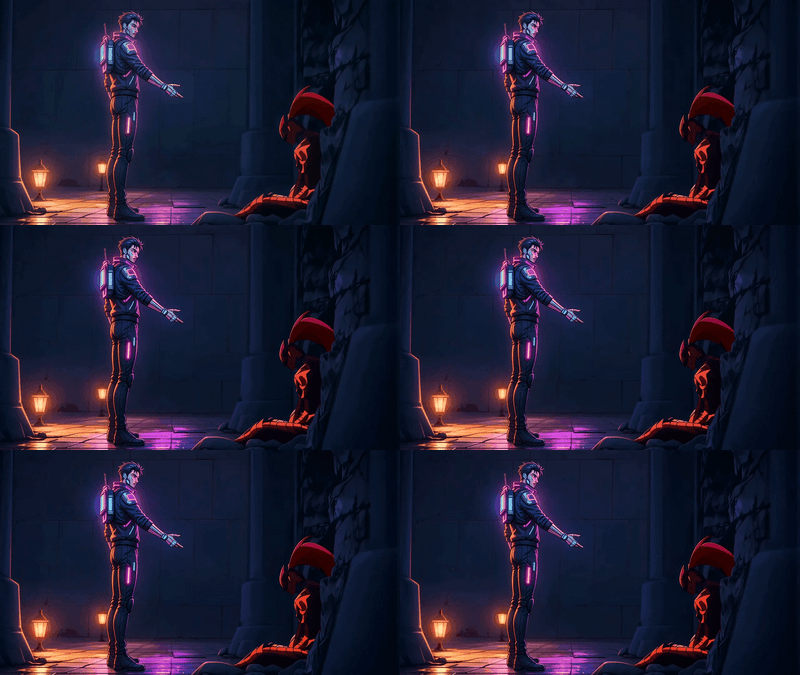

Wan 2.7 Reference to Video with Motion Control
Wan 2.7 Reference to Video with Motion Control
MiniMax H3 Open Weights - Reference to Video
Swap a character or object into an existing clip with MiniMax H3 (Hailuo 3.0), the open-weights editor. Add a reference image, describe the change, and hit run.


Seedance2.0 Full Reference-to-Video
This is a full-reference workflow for Seedance 2.0. It supports image, video, and audio references for more flexible video generation. Seedance 2.0用のフルリファレンス対応ワークフローです。 画像、動画、音声を参照でき、柔軟な動画生成が可能です。
Happy Horse 1.0 Reference to Video
Turn up to 9 reference images plus a prompt into a 5-second video with Happy Horse 1.0. Keep characters, products, and style consistent across the shot.
Seedance 2.0: Reference to Video
Composite up to nine reference images into one video clip with Seedance 2.0 by ByteDance. Tag each image in the prompt, describe the scene, and hit run.
Wan 3.0 · Reference to Video
Re-render any video in a new visual style using Wan 3.0 by Alibaba. Upload a clip, describe the target look, and hit run. Motion preserved, audio included.
MiniMax H3 · Reference to Video
Bring a photo to life with MiniMax H3 (Hailuo 3.0). Upload an image, describe the motion, add optional references to guide the look, and hit run for a 2K clip.
Bernini-R · Image to Video
Generate or edit video with Bernini-R, ByteDance's unified 14B renderer built on Wan 2.2. Upload an image, pick a task mode, describe the motion, hit run.
Wan Animate 2 · Motion Transfer R2V
Transfer the motion from any reference video onto a character photo using Wan Animate 2, Alibaba's open-source 14B video model. Upload an image, upload a video, and hit run.
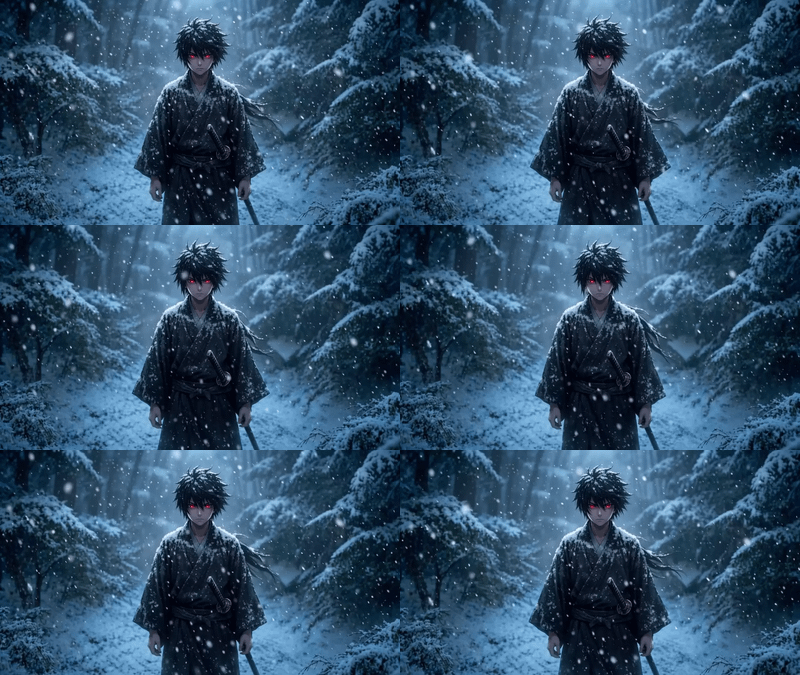
Seedance 2.0 Reference-to-Video with LLM Prompt

Seedance 2.0 Fast Reference-to-Video

Character Reshoot using Qwen Edit 2511 + Kling O1
Creating a reshoot for a character

Wan 2.7 Multi-Reference Image to Video
Wan 2.7 Multi-Reference Image to Video
Seedance 2.5 · Reference to Video with Draft mode
Make any face follow a motion video with matched audio using Seedance 2.5 by ByteDance. Upload a face, a clip, and a recording, and hit run. 720p output.

Kling Omni 1 Reference to Video

Pixverse C1 Reference to Video
Upload up to 7 reference images, tag each one, and generate a video that composes your characters, objects, and backgrounds into one scene with Pixverse C1.
LTX-2.5 ICLoRA Ingredients for Reference to Video
Upload a reference sheet of characters, props, or locations, describe the action in a prompt, and LTX-2.5 with the Ingredients IC-LoRA generates a video with synced audio.

Seedance 2.0 · Reference to Video
Upload a character image and a motion reference video. Seedance 2.0 generates a new video of your character performing the action from the reference, with synchronized audio, using the #1-ranked AI video model.

Happy Horse 1.1 · Reference to Video
Upload up to nine reference images of characters, objects, or scenes, and Happy Horse 1.1 generates a cinematic video that preserves their identity, style, and detail with synchronized audio.
MiniMax H3 · Reference to Multi-Shot Video
Upload a reference image and up to three guide images as timed keyframes, write a prompt describing the motion, and MiniMax H3 generates a multi-shot video with synchronized audio in one pass.
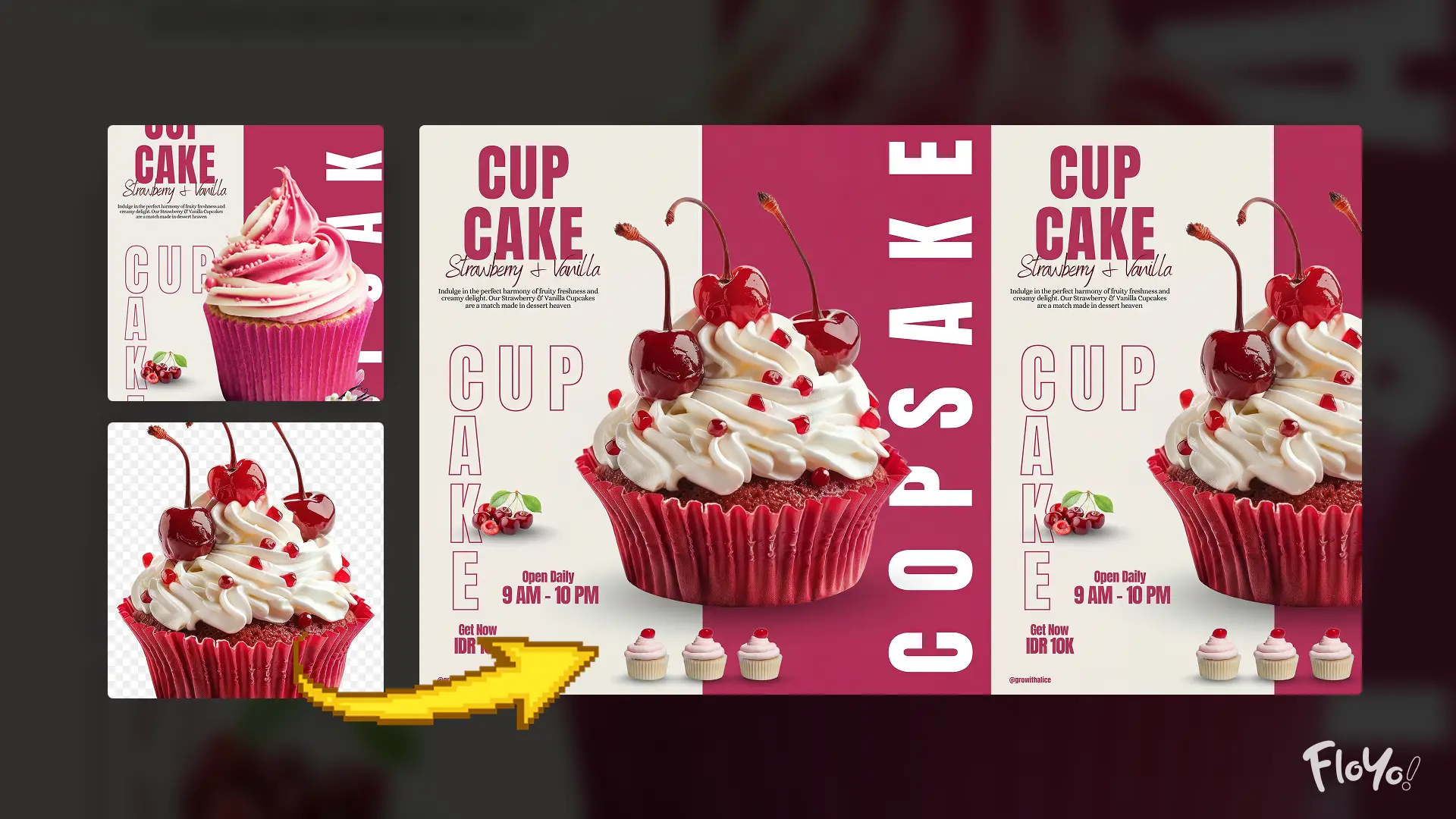
Insert Product into Existing Ad
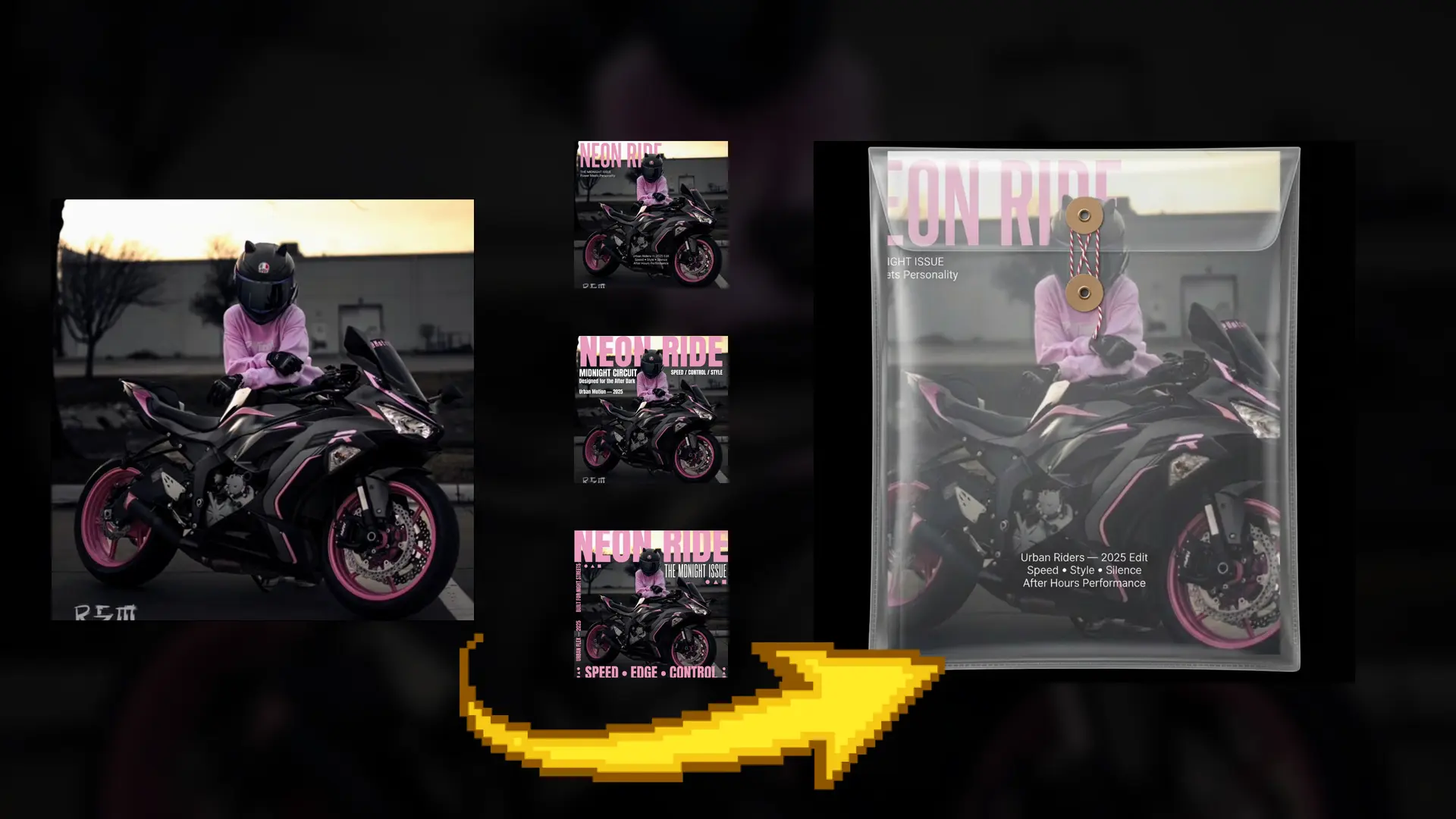
Create Magazine Cover & Package Design

Seedance 2.0 ASMR Unboxing · Reference to Video
Upload a product photo and a hand/style reference, and Seedance 2.0 generates a 10-second vertical ASMR unboxing video with tapping sounds, paper folding, and slow satisfying reveals.

Seedance 2.0 Virtual Try-On · Reference to Video
Upload a clothing image and a model photo, and Seedance 2.0 generates a 10-second vertical get-ready-with-me video of the model wearing the outfit with spoken dialogue, natural motion, and native audio.
R2V MiniMax H3
MiniMax H3 Reference to Video

Seedance 2.0 Product Tutorial · Reference to Video
Upload a product photo and a person photo, write a timed review script, and Seedance 2.0 generates a 15-second vertical product tutorial video with native audio, dialogue, and lip-sync.

Seedance 2.0 UGC Fashion Video · Reference to Vide
Upload a product photo and a model photo, write a timed multi-scene script, and Seedance 2.0 generates a 13-second vertical fashion video with dynamic cuts, varied angles, and native audio.
Gemini Omni Flash 1.1 for Reference to Video
Turn a reference image into a short video with synchronized audio using Gemini Omni 1.1 Flash. Upload an image, describe the motion, and hit run.

MiniMax H3 Open Weights Image to Reference 480P
MiniMax H3 Open Weightsイメージリファレンス480P

Minimax H3 Video Ref
Minimax H3 Video Ref

Several Images inputs Seedance Reference to Video
Several Images inputs Seedance Reference to Video
Seedance 2.5 UGC Fashion Video · R2V
Upload a product photo and a model photo, describe the scene shot by shot, and Seedance 2.5 generates a vertical fashion video with sound.
Seedance 2.5 Product Tutorial · Reference to Video
Upload a product photo and a presenter photo, describe the tutorial scene, and Seedance 2.5 generates a landscape video with the presenter demonstrating the product, with sound included.
Seedance2 Reference
bring my imagination to life using reference images.