
Create Magazine Cover & Package Design
Ecommerce
Image
NanoBanana
Reference Image
0
265

Nodes & Models
NanoBananaProUnified_floyo
WorkflowGraphics
Note
LoadImage
SaveImage
Magazine Cover Creation & Packaging — Workflow Overview
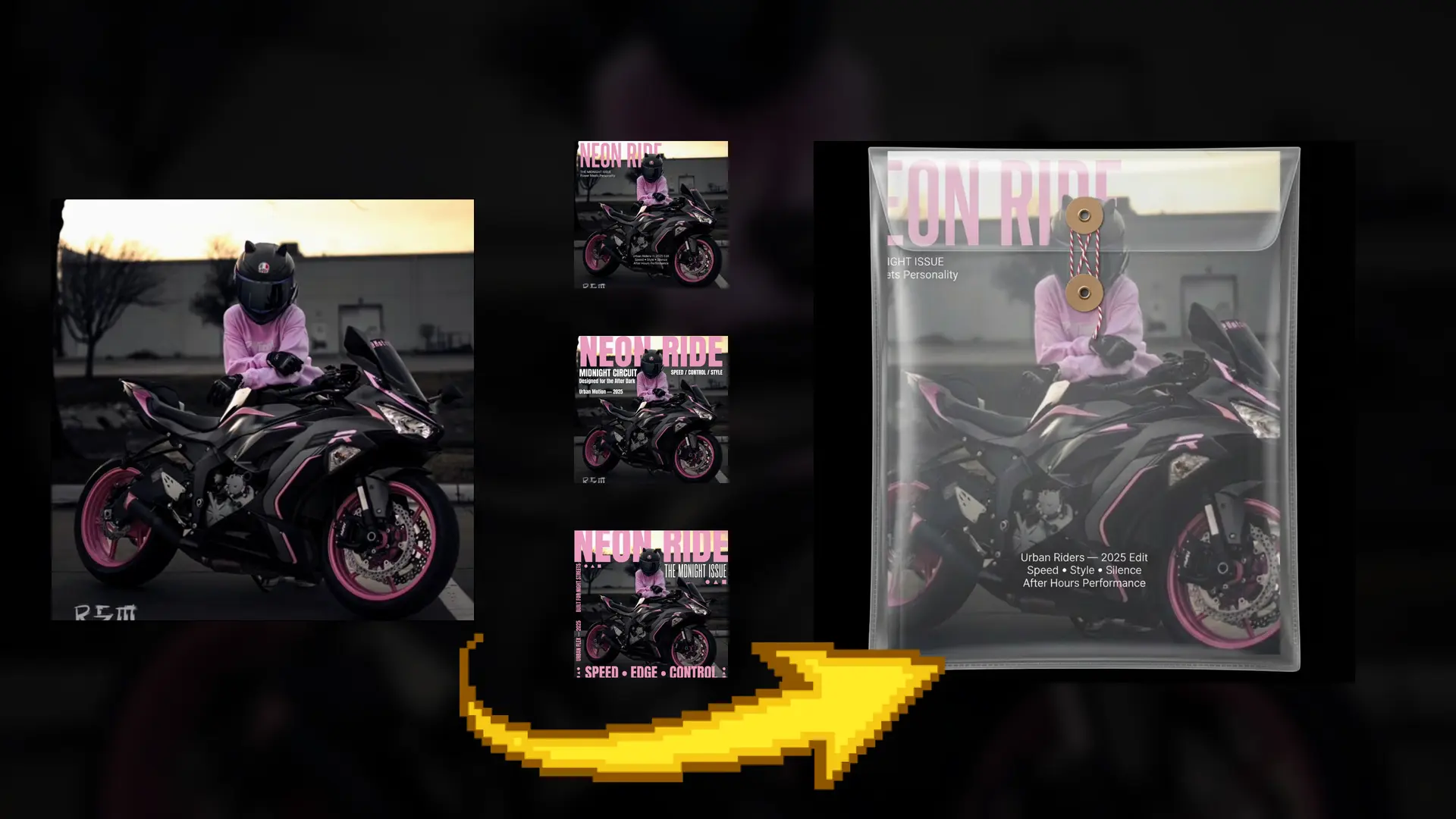
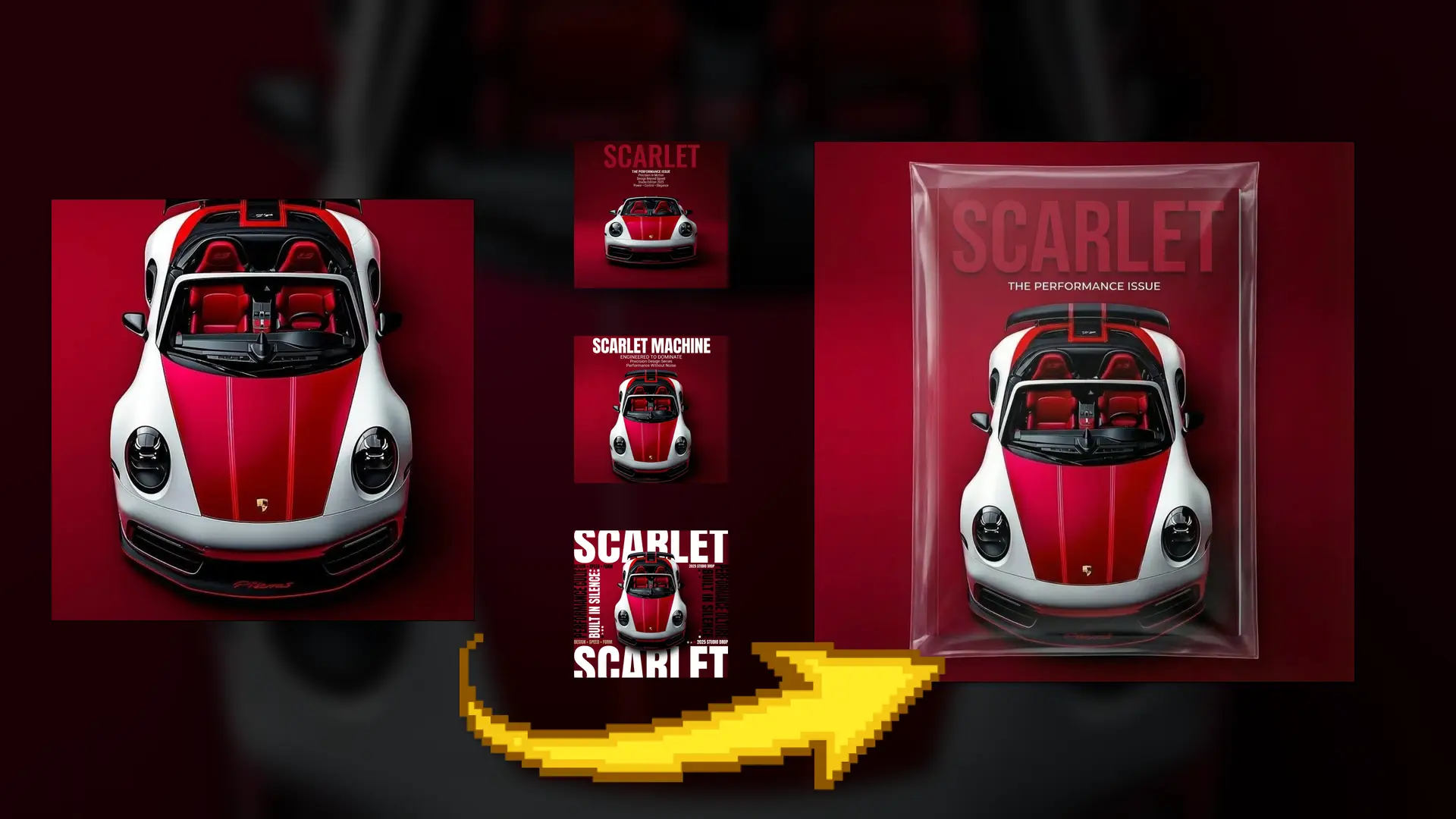
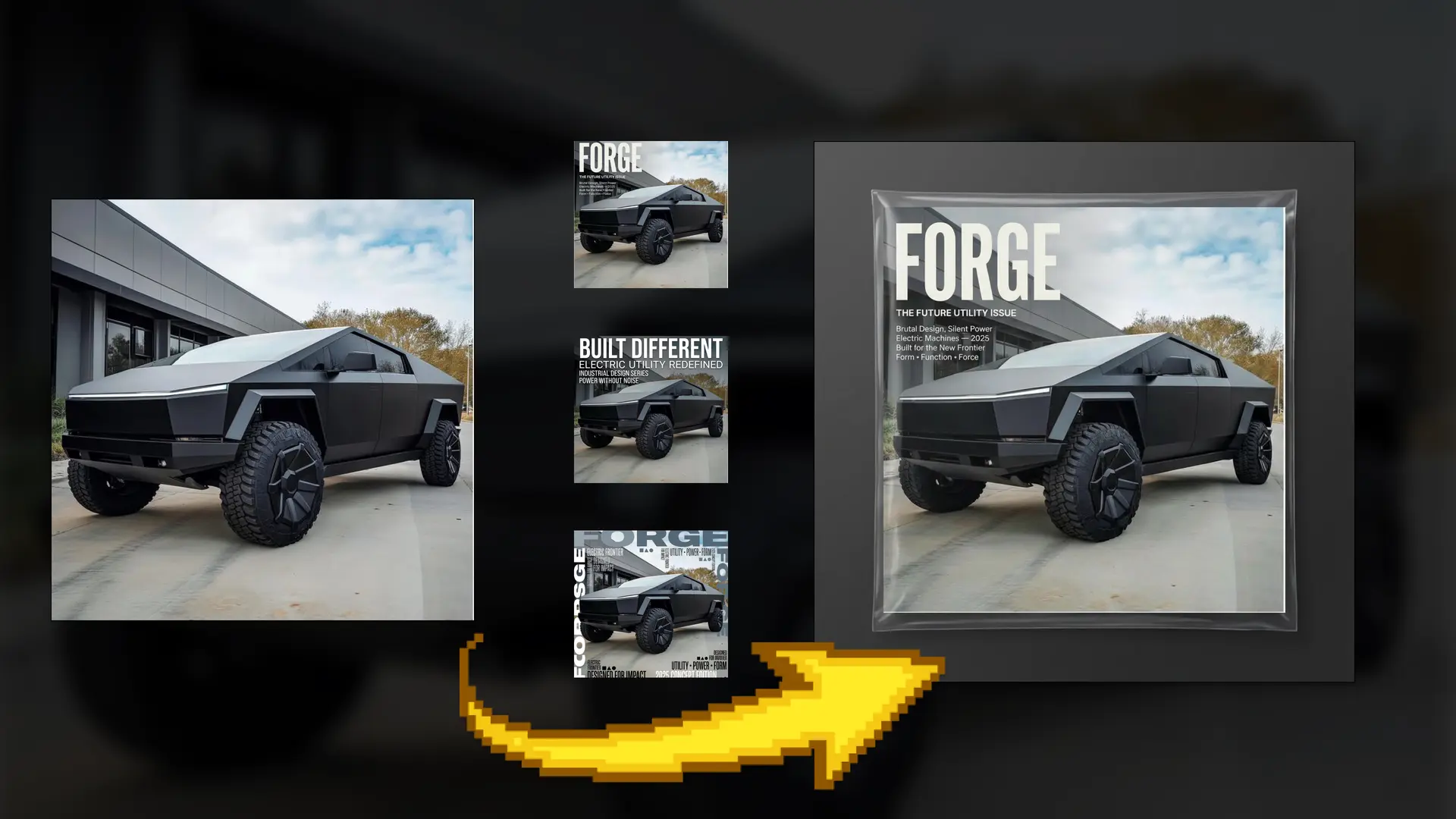
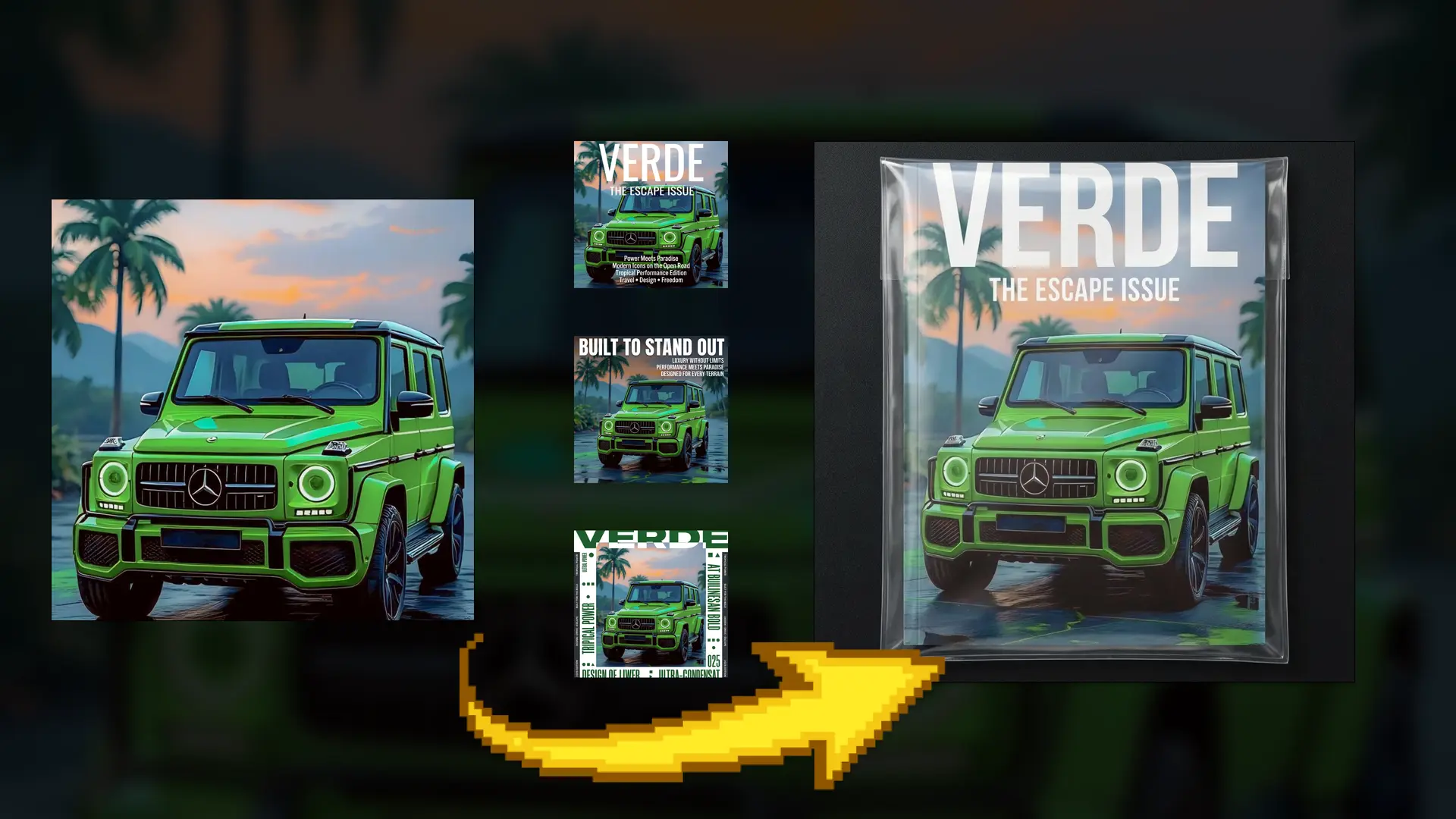
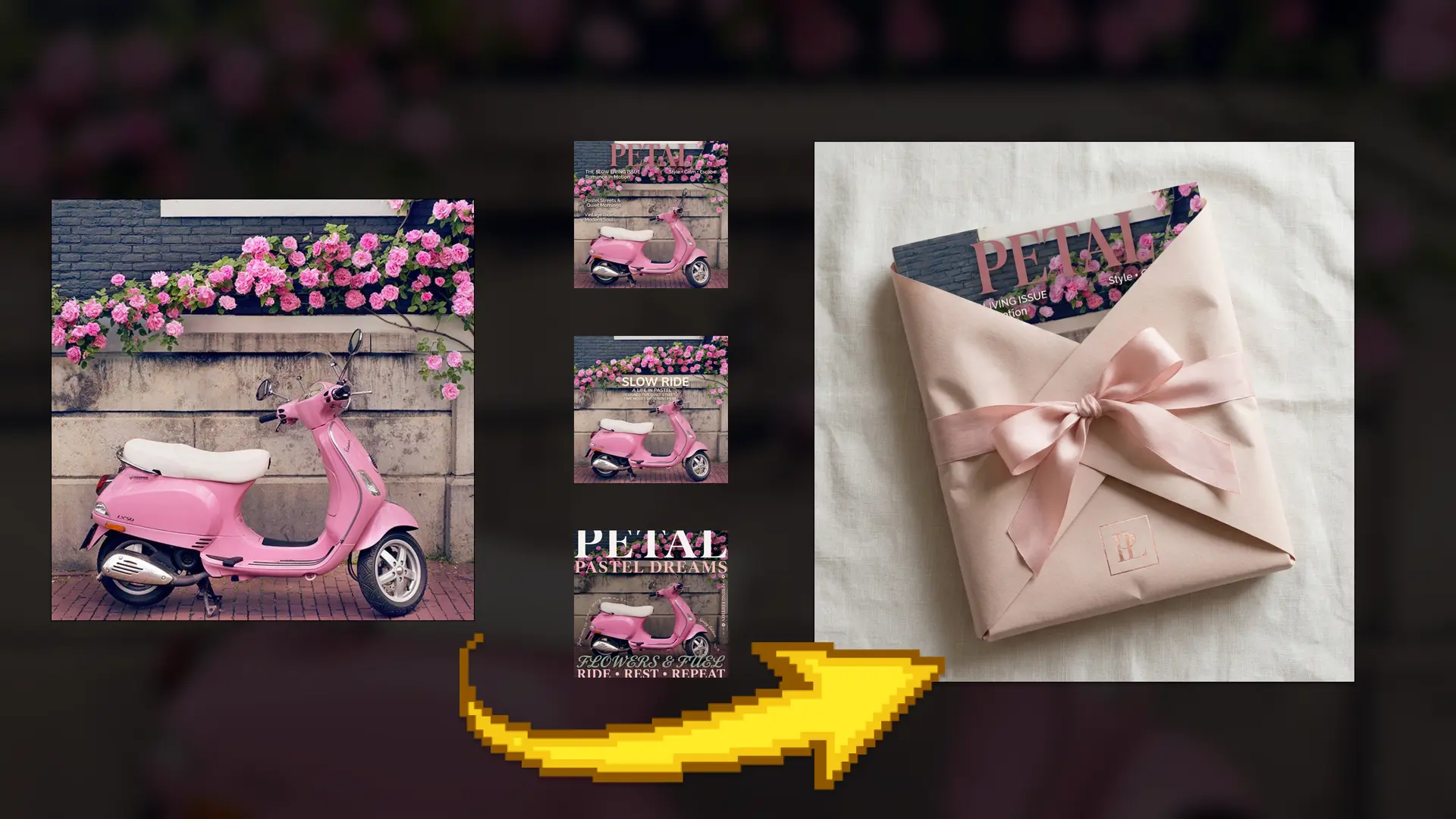
This workflow transforms a single image into a fully designed magazine cover and premium presentation, while preserving the original image’s lighting, composition, and visual impact. It applies flat, 2D typography and editorial layouts directly onto the image, producing high-end magazine covers, poster-style variants, and a realistic packaged version—without manual design work or layout rebuilding.
No graphic design tools, no typography setup, and no reshoots required.
How It Works (Step-by-Step)
1. Load the Base Image (Cover Subject)
Upload a high-quality image that will serve as the magazine cover visual.
This image defines:
Composition and framing
Lighting and contrast
Subject placement and symmetry
Overall visual mood
The image remains unchanged throughout the workflow.
2. Apply Editorial Typography Layouts
The workflow overlays flat, 2D magazine typography onto the image.
Typography is:
Fully flat (no depth, shadows, or effects)
Styled to match high-end editorial design
Positioned using balanced negative space
Multiple layout styles can be generated, including minimal editorial, bold poster-style, and experimental layouts.
3. Control Editorial Direction via Prompt
A single prompt defines the magazine’s identity and tone.
You can control:
Magazine title and cover lines
Editorial mood (luxury, fashion, automotive, street, tech)
Typography style and hierarchy
Copy content and emphasis
All text respects the original image and avoids covering key visual elements.
4. Generate Multiple Cover Variants
The workflow creates several cover variations from the same image, each with a different typographic treatment.
Examples include:
Clean high-fashion editorial covers
Bold graphic poster covers
Experimental street-style typography
This allows quick exploration of creative directions without re-editing the image.
5. Create a Premium Packaged Presentation
The final cover can be placed inside a realistic transparent plastic sleeve, simulating a physical magazine or collector edition.
This step adds:
Subtle plastic transparency and gloss
Realistic seams and edges
Clean studio background
The cover remains fully visible and print-ready.
Final Result
A polished set of magazine covers and premium presentation visuals created from a single image. The workflow delivers editorial-quality designs that look professionally art-directed, making it ideal for magazines, concept covers, product storytelling, social campaigns, and presentation mockups.
Read more