
Z-Image Turbo Controlnet 2.1 Image to Image
Image to Image
Controlnet
Image2Image
Photography
Portrait
Z-Image-Turbo
12
5.6k
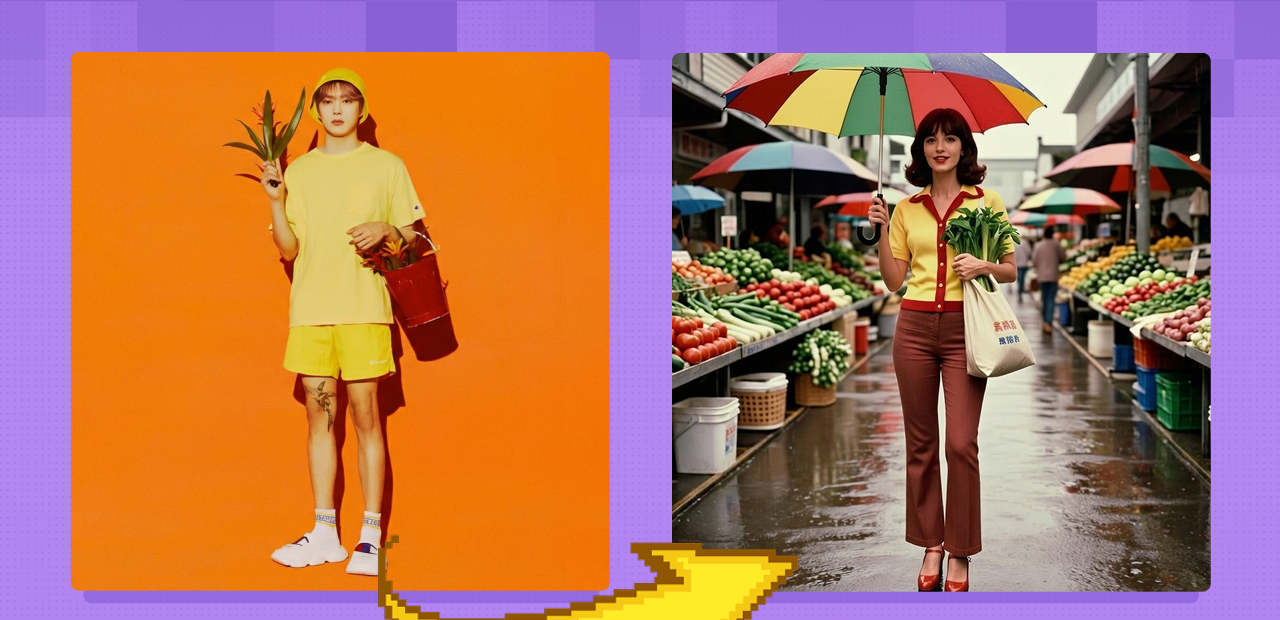
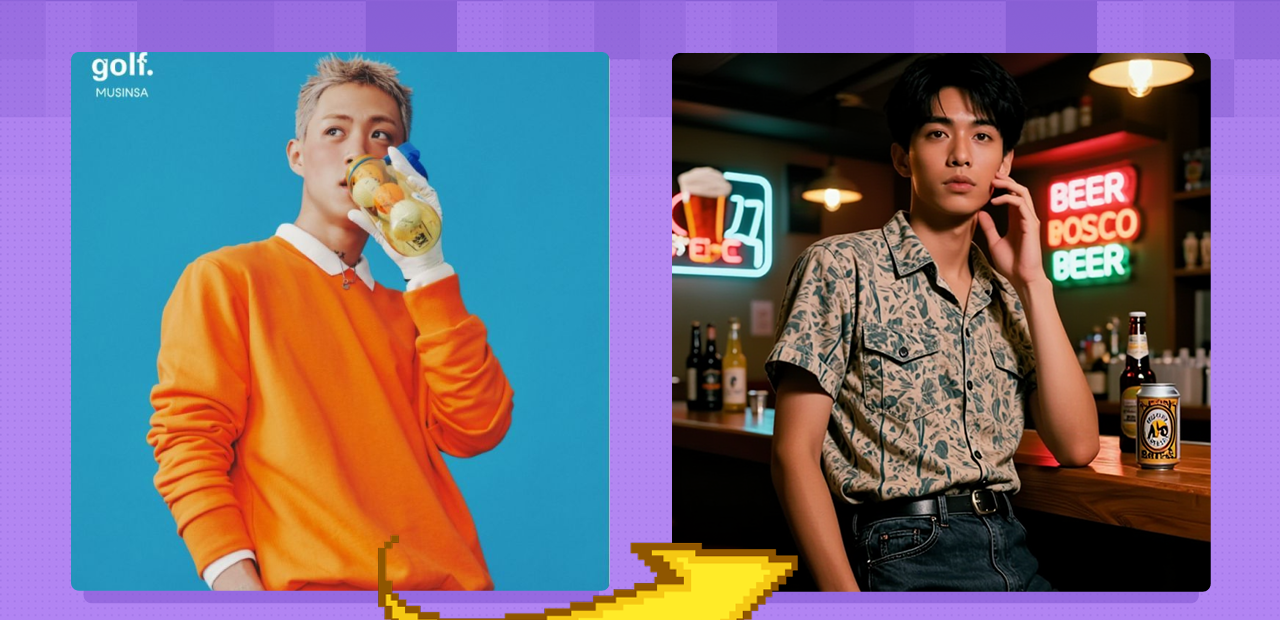
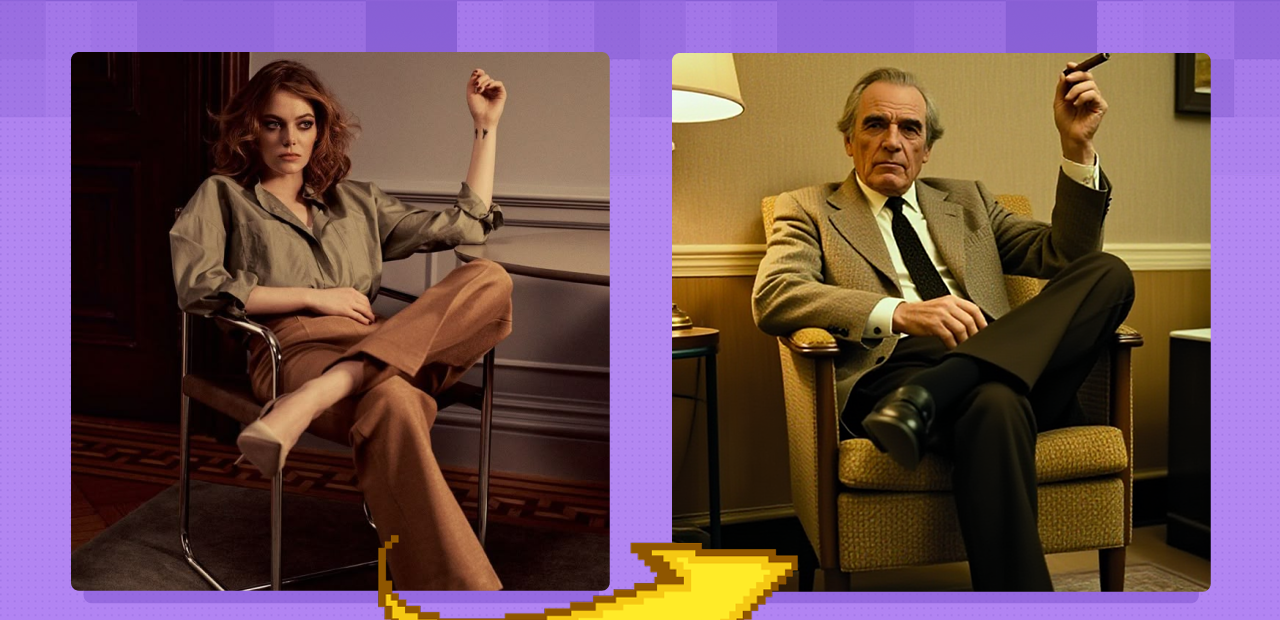
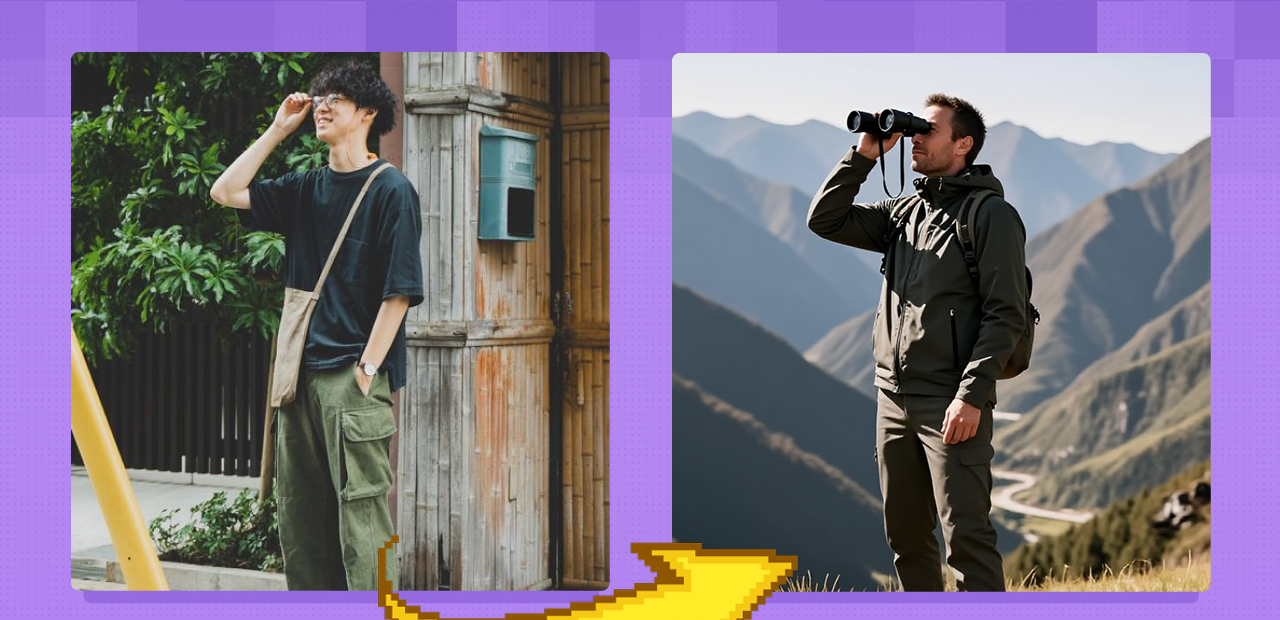


Nodes & Models
CLIPLoader
qwen_3_4b.safetensors
UNETLoader
z_image_turbo_bf16.safetensors
LoadImage
Note
ModelPatchLoader
Z-Image-Turbo-Fun-Controlnet-Union-2.1.safetensors
CLIPTextEncode
ImageScaleToMaxDimension
ConditioningZeroOut
GetImageSize
EmptySD3LatentImage
PreviewImage
QwenImageDiffsynthControlnet
ModelSamplingAuraFlow
KSampler
VAEDecode
SaveImage
AIO_Preprocessor
AIO_Preprocessor
Z-Image Turbo ControlNet: Precision Control for Image-to-Image
Z-image turbo is an open-source model and it's great because it is flexible, results are high fidelity, provides highly detailed images pre-upscale, and is super lightweight. Controlnet is great for crafting complex compositions & allowing the user to create images with great precision.
Key Inputs
Besides resolution and number of images per batch (batch_size), these are the key inputs for controlling the output:
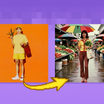
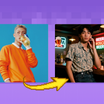
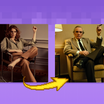
Positive Prompt: Write a detailed prompt describing your desired output.Negative Prompt: Jot down things you don't want in your image.Optional Image Input: Toggle this on to enable image-to-image and upload an image you’d like to transform.Denoise: Controls how much the output differs from the original image when using image-to-image.High values (e.g., 0.9) → More different from the original
Low values (e.g., 0.1) → Closer to the original
steps: Recommended default value of 8 gets all the quality you need for max speed.
Z-Image Workflows Collection
Z-Image isn't just a standalone model - it is becoming a complete production suite for anything we need for image generation and editing. While the base model is already changing the game right now, the roadmap for the next few weeks will cement Z-Image as the undisputed king for all things image generation:
Z-Image Turbo - collection
Z-Image Turbo - Text2Image: Available now
Z-Image Turbo - Image2Image: Available now
Z-Image & Dype for 4k resolution & high fidelity images - Available Now
Z-Image Turbo Upscale: Coming soon
Z-Image Turbo - LoRA Training: Coming soon here on Floyo before end of Dec 2025.. We will have a full tutorial on Floyo for training consistent characters, objects, and styles!
We don't need anything else for image generation and editing; Z-Image has it all. It is becoming a key piece of every production workflow we run.
Read more