Z-Anime - Text to Image with SeedVR Upscale
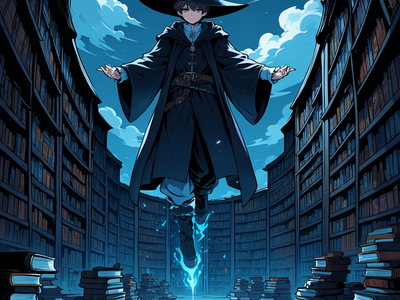
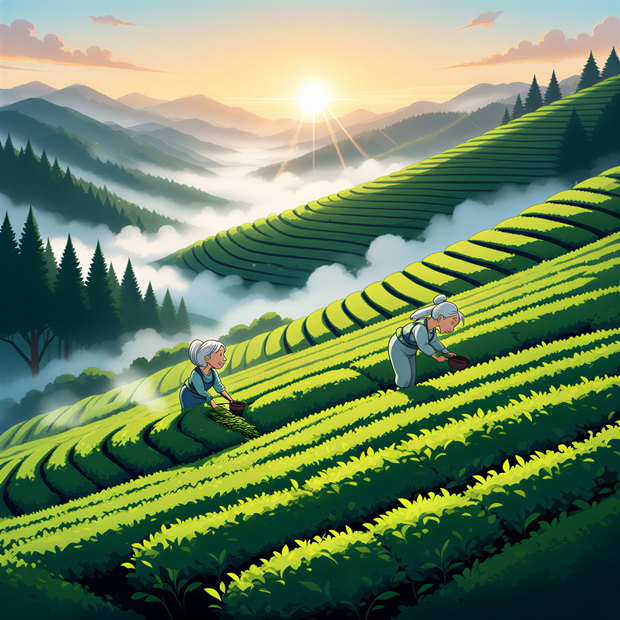
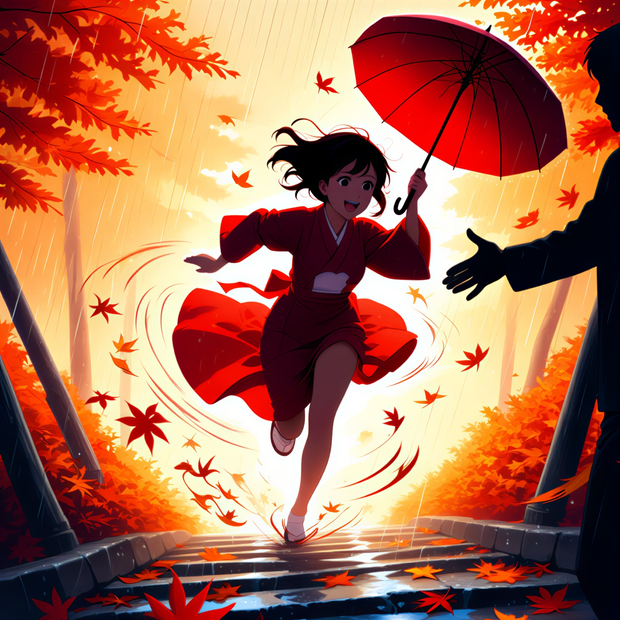
Generate anime and illustration art from text with Z-Anime, then upscale to 1080p with SeedVR. Compare the base render and the upscaled version side by side.
anime
character design
concept art
Image
seedvr
text to image
upscaling
z-anime
2
209



Nodes & Models
Seedvr_Upscaler_floyo
Seed (rgthree)
UNETLoader
z-anime-base-bf16.safetensors
VAELoader
ae.safetensors
CLIPLoader
qwen_3_4b-bf16.safetensors
EmptyLatentImage
ModelSamplingAuraFlow
CLIPTextEncode
KSampler
VAEDecode
PreviewImage
ImageCompare
Z-Anime turns text prompts into anime and illustration art, then sharpens the result up to 1080p with SeedVR upscaling.
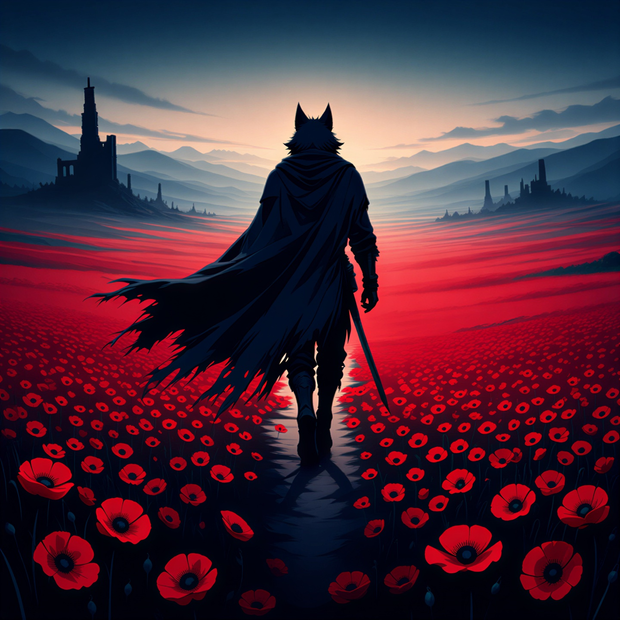
Type a description of the scene or character you want, hit run, and you get the base render at 1024x1024 plus an upscaled version. The image compare view shows both side by side so you can see what the upscale changed.
How do you use Z-Anime for anime image generation?
Z-Anime is a text-to-image model trained for anime and illustration. Write a positive prompt describing the scene, character, or style you want. The defaults handle the rest. Your image generates at 1024x1024 in 30 steps, then SeedVR upscales it to 1080p so line art and fine details hold up at larger sizes.
Positive prompt Write what you want to see. Z-Anime responds well to natural language with a clear subject, action, setting, lighting, and style cue. Want a Ghibli-style scene? Mention it. Want a clean character portrait? Say so. The example prompt loaded in the workflow shows the pattern: subject, action, setting, lighting, style reference, mood.
Negative prompt The default covers the usual culprits that wreck anime renders: bad hands, broken anatomy, watermarks, compression artifacts. Leave it as is or add specifics if a particular issue keeps showing up in your runs.
Image size 1024x1024 is the default and the safest starting point. Want a portrait? Try 832x1216. Want a landscape? Try 1216x832. Going far past 1024 in either direction can cause anatomy to drift, so let SeedVR handle the upsize.
Steps 30 is the default and works for most prompts. Need a faster preview? Drop to 20. Want more detail in busy scenes? Push to 40. Past 40 you stop getting much back.
CFG 5 is the default. Lower CFG (3 to 4) gives the model more freedom and softer results. Higher CFG (6 to 7) locks the image closer to your prompt at the cost of some natural feel. If your render looks oversaturated or stiff, drop the CFG.
Seed The seed is randomized on each run. Lock it if you want to compare prompt changes against the same starting noise.
SeedVR upscale Target resolution is set to 1080p. Noise scale is 0.1, a soft pass that keeps the original aesthetic intact while sharpening lines and surface detail. Bump noise scale toward 0.3 if you want SeedVR to add more texture and variation. Drop it toward 0.05 for a cleaner, more faithful upsize.
What is Z-Anime good for?
Z-Anime is built for anime, manga, and illustration aesthetics. It handles character design, concept art, environmental backgrounds, and Ghibli-style scenes with cleaner line work and color than general purpose models. Use it when you want anime as the result, not as a side effect of a style prompt on a photorealistic model.
Reach for Z-Anime when the output needs to feel drawn, not photographed. Character sheets, key art, light novel covers, manga panel references, and concept work all sit in its sweet spot. The built-in SeedVR upscale means you can take a render straight into print or web at 1080p without bouncing through a second tool.
If you need photorealism, news imagery, or product photography, this is the wrong workflow. Pick a Flux or Z-Image base model instead.
FAQ
What is the best prompt structure for Z-Anime? Lead with the subject, then add action, setting, lighting, style cue, and mood. Z-Anime understands natural language, so write the way you would describe the scene to an artist. Specific style references like "Studio Ghibli slow life" or "1990s cel anime" steer the look more than vague tags like "beautiful" or "high quality".
What CFG and steps should you use with Z-Anime? 30 steps and CFG 5 is the sweet spot for most prompts. Drop CFG to 3 or 4 if your renders look stiff or oversaturated. Push steps to 40 for complex scenes with lots of detail. Going under 20 steps tends to hurt anatomy and line quality.
Why does Z-Anime use a Qwen text encoder? Z-Anime is built on the Z-Image architecture, which pairs the diffusion model with Qwen 3 4B as its text encoder. Qwen handles long natural language prompts better than older CLIP encoders, so you can describe a scene in full sentences instead of comma-separated tag lists.
Does the SeedVR upscale change the look of the image? With noise scale at 0.1 (the default), SeedVR sharpens line work and detail without redrawing the image. The composition, colors, and characters stay locked to the original render. Push noise scale higher and SeedVR starts adding its own interpretation, which can help on soft renders but will drift from the source.
How to run Z-Anime online? You can run Z-Anime online through Floyo. No installation, no setup. Open the workflow in your browser, upload your inputs, and hit run. Free to try.
Read more