

Topaz Image Super Focus
Fix soft or out-of-focus photos with Topaz Super Focus V2, an AI focus recovery model by Topaz Labs. Upload an image, adjust the strength, and hit run.
Image
Image to Image
Topaz
Topaz Image Super Focus
39
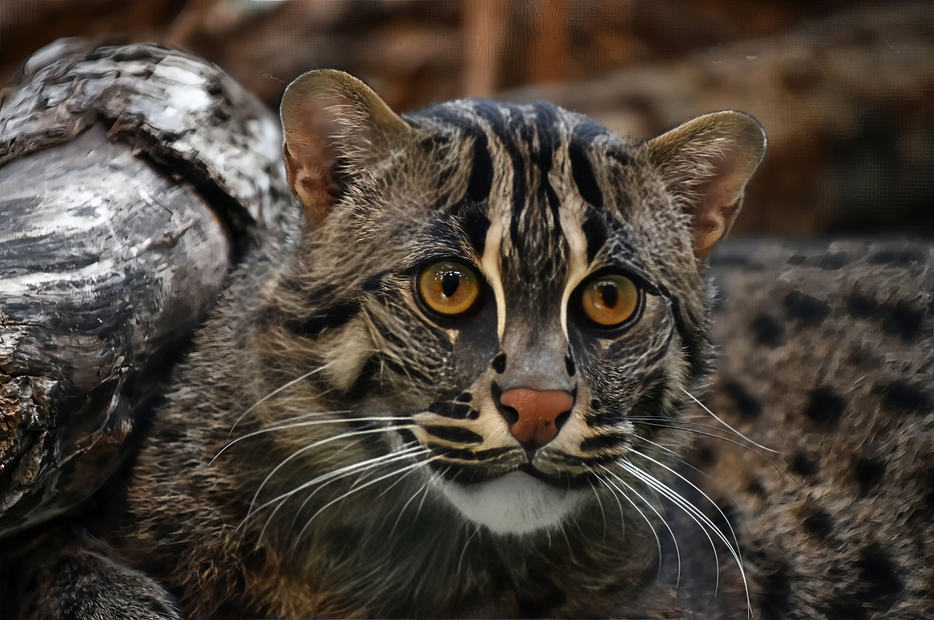
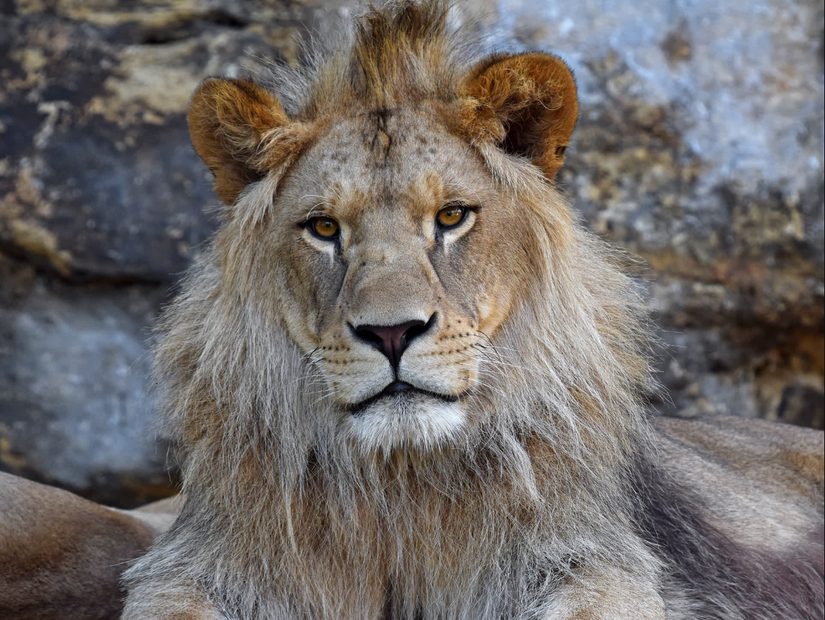
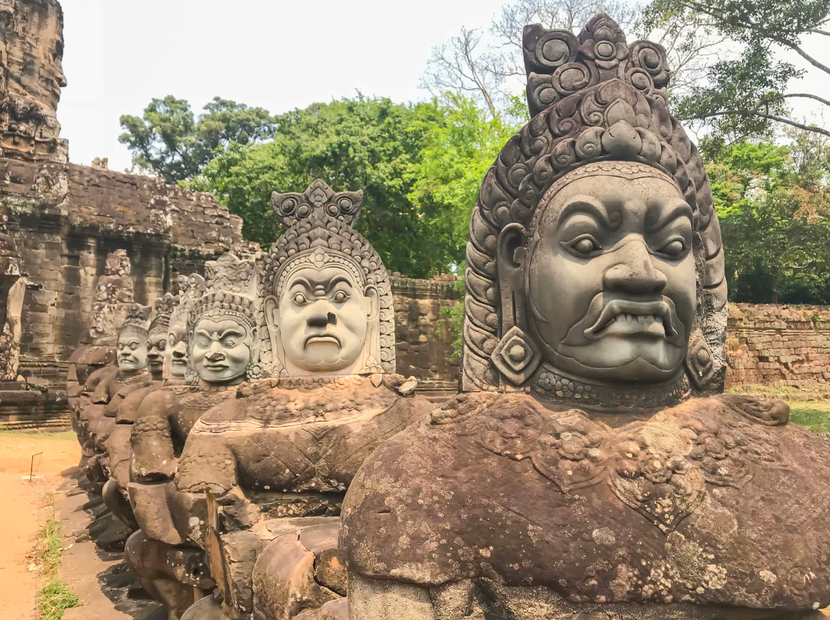




Nodes & Models
TopazImageSuperFocus_floyo
LoadImage
PreviewImage
ABOUT THE WORKFLOW
Sharpen a Soft Photo
Upload a photo that missed focus or came out soft. The model rebuilds detail in out-of-focus areas and returns a sharpened version at the same resolution. No prompt, no text input. One image in, one image out.
Partner node. This workflow calls an external API, so each run uses credits from your API wallet. No API key needed. Floyo handles the connection.
Model
Topaz Super Focus V2 by Topaz Labs. A second-generation AI model trained for missed-focus recovery and soft-image sharpening. Proprietary, closed source, no open weights.
HOW IT WORKS
Step 1. Upload your photo
The image you want to sharpen. Any resolution works. The output keeps the same dimensions as the input.
Works great with: portraits · event photos · wildlife · group shots
Step 2. Hit run
The settings are already dialled in. For a first run, change nothing. The model sends your image to the Topaz Super Focus API, recovers detail in soft areas, and returns a preview.
Step 3. Download your result
The processed image appears as a preview on the canvas. Right-click the preview to download.
Ready for: Lightroom · Photoshop · Capture One · any editor
First time? Leave every setting as-is. The defaults (Super Focus V2 · Detail 0 · Focus Boost 0.25 · JPEG) are the right starting point for almost everyone.
RECOMMENDED SETTINGS
Quick-start guide. Find the goal that matches yours and copy the settings.
Standard focus recovery (most people) — Super Focus V2 · Detail 0 · Focus Boost 0.25 · JPEG. The right starting point for almost everyone.
Slightly soft shot, not heavily blurred — Lower Focus Boost to 0.10 or 0.15. Less correction keeps the result natural instead of over-sharpened.
Severely soft or missed-focus shot — Raise Focus Boost to 0.50 or higher. More correction for heavier blur, but watch for artifacts.
Want more fine texture in the result — Raise Detail from 0 toward 0.25 or 0.50. Pulls out more surface texture, but going too high can over-sharpen.
The result looks plastic or over-processed — The source image may already be sharp enough. Lower Focus Boost and Detail, or skip this workflow for images that are not soft.
Need a specific output format — Switch the output format from JPEG to match where the file is going.
Prompt: No prompt needed. This workflow takes an image only. All control comes from the Detail and Focus Boost sliders.
LEARN
📹 Videos
ComfyUI 101 Free Course ft. Sebastian Kamph
Floyo 101 for Team Collaboration
✨ Quick links
USE CASES
📸 Event & Wedding Photographers
Recover missed focus on group shots and candid moments where the autofocus landed on the wrong subject. Run the image through Super Focus and get a usable file back.
🐦 Wildlife & Sports Photographers
Salvage soft shots from fast-moving subjects where the lens did not lock cleanly. Especially useful on heavy crops where softness is more visible.
👤 Portrait & Headshot Retouchers
Sharpen eyes and facial detail on portraits where focus fell slightly behind or in front of the subject.
🏢 Real Estate & Architecture Photographers
Clean up interior and exterior shots where handheld shooting or low light caused slight softness across the frame.
WHAT WORKS BEST / WHAT TO AVOID
✅ Works great
Missed-focus portraits and group shots
Slightly soft landscapes and interiors
Wildlife and sports shots with light blur from tracking
Heavy crops where softness becomes visible
⚠️ May produce softer results
Extreme motion blur (camera shake, fast panning)
Already-sharp images (can look over-processed)
Heavily compressed or low-quality source files
Intentionally blurred backgrounds (bokeh areas will artifact)
FAQ
What is Topaz Super Focus V2?
Topaz Super Focus V2 is an AI model by Topaz Labs built for missed-focus recovery. It rebuilds detail in out-of-focus or slightly soft areas of a photograph. It is a second-generation model, released in March 2025, and runs 500% faster than the original Super Focus V1.
How is Super Focus different from regular AI sharpening?
Standard sharpening increases edge contrast across the entire image. Super Focus is generative. It is trained to reconstruct detail that was lost when the lens missed focus. That makes it stronger on genuinely soft images, but it can over-process photos that are already sharp. If your image looks fine and you want a subtle edge boost, a regular sharpen tool is the better choice.
Does Topaz Super Focus V2 change the resolution of my image?
No. The output is the same resolution as the input. This workflow does not upscale. If you need to upscale and sharpen, pair it with an upscaling workflow as a separate step.
Can Topaz Super Focus fix motion blur?
It is not designed for motion blur. It targets missed focus and soft detail. If your image has blur from camera shake or a fast-moving subject, the result will be limited. For motion blur, a dedicated deblur model is a better fit.
What Detail and Focus Boost settings should I use?
Start with the defaults: Detail at 0 and Focus Boost at 0.25. If the result looks flat, raise Detail toward 0.25 to bring back surface texture. If the image is severely soft, raise Focus Boost toward 0.50 or higher. Going too high on either slider can make the image look over-sharpened or plastic.
Can I use the output commercially?
Topaz Super Focus V2 is a proprietary model by Topaz Labs. Each run on this workflow uses the Topaz API through your API wallet credits. The output is your processed photo. You retain the rights to your own images, but review Topaz Labs' current terms of service for specifics on commercial use of their processing.
How to run Topaz Super Focus V2 online?
You can run Topaz Super Focus V2 online through Floyo. No installation, no setup, no API key to wire up. Open the workflow in your browser, upload your image, and hit run. Free to try.
WHY FLOYO?
Floyo is the only platform with team collaboration for ComfyUI in the browser. You run workflows with no install. You share run history, assets, and models across your team. You pay only when you generate. Floyo supports open-source and closed-source models.
A photographer runs a batch of soft shots through Super Focus and finds the right settings. A retoucher on the same team opens that run from shared history and applies the same settings to the rest of the set. No file handoffs. No version confusion.
For studios and enterprise teams, Floyo adds private workspaces, pooled resources, and a team usage dashboard. Other ComfyUI cloud tools run for one person at a time. Floyo runs for the whole team, with transparent per-generation costs.
Ready to try it?
Upload a soft photo and run it. The settings are already set.
Questions? Watch the free course or check the FAQ above.
Read more

_1786518453053.png?width=400&height=300&quality=80&resize=cover)




