Pika_H3_Flex_Image_to_Video
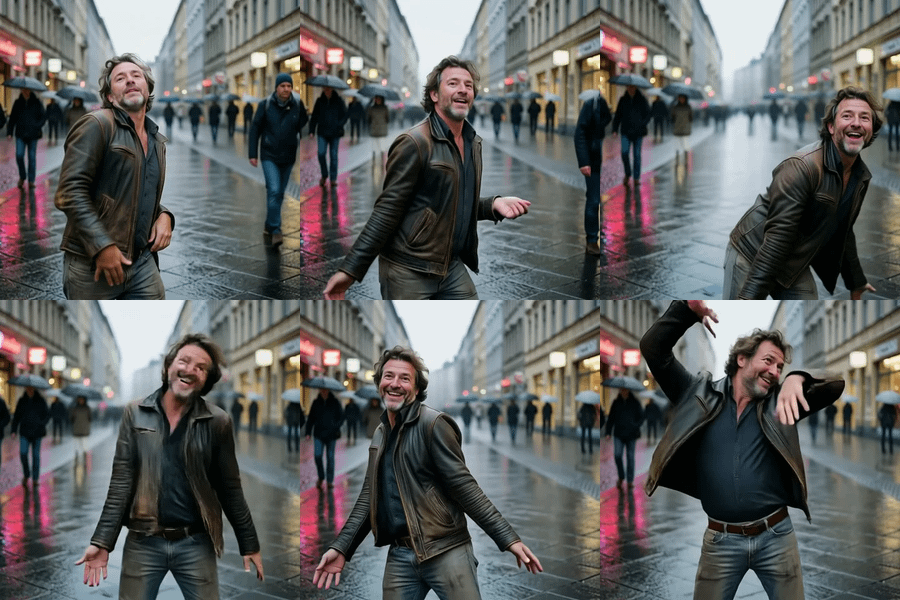
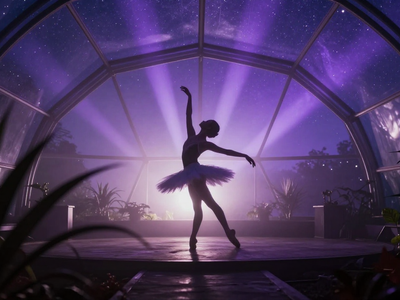
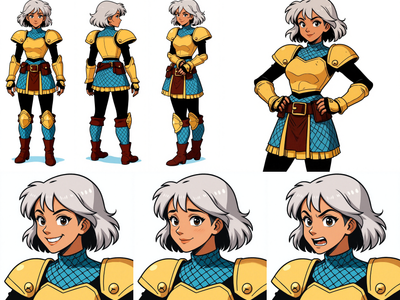
Pika H3 Flexを使用したImage to Videoワークフローです。画像を読み込み、promptに動き・カメラ・音を入力するだけで、音付きの動画を生成できます。This is an Image to Video workflow using Pika H3 Flex. Load an image and describe the motion, camera, and sound in the prompt to generate a video with sound.
Image to Video
Open Weight
Pika H3 Flex
Video
252
Nodes & Models
LoadImage
SeedNode
ModelAttentionBackend
KSamplerSelect
RandomNoise
MiniMaxH3SigmaShift
VAELoader
minimax_h3_video_vae_int8_convrot.safetensors
minimax_h3_audio_vae_fp32.safetensors
VAEDecodeAudio
BasicScheduler
UNETLoader
Minimax-h3_Singularity_ref2va_v2_Pruned_int8.safetensors
PrimitiveFloat
ComfyMathExpression
ResolutionSelector
StringConcatenate
VAEDecode
MiniMaxH3ReferenceToVideo
SamplerCustomAdvanced
BasicGuider
LoraLoaderModelOnly
minimax lora\pika_h3_flex_fl2va_v1_bf16-pika-h3-flex-for-text-im-wYigZg9b.safetensors
MiniMaxChunkFeedForward
MiniMaxLowVRAMAttention
ImageResizeKJv2
easy positive
easy cleanGpuUsed
VHS_VideoCombine
VedaSparseAttention
minimax_h3_t2va_veda_8nfe_600step_preview_fp8.safetensors
VedaSparseAttention
minimax_h3_t2va_veda_8nfe_600step_preview_fp8.safetensors
VedaSparseAttention
minimax_h3_t2va_veda_8nfe_600step_preview_fp8.safetensors
CLIPLoaderGGUF
CLIPLoaderGGUF
CLIPLoaderGGUF
CLIPLoaderGGUF
CLIPLoaderGGUF
CLIPLoaderGGUF
1. Overview|概要
このワークフローは、Pika H3 Flexを使用したImage to Video用の動画生成ワークフローです。 This workflow is an Image to Video generation workflow using Pika H3 Flex.
1枚の画像を元に、表情・動き・カメラワークを加えた動画を生成できます。 It turns a single image into a video with added expressions, motion, and camera work.
セリフや環境音を含めた、音付きの動画を生成できます。 You can generate videos with sound, including dialogue and ambient sound.
Partner Nodeは使わず、FloyoのGPUで動作するため、API課金なしでFlo Timeで動きます。 It runs on Floyo GPU without a Partner Node, so it works with Flo Time and no API charges.
2. How It Works|使い方
画像を読み込むノードに、動画にしたい画像をアップロードしてください。 Upload the image you want to animate in the Load Image node.
promptに、動き・カメラワーク・音の内容を入力してください。 Enter the motion, camera work, and sound in prompt.
video durationで、生成する動画の長さを秒数で指定してください。 Set the video length in seconds in video duration.
実行ボタンを押すと、画像とプロンプトをもとに動画が生成されます。 Press the Run button to create a video based on your image and prompt.
初めて使う場合は、まずデフォルト設定のまま試すのがおすすめです。 For first-time use, it is recommended to start with the default settings.
3. Prompt Control|プロンプトによる調整
プロンプトには、人物の動き、表情、カメラワーク、音、雰囲気を具体的に書いてください。 In the prompt, clearly describe the motion, expressions, camera work, sound, and mood.
元の画像の顔や服を変えたくない場合は、「顔・髪・服は写真のまま」と書いてください。 To keep the face and outfit of the original image, write that they should stay identical to the photo.
セリフを入れたい場合は、話す言語と内容を書き、不要な言語は使わないと指定してください。 To add dialogue, write the language and the lines, and state that no other language should be used.
動きがおかしいときは、設定を変える前にプロンプトを書き直してください。 If the motion looks wrong, rewrite the prompt before changing any settings.
4. Settings|設定
基本設定では、画像、prompt、video durationを設定するだけで使えます。 With the basic settings, you only need to set the image, prompt, and video duration.
low res aspect_ratioの初期値は16:9、low res megapixelsの初期値は0.6です。 The default low res aspect_ratio is 16:9 and the default low res megapixels is 0.6.
low res stepsの初期値は6です。 The default low res steps is 6.
video durationの初期値は5秒で、この例では10秒に設定しています。 The default video duration is 5 seconds, and this example sets it to 10 seconds.
Read more