Multi-Style Image Transformation Workflow
Multi-Style Image Transformation Workflow (One Input → Multiple Outputs)
Grok
Image
image-to-image
multi-style
prompt-based editing
0
217
_1774777336819.png?width=1400&height=620&quality=80&resize=contain)

_1774777336819.png?width=104&height=104&quality=80&resize=cover)



Nodes & Models
GrokImagineImageEdit_floyo
LoadImage
WorkflowGraphics
SaveImage
Multi-Style Image Transformation Workflow (One Input → Multiple Outputs)
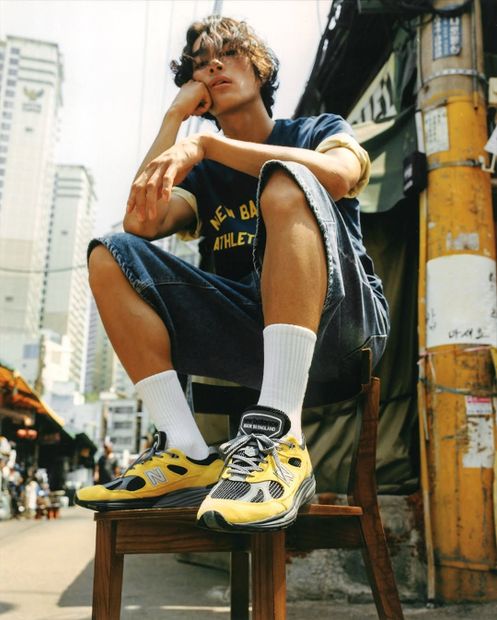
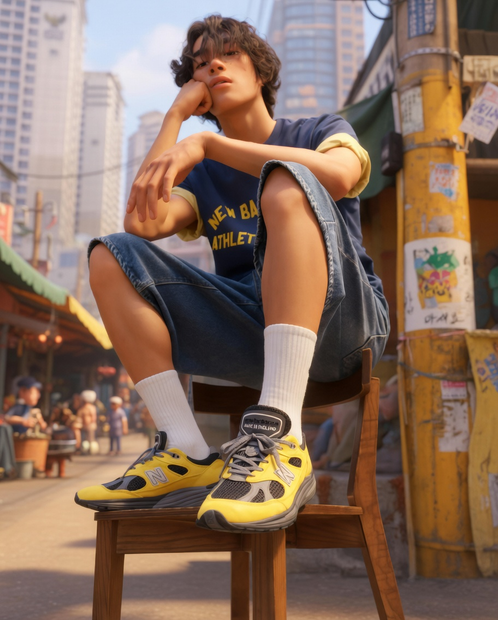
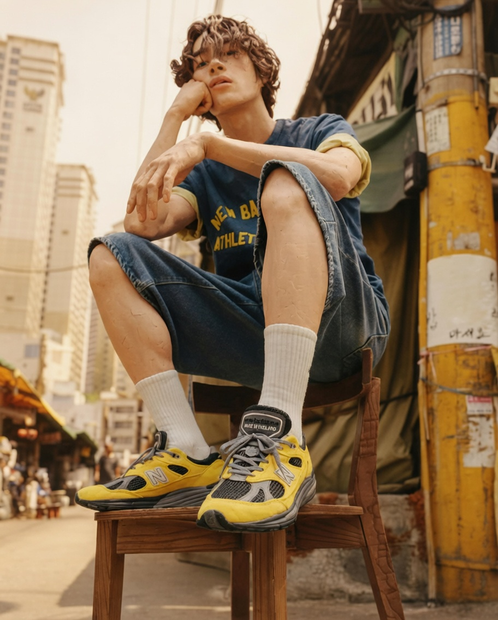
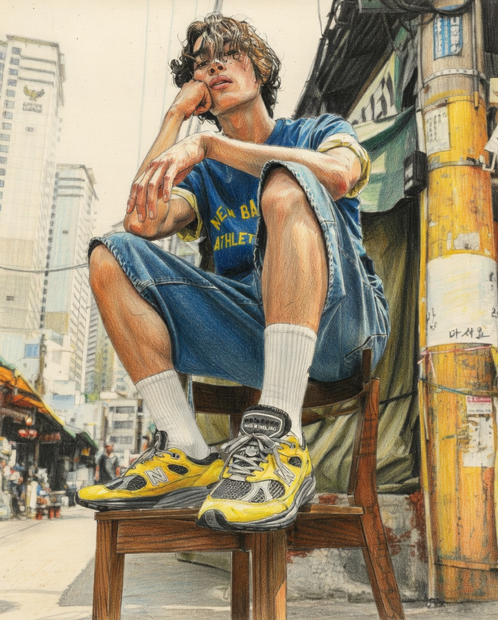
This workflow allows you to take a single input image and instantly transform it into multiple artistic styles at once, while keeping the subject and identity consistent across all variations.
Powered by GrokImagine Image Edit, it applies different prompts in parallel to generate a diverse set of stylized outputs — making it perfect for rapid exploration and creative iteration.
What this workflow does
Upload one image
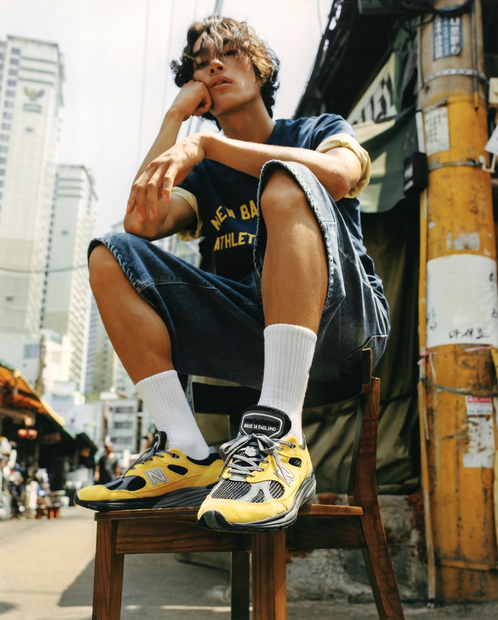
Automatically generates multiple styled versions of the same image
Maintains identity and structure across all outputs
Runs all transformations in parallel for fast results
Included Styles
This workflow generates a wide range of styles, including:
🟪 Pixel Art
🧱 3D / Claymation
🖌️ Oil Painting
✏️ Colored Pencil & Charcoal Sketch
🧵 Cross Stitch
🧊 Reflective Metal Sculpture
🌊 Watercolor
📐 Flat Vector Illustration
🖊️ Line Art
📸 Hyper Realistic
What makes this workflow special?
Consistency across styles – Same subject, different looks
Prompt-driven transformations – Easy to customize or add new styles
Batch-style generation – Get 10+ variations in one run
Perfect for design exploration, content creation, and ideation
Best Use Cases
Generating multiple design directions for the same concept
Creating social media variations quickly
Exploring art styles for branding or storytelling
Building datasets or references for creative projects
Read more