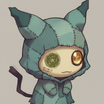
mimikyu_costume
Image
image2image
LoRAs
mimikyu
pokemon
211


Nodes & Models
CheckpointLoaderSimple
model.safetensors
LoraLoader
mimikyu_lora.safetensors
CLIPTextEncode
EmptyLatentImage
LoadImage
ControlNetLoader
control_canny-fp16.safetensors
ControlNetApply
KSampler
VAEDecode
SaveImage
Mimikyu Costume Generator
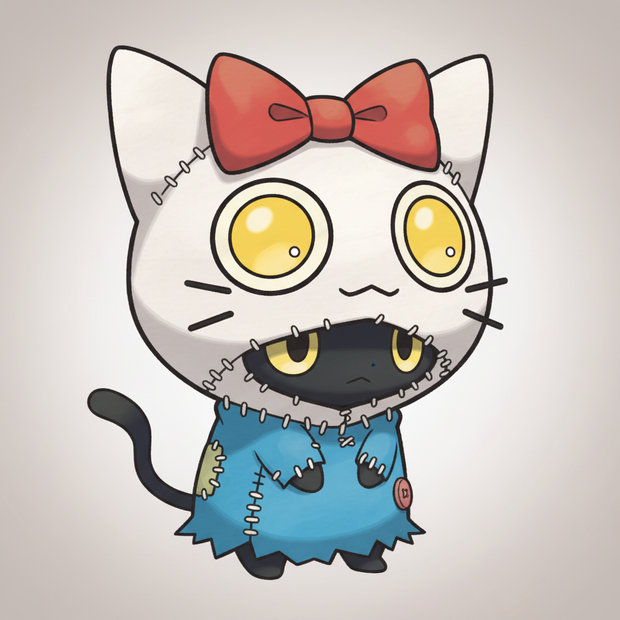
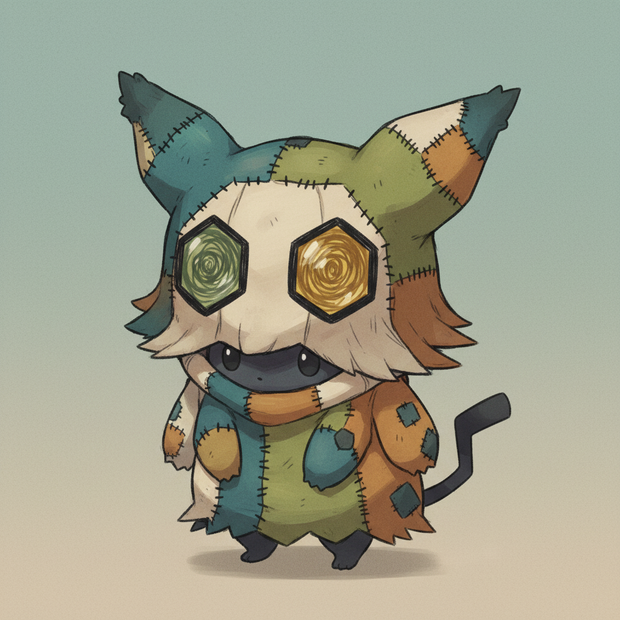
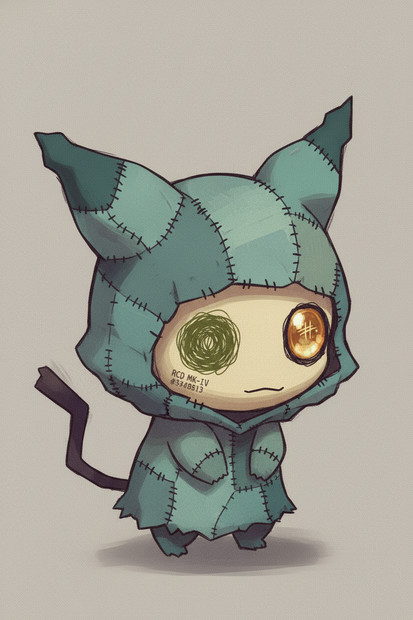
The pipeline uses a combination of ControlNet (Canny) for structural guidance and a Mimikyu LoRA for character consistency. It follows a "Reference → Silhouette Extraction → Character Injection" logic to ensure the final result looks like a crude, handmade disguise rather than a generic digital filter.
Reference Ingestion & Silhouette Extraction:
LoadImage (Node 9): Imports the subject you want to turn into a costume.
CannyEdgeDetect (Node 11): Extracts the specific angular contours and geometric shapes of the subject. This is crucial for capturing the unique features (like the hexagonal eyes or helmet silhouettes) you requested.
Character & Style Guidance:
LoraLoader (Node 2): Injects the Mimikyu LoRA. This ensures the creature's anatomy (hunched body, stick tail) remains intact regardless of the costume.
CLIPTextEncode (Node 3/4): Contains the specialized "Handmade/Patchwork" prompt. It forces the model to interpret the ControlNet shapes as cloth, paper, and stitches instead of metal or skin.
Structural Control:
ControlNetApply (Node 12): Merges the Canny edges with your text prompt. It "pins" the costume's shape to the reference image while allowing the diffusion model to fill in the "creepy-cute" patchwork textures.
Core Generation:
KSampler (Node 6): The engine that renders the image. It is tuned for a high denoise (1.0) to ensure a complete transformation from the reference image into the stylized anime/concept-art aesthetic.
Read more
_1786518453053.png?width=400&height=300&quality=80&resize=cover)