Image Upscaler (By Pixaroma)
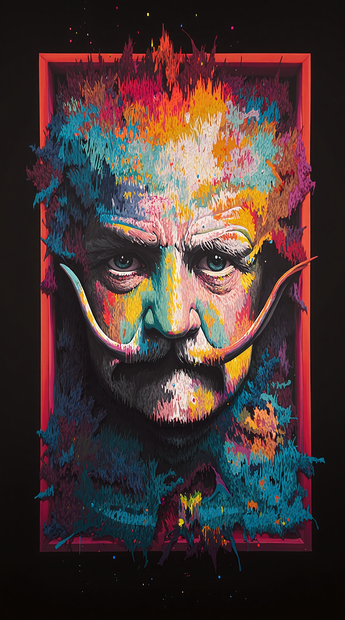
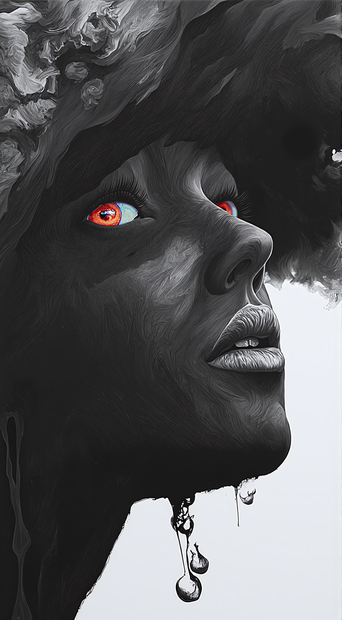
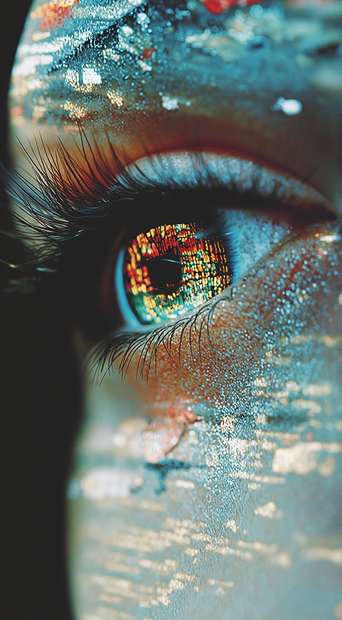
This workflow can be used for upscaling images. It generates a new image when upscaling and the strength of new generation can be controlled by changing the denoise value (0.80 - minimal to no change, 0.95 - major changes to the image).
Image
upscaler
591












Nodes & Models
Label (rgthree)
Note
VAELoader
ae.safetensors
Ver Private
Comm Use
LoadImage
UpscaleModelLoader
CLIPTextEncode
FluxGuidance
ImageUpscaleWithModel
ImageScaleBy
VAEEncode
KSampler
VAEDecode
SaveImage
UnetLoaderGGUF
DualCLIPLoaderGGUF
clip_l.safetensors
Ver Private
Comm Use
t5/google_t5-v1_1-xxl_encoderonly-fp8_e4m3fn.safetensors
Ver Private
Comm Use
UnetLoaderGGUF
DualCLIPLoaderGGUF
clip_l.safetensors
Ver Private
Comm Use
t5/google_t5-v1_1-xxl_encoderonly-fp8_e4m3fn.safetensors
Ver Private
Comm Use
UnetLoaderGGUF
easy imageScaleDownToSize
This workflow can be used for upscaling images. It will generate a new image when upscaling the old image and make some changes based on the denoise value entered (0.80 - minimal to no change, 0.95 - major changes to image). Adding no prompt will also work with 0.80 denoise value for clearer images. For higher denoise values prompts are recommended. 4x_foolhardy_remacri gives the best upscale result overall but some images work well with other upscalers so it's recommended to try a few upscalers to figure out which one is most suited for certain images. It is useful for upscaling images that needs some minor adjustments along with upscaling.
Read more
N