


Làm nhiều hơn với 3D
Xem tất cả

Tất cả quy trình ảnh thành 3DQuy trình Ảnh thành 3D
Tất cả Workflows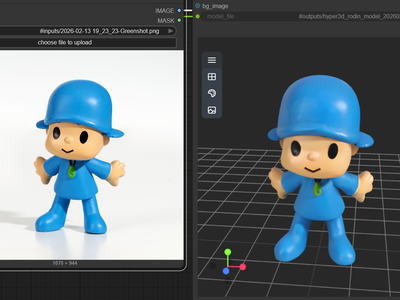

Hyper3D Rodin V2 for Image to 3D
Turn your images into 3D using Hyper3D Rodin v2
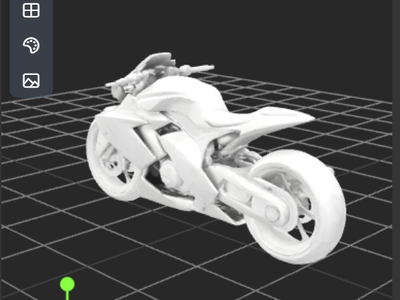
Meshy v6 Text to 3D Model
Create a 3D using Meshy v6 text to model
Image to 3D with Hunyuan3D
A simple workflow to create a detailed & textured 3D model from a reference image.
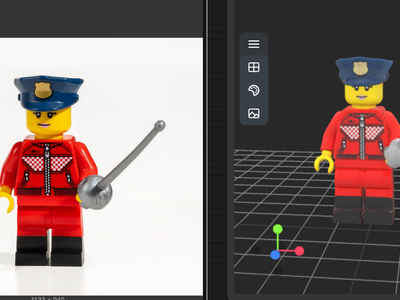
Meshy v6 for Image to 3D Model
Create a 3D model from Image using Meshy v6
Trellis 2 Image to 3D
Upload an image and Trellis 2 builds a textured 3D mesh with PBR materials. Outputs GLB ready for Blender, Unity, or Unreal in about a minute on an H100.
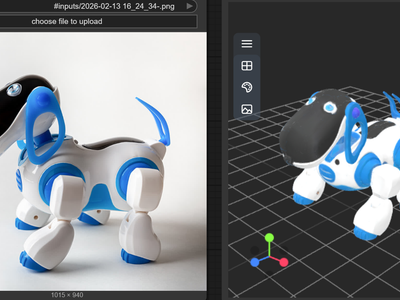
Tripo3D for Image to 3D
Create 3D model using Tripo3D with v2.5

SHARP · Image to 3D Gaussian Splat
Upload one image and Apple's SHARP model generates a 3D Gaussian Splat in under a second, with a live 3D preview and a downloadable PLY file.

TripoSplat · Image to 3D Turnaround
Turn one photo into a 3D Gaussian splat with TripoSplat by VAST-AI, plus colour, depth, normal, and clay turntable videos. Upload an image and hit run.

MoGe 2 for Perspective Image to 3D Mesh
Upload one photo and MoGe 2 by Microsoft Research converts it into a textured 3D mesh with depth maps, normal maps, and a downloadable GLB file. Hit run.

MoGe-2 · Panorama to 3D Mesh
Turn a 360 panorama into a textured 3D mesh with MoGe-2, Microsoft's geometry model. Upload a panorama, hit run, and download a GLB you can open anywhere.
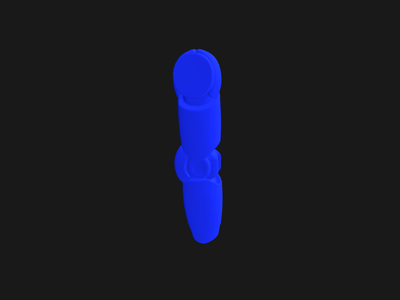
Hunyuan 3D v3.1 for Part Splitter
Break a 3D mesh into clean, separate components using Tencent's Hunyuan 3D Part Splitter. Paste a link to an FBX file, hit run, and download each part individually.
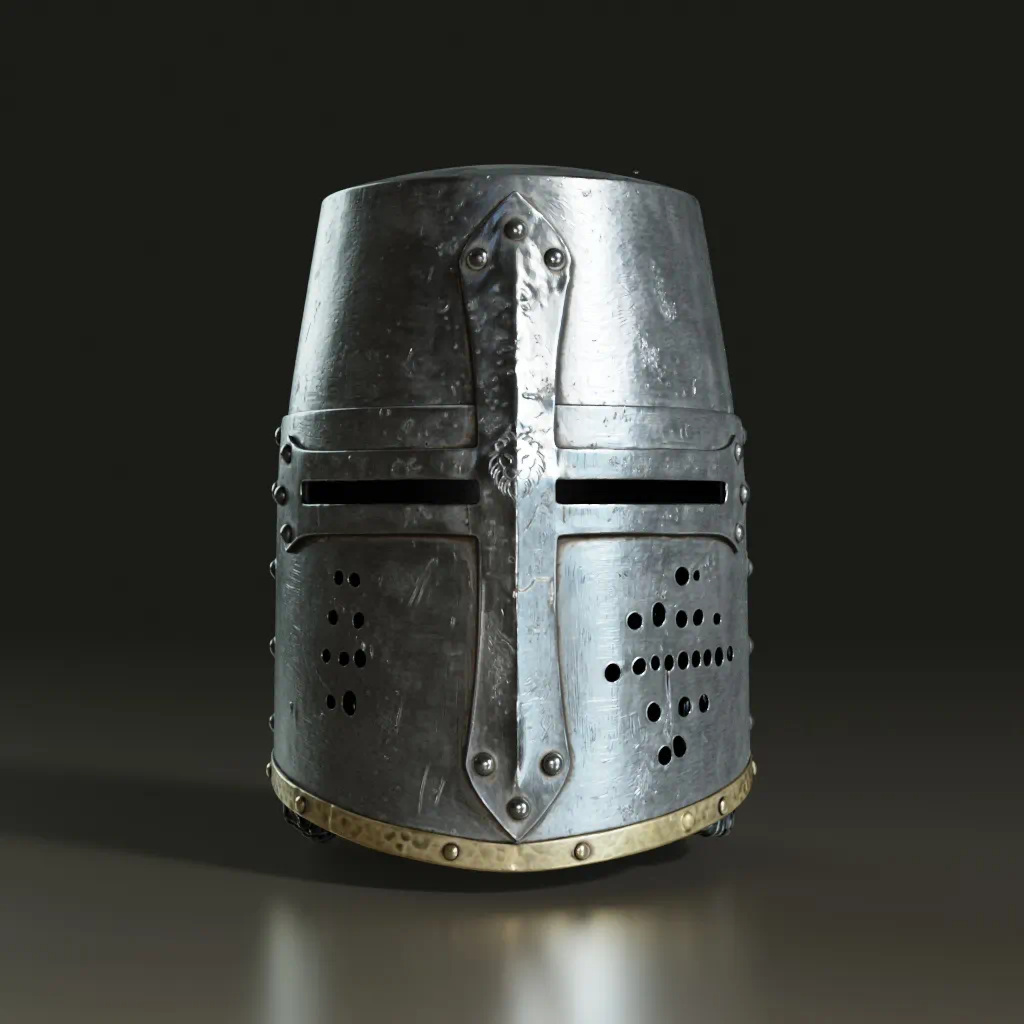
Hi3D for Multiview to 3D
Upload one to four photos of an object from different angles. Hi3D V3 reconstructs a textured, PBR-ready 3D model you can open in Blender, Unity, or Unreal.
Workflows = API
Mọi quy trình đều là một endpoint API. Đưa tính năng tạo nội dung bằng AI vào sản phẩm của bạn mà không cần tự dựng backend. Chọn một quy trình, tinh chỉnh, nhấn “Sao chép đoạn mã Floyo API” - xong.

MCP
Mọi quy trình trên nền tảng, trong tầm tay agent và công cụ nội bộ của bạn, với cùng các quyền kiểm soát quản trị.
mcp.floyo.ai/mcp
Mẫu dễ dùng
Mở một quy trình có sẵn, đọc hướng dẫn, thay dữ liệu đầu vào, bấm Run. Hầu hết mọi người không bao giờ phải mở một node nào. Sự phức tạp là tùy chọn và nằm gọn bên dưới.

Trust Center
Biết điều gì an toàn trước khi bất kỳ ai chạy nó. Trạng thái Verified Private và Commercial Use cho từng mô hình, cùng các công cụ kiểm soát nhóm để chặn những mô hình bạn không phê duyệt.Quản trị viên chọn những mô hình, nhà cung cấp và node mà nhóm được dùng.

Mẫu dễ dùng
Mở một quy trình có sẵn, đọc hướng dẫn, thay dữ liệu đầu vào, bấm Run. Hầu hết mọi người không bao giờ phải mở một node nào. Sự phức tạp là tùy chọn và nằm gọn bên dưới.
Trust Center
Biết điều gì an toàn trước khi bất kỳ ai chạy nó. Trạng thái Verified Private và Commercial Use cho từng mô hình, cùng các công cụ kiểm soát nhóm để chặn những mô hình bạn không phê duyệt.Quản trị viên chọn những mô hình, nhà cung cấp và node mà nhóm được dùng.
Workflows = API
Mọi quy trình đều là một endpoint API. Đưa tính năng tạo nội dung bằng AI vào sản phẩm của bạn mà không cần tự dựng backend.Chọn một quy trình, tinh chỉnh, nhấn “Sao chép đoạn mã Floyo API” - xong.
Bắt đầu
Khóa học miễn phí
ComfyUI 101
khóa học miễn phí của Sebastian KamphKhóa học miễn phí của Sebastian Kamph
Mười bài học, từ canvas trống đến ControlNet. Node, văn bản thành ảnh, mô hình, LoRA, nâng độ phân giải và thiết lập KSampler. Không cần cài đặt gì. Mọi bài học đều chạy ngay tại đây, nên khi học xong bạn sẽ có những quy trình do chính mình xây dựng.
