






แสดง31 Workflows

Wan2.1 and VACE for Video to Video Outpainting
Wan VACE video outpainting invites you to break free from the limits of the frame and explore endless creative possibilities.

VOID · Video Object Removal
Erase any object from a video and fill the gap with coherent motion using VOID by Netflix and SAM3 by Meta. Type the object name, hit run. Apache 2.0.
MiniMax H3 Open Weights - Reference to Video
Swap a character or object into an existing clip with MiniMax H3 (Hailuo 3.0), the open-weights editor. Add a reference image, describe the change, and hit run.

LTX 2.3 - Extend Video
Add seconds to an existing video with LTX 2.3. Upload a clip, set the duration and mode


LTX 2.3 Edit Videos
With this workflow you can add, remove, replace, convert style of the video

Wan Alpha Create Transparent Videos
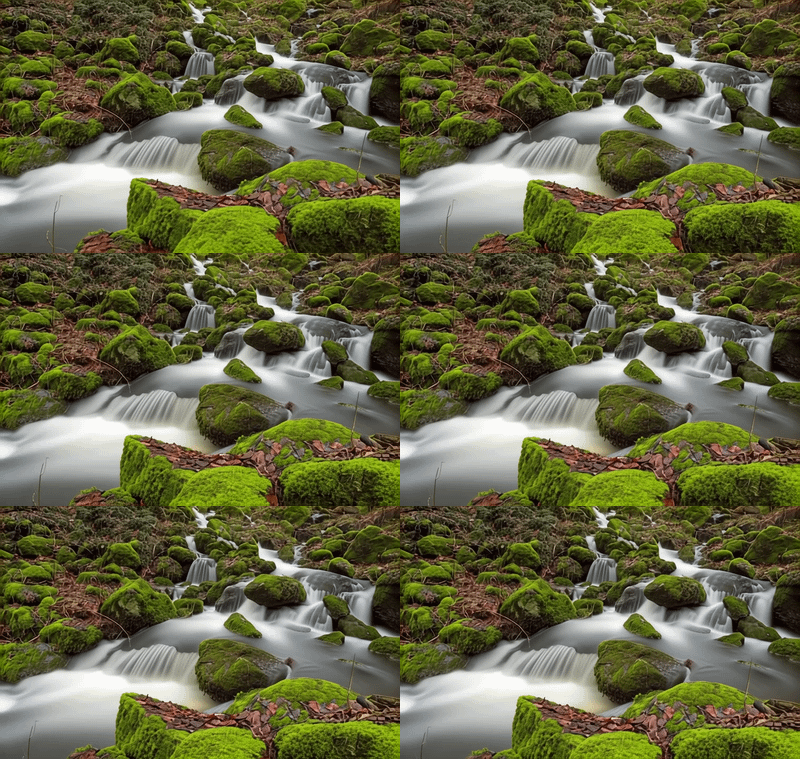
Video Detailer using LTX 2 Vid2Vid
It can enhance the detail of the video
Bernini-R · Image to Video
Generate or edit video with Bernini-R, ByteDance's unified 14B renderer built on Wan 2.2. Upload an image, pick a task mode, describe the motion, hit run.

Vertical Video Background & Scene Rebuild
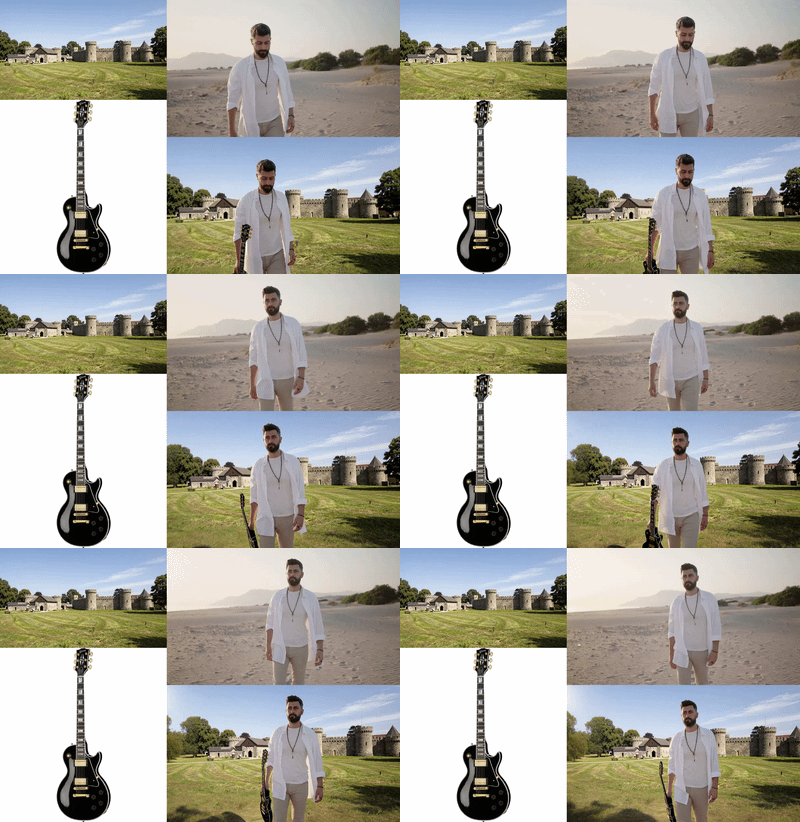
Kling Omni One Video to Video Edit
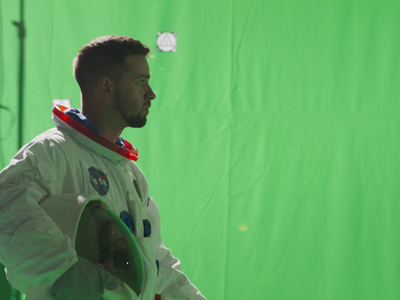
AI Video Background Replacement
Step 1: Upload you footage. Step 2: Upload alpha of what you need to replace, be it full BG or selected area. Step 3: Add prompt Step 4: Upload a reference image Step 5: Hit Que
Change in the Character using Image2Vid
Editing the character in the video without losing quality using video to video workflow

LTX-2.3 · Clean Plate (Video Object Removal)
Erase people and moving objects from a video and rebuild the scene behind them with LTX-2.3 by Lightricks. Upload a clip, describe the empty shot, hit run.

Kling O3 Pro - Video to Video Edit
Kling O3 Pro - Video to Video Reference
Edit your video with Kling O3 Pro. Upload a clip, describe what to change, set duration and aspect ratio. Audio is preserved by default.

LTX 2.3 Video Inpainting · Video to Video
Replace or add objects in a video with a single generation pass using LTX-Video 2.3 and a dedicated inpainting LoRA. Upload a video, draw a mask, describe the change, and hit run. Faster than the multi-pass version.


LTX 2.3 · Extend Video
Upload a video and describe what happens next. LTX 2.3 generates a seamless continuation from the last frame, matching the original motion, lighting, characters, and audio.
AI Influencer Video Maker · Image to Video
Upload a person photo and a product photo, and this two-step workflow composites them into a styled influencer image with Qwen Image Edit 2511, then animates it into a 10-second talking video with synchronized audio using LTX-2 19B.
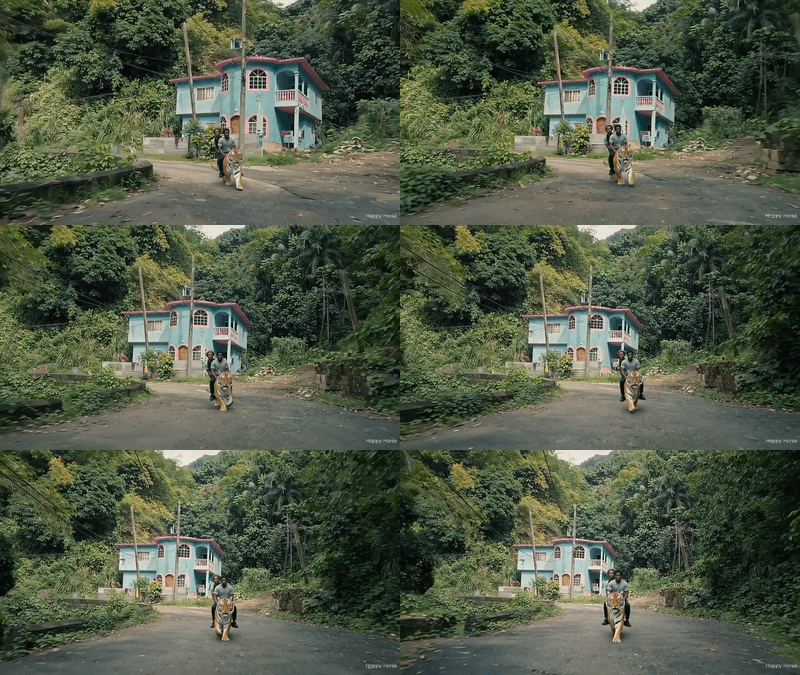
Happy Horse 1.0 Video Editing
Edit any video with Happy Horse 1.0 by uploading up to 5 reference images. Swap backgrounds, change subjects, or shift style. Original motion stays intact.

Gemini Omni Flash: Video Editing
A prompt-based video editing workflow that lets you edit an existing video with a plain-language instruction using Google's Gemini Omni Flash model.
LTX-2.5 ICLoRA Outpaint for Video Outpainting
Extend any video beyond its original frame using LTX-2.5 with IC-LoRA outpainting. Upload a video, set a larger canvas size, and hit run.
Wan 2.1 VACE Outpaint · Video to Video
Upload a video and Wan 2.1 with the VACE module extends the frame outward, filling in new content that matches the original scene, motion, and lighting.

LTX-2.3 · Video Colorization
Colorize black-and-white or faded video with LTX-2.3 by Lightricks. A local Gemma model reads the scene and writes the colour prompt, then you hit run.

Extended

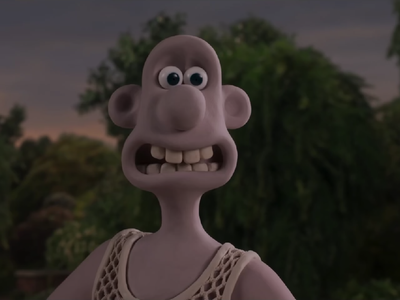
Wan 2.1 Outpaint · Video to Video For Viral SNS
Upload a video and Wan 2.1 with the VACE module extends the frame outward, filling in new content that matches the original scene, motion, and lighting.
Outpaint
Gemini Omni Flash 1.1 for Video Edit
Edit a video with a text instruction using Gemini Omni Flash 1.1, Google's multimodal video model. Upload a clip, describe the change, and hit run.


Video to YouTube Thumbnail - Nano Banana
Upload a video and your brand assets. A built-in AI prompt engine writes the image prompt, then Nano Banana Pro generates a click-ready 16:9 thumbnail.
FLUX 3 · Extend Video
FLUX 3 is Black Forest Labs' video model that continues a clip where it left off. Upload a video for up to 20 seconds of new footage, with sound.
Happy Horse 1.0 for Video Color Grading (Monotone)
Apply a color grade to any video using Happy Horse 1.0, Alibaba’s instruction-driven video editing model. Upload a video, choose a color reference, and hit run.
Happy Horse 1.0 for Video Color Grading Multitone
Apply duotone, tritone, or reference-based color grading to any video using Happy Horse 1.0, Alibaba’s top-ranked video editing model. Upload a clip, pick your colors, and hit run.