


COMMUNITY PAGE
Qwen Edit 2511
Home / Model / Qwen Edit 2511 on Floyo
AI IMAGE EDITING
Run Qwen Edit 2511 on Floyo
Alibaba's 20B parameter image editing model with natural language instructions. Character reshoot, face swap, multi-angle generation, outpainting, and identity-preserving edits. Built-in LoRA support.
Run Alibaba's Qwen Edit 2511 through ComfyUI in your browser. No API key, no installs, no local GPU.
|
Parameters 20B |
Key Upgrade Identity consistency |
|
LoRA Built-in community LoRAs |
License Apache 2.0 |
| Try Qwen Edit 2511 Now → | Browse All Models |
No installation. Runs in browser. Updated April 2026.
What you get?
Qwen-Image-Edit-2511 is Alibaba's 20B parameter open-source image editing model, released December 2025 as a major upgrade over the 2509 version. It solves the "face changing" problem in AI photo editing by preserving identity during edits. Features include character reshoot, face swap, multi-angle camera generation, outpainting, multi-person consistency, built-in community LoRAs, enhanced industrial design generation, and strengthened geometric reasoning. Apache 2.0 licensed. Available as ComfyUI nodes on Floyo.
QWEN EDIT 2511 WORKFLOWS ON FLOYO
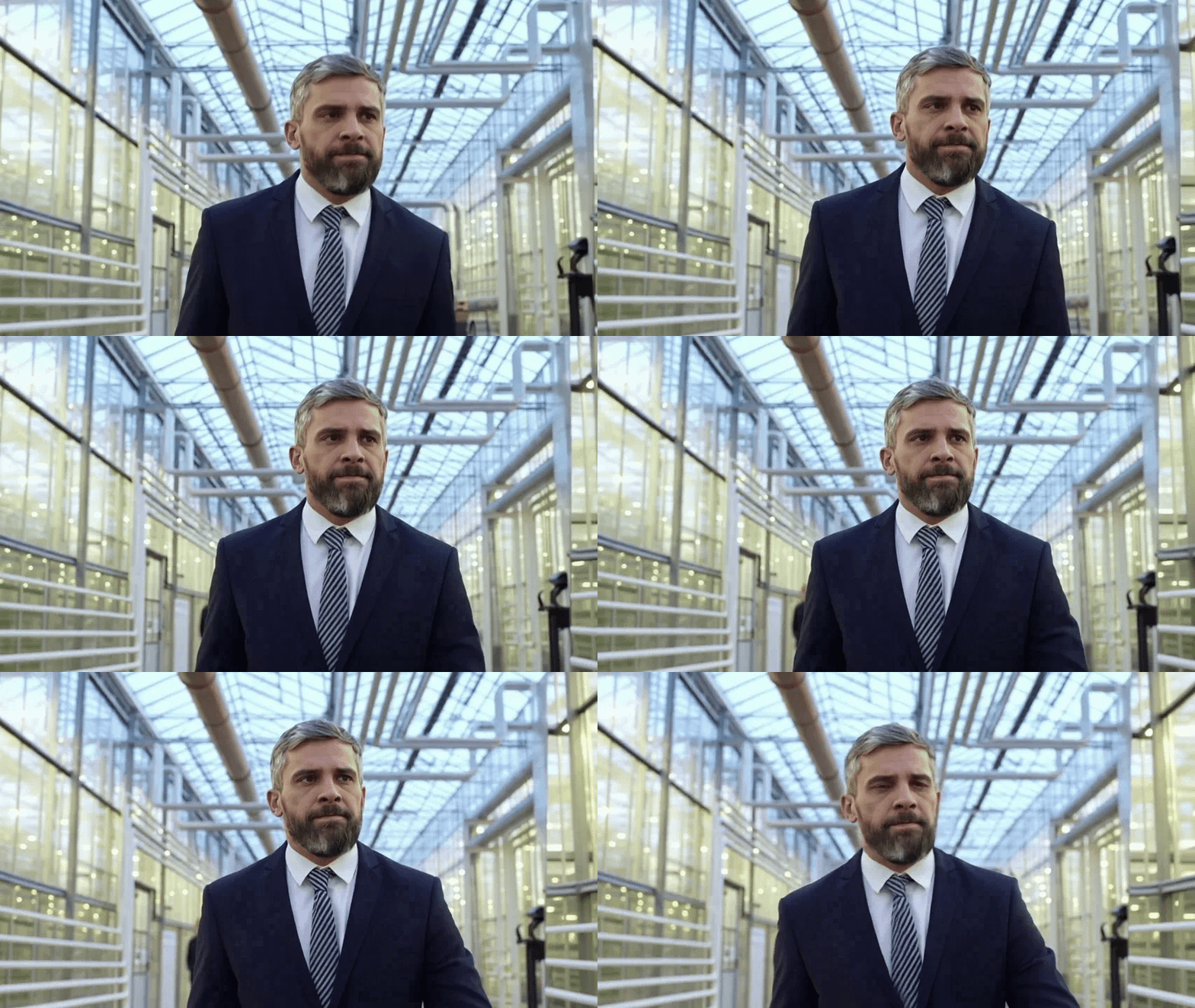
Character Reshoot Using Qwen Edit 2511
What is Qwen Edit 2511?
Qwen-Image-Edit-2511 is Alibaba's 20B parameter open-source image editing model, released December 23, 2025. It is part of the Qwen-Image family and represents a major upgrade over the previous 2509 version. The core improvement: identity preservation during edits. When you change clothing, backgrounds, lighting, or pose, the person's face stays the same. This was the #1 complaint with earlier AI editing models.
The model works with natural language instructions. Describe what you want to change ("put her in a winter coat," "change the background to a beach," "make it sunset lighting") and the model applies the edit while preserving the parts you didn't ask to change. No manual masking, no inpainting brushes, no layer management.
The 2511 update brought five specific improvements over 2509: reduced image drift (the output stays closer to the input), improved multi-person consistency (group photos maintain each person's identity), built-in community LoRAs (no extra fine-tuning needed for popular styles), enhanced industrial design generation (product renders, engineering visuals), and strengthened geometric reasoning (construction lines, structural edits).
The model handles single-person portraits, group photos with multiple people, product photography, architectural visualization, and stylistic transformations. It supports bilingual instructions (English and Chinese) and can edit text within images.
On Floyo, Qwen Edit 2511 runs through native ComfyUI nodes on H100 NVL GPUs. Four pre-built workflows cover the main use cases: character reshoot, face swap, multi-angle camera generation, and outpainting. No model downloads, no local setup.
What are Qwen Edit 2511's technical specifications?
Qwen Edit 2511 is a 20B parameter diffusion-based image editing model. It accepts an input image plus a natural language instruction and outputs the edited image. Built on the Qwen-Image unified architecture with bilingual support (English + Chinese). Supports built-in LoRAs, multi-hardware acceleration (NVIDIA, Huawei Ascend, Cambricon), and up to 42.55x speedup with LightX2V distillation.
| Spec | Details |
|---|---|
| Developer | Alibaba (Qwen / Tongyi Lab) |
| Parameters | 20 billion |
| Architecture | Diffusion-based editing model (Qwen-Image unified architecture) |
| Previous Version | Qwen-Image-Edit-2509 (September 2025) |
| Input | Source image + natural language instruction (English or Chinese) |
| Identity Preservation | Facial features maintained through edits (single-person and multi-person) |
| Multi-Person | Yes (maintains identity consistency across multiple people in group photos) |
| Built-in LoRAs | Popular community LoRAs integrated (no external fine-tuning needed) |
| Multi-Angle | Generate edited images from multiple viewpoints (azimuth + elevation control) |
| Text Editing | Bilingual text rewriting and editing within images |
| Geometric Reasoning | Construction lines, structural edits, architectural modifications |
| Hardware Acceleration | NVIDIA, Huawei Ascend, Cambricon (up to 42.55x speedup with LightX2V) |
| License | Apache 2.0 (full commercial rights) |
| ComfyUI Access | Native support on Floyo (4+ workflows) |
| Release Date | December 23, 2025 |
What can you create with Qwen Edit 2511?
Qwen Edit 2511 covers character reshoot, face swap, multi-angle product and character views, outpainting (canvas extension), clothing changes, background replacement, lighting adjustments, style transfer, industrial design visualization, and text editing within images. All edits preserve the original subject's identity. Multi-person group edits maintain each person's appearance separately.
| Capability | What It Does | Use Case |
|---|---|---|
| Character Reshoot | Change clothing, pose, setting, or context while preserving the person's face and identity. Works for single and multi-person images. | Fashion mockups, talent reshoots, social media content |
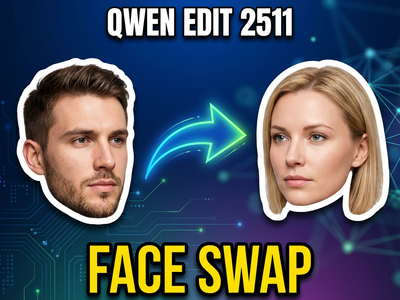
| Face Swap | Replace a face in an image while maintaining the body, clothing, pose, and scene. The model blends the new face naturally with the existing composition. | AI influencer content, casting visualization, team photos |
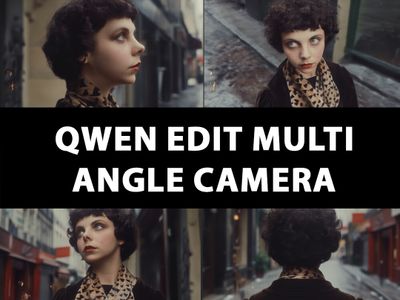
| Multi-Angle Camera | Generate the same scene from multiple viewpoints. Control azimuth and elevation for 3D-consistent outputs from a single input image. | Product visualization, 360-degree views, virtual try-on |
| Outpainting | Extend the canvas beyond the original image boundaries. The model generates contextually appropriate content that blends with the existing scene. | Wide-angle expansion, social media format adaptation, print extensions |
| Industrial Design | Enhanced product and engineering visualization. Construction lines, structural edits, and geometric transformations with improved reasoning. | Product prototyping, architectural renders, engineering mockups |
| Style Transfer | Transform the visual style of an image (lighting, color grade, artistic style) while preserving composition and identity. Built-in community LoRAs extend style range. | Brand adaptation, creative reimagining, seasonal campaigns |
What are Qwen Edit 2511's key features?
Qwen Edit 2511's feature set is built around one principle: edit anything while keeping identity intact. The 2509 version could edit images, but faces would drift. The 2511 version locks identity. This single improvement changes what is possible in production workflows where the person in the image matters more than the scene around them.
Identity Preservation
The core upgrade in 2511. When you edit clothing, background, lighting, or pose, the person's facial features stay locked. No "face drift" where the model subtly changes bone structure, skin tone, or facial proportions during edits. This works for single-person portraits and multi-person group photos where each person's identity needs to be maintained independently.
Multi-Person Consistency
Group photos and complex multi-person scenes maintain each person's appearance separately. Edit one person's clothing without affecting others. Change the background of a group shot without altering any faces. This was a major weakness in 2509 and earlier editing models, where multi-person edits would blend or swap features between people.
Built-in Community LoRAs
Popular community LoRAs are integrated directly into the model. No external fine-tuning or separate LoRA loading needed. This extends the model's capabilities for specific styles, aesthetics, and content types without the setup overhead that usually comes with LoRA workflows.
Geometric Reasoning
The 2511 version has stronger spatial and structural understanding. Construction lines, architectural proportions, and geometric relationships are preserved during edits. This matters for industrial design, product visualization, and engineering workflows where spatial accuracy is not optional.
Natural Language Instructions
Describe your edit in plain English or Chinese. "Put her in a red dress." "Change the background to a forest." "Make it look like golden hour." No masking, no layer management, no inpainting brushes. The model understands semantic intent and applies the edit to the correct region of the image automatically.
Apache 2.0 License
Full commercial rights. Model weights are open on HuggingFace and ModelScope. You can deploy locally, use through the Floyo API, or integrate into your own products. No usage restrictions, no per-edit charges from the model license itself.
How does Qwen Edit 2511 work?
Qwen Edit 2511 is a 20B parameter diffusion model built on the Qwen-Image unified architecture. It takes an input image and a natural language instruction, then generates the edited output. The model encodes the source image into a latent space, applies the instruction-guided modification, and decodes the result back to pixel space while preserving regions that the instruction did not target.
Identity preservation works by extracting and locking facial feature embeddings before applying edits. When you change clothing or background, the model knows which parts of the latent representation correspond to facial identity and protects them from modification. The 2511 version strengthened this locking mechanism compared to 2509, dramatically reducing drift.
The multi-angle LoRA variant generates 3D-consistent views by controlling azimuth and elevation parameters. Given a single input image, it renders the same subject from different camera positions. This is trained on synthetic multi-view data to ensure cross-view consistency, solving the common problem where multi-view generators produce inconsistent faces or proportions between angles.
On Floyo, Qwen Edit 2511 runs through native ComfyUI nodes on H100 NVL GPUs. The workflows load the model, accept your source image and instruction, and output the edited result. You can chain it with other models: generate an image with Z-Image Turbo or Nano Banana, then edit it with Qwen Edit 2511 in the same workflow.
Frequently Asked Questions
Common questions about running Qwen Edit 2511 on Floyo.
You can start with Floyo's free pricing plan. To continue using the service beyond the free tier, upgrade your Floyo pricing plan. Qwen Edit 2511 is open-source under Apache 2.0, so there is no additional API cost beyond your Floyo plan.
Open Floyo in your browser, search "Qwen Edit" in the template library, and pick a workflow. Click Run, upload your source image, write your editing instruction, and generate. Floyo handles the GPU, ComfyUI environment, and model weights. No local install, no Python setup.
Alibaba's Qwen team (Tongyi Lab). Qwen-Image-Edit-2511 was released December 23, 2025 as an upgrade over the 2509 version. It is part of the Qwen-Image family, which includes generation (Qwen-Image) and editing (Qwen-Image-Edit) models. Model weights are available on HuggingFace and ModelScope.
The 2511 version fixes the identity drift problem. In 2509, faces would subtly change during edits. 2511 locks facial features, especially in multi-person scenes. It also adds built-in community LoRAs, better industrial design generation, and stronger geometric reasoning for structural edits. If you used 2509 and faces were drifting, 2511 is the fix.
Yes. Qwen Edit 2511's multi-person consistency is one of the major upgrades. Each person's identity is maintained independently during edits. Change one person's clothing, adjust the background, or modify lighting without altering anyone's facial features.
Yes. Floyo runs ComfyUI, which lets you chain multiple models. Generate an image with Z-Image Turbo or Nano Banana, then edit it with Qwen Edit 2511. Or use Qwen Edit 2511 to reshoot a character, then animate the result with Wan 2.7 or Kling Omni. All in one pipeline.
Yes. The model is released under the Apache 2.0 license, which grants full commercial usage rights. You can use edited images in products, marketing, client work, and any other commercial context without additional licensing.
Yes. The "Multi-Angle Camera" workflow uses a LoRA-fine-tuned variant of Qwen Edit 2511 to generate the same scene from different viewpoints. You control azimuth and elevation for 3D-consistent outputs from a single input image. Useful for product visualization, virtual try-on, and architectural renders.
Try Qwen Edit 2511 on Floyo
Identity-preserving image editing with character reshoot, face swap, multi-angle views, and outpainting. 20B parameters, Apache 2.0. Run it in your browser.
| Try Qwen Edit 2511 Now → | Browse All Models |
Related Reading
AI Ad Creatives for Social and Web
Character and Concept Design on Floyo
Last updated: April 2026. Specs from Alibaba Qwen official documentation, Alibaba Cloud Community blog, HuggingFace model card, Qwen X (Twitter) announcement, and third-party reviews.

aiandpixels
10.0k
Face Swap
Image
Qwen edit
Qwenedit
Qwenedit2511
Qwen Edit 2511
Qwen edit face swap
Face Swap
Qwen Edit 2511 Face Swap
Face Swap
aiandpixels
3.5k
Image
LoRAs
multi angle camera
qwenedit
qwenedit2511
qwen edit angle 2511
Multi Angle Camera
Qwen Edit 2511 Multi Angle Camera
Multi Angle Camera


Audio
Image
Image2Video
Kling Omni One
LoRAs
Next Scene LoRA
Qwen Image Edit 2511
Reference2Video
Video
Creating a reshoot for a character
Character Reshoot using Qwen Edit 2511 + Kling O1
Creating a reshoot for a character
Qwen Edit 2511 - inpainting
inpainting
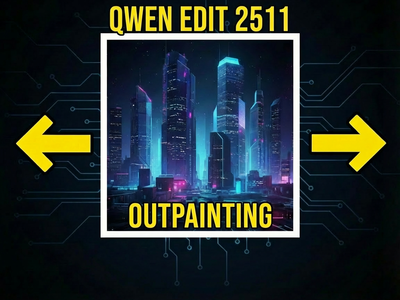
Qwen Edit 2511 OUTPAINTING
OUTPAINTING
Run Qwen Edit 2511 online through ComfyUI on Floyo. Alibaba's 20B parameter identity-preserving image editing model. Instruction-based editing that keeps faces, clothing, and identity consistent across edits. Inpainting, outpainting, style transfer, background replacement, and object manipulation from text instructions. 4 workflows. No install, no GPU, browser-based. Free to try.