


Explore more use cases
Explore All



All face swap workflowsFace swap workflows
All Workflows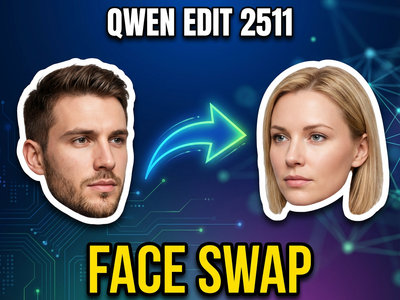

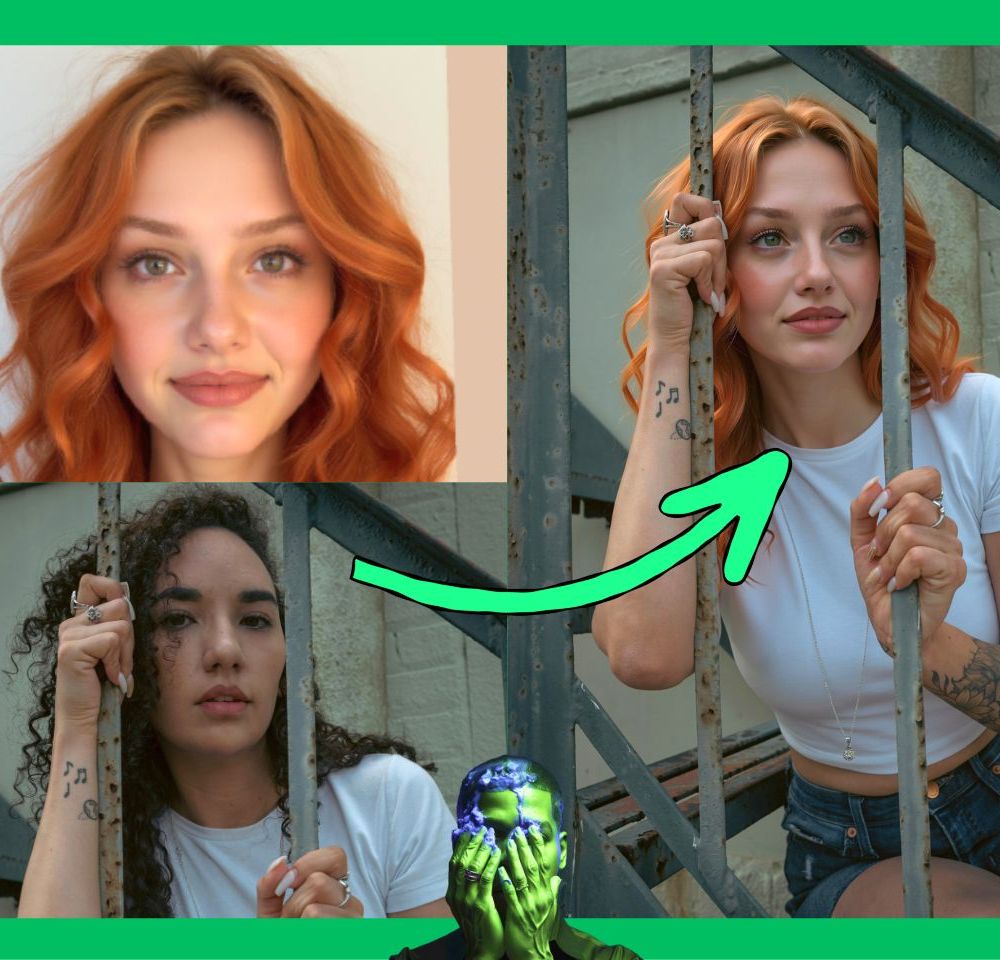
Qwen Edit 2511 Face Swap
Face Swap


Qwen Image Edit 2509 · Face Swap
Swap a face between two photos with Qwen Image Edit 2509. Upload a main image and a reference, paint a mask on each face, hit run. Apache 2.0 open weights.


ReActor - Simple Face Swap

SMART FACE SWAPPER - Ace++ Flux Face swap
Face swapper built with Flux and ACE++. Works with added details too, like hats, jewelry. Smart features, use natural language.
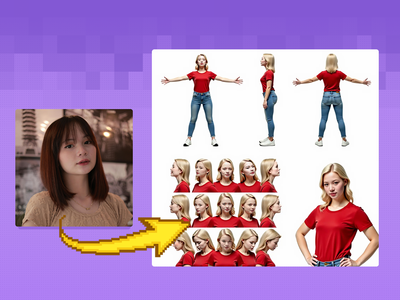
Image to Image Character Sheet Face Swap with Ace+
Take a character sheet and use a reference image to replace all the faces with that new person. Key Inputs Load Image: Use any JPG or PNG showing your pose sheet Load New Face: Use any JPG or PNG showing your subject clearly that you would like to swap into the pose sheet. Prompt: as descriptive a prompt as possible Width & height: Optimal resolution settings are noted at 1024px x 1024px Keep Proportion: Enable keep_proportion if you want to keep the same size with input and output Denoise: The amount of variance in the new image. Higher has more variance.

Vertical Video Background & Scene Rebuild


Qwen Image 2.1 Face Swap
Upload a photo and a new face. Qwen Image 2.1 swaps in the whole head and keeps the body, pose, outfit, and scene from your original. Two uploads, one prompt.
Workflows = APIs
Every workflow is an API endpoint. Ship AI generation in your product without building a backend. Pick a workflow, customize, click "Copy API Snippet," done.

MCP
Every workflow on the platform, reachable by your own agents and internal tools, under the same admin controls.
mcp.floyo.ai/mcp
Easy templates
Open a ready-made workflow, read the instructions, change your input, click Run. Most people never open a node. Complexity is optional and lives under the hood.

Trust Center
Know what's safe before anyone runs it. Verified Private and Commercial Use status for every model, plus team controls to block the ones you don't approve.Admins choose which models, providers and nodes the team can use.

Easy templates
Open a ready-made workflow, read the instructions, change your input, click Run. Most people never open a node. Complexity is optional and lives under the hood.
Trust Center
Know what's safe before anyone runs it. Verified Private and Commercial Use status for every model, plus team controls to block the ones you don't approve.Admins choose which models, providers and nodes the team can use.
Workflows = APIs
Every workflow is an API endpoint. Ship AI generation in your product without building a backend.Pick a workflow, customize, click "Copy API Snippet," done.
get Started
Free Course
ComfyUI 101
free course by Sebastian KamphFree course by Sebastian Kamph
Ten lessons from a blank canvas to ControlNet. Nodes, text to image, models, LoRA, upscaling and KSampler settings. Nothing to install. Every lesson runs here, so you finish with workflows you built yourself.
