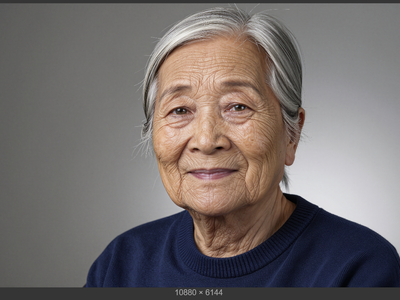
DyPE + Z-Turbo · Text to Image For Short Drama
Generate sharp 2K images from a text prompt using Z-Image Turbo with DyPE resolution scaling and a DeJPEG cleanup LoRA. Type a prompt and hit run.
dype
high resolution
Image
LoRAs
text to image
z-turbo
124
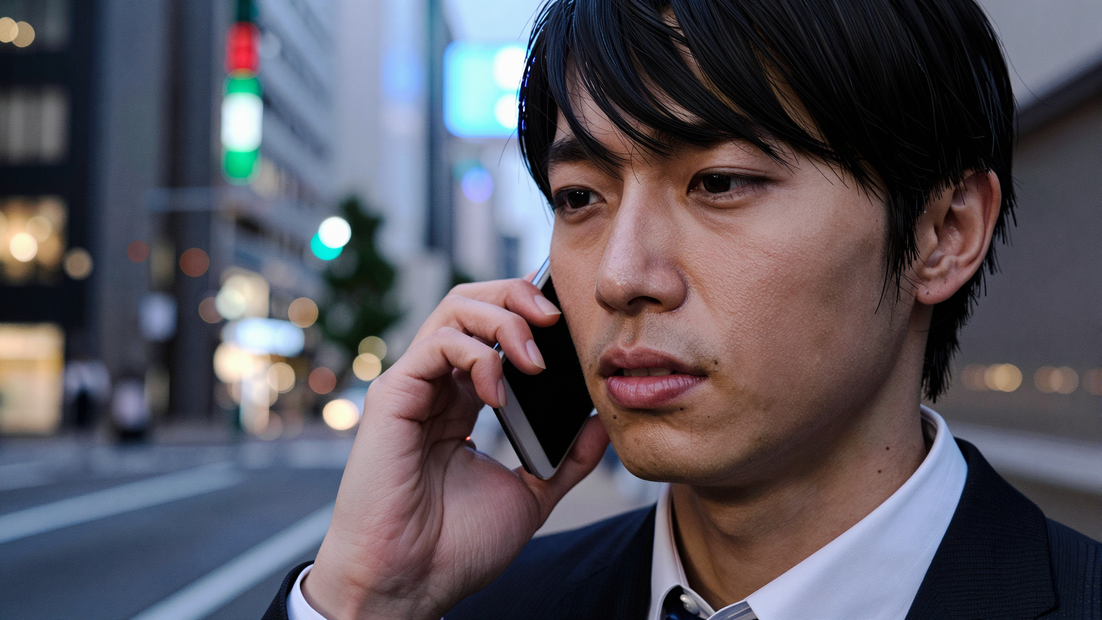
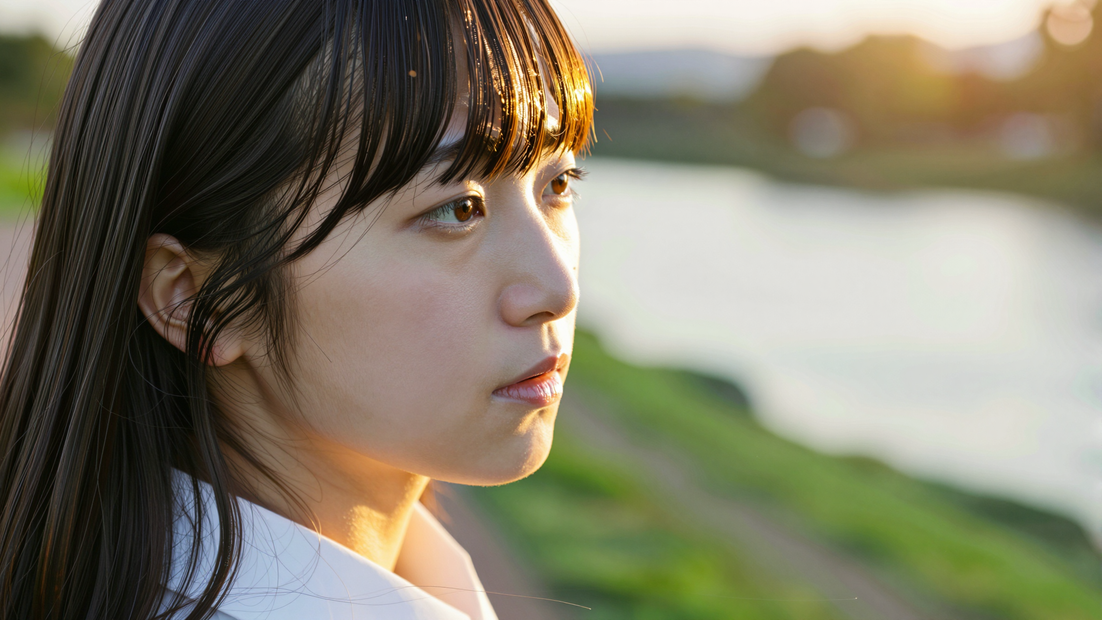
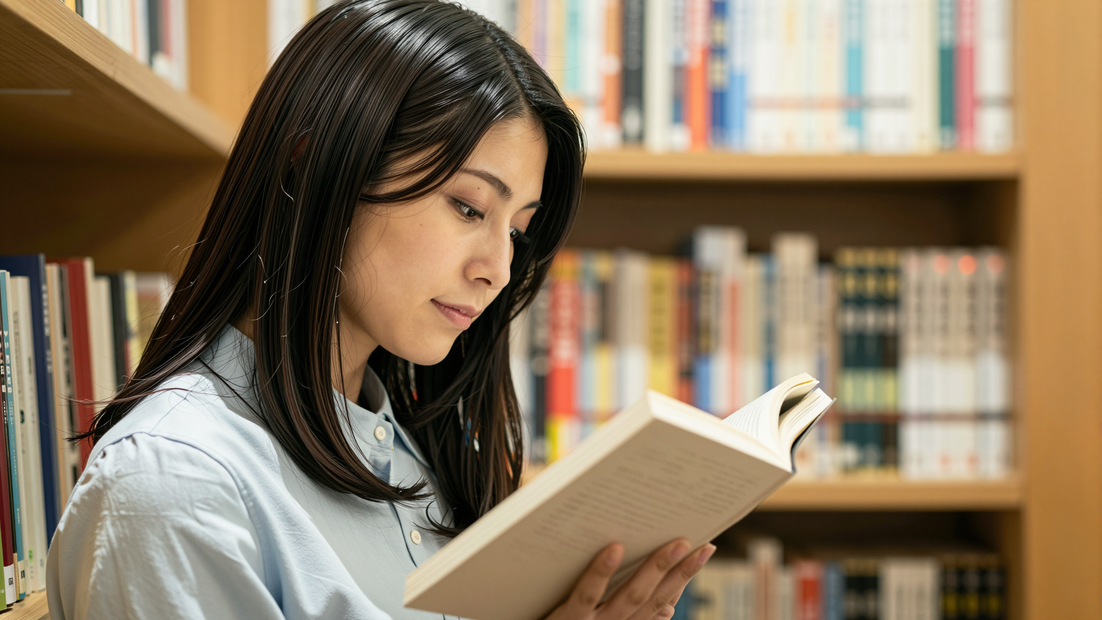



Nodes & Models
FloyoStickyNote
DyPE_FLUX
UNETLoader
z_image_turbo_bf16.safetensors
MarkdownNote
CLIPLoader
qwen_3_4b.safetensors
VAELoader
ae.safetensors
SaveImage
EmptySD3LatentImage
CLIPTextEncode
LoraLoaderModelOnly
dejpeg_v3.safetensors
ModelSamplingAuraFlow
ConditioningZeroOut
VAEDecode
KSampler
DyPE_FLUX
ABOUT THE WORKFLOW
Generate a High-Resolution Image
Type what you want to see and get a sharp 2048×1152 image in seconds. Z-Image Turbo is a fast 6B model trained at 1K resolution. DyPE (Dynamic Position Extrapolation) extends it to 2K and beyond without retraining or extra sampling cost, and the DeJPEG LoRA cleans up speckle artifacts that appear at higher resolutions. That's it.
Model
Z-Image Turbo by Tongyi-MAI (Alibaba). A distilled 6B parameter text-to-image model, the #1 ranked open-source model on the Artificial Analysis Image Arena. Strong at photorealism and bilingual text rendering. Paired with DyPE (by Hebrew University of Jerusalem, ComfyUI node by wildminder) for training-free high-resolution generation and the DeJPEG LoRA for artifact cleanup.
HOW IT WORKS
Step 1. Write a prompt
Describe the image you want. Be specific about the subject, setting, lighting, composition, and style. Detailed prompts produce better results at high resolution.
Works great with: cinematic scenes · portraits · fantasy art · product shots
Step 2. Hit run and download
Z-Image Turbo generates the image at 2048×1152 in 9 steps. DyPE scales the positional encodings automatically. The DeJPEG LoRA cleans the output. Preview it in the workflow, then download.
Ready for: Photoshop · Figma · print · any editor
First time? Leave every setting as-is. The defaults (2048×1152 · 9 steps · 1 guidance · DyPE exponent 2) are the right starting point for almost everyone.
RECOMMENDED SETTINGS
Quick-start guide. Find the goal that matches yours and copy the settings.
Standard generation (most people) — 2048×1152 · 9 steps · 1 guidance · DyPE exponent 2 · random seed. The right starting point for almost everyone.
Want a square output — Change width and height to 2048×2048. Update DyPE width and height to match. The two values must always be the same.
Want a portrait (vertical) image — Swap width and height to 1152×2048. Update DyPE width and height to match.
Want to go even higher resolution — Raise width and height toward 4K. DyPE supports resolutions up to 4096×4096, but generation time and VRAM usage increase with size. Keep the DyPE values matched to the image size.
Seeing speckle or grain artifacts — Raise the DyPE exponent from 2 to 3. Higher values reduce noise more aggressively but may soften fine proportions. The DeJPEG LoRA handles most cleanup at the default exponent.
Want to reproduce a result — Set the seed to a fixed number. The same seed, prompt, and settings produce the same image every time.
Want text rendered in the image — Quote the exact words in your prompt. Z-Image Turbo renders English and Chinese text accurately. "A vintage travel poster that reads 'Visit Kyoto'" works better than "a poster with Japanese text."
Prompt: Be descriptive. At high resolution the model renders more detail, so specific prompts pay off. "A tall female warrior on a cliff at sunrise, braided red hair, engraved silver plate armor with gold inlays, deep blue cloak, glowing runic sword, vast misty valley below, cinematic lighting" works better than "warrior on a cliff." Include composition cues (close-up, wide angle, overhead) for more control over framing.
LEARN
📹 Videos
ComfyUI 101 Free Course ft. Sebastian Kamph
Floyo 101 for Team Collaboration
✨ Quick links
USE CASES
🖼️ Print-Ready Art and Posters
Generate high-resolution images at 2K or above that hold up in print. The DyPE scaling preserves geometry and texture detail at sizes where standard generation falls apart.
📸 Photorealistic Scenes and Portraits
Z-Image Turbo is ranked #1 among open-source text-to-image models for photorealism. At 2K resolution, skin textures, fabric folds, lighting, and reflections render with more clarity than at the model's native 1K.
🎨 Concept Art and Fantasy Illustration
Describe complex scenes with many visual elements. At high resolution, the model resolves armor engravings, architectural details, environmental depth, and particle effects that compress into mush at lower sizes.
🛍️ Marketing and Campaign Visuals
Generate campaign imagery with embedded text at a resolution suitable for banners, billboards, and large-format displays. The bilingual text rendering handles English and Chinese copy in the same image.
WHAT WORKS BEST / WHAT TO AVOID
✅ Works great
Detailed, multi-element prompts with specific composition cues
Cinematic scenes, portraits, and fantasy art
English and Chinese text rendering at high resolution
Landscape (16:9) and square (1:1) aspect ratios
⚠️ May produce softer results
Short or vague prompts (the extra resolution amplifies weak prompts)
Extreme aspect ratios not well represented in training
Resolutions above 4K (artifacts increase and generation slows)
Raising steps or guidance above the defaults (the model is distilled for 9 steps at 1 guidance)
FAQ
What is DyPE and why does this workflow use it?
DyPE (Dynamic Position Extrapolation) is a training-free technique developed at the Hebrew University of Jerusalem. It dynamically adjusts a model's positional encodings during the denoising process, allowing it to generate images at resolutions far beyond its training size with no additional sampling cost. Z-Image Turbo was trained at 1K resolution. DyPE extends it to 2K and beyond while maintaining coherent geometry and detail.
What is Z-Image Turbo?
Z-Image Turbo is a distilled 6B parameter text-to-image model by Tongyi-MAI (Alibaba). It generates photorealistic images in 8 to 9 steps, supports bilingual text rendering in English and Chinese, and ranks #1 among open-source text-to-image models on the Artificial Analysis Image Arena. This workflow runs it at 9 steps with 1 guidance.
What does the DeJPEG LoRA do?
When generating at resolutions above the model's training size, speckle and compression-like artifacts can appear in the output. The DeJPEG LoRA cleans those artifacts during generation, producing a smoother, sharper result without a separate post-processing step.
Why do the DyPE width and height need to match the image size?
DyPE adjusts positional encodings based on the target resolution. If the DyPE dimensions do not match the image dimensions, the scaling will be wrong and the output will have distorted proportions or tiling artifacts. Always keep them in sync.
How high can I go with DyPE?
DyPE supports resolutions up to 4K×4K (4096×4096). Results are most stable up to about 2K to 3K. Above that, generation time and VRAM usage increase significantly, and some artifacts may appear at the edges. Start at 2048×1152 and step up only when you need the extra size.
Is Z-Image Turbo free to use commercially?
Yes. Z-Image Turbo is released as an open-source model by Tongyi-MAI (Alibaba). You can use the outputs in client work, published content, and commercial products.
How to run Z-Image Turbo with DyPE online?
You can run Z-Image Turbo with DyPE online through Floyo. No installation, no setup, no API key to wire up. Open the workflow in your browser, type your prompt, and hit run. Free to try.
WHY FLOYO?
Floyo is the only platform with team collaboration for ComfyUI in the browser. You run workflows with no install. You share run history, assets, and models across your team. You pay only when you generate. Floyo supports open-source and closed-source models.
A designer generates a high-resolution image and likes the result. A teammate opens that exact run from shared history and keeps going. No file handoffs. No version confusion.
For studios and enterprise teams, Floyo adds private workspaces, pooled resources, and a team usage dashboard. Other ComfyUI cloud tools run for one person at a time. Floyo runs for the whole team, with transparent per-generation costs.
Ready to try it?
Type a prompt and run it. The settings are already set.
Questions? Watch the free course or check the FAQ above.
Read more


_1786518453053.png?width=400&height=300&quality=80&resize=cover)