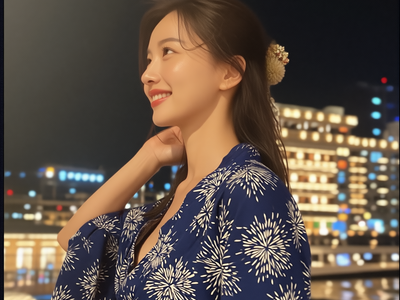
Camera Angle Control for Consistent Characters
Generate the same character from any camera angle without losing the design. Built for animation work, where one cut list needs high angle, low angle, profile and over-the-shoulder views of a single character. Set the angle, keep the face. Runs on free models.
anime
character-consistency
Image
LoRAs
307
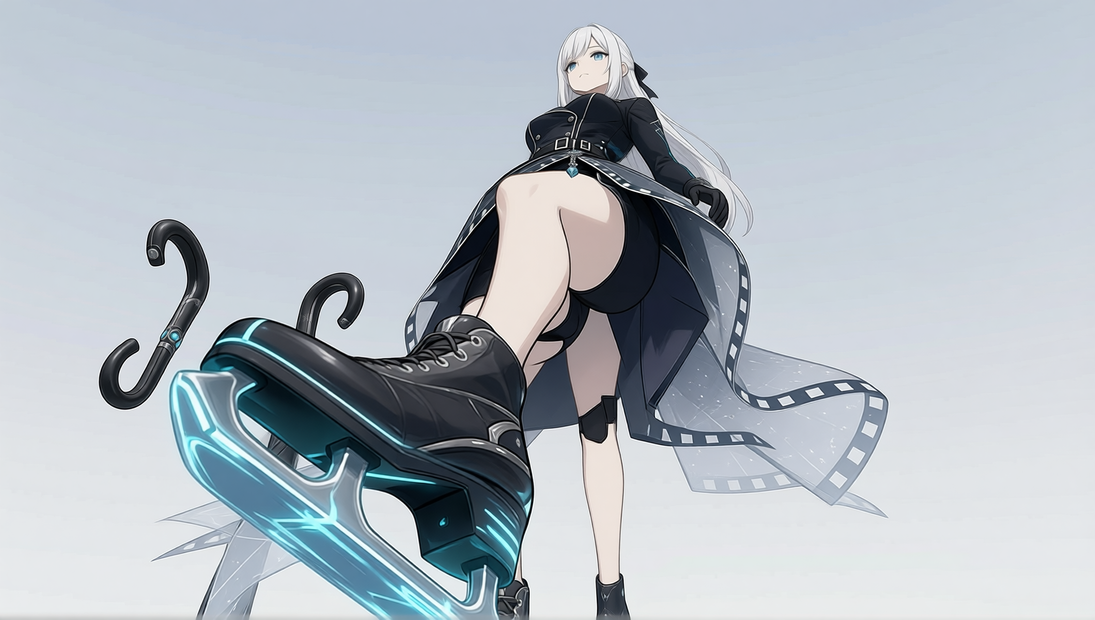
The hardest part of making animation with generative tools is not making a
good image. It is making the same character twice.

A storyboard asks for a high angle here, a low angle there, a profile in the
next cut. Most workflows give you a different person each time. This one is
built to hold the design while the camera moves around it.

How to use
1. Put in your character reference.
2. Choose the camera angle you need for the cut.
3. Generate. Repeat for every angle in the sequence.

Notes
- Works best when the reference clearly shows the face and the silhouette.
- Extreme angles are harder. If the identity drifts, pull the angle back a
  little and try again rather than raising the strength.
- Made while producing an animated short, so the angle list follows what a
  real cut list actually asks for.
Read more
N
_1786518453053.png?width=400&height=300&quality=80&resize=cover)

_1786522681696.png?width=400&height=300&quality=80&resize=cover)