


用 3D 做更多
查看全部

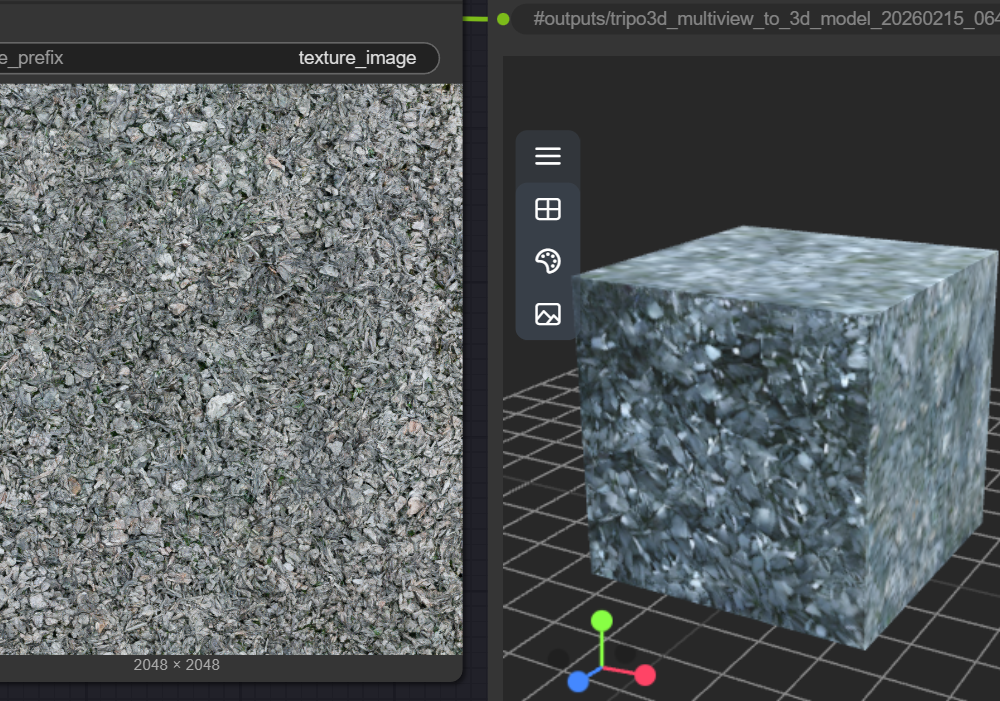
3D 纹理工作流一览3D 纹理工作流
全部 Workflows

Trellis 2 Image to 3D
Upload an image and Trellis 2 builds a textured 3D mesh with PBR materials. Outputs GLB ready for Blender, Unity, or Unreal in about a minute on an H100.
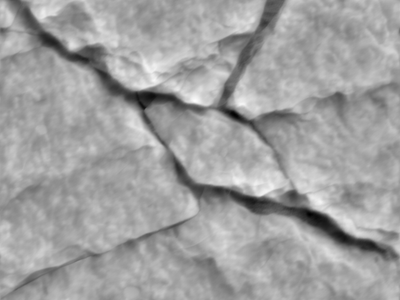
Z-Image Turbo + Chord Image to PBR Material

Texture to PBR · Image to Material
Upload a seamless texture and this workflow extracts a full PBR material set including albedo, normal, metallic, roughness, ambient occlusion, and height maps using Marigold and Lotus models.

Seamless PBR Texture Workflow
Turn any reference image into a tileable wood texture with full PBR maps: basecolor, normal, roughness, metalness, and height. Built for Unreal and Blender.
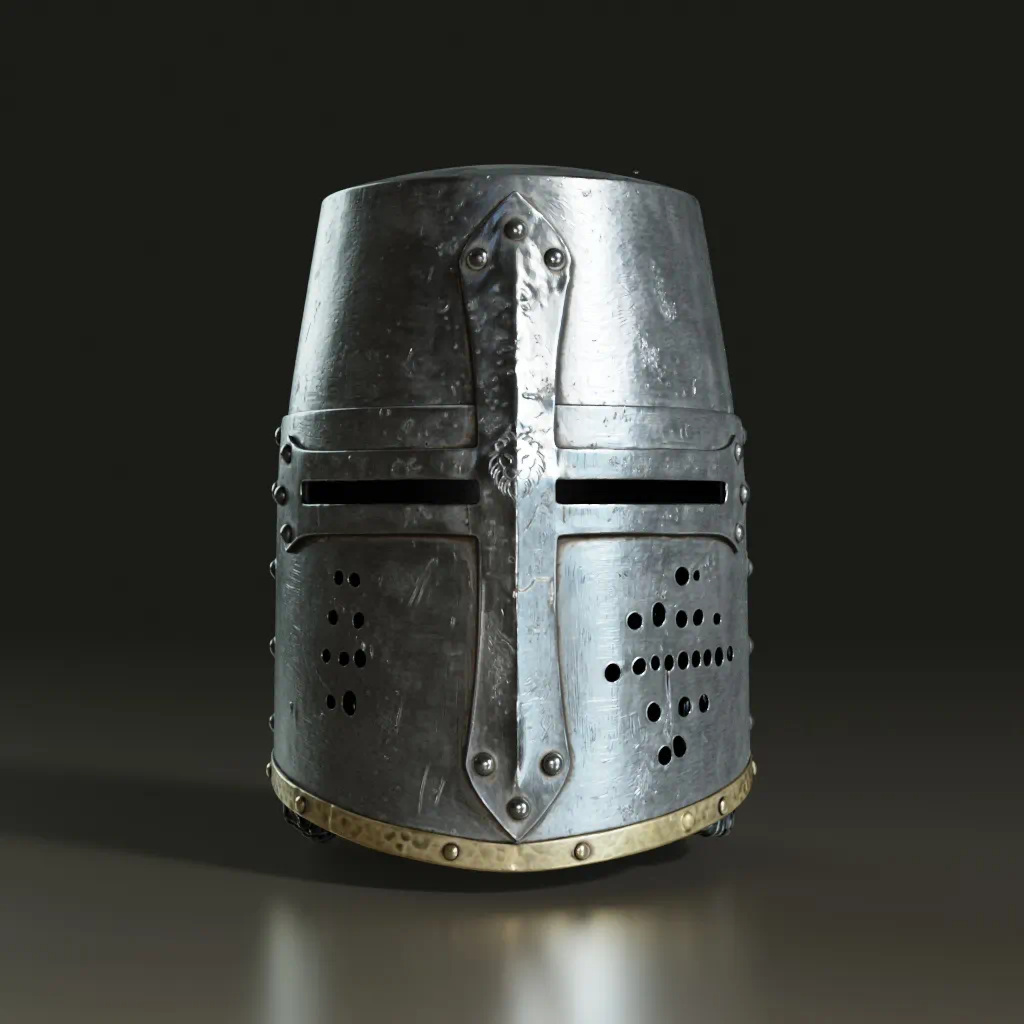
Hi3D for Multiview to 3D
Upload one to four photos of an object from different angles. Hi3D V3 reconstructs a textured, PBR-ready 3D model you can open in Blender, Unity, or Unreal.
Hi3D V3 · Image to 3D
Upload one image and Hi3D V3 by Math Magic reconstructs it into a high-detail 3D model with textures and PBR materials. Pick your format and download.

Tripo P2 for Image to 3D
Upload one image and Tripo P2 builds a textured, game-ready 3D model with optional PBR materials. Preview it in the 3D viewer, then download.

Meshy 7 · Text to 3D
Describe any object and Meshy 7 generates a fully textured 3D model with PBR materials. Export as GLB, FBX, OBJ, USDZ, or STL. Write a prompt and run.

Tripo P1 for Image to 3D
Upload one image and Tripo P1 builds a textured 3D model from it, with clean topology and PBR materials, ready for game engines, VR, and 3D editors.

Tripo P2 for Text to 3D
Generate game-ready 3D models from text with Tripo P2 by Tripo AI. Get clean quad or triangle meshes with PBR textures. Describe an object and hit run.
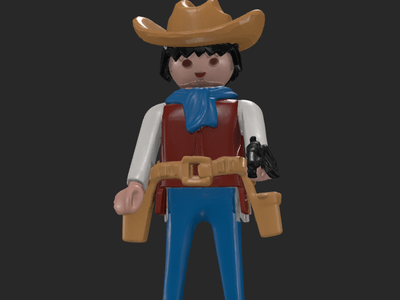
Pixal3D + TRELLIS.2: Photo to PBR Texture 3D Model
Turn one image into a textured 3D GLB with PBR maps using Pixal3D or TRELLIS.2. Upload a photo of an object, pick a model, and run to download your mesh.
Workflows = API
每个工作流都是一个 API 端点。 无需搭建后端,就能在你的产品中加入 AI 生成功能。 选一个工作流,自定义设置,点击“复制 Floyo API 代码片段”,搞定。

MCP
平台上的每个工作流,都能被你自己的智能体和内部工具调用,并受同样的管理员管控。
mcp.floyo.ai/mcp
简易模板
打开一个现成的工作流,阅读说明,修改输入,点击 Run。大多数人从来不用打开节点。复杂的部分可有可无,都藏在幕后。

Trust Center
在任何人运行之前,就知道是否安全。每个模型都标有 Verified Private 和 Commercial Use 状态,团队管控还能屏蔽你未批准的模型。管理员可以选择团队能使用哪些模型、提供商和节点。

简易模板
打开一个现成的工作流,阅读说明,修改输入,点击 Run。大多数人从来不用打开节点。复杂的部分可有可无,都藏在幕后。
Trust Center
在任何人运行之前,就知道是否安全。每个模型都标有 Verified Private 和 Commercial Use 状态,团队管控还能屏蔽你未批准的模型。管理员可以选择团队能使用哪些模型、提供商和节点。
Workflows = API
每个工作流都是一个 API 端点。 无需搭建后端,就能在你的产品中加入 AI 生成功能。选一个工作流,自定义设置,点击“复制 Floyo API 代码片段”,搞定。
