
Qwen Image Edit 2509 Face Swap and Inpainting
Face Swap and Inpainting
Face Swap
Image2Image
Inpainting
Qwen
Qwen Image Edit 2509
13
4.7k


Nodes & Models
PrimitiveFloat
PrimitiveInt
LoadImage
PreviewImage
ModelSamplingAuraFlow
VAEEncode
TextEncodeQwenImageEditPlus
CFGNorm
ReferenceLatent
DifferentialDiffusion
InpaintModelConditioning
KSamplerAdvanced
VAEDecode
SaveImage
ImageCompare
INTConstant
INTConstant
ImageConcanate
ColorMatch
ResizeMask
ImageConcanate
ColorMatch
InpaintCropImproved
InpaintStitchImproved
ImageResize+
ImageResize+
MaskBlur+
ColorMatch
DWPreprocessor
DWPreprocessor
DWPreprocessor
MaskBlur+
MaskBlur+
INPAINT_MaskedFill
INPAINT_MaskedBlur
Overview
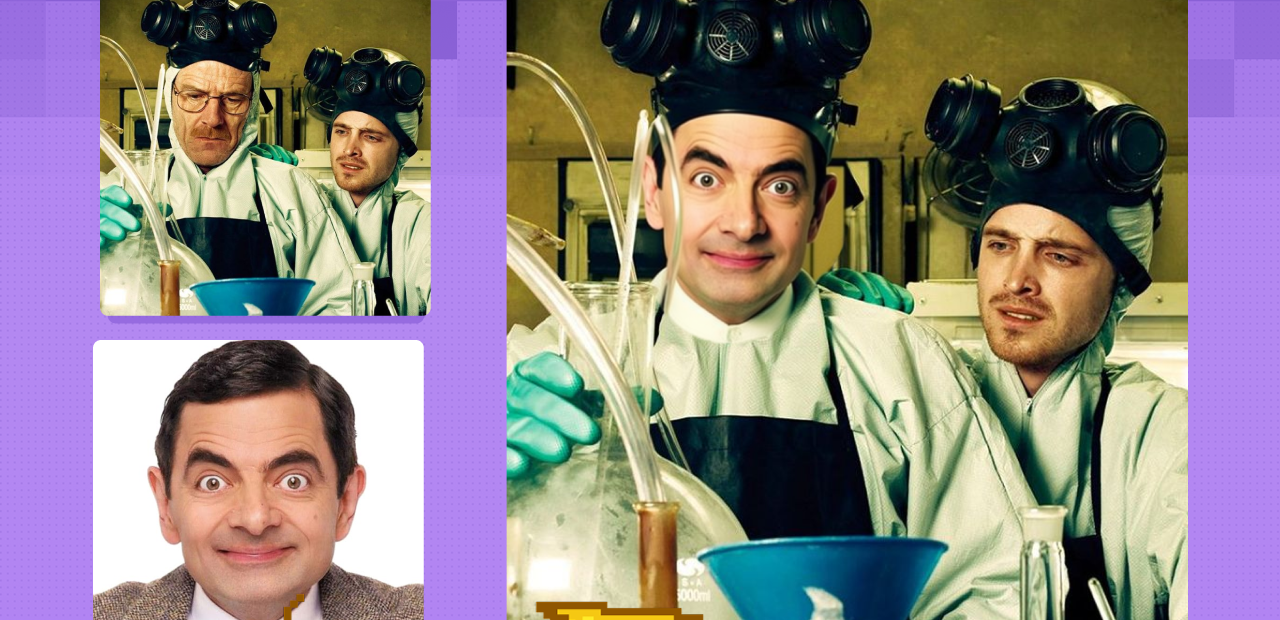
Swapping faces in images has come a long way from manual cut-and-paste edits—the latest AI-powered tools now make it possible to achieve unbelievably realistic results, right from your desktop. With Qwen Image Edit 2509 and its precision inpainting system, anyone can replace faces or even entire heads in photographs, group shots, or creative compositions with just a few guided steps. This process is popular for memes, social media, and creative digital art, but it’s also used in marketing, product shoots, and professional photo editing where maintaining a natural look and fine detail truly matters. The combination of next-gen landmark tracking, multi-image support, and intelligent inpainting offers a fresh approach: it blends new faces smoothly, harmonizes skin tone and lighting, and keeps expressions and proportions lifelike.
For best results:
1) Upload Images
2) In the first image mask only face and hair
The accuracy of the selection is important!
3) In the reference image, mask only face and hair too. You can use big brush. The accuracy of the selection is NOT important. You do that for proper crop operation.
5) Generate image.
4) Play with color correction (Сontrol color match strength)
This will help you with many problems with skin color and light
5) Sometimes qwen is very dumb and gives out the wrong face at all. Usually it is enough to change seed 3-4 times and unplug the image 3 controlnet in the bottom text encoder node (the second ksampler) and plug in image2 in all inputs
6) After obtaining a good facial image, you can improve it with the help of flux fill. It will fix all the imperfections quite quickly.
Read more