


ทำได้มากขึ้นกับ 3D
สำรวจทั้งหมด

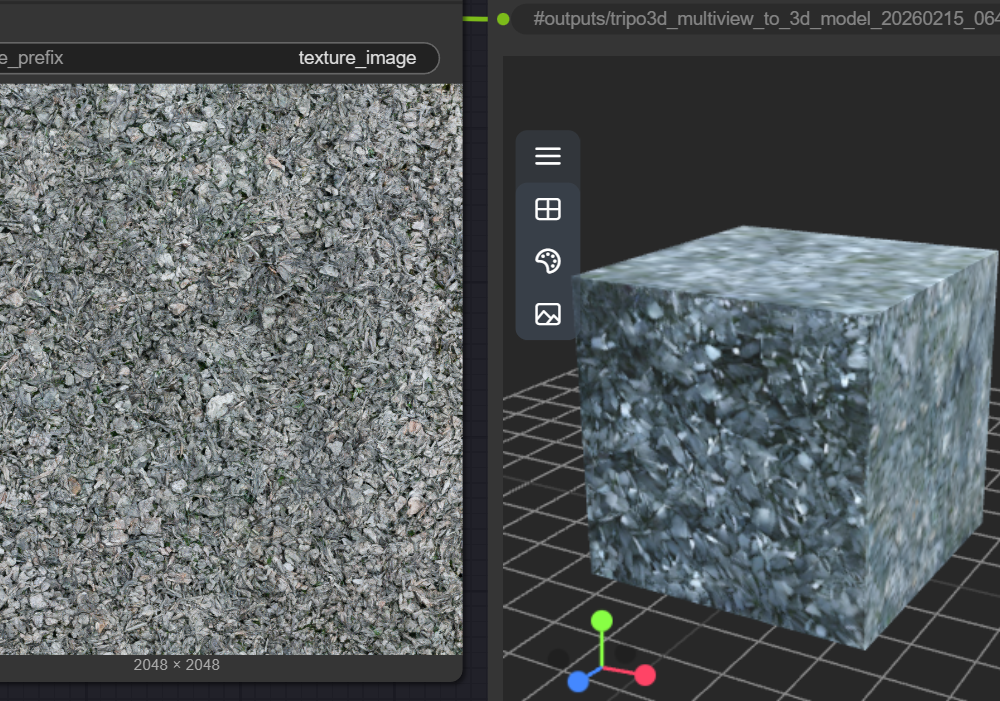
เวิร์กโฟลว์สำหรับ เท็กซ์เจอร์ 3D ทั้งหมดเวิร์กโฟลว์สำหรับ เท็กซ์เจอร์ 3D
Workflows ทั้งหมด

Trellis 2 Image to 3D
Upload an image and Trellis 2 builds a textured 3D mesh with PBR materials. Outputs GLB ready for Blender, Unity, or Unreal in about a minute on an H100.
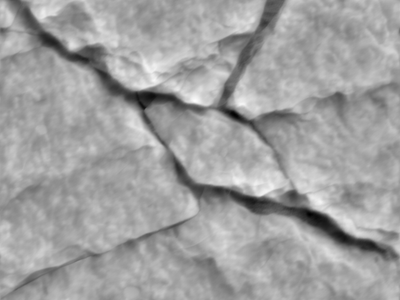
Z-Image Turbo + Chord Image to PBR Material

Texture to PBR · Image to Material
Upload a seamless texture and this workflow extracts a full PBR material set including albedo, normal, metallic, roughness, ambient occlusion, and height maps using Marigold and Lotus models.

Seamless PBR Texture Workflow
Turn any reference image into a tileable wood texture with full PBR maps: basecolor, normal, roughness, metalness, and height. Built for Unreal and Blender.
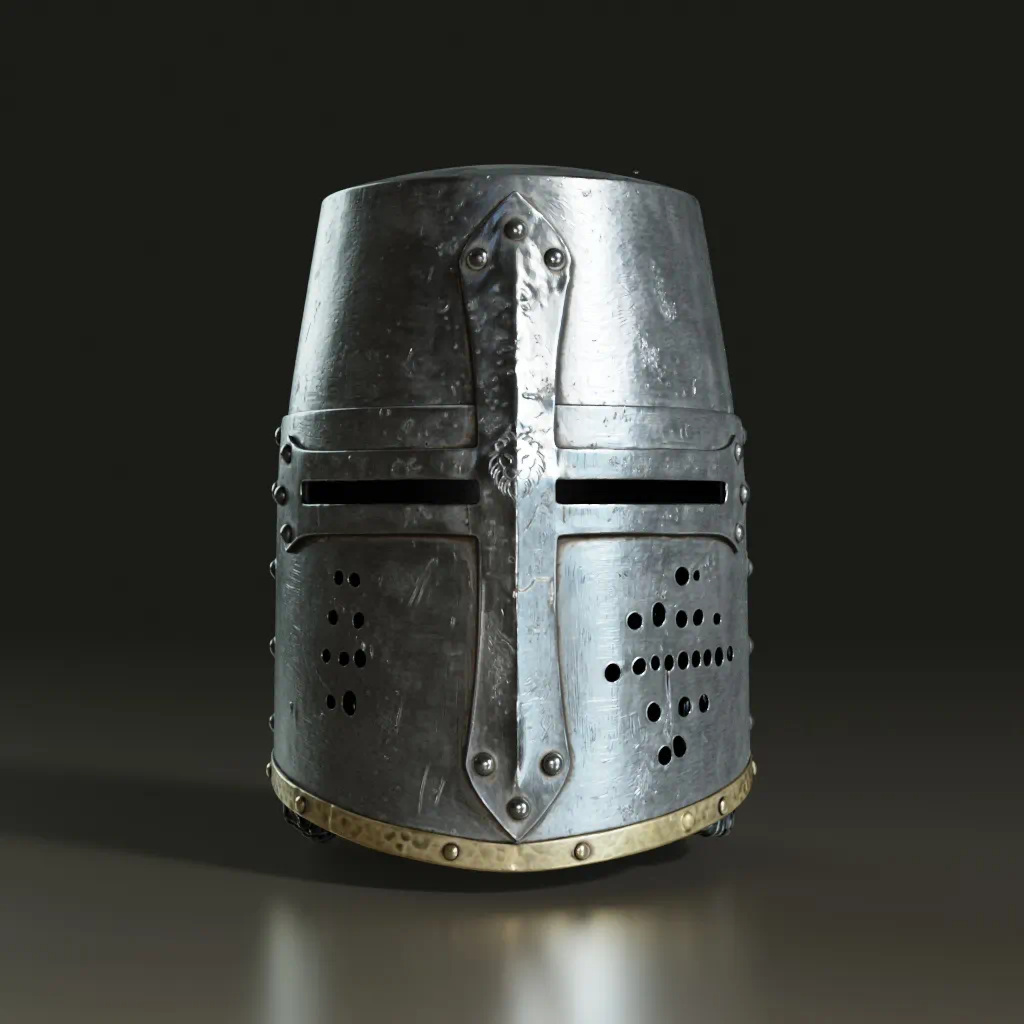
Hi3D for Multiview to 3D
Upload one to four photos of an object from different angles. Hi3D V3 reconstructs a textured, PBR-ready 3D model you can open in Blender, Unity, or Unreal.
Hi3D V3 · Image to 3D
Upload one image and Hi3D V3 by Math Magic reconstructs it into a high-detail 3D model with textures and PBR materials. Pick your format and download.

Tripo P2 for Image to 3D
Upload one image and Tripo P2 builds a textured, game-ready 3D model with optional PBR materials. Preview it in the 3D viewer, then download.

Meshy 7 · Text to 3D
Describe any object and Meshy 7 generates a fully textured 3D model with PBR materials. Export as GLB, FBX, OBJ, USDZ, or STL. Write a prompt and run.

Tripo P1 for Image to 3D
Upload one image and Tripo P1 builds a textured 3D model from it, with clean topology and PBR materials, ready for game engines, VR, and 3D editors.
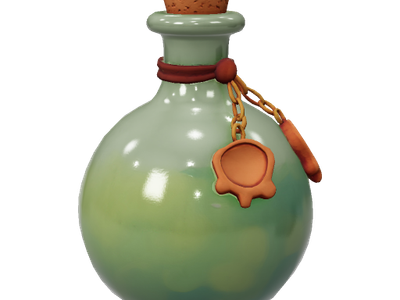
Tripo P2 for Text to 3D
Generate game-ready 3D models from text with Tripo P2 by Tripo AI. Get clean quad or triangle meshes with PBR textures. Describe an object and hit run.
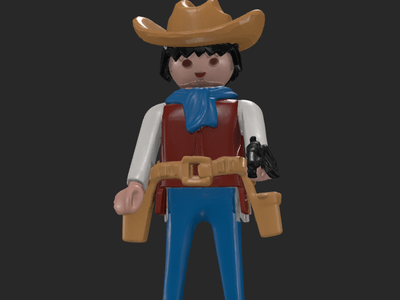
Pixal3D + TRELLIS.2: Photo to PBR Texture 3D Model
Turn one image into a textured 3D GLB with PBR maps using Pixal3D or TRELLIS.2. Upload a photo of an object, pick a model, and run to download your mesh.
Workflows = API
ทุกเวิร์กโฟลว์คือ API endpoint ใส่การสร้างงานด้วย AI ลงในผลิตภัณฑ์ของคุณได้โดยไม่ต้องสร้างแบ็กเอนด์ เลือกเวิร์กโฟลว์ ปรับแต่ง คลิก "คัดลอกโค้ด Floyo API" เท่านี้ก็เสร็จ

MCP
ทุกเวิร์กโฟลว์บนแพลตฟอร์มเข้าถึงได้จากเอเจนต์และเครื่องมือภายในของคุณเอง ภายใต้การควบคุมของผู้ดูแลแบบเดียวกัน
mcp.floyo.ai/mcp
เทมเพลตใช้ง่าย
เปิดเวิร์กโฟลว์สำเร็จรูป อ่านคำแนะนำ เปลี่ยนอินพุต แล้วคลิกรัน คนส่วนใหญ่ไม่เคยต้องเปิดดูโหนดเลย ความซับซ้อนเป็นทางเลือก และซ่อนอยู่เบื้องหลัง

Trust Center
รู้ว่าอะไรปลอดภัยก่อนที่ใครจะรัน ทุกโมเดลมีสถานะ Verified Private และ Commercial Use พร้อมการควบคุมระดับทีมเพื่อบล็อกโมเดลที่คุณไม่อนุมัติผู้ดูแลเลือกได้ว่าทีมใช้โมเดล ผู้ให้บริการ และโหนดใดได้บ้าง

เทมเพลตใช้ง่าย
เปิดเวิร์กโฟลว์สำเร็จรูป อ่านคำแนะนำ เปลี่ยนอินพุต แล้วคลิกรัน คนส่วนใหญ่ไม่เคยต้องเปิดดูโหนดเลย ความซับซ้อนเป็นทางเลือก และซ่อนอยู่เบื้องหลัง
Trust Center
รู้ว่าอะไรปลอดภัยก่อนที่ใครจะรัน ทุกโมเดลมีสถานะ Verified Private และ Commercial Use พร้อมการควบคุมระดับทีมเพื่อบล็อกโมเดลที่คุณไม่อนุมัติผู้ดูแลเลือกได้ว่าทีมใช้โมเดล ผู้ให้บริการ และโหนดใดได้บ้าง
Workflows = API
ทุกเวิร์กโฟลว์คือ API endpoint ใส่การสร้างงานด้วย AI ลงในผลิตภัณฑ์ของคุณได้โดยไม่ต้องสร้างแบ็กเอนด์เลือกเวิร์กโฟลว์ ปรับแต่ง คลิก "คัดลอกโค้ด Floyo API" เท่านี้ก็เสร็จ
