


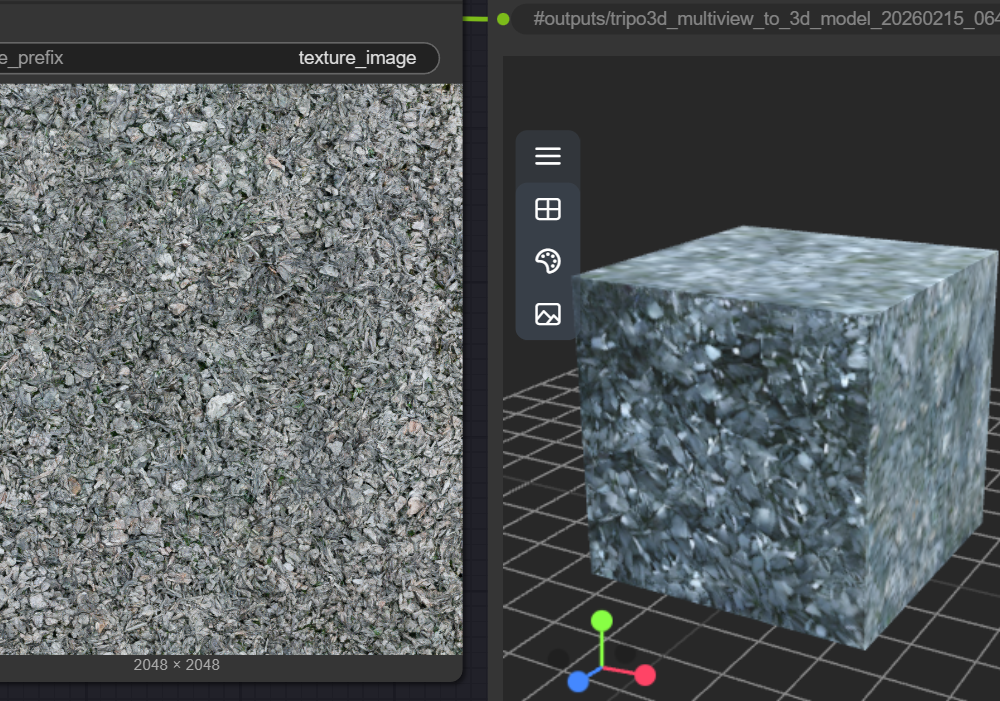
Haz más con 3D
Ver todo

Todos los flujos de trabajo de texturas 3DFlujos de trabajo de Texturas 3D
Todos los Workflows

Trellis 2 Image to 3D
Upload an image and Trellis 2 builds a textured 3D mesh with PBR materials. Outputs GLB ready for Blender, Unity, or Unreal in about a minute on an H100.
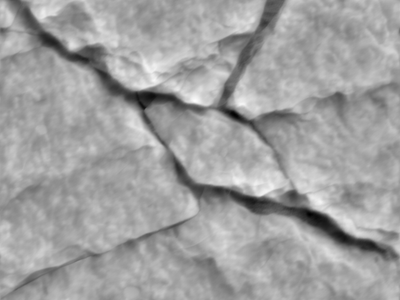
Z-Image Turbo + Chord Image to PBR Material

Texture to PBR · Image to Material
Upload a seamless texture and this workflow extracts a full PBR material set including albedo, normal, metallic, roughness, ambient occlusion, and height maps using Marigold and Lotus models.
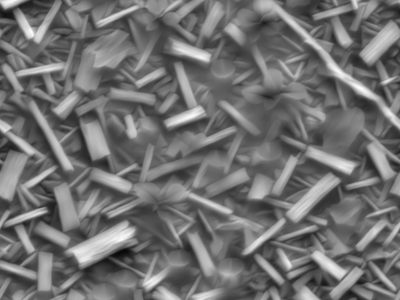
Seamless PBR Texture Workflow
Turn any reference image into a tileable wood texture with full PBR maps: basecolor, normal, roughness, metalness, and height. Built for Unreal and Blender.
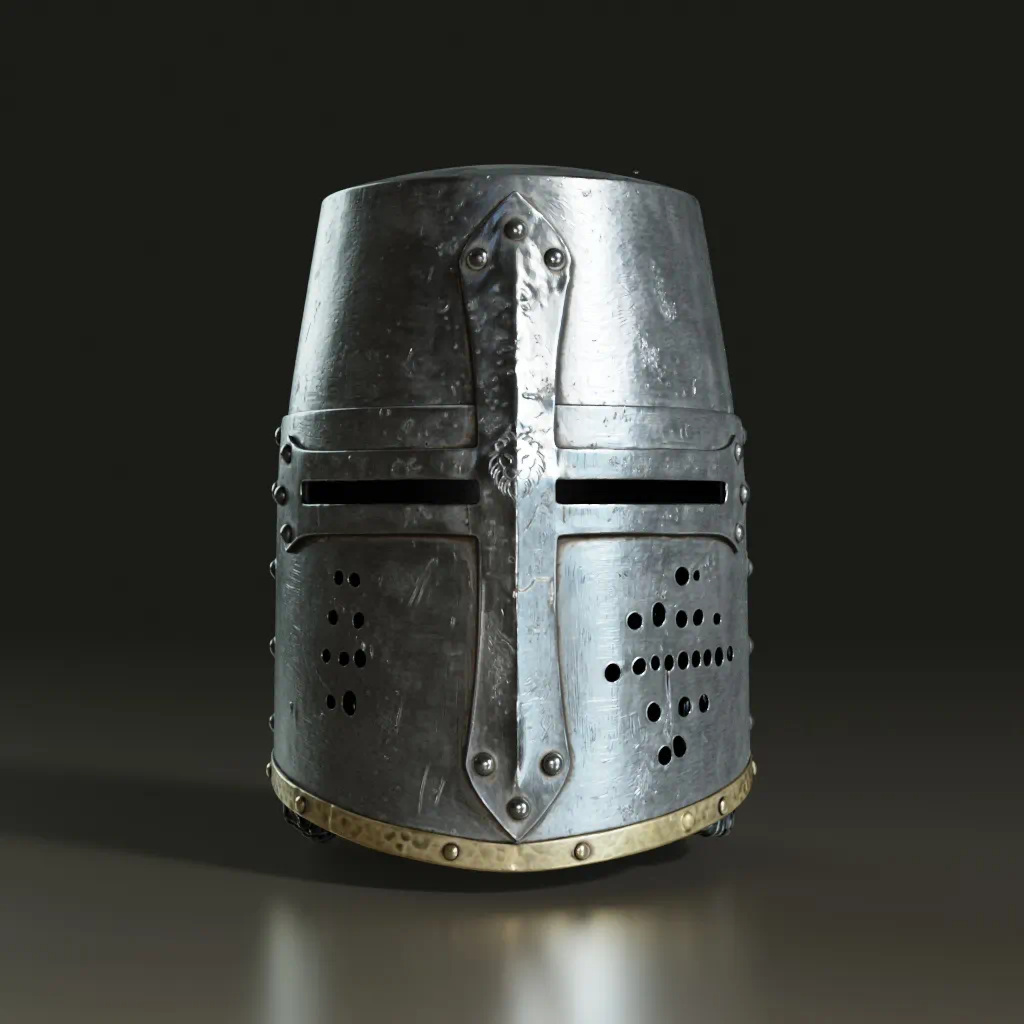
Hi3D for Multiview to 3D
Upload one to four photos of an object from different angles. Hi3D V3 reconstructs a textured, PBR-ready 3D model you can open in Blender, Unity, or Unreal.
Hi3D V3 · Image to 3D
Upload one image and Hi3D V3 by Math Magic reconstructs it into a high-detail 3D model with textures and PBR materials. Pick your format and download.

Tripo P2 for Image to 3D
Upload one image and Tripo P2 builds a textured, game-ready 3D model with optional PBR materials. Preview it in the 3D viewer, then download.

Meshy 7 · Text to 3D
Describe any object and Meshy 7 generates a fully textured 3D model with PBR materials. Export as GLB, FBX, OBJ, USDZ, or STL. Write a prompt and run.

Tripo P1 for Image to 3D
Upload one image and Tripo P1 builds a textured 3D model from it, with clean topology and PBR materials, ready for game engines, VR, and 3D editors.
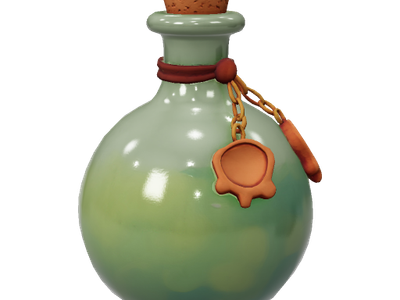
Tripo P2 for Text to 3D
Generate game-ready 3D models from text with Tripo P2 by Tripo AI. Get clean quad or triangle meshes with PBR textures. Describe an object and hit run.
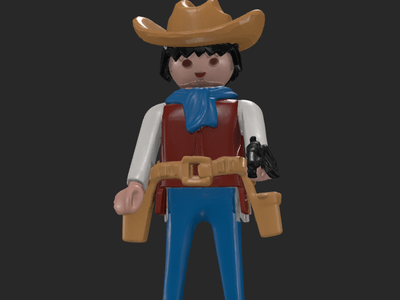
Pixal3D + TRELLIS.2: Photo to PBR Texture 3D Model
Turn one image into a textured 3D GLB with PBR maps using Pixal3D or TRELLIS.2. Upload a photo of an object, pick a model, and run to download your mesh.
Workflows = APIs
Cada flujo de trabajo es un endpoint de API. Integra generación con IA en tu producto sin crear un backend. Elige un flujo de trabajo, personalízalo, haz clic en «Copiar fragmento de Floyo API» y listo.

MCP
Todos los flujos de trabajo de la plataforma, al alcance de tus agentes y herramientas internas, con los mismos controles de administración.
mcp.floyo.ai/mcp
Plantillas fáciles
Abre un flujo de trabajo listo, lee las instrucciones, cambia tu entrada y haz clic en Run. La mayoría nunca abre un nodo. La complejidad es opcional y queda tras bambalinas.

Trust Center
Sabe qué es seguro antes de que alguien lo ejecute. Estado Verified Private y Commercial Use para cada modelo, además de controles de equipo para bloquear los que no apruebes.Los administradores eligen qué modelos, proveedores y nodos puede usar el equipo.

Plantillas fáciles
Abre un flujo de trabajo listo, lee las instrucciones, cambia tu entrada y haz clic en Run. La mayoría nunca abre un nodo. La complejidad es opcional y queda tras bambalinas.
Trust Center
Sabe qué es seguro antes de que alguien lo ejecute. Estado Verified Private y Commercial Use para cada modelo, además de controles de equipo para bloquear los que no apruebes.Los administradores eligen qué modelos, proveedores y nodos puede usar el equipo.
Workflows = APIs
Cada flujo de trabajo es un endpoint de API. Integra generación con IA en tu producto sin crear un backend.Elige un flujo de trabajo, personalízalo, haz clic en «Copiar fragmento de Floyo API» y listo.
Empieza ya
Curso gratuito
ComfyUI 101
curso gratuito de Sebastian KamphCurso gratuito de Sebastian Kamph
Diez lecciones, del lienzo en blanco a ControlNet. Nodos, texto a imagen, modelos, LoRA, escalado y ajustes de KSampler. Nada que instalar. Cada lección se ejecuta aquí, así que terminas con flujos de trabajo creados por ti.
