

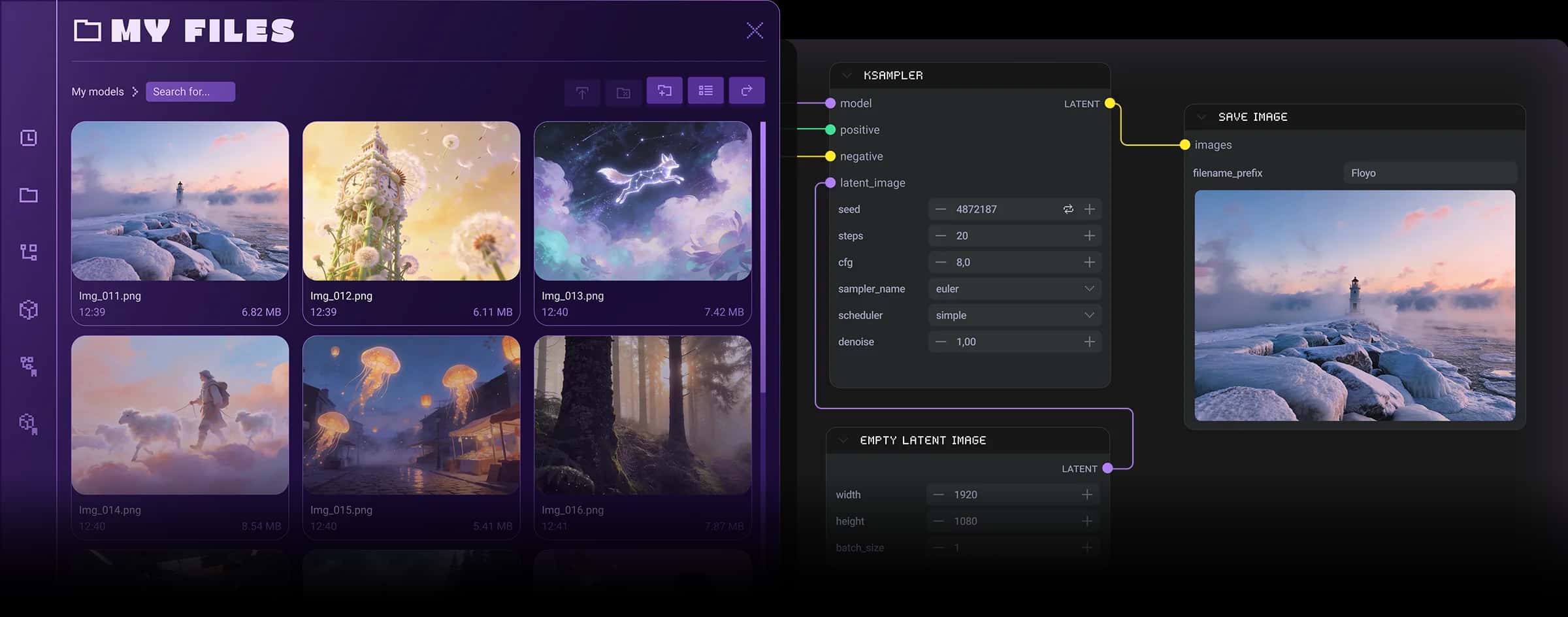
A specialized node for ComfyUI, the ComfyUI OpenRouter Node integrates with OpenRouter's API to facilitate interaction with a variety of models, including those for text, images, audio, and video. This tool enhances the capabilities of ComfyUI by allowing users to leverage advanced multimodal AI functionalities seamlessly.
- Supports multiple image inputs, enabling complex image analyses and generation tasks.
- Integrates chat mode for maintaining conversation context, allowing for more natural interactions with language models.
- Provides real-time statistics on token usage and generation speed, along with account balance visibility.
Context
The ComfyUI OpenRouter Node serves as a bridge between ComfyUI and the OpenRouter API, enabling users to access a diverse range of AI models for various tasks, including text generation, image processing, and audio analysis. Its primary purpose is to enhance the functionality of ComfyUI by incorporating multimodal capabilities, allowing users to work with multiple types of data inputs within a single workflow.
Key Features & Benefits
This node offers practical features such as support for multiple image inputs, allowing users to analyze and generate images using up to ten images simultaneously. The chat mode feature enables users to maintain context across messages, enhancing the coherence of conversations with language models. Additionally, real-time statistics on token usage and generation speed help users monitor their API interactions effectively.
Advanced Functionalities
The node includes advanced capabilities such as dedicated image generation models and video processing, which allow users to generate videos based on text prompts or images. It also supports audio input, enabling users to analyze audio clips within chat interactions. The tool's dynamic input visibility feature automatically adjusts based on user connections, streamlining the workflow for multimodal tasks.
Practical Benefits
By integrating these functionalities, the ComfyUI OpenRouter Node significantly improves workflow efficiency and control over AI interactions. Users can manage complex tasks involving text, images, and audio more effectively, ensuring high-quality outputs while maintaining flexibility in their workflows. The ability to load API keys securely and manage chat sessions further enhances user experience and data protection.
Credits/Acknowledgments
The development of this tool is credited to the contributions of various individuals, including @ArthurReboulSalze and @djdookie, who provided valuable input on catalog and audio functionalities. The project is licensed under the MIT License, which allows for free use, modification, and distribution of the software.





