

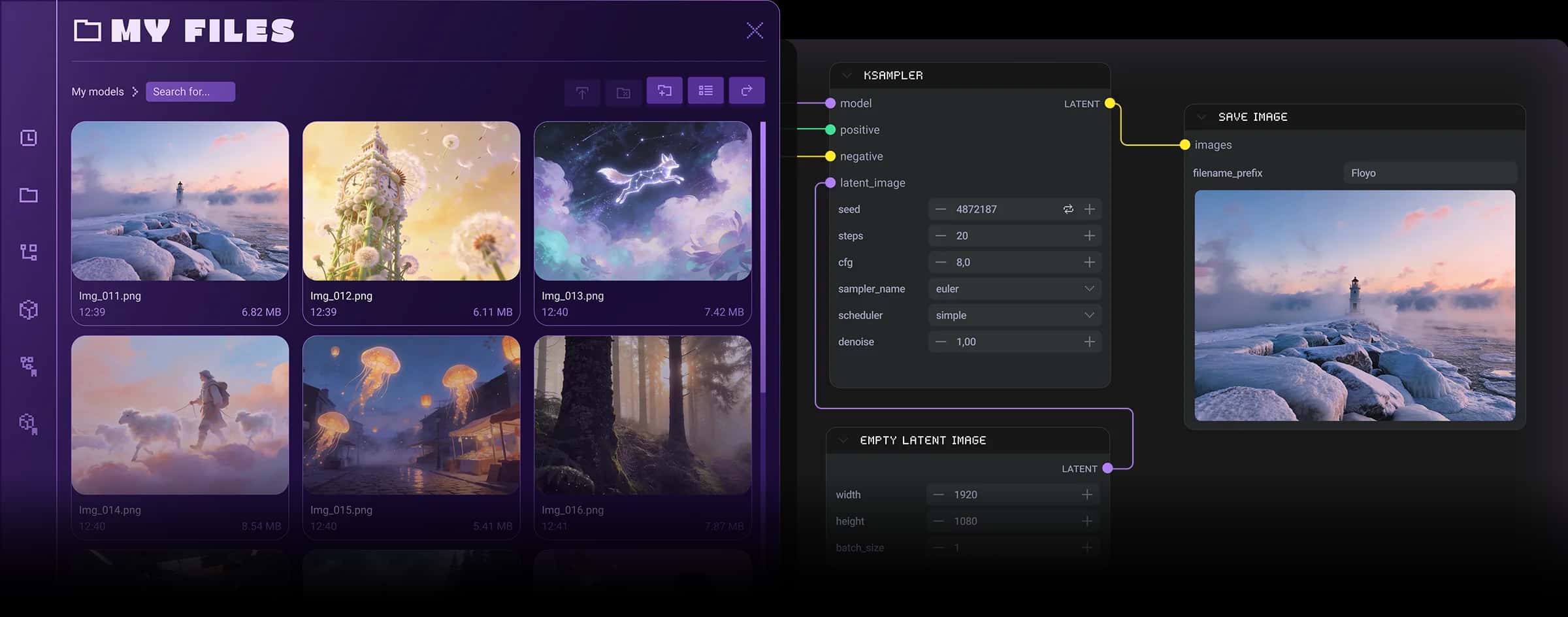
ComfyUI HakuImg is an image processing tool designed for use within the ComfyUI framework, enabling users to apply various effects and adjustments to images. This tool enhances the functionality of ComfyUI by offering a range of specialized nodes for image manipulation.
- Offers multiple nodes for diverse image processing tasks, such as blending, coloring, and applying filters.
- Integrates seamlessly with ComfyUI, making it easy to incorporate advanced image effects into existing workflows.
- Provides a user-friendly interface with visual previews for each processing node, facilitating intuitive adjustments.
Context
HakuImg is a specialized tool node for ComfyUI that focuses on enhancing image processing capabilities. It allows users to adjust image effects efficiently, making it a valuable addition for artists and developers looking to refine their visual outputs.
Key Features & Benefits
HakuImg includes a variety of nodes that cater to different image processing needs. Key features include blending images, adjusting colors, applying blur effects, and creating sketches. These functionalities enable users to manipulate images creatively and effectively, enhancing their overall artistic workflow.
Advanced Functionalities
The tool provides advanced nodes such as PixelOE for pixel-oriented effects, Glow for ambient lighting adjustments, and CustomExif for embedding metadata in saved images. Each node is designed to offer specific enhancements, allowing for detailed customization of the image processing workflow.
Practical Benefits
By integrating HakuImg into ComfyUI, users gain improved control over the image processing pipeline, allowing for higher quality outputs and more efficient workflows. The visual previews for each node help streamline the creative process, enabling quick adjustments and experimentation with different effects.
Credits/Acknowledgments
The tool is developed by @KohakuBlueleaf, who originally created the HakuImg project, and it is made available under an open-source license, fostering community contributions and enhancements.





