

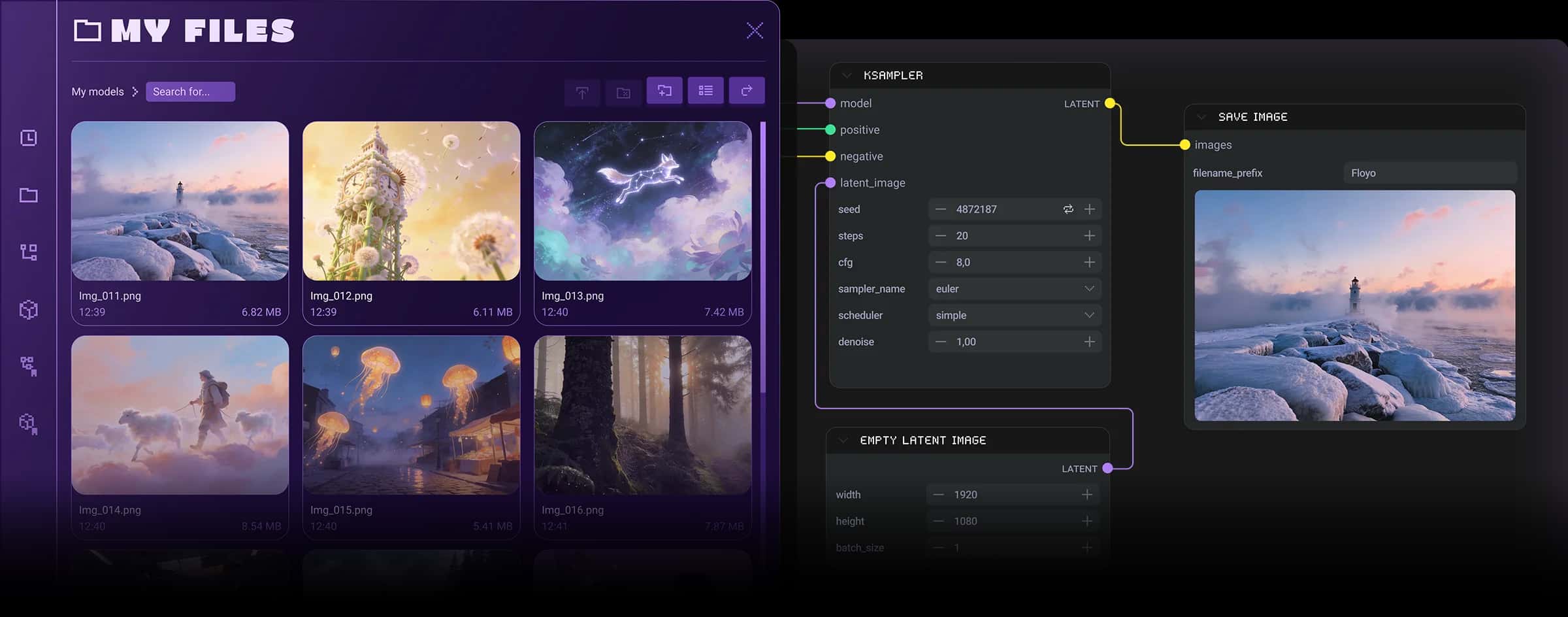
Practical nodes designed for ComfyUI enhance media handling, including image resizing, video comparison, and workflow organization. They streamline the generation process by integrating various tools for efficient media preparation and evaluation.
- Media Preparation: Tools like image loaders and resizing options facilitate easy handling of images and videos, ensuring they meet project specifications.
- Workflow Optimization: Nodes support the creation of complex generation workflows, allowing for seamless integration of different models and tools.
- Visual Management: Features such as visual folding and floating tools help maintain a clear workspace, improving overall usability.
Context
This repository provides a set of custom nodes for ComfyUI, aimed at enhancing the user experience when working with images and videos. The tools are specifically designed to simplify tasks like loading media, resizing images, comparing video outputs, and managing complex workflows.
Key Features & Benefits
The nodes offer practical functionalities that significantly enhance ComfyUI's capabilities. Users can easily load and resize images, compare video outputs side-by-side, and organize their workflows visually. These features are particularly beneficial for users who require a streamlined process when handling media assets in their projects.
Advanced Functionalities
The repository includes advanced nodes such as the Ideogram Director for structured prompt building, the Multi Image Loader for batch processing, and the RTX Video Super Resolution node for leveraging NVIDIA's capabilities. These advanced features cater to specific user needs, allowing for greater flexibility and control in media processing tasks.
Practical Benefits
By integrating these nodes into their workflows, users can achieve a more efficient and organized approach to media handling. The tools not only improve control over image and video outputs but also enhance the quality of final results through precise adjustments and comparisons. This leads to a significant reduction in time spent on repetitive tasks and increases overall productivity.
Credits/Acknowledgments
The Deno Custom Nodes are developed and maintained by contributors from the Deno2026 GitHub organization, with the project released under the GNU GPL v3.0 license. Users are encouraged to review the license for details on usage, modification, and redistribution rights.





