


다른 활용 사례 둘러보기
모두 둘러보기

모든 LoRA 학습 워크플로우LoRA 학습 워크플로우
모든 Workflows

Qwen 2511 Edit - Single Image to Character Dataset
Create a 60 image character dataset from one character image or sheet.


Wan 2.1 FusionX · Image to Video
Animate a still into a cinematic clip with Wan 2.1 FusionX, a community fine-tune of Alibaba's 14B video model. Upload your image, describe the shot, hit run.
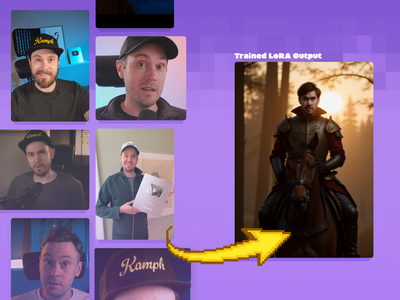
Fast LoRA Training for Flux via Floyo API
FLUX is great at generating images, but locking in a specific aesthetic or character is easier with a LoRA. Here's how to create your own.
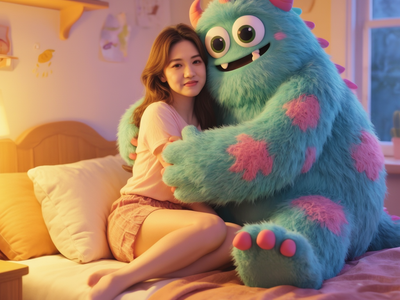
Z-Image Base: High-Detail Text to Image
Create sunning images using z-image base model (non distlled).
LoRA Training Video with Hunyuan
Hunyuan is great at generating videos, but locking in a specific aesthetic or character is easier with a LoRA.


Qwen LoRA Trainer with Auto-Caption
Train a custom Qwen Image Edit 2511 LoRA from a folder of images. Florence 2 auto-captions, Musubi trains, and a built-in test section previews results.


Musubi Tuner - Wan LoRA Trainer
Train Wan LoRAs directly on Floyo with this simple all-in-one custom node.
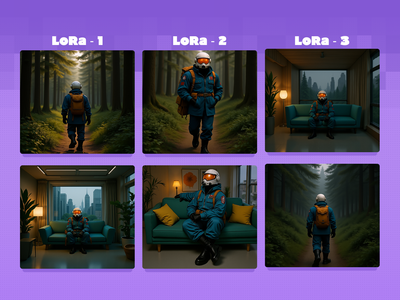
Flux Character LoRA Test and Compare
Test and compare multiple epochs of a character LoRA side by side with preset prompts When training a LoRA, you'll usually have a few checkpoints throughout the process to test. This workflow lets you load up to 4 LoRAs to test side by side, making it easier to determine which one is right for you! Key Inputs: LoRA Loaders: Load each LoRA epoch for the same character in up to 4 groups. Groups Bypasser: Enable/disable groups as needed. If you only have 2 epochs to test, disable the back 2 groups! Triggerword: Simply add the trigger word for your LoRA and it will auto-fill in the default prompts. Leave blank if you're using your own custom prompts that include the trigger word. LoRA Testing Prompts: Default prompts work well to get an idea of how your character will look in different situations, but feel free to replace them with your own prompts (max 4).
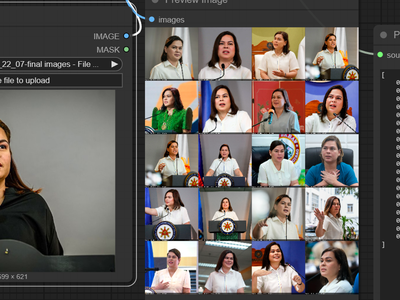
InsightFace for Filtering Character LoRA Dataset
Upload a reference face, point to your dataset, and InsightFace filters out images that don't match. Cosine, L2 Norm, and Euclidean distance all supported.
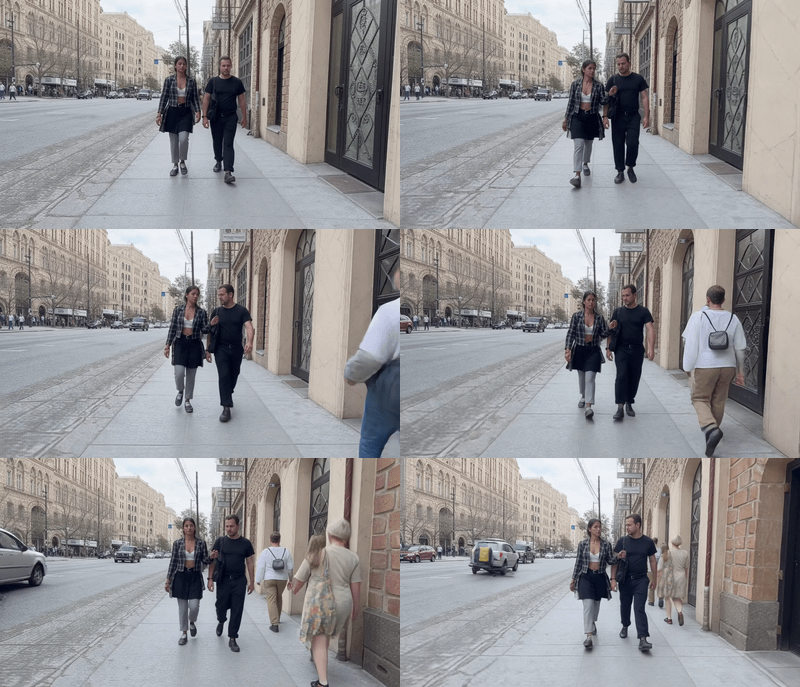
Sulphur 2 - Text to Video
Generate video with synced audio from a text prompt using Sulphur 2, a stylized cinematic finetune built on Lightricks' LTX 2.3 video model.

Qwen 2511 · Single Image to Character Dataset
Upload a single character image and Qwen Image Edit 2511 generates a full multi-pose training dataset automatically, saving each image with a matching caption file ready for LoRA training.
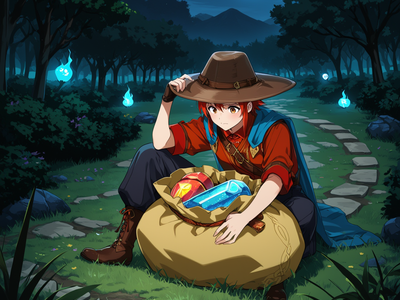
NetaYume Lumina Text to Image
Generate high-quality anime images with NetaYume Lumina, a fine-tuned model built on Lumina Image 2.0. Describe a scene, hit run, get detailed anime art.
Workflows = API
모든 워크플로우가 API 엔드포인트입니다. 백엔드를 구축하지 않고도 제품에 AI 생성 기능을 담을 수 있습니다. 워크플로우를 고르고, 원하는 대로 조정한 다음, “Floyo API 스니펫 복사”를 클릭하면 끝입니다.

MCP
플랫폼의 모든 워크플로우를 동일한 관리자 설정 그대로 자체 에이전트와 사내 도구에서 호출할 수 있습니다.
mcp.floyo.ai/mcp
간편한 템플릿
미리 만들어진 워크플로우를 열고, 안내를 읽고, 입력을 바꾼 다음 Run을 클릭하세요. 대부분은 노드를 열어 볼 일조차 없습니다. 복잡한 부분은 선택 사항이며 내부에 감춰져 있습니다.

Trust Center
누군가 실행하기 전에 안전한지 확인하세요. 모든 모델에 Verified Private 및 Commercial Use 상태가 표시되며, 승인하지 않은 모델은 팀 관리 설정으로 차단할 수 있습니다.관리자는 팀이 사용할 수 있는 모델, 제공업체, 노드를 선택합니다.

간편한 템플릿
미리 만들어진 워크플로우를 열고, 안내를 읽고, 입력을 바꾼 다음 Run을 클릭하세요. 대부분은 노드를 열어 볼 일조차 없습니다. 복잡한 부분은 선택 사항이며 내부에 감춰져 있습니다.
Trust Center
누군가 실행하기 전에 안전한지 확인하세요. 모든 모델에 Verified Private 및 Commercial Use 상태가 표시되며, 승인하지 않은 모델은 팀 관리 설정으로 차단할 수 있습니다.관리자는 팀이 사용할 수 있는 모델, 제공업체, 노드를 선택합니다.
Workflows = API
모든 워크플로우가 API 엔드포인트입니다. 백엔드를 구축하지 않고도 제품에 AI 생성 기능을 담을 수 있습니다.워크플로우를 고르고, 원하는 대로 조정한 다음, “Floyo API 스니펫 복사”를 클릭하면 끝입니다.
