Floyo
Floyo
Workflows
API
요금제
Floyo
Floyo
Workflows
API
요금제
탐색

영상 편집

영상 편집

Floyo에서 실행할 수 있는 영상 편집 워크플로우를 둘러보세요.

Workflow 열기

약 2분 25초 만에 생성

모두 둘러보기

모든 영상 편집 워크플로우영상 편집 워크플로우

모든 Workflows
Wan2.1 and VACE for Video to Video Outpainting

Outpainting

Video

Video editing

Video to video

Wan

Wan VACE video outpainting invites you to break free from the limits of the frame and explore endless creative possibilities.

Wan2.1 and VACE for Video to Video Outpainting

Wan VACE video outpainting invites you to break free from the limits of the frame and explore endless creative possibilities.

VOID · Video Object Removal

Image

Image editing

Inpainting

Video

Video editing

Video to video

Erase any object from a video and fill the gap with coherent motion using VOID by Netflix and SAM3 by Meta. Type the object name, hit run. Apache 2.0.

VOID · Video Object Removal

Erase any object from a video and fill the gap with coherent motion using VOID by Netflix and SAM3 by Meta. Type the object name, hit run. Apache 2.0.

 LTX 2.3 - Extend Video

Image to video

LTX

LTX 2

Text to video

Video

Video editing

Video generation

Add seconds to an existing video with LTX 2.3. Upload a clip, set the duration and mode

LTX 2.3 - Extend Video

Add seconds to an existing video with LTX 2.3. Upload a clip, set the duration and mode

LTX 2.3 Edit Videos

Edit video

LTX

LTX 2.3

Video

Video editing

With this workflow you can add, remove, replace, convert style of the video

LTX 2.3 Edit Videos

With this workflow you can add, remove, replace, convert style of the video

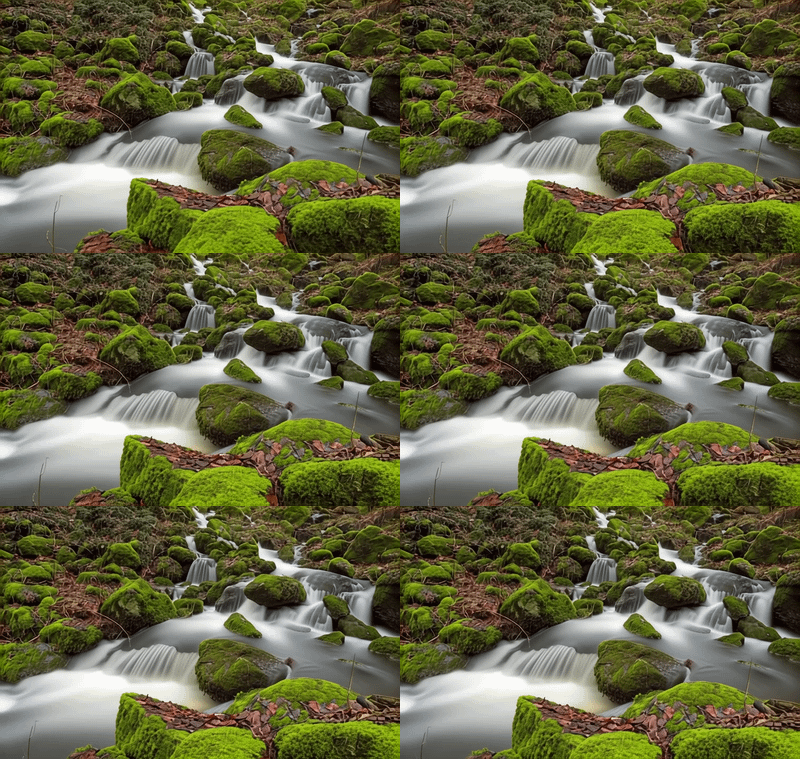
Wan Alpha Create Transparent Videos
Alpha

Text to video

Transparent

VFX and post

Video

Video editing

Video generation

Wan

Wan Alpha Create Transparent Videos

Video Detailer using LTX 2 Vid2Vid

LoRA

LTX

LTX 2

Video

Video Detailer

Video editing

Video to video

It can enhance the detail of the video
Video Detailer using LTX 2 Vid2Vid

It can enhance the detail of the video

Bernini-R · Image to Video

Bernini-R

Image editing

Image Generation

Image to video

Multi-Model

Reference to video

Video

Video editing

Generate or edit video with Bernini-R, ByteDance's unified 14B renderer built on Wan 2.2. Upload an image, pick a task mode, describe the motion, hit run.

Bernini-R · Image to Video

Generate or edit video with Bernini-R, ByteDance's unified 14B renderer built on Wan 2.2. Upload an image, pick a task mode, describe the motion, hit run.

Vertical Video Background & Scene Rebuild
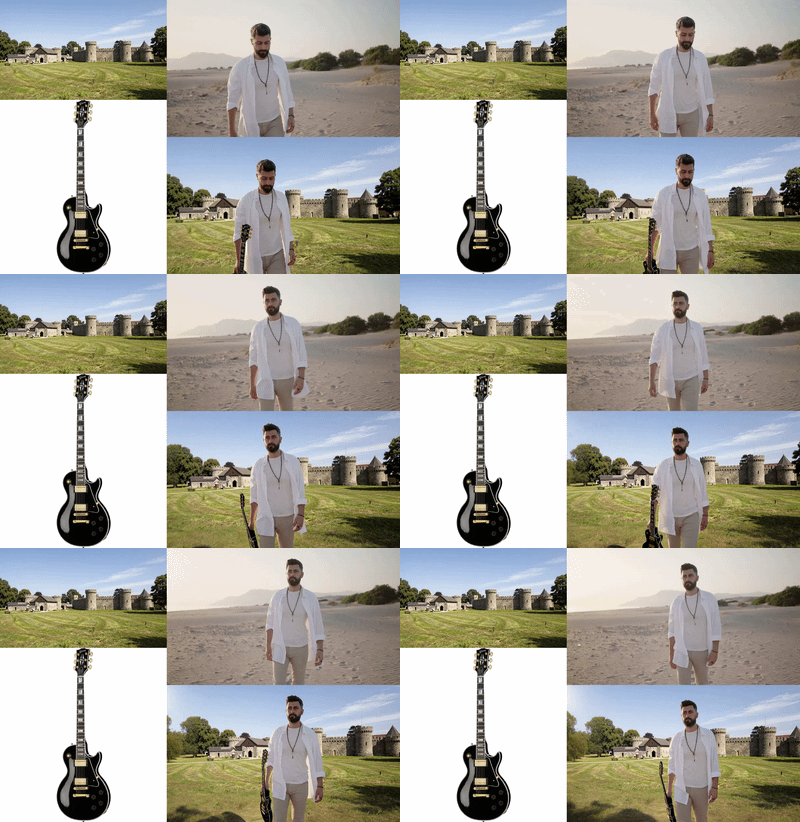
Face swap

Image to image

Qwen

Video

Video editing

Video upscaling

Wan

Wan 2.1 Funcontrol

Vertical Video Background & Scene Rebuild

Kling Omni One Video to Video Edit
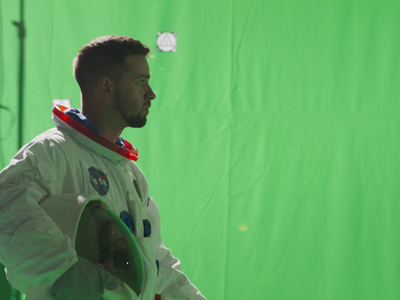
Film and animation

Kling

Kling 2.5

Omni One

Video

Video editing

Video to video

Kling Omni One Video to Video Edit

AI Video Background Replacement

AI background replacement

Background replacement

Compositing

Film

VFX and post

Video

Video editing

Step 1: Upload you footage. Step 2: Upload alpha of what you need to replace, be it full BG or selected area. Step 3: Add prompt Step 4: Upload a reference image Step 5: Hit Que
AI Video Background Replacement

Step 1: Upload you footage. Step 2: Upload alpha of what you need to replace, be it full BG or selected area. Step 3: Add prompt Step 4: Upload a reference image Step 5: Hit Que

Change in the Character using Image2Vid

Image

Image editing

Image to image

Image to video

Kling

Qwen

Video

Video editing

Editing the character in the video without losing quality using video to video workflow

Change in the Character using Image2Vid

Editing the character in the video without losing quality using video to video workflow

LTX-2.3 · Clean Plate (Video Object Removal)

Clean plate

Image

Image editing

LTX

LTX-2

VFX and post

Video

Video editing

Erase people and moving objects from a video and rebuild the scene behind them with LTX-2.3 by Lightricks. Upload a clip, describe the empty shot, hit run.

LTX-2.3 · Clean Plate (Video Object Removal)

Erase people and moving objects from a video and rebuild the scene behind them with LTX-2.3 by Lightricks. Upload a clip, describe the empty shot, hit run.

Workflows = API

모든 워크플로우가 API 엔드포인트입니다. 백엔드를 구축하지 않고도 제품에 AI 생성 기능을 담을 수 있습니다. 워크플로우를 고르고, 원하는 대로 조정한 다음, “Floyo API 스니펫 복사”를 클릭하면 끝입니다.

API 자세히 알아보기

MCP

플랫폼의 모든 워크플로우를 동일한 관리자 설정 그대로 자체 에이전트와 사내 도구에서 호출할 수 있습니다.

mcp.floyo.ai/mcp

MCP 문서 보기

간편한 템플릿

미리 만들어진 워크플로우를 열고, 안내를 읽고, 입력을 바꾼 다음 Run을 클릭하세요. 대부분은 노드를 열어 볼 일조차 없습니다. 복잡한 부분은 선택 사항이며 내부에 감춰져 있습니다.

워크플로우 둘러보기

Trust Center

누군가 실행하기 전에 안전한지 확인하세요. 모든 모델에 Verified Private 및 Commercial Use 상태가 표시되며, 승인하지 않은 모델은 팀 관리 설정으로 차단할 수 있습니다.관리자는 팀이 사용할 수 있는 모델, 제공업체, 노드를 선택합니다.

Trust Center 보기

시작하기

무료 강좌

ComfyUI 101

Sebastian Kamph의 무료 강좌Sebastian Kamph의 무료 강좌

빈 캔버스부터 ControlNet까지 10개 레슨. 노드, 텍스트-이미지, 모델, LoRA, 업스케일링, KSampler 설정을 다룹니다. 설치할 것이 없습니다. 모든 레슨을 여기서 실행하므로, 마칠 때는 직접 만든 워크플로우가 남습니다.

강좌 시작하기

Sebastian Kamph와 함께하는 ComfyUI 101
Floyo | 영상 편집