



Lakukan lebih banyak dengan gambar
Lihat semua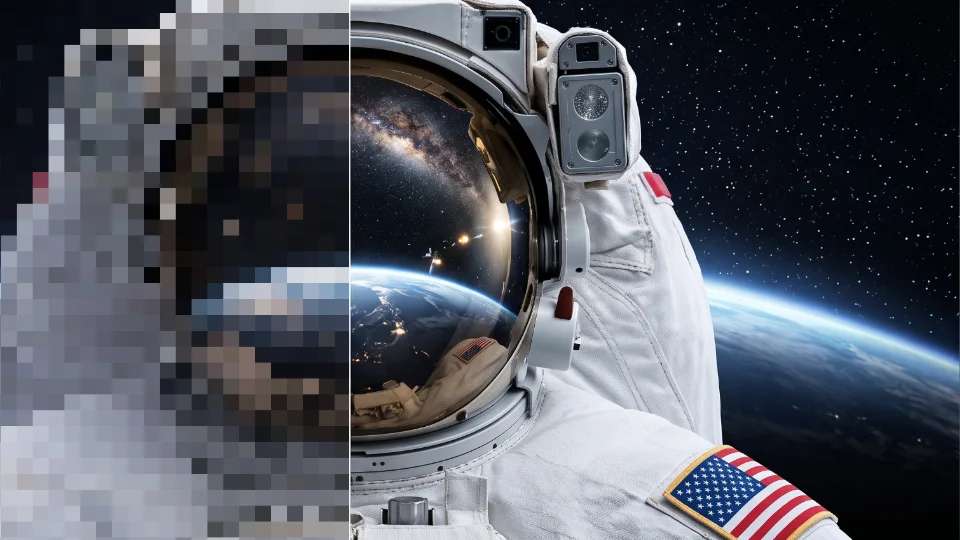


Semua alur kerja edit gambarAlur kerja Edit gambar
Semua Workflows

Nano Banana Pro: Generate & Edit Images
Google just released Nano Banana Pro, and honestly, it's a pretty big step up from the original Nano Banana. The main thing? It can actually put legible text in images now. Like, real text that you can read, not the garbled nonsense most AI models spit out.


Flux 2 Klein 9b - Perfect Face swap
Instead of using outdated or unstable techniques, this workflow was designed to take full advantage of FLUX 2 KLEIN's editing capabilities—using a face image and a reference character image to produce clean, highly consistent results.

Z-Image Turbo · Text or Image to Image
Z-Image Turbo is Alibaba's open-source 6B model that turns a text prompt into photorealistic images in about 8 steps. Type a prompt, or rework an image.

Qwen Image Edit 2509: Build a LoRA Dataset
Create Character LoRA Dataset

FLUX.2 Klein 9B · Image to Image
Edit images with consistency of the subject or things using Flux.2 Klein 9B and a LoRA

Qwen Image Edit 2509 · Face Swap
Swap a face between two photos with Qwen Image Edit 2509. Upload a main image and a reference, paint a mask on each face, hit run. Apache 2.0 open weights.

FLUX.2 Klein 9B: Realistic Photo Enhancer
Create realistic image but in an enhanced details using FLUX.2 Klein 9B and with LoRA

SeedVR2 · Image Upscaler
Upscale to Extreme Clarity

FLUX.2 Klein 9B: Image Inpainting
Inpainting image using Flux.2 Klein and LanPaint

Z-Image Turbo: ControlNet Image to Image
Image to Image
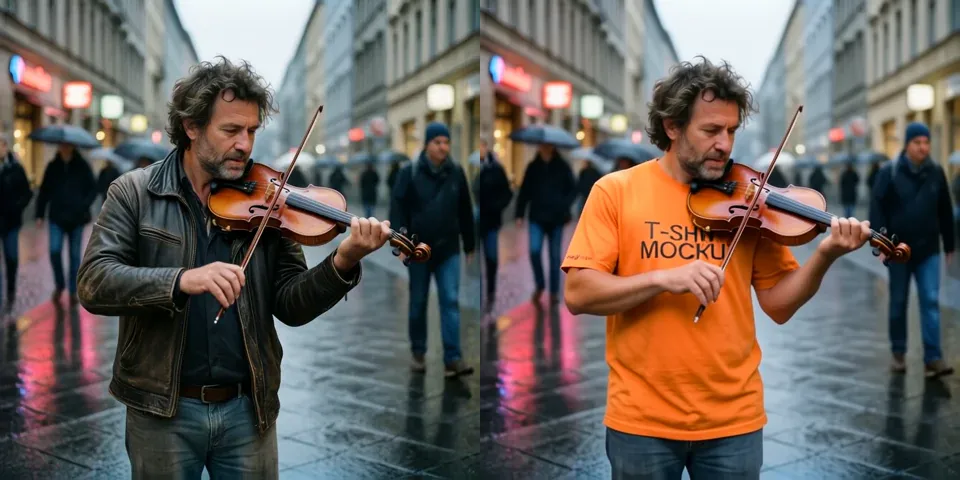
FLUX.2 Klein 4B · Swap Clothes
Swap clothes on any person using FLUX.2 Klein 4B and LanPaint. Upload a person and a garment photo, describe the swap, and hit run. Apache 2.0 open weights.

Nano Banana 2 · Image Generation & Editing
The top-ranked image model on Artificial Analysis and LM Arena. 4K output, text rendering, and subject consistency across 5 characters.
Workflows = API
Setiap alur kerja adalah endpoint API. Hadirkan pembuatan konten AI di produk Anda tanpa membangun backend. Pilih alur kerja, sesuaikan, klik "Salin snippet Floyo API", selesai.

MCP
Setiap alur kerja di platform bisa diakses oleh agen dan tool internal Anda sendiri, dengan kendali admin yang sama.
mcp.floyo.ai/mcp
Template mudah
Buka alur kerja siap pakai, baca petunjuknya, ganti input Anda, klik Run. Kebanyakan orang tak pernah membuka satu node pun. Kerumitan itu opsional dan tersimpan di balik layar.

Trust Center
Ketahui apa yang aman sebelum ada yang menjalankannya. Status Verified Private dan Commercial Use untuk setiap model, plus kendali tim untuk memblokir model yang tidak Anda setujui.Admin memilih model, penyedia, dan node mana yang boleh dipakai tim.

Template mudah
Buka alur kerja siap pakai, baca petunjuknya, ganti input Anda, klik Run. Kebanyakan orang tak pernah membuka satu node pun. Kerumitan itu opsional dan tersimpan di balik layar.
Trust Center
Ketahui apa yang aman sebelum ada yang menjalankannya. Status Verified Private dan Commercial Use untuk setiap model, plus kendali tim untuk memblokir model yang tidak Anda setujui.Admin memilih model, penyedia, dan node mana yang boleh dipakai tim.
Workflows = API
Setiap alur kerja adalah endpoint API. Hadirkan pembuatan konten AI di produk Anda tanpa membangun backend.Pilih alur kerja, sesuaikan, klik "Salin snippet Floyo API", selesai.
Mulai sekarang
Kursus gratis
ComfyUI 101
kursus gratis dari Sebastian KamphKursus gratis dari Sebastian Kamph
Sepuluh pelajaran, dari kanvas kosong hingga ControlNet. Node, teks ke gambar, model, LoRA, upscaling, dan pengaturan KSampler. Tidak ada yang perlu diinstal. Setiap pelajaran berjalan di sini, jadi Anda selesai dengan alur kerja yang Anda bangun sendiri.
