


Jelajahi kasus penggunaan lainnya
Lihat semua


Semua alur kerja VFX dan pascaproduksiAlur kerja VFX dan pascaproduksi
Semua Workflows

Wan 2.6 Reference to Video
Wan 2.6 · Multi-Shot Image to Video
Turn a still image into a multi-shot video with sound using Wan 2.6 by Alibaba. The model plans camera cuts and syncs audio in one pass. Upload and run.
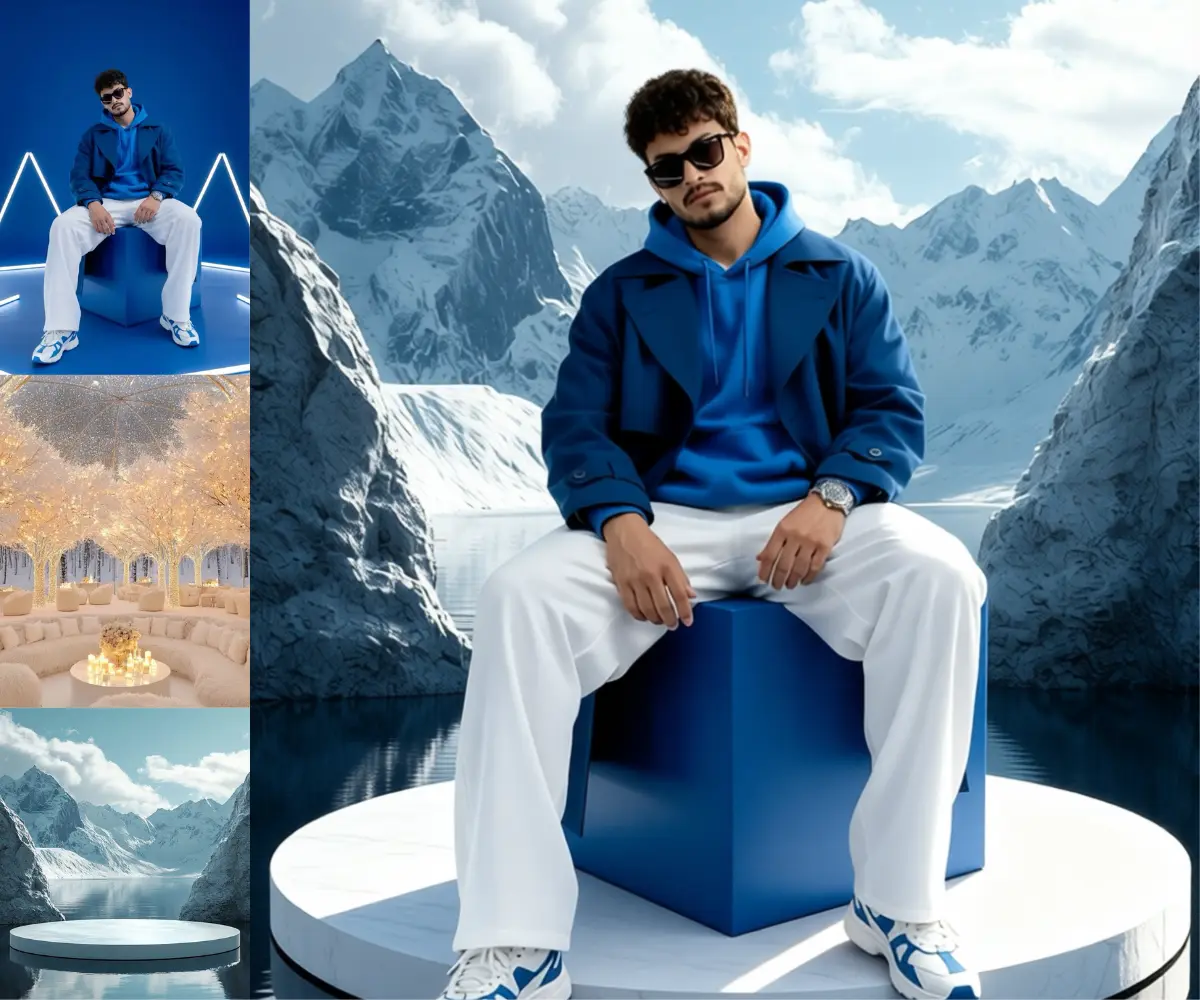
Qwen Image Edit 2511 · Composite
Place a subject into a new scene using Qwen Image Edit 2511 and the Kontext multi-reference method. Upload a subject and a background, describe the edit, run.
Seedance 2.0: Reference to Video
Composite up to nine reference images into one video clip with Seedance 2.0 by ByteDance. Tag each image in the prompt, describe the scene, and hit run.
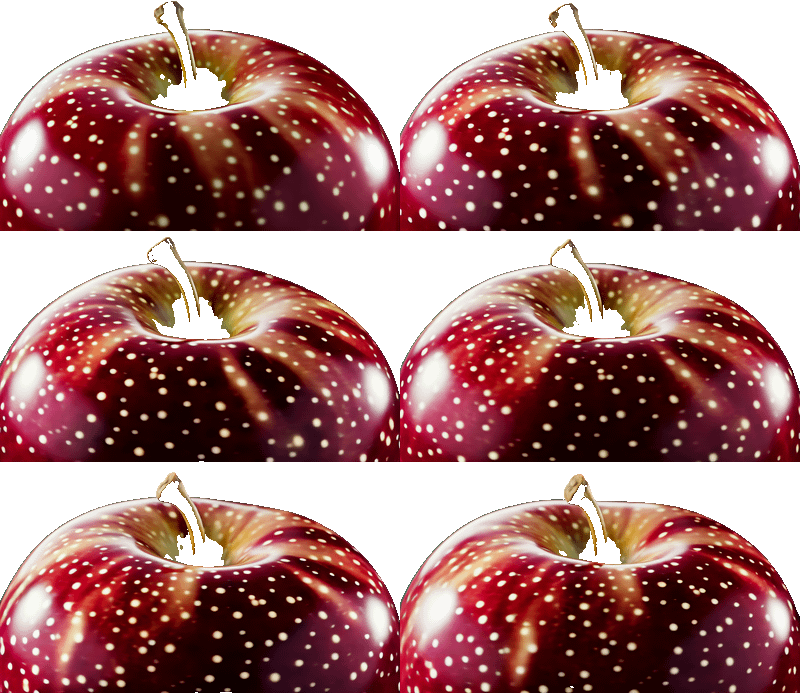
Wan Alpha Create Transparent Videos
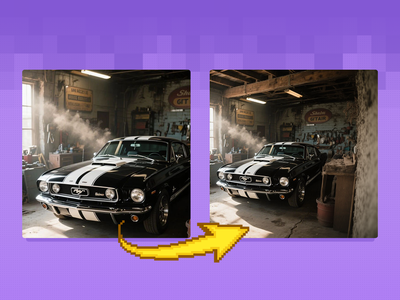
Flux Fill Dev Image Outpainting
Extend your images out for a wider field of view or just to see more of your subject. Expand compositions, change aspect ratios, or add creative elements while maintaining consistency in style, lighting, and detail while seamlessly blending with the existing artwork.
Corridor Key Green Screen Keying for Video
Upload green screen footage and get a clean alpha matte plus composite preview. Corridor Key's neural network handles hair, motion blur, and transparency.
Video Masking with Sam2 Comparison
Use a video clip and visual markers to segment/create masks of the subject or the inverse. Key Inputs Load Video: Use any Mp4 that you would like to segment or create a mask from Select subject: Use 3 green selectors to identify your subject and one red selector to identify the space outside your subject Modify markers: Shift+Click to add markers, Shift+Right Click to remove markers
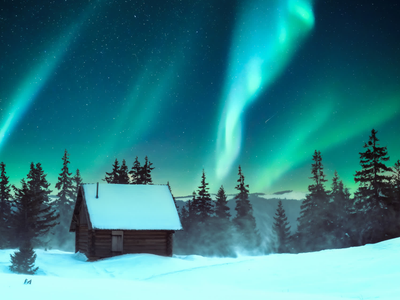
Seedance 2.0 · Image to Video
Animate any still into a video clip with Seedance 2.0 by ByteDance. Upload a start image, add an optional end frame, describe the motion, and hit run.
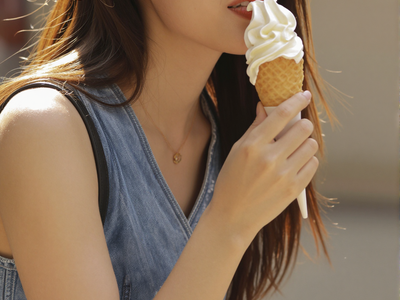
Z-Image Turbo · Text to Image With Diversity LoRA
Generate a different composition on every seed with Z-Image Turbo and the SDA diversity LoRA. Write a prompt, hit run, get layout variety. Apache 2.0.
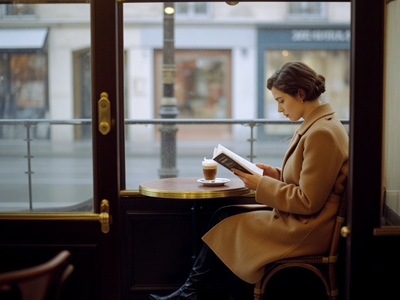
Z-Image Turbo + SDA LoRA for Diverse Text to Image
Generate images with Z-Image Turbo while the SDA diversity LoRA stops every seed from producing the same pose and composition. 8 steps, 2x upscale to 2048.
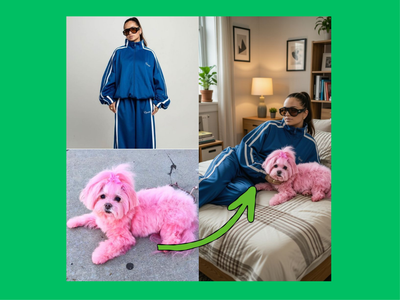

FireRed Image Edit 1.1 workflow
An open-source AI image editing model tuned for high-fidelity editing, character consistency, and multi-element composition. Excellent at changing visuals with straightforward prompts that may be used locally in ComfyUI.
Workflows = API
Setiap alur kerja adalah endpoint API. Hadirkan pembuatan konten AI di produk Anda tanpa membangun backend. Pilih alur kerja, sesuaikan, klik "Salin snippet Floyo API", selesai.

MCP
Setiap alur kerja di platform bisa diakses oleh agen dan tool internal Anda sendiri, dengan kendali admin yang sama.
mcp.floyo.ai/mcp
Template mudah
Buka alur kerja siap pakai, baca petunjuknya, ganti input Anda, klik Run. Kebanyakan orang tak pernah membuka satu node pun. Kerumitan itu opsional dan tersimpan di balik layar.

Trust Center
Ketahui apa yang aman sebelum ada yang menjalankannya. Status Verified Private dan Commercial Use untuk setiap model, plus kendali tim untuk memblokir model yang tidak Anda setujui.Admin memilih model, penyedia, dan node mana yang boleh dipakai tim.

Template mudah
Buka alur kerja siap pakai, baca petunjuknya, ganti input Anda, klik Run. Kebanyakan orang tak pernah membuka satu node pun. Kerumitan itu opsional dan tersimpan di balik layar.
Trust Center
Ketahui apa yang aman sebelum ada yang menjalankannya. Status Verified Private dan Commercial Use untuk setiap model, plus kendali tim untuk memblokir model yang tidak Anda setujui.Admin memilih model, penyedia, dan node mana yang boleh dipakai tim.
Workflows = API
Setiap alur kerja adalah endpoint API. Hadirkan pembuatan konten AI di produk Anda tanpa membangun backend.Pilih alur kerja, sesuaikan, klik "Salin snippet Floyo API", selesai.
Mulai sekarang
Kursus gratis
ComfyUI 101
kursus gratis dari Sebastian KamphKursus gratis dari Sebastian Kamph
Sepuluh pelajaran, dari kanvas kosong hingga ControlNet. Node, teks ke gambar, model, LoRA, upscaling, dan pengaturan KSampler. Tidak ada yang perlu diinstal. Setiap pelajaran berjalan di sini, jadi Anda selesai dengan alur kerja yang Anda bangun sendiri.
