



Lakukan lebih banyak dengan audio
Lihat semua



Semua alur kerja efek suaraAlur kerja Efek suara
Semua Workflows

MMAudio: Video to Synced Audio
Generate synchronized audio with a given video input. It can be combined with video models to get videos with audio.
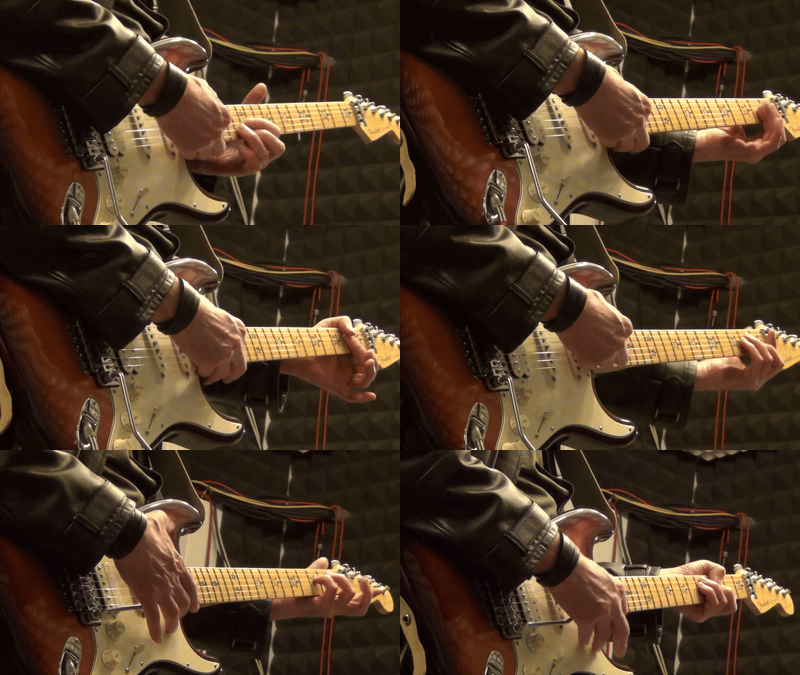
HunyuanVideo Foley: Create a Lifelike Sound

Gemini Omni Flash · Image to Video
Upload a starting image and describe the scene. Gemini Omni Flash by Google animates it into a 6-second video with native audio, cinematic motion, and synchronized sound effects.
Audio Separation for Video to Audio
Upload a video, strip the audio, and split it into four clean stems (Bass, Drums, Other, and Vocals), then save your chosen stem as an MP3. No model required.


Grok Imagine Video · Image to Video
Upload a starting image and describe the motion. Grok Imagine Video by xAI animates it into a cinematic clip with synchronized audio, sound effects, and dialogue at 720p.
Sonilo v1.1 for Video Sound Effects
Upload a video and Sonilo v1.1 generates synchronized sound effects matched to the on-screen action. Describe the sounds you want or let the model read the scene on its own, then hit run.
Sonilo V1.1 · Video to Sound Effects
Add realistic, synced sound effects to any video using Sonilo V1.1, a video-native AI sound model. Upload a video, describe the sounds you want, and hit run.
Workflows = API
Setiap alur kerja adalah endpoint API. Hadirkan pembuatan konten AI di produk Anda tanpa membangun backend. Pilih alur kerja, sesuaikan, klik "Salin snippet Floyo API", selesai.

MCP
Setiap alur kerja di platform bisa diakses oleh agen dan tool internal Anda sendiri, dengan kendali admin yang sama.
mcp.floyo.ai/mcp
Template mudah
Buka alur kerja siap pakai, baca petunjuknya, ganti input Anda, klik Run. Kebanyakan orang tak pernah membuka satu node pun. Kerumitan itu opsional dan tersimpan di balik layar.

Trust Center
Ketahui apa yang aman sebelum ada yang menjalankannya. Status Verified Private dan Commercial Use untuk setiap model, plus kendali tim untuk memblokir model yang tidak Anda setujui.Admin memilih model, penyedia, dan node mana yang boleh dipakai tim.

Template mudah
Buka alur kerja siap pakai, baca petunjuknya, ganti input Anda, klik Run. Kebanyakan orang tak pernah membuka satu node pun. Kerumitan itu opsional dan tersimpan di balik layar.
Trust Center
Ketahui apa yang aman sebelum ada yang menjalankannya. Status Verified Private dan Commercial Use untuk setiap model, plus kendali tim untuk memblokir model yang tidak Anda setujui.Admin memilih model, penyedia, dan node mana yang boleh dipakai tim.
Workflows = API
Setiap alur kerja adalah endpoint API. Hadirkan pembuatan konten AI di produk Anda tanpa membangun backend.Pilih alur kerja, sesuaikan, klik "Salin snippet Floyo API", selesai.
Mulai sekarang
Kursus gratis
ComfyUI 101
kursus gratis dari Sebastian KamphKursus gratis dari Sebastian Kamph
Sepuluh pelajaran, dari kanvas kosong hingga ControlNet. Node, teks ke gambar, model, LoRA, upscaling, dan pengaturan KSampler. Tidak ada yang perlu diinstal. Setiap pelajaran berjalan di sini, jadi Anda selesai dengan alur kerja yang Anda bangun sendiri.
