
Floyo
Floyo
Workflows
API
定价
Floyo
Floyo
Workflows
API
定价
探索

运镜控制

运镜控制

运镜控制工作流,可直接在 Floyo 中运行。

打开 Workflow

约 2 分 25 秒即可生成

查看全部

运镜控制工作流一览运镜控制工作流

全部 Workflows
Qwen Image Edit 2509 · Change Camera Angle

Camera control

Image

Image editing

Image to image

Multiple Angles

Novel view

Qwen

Video

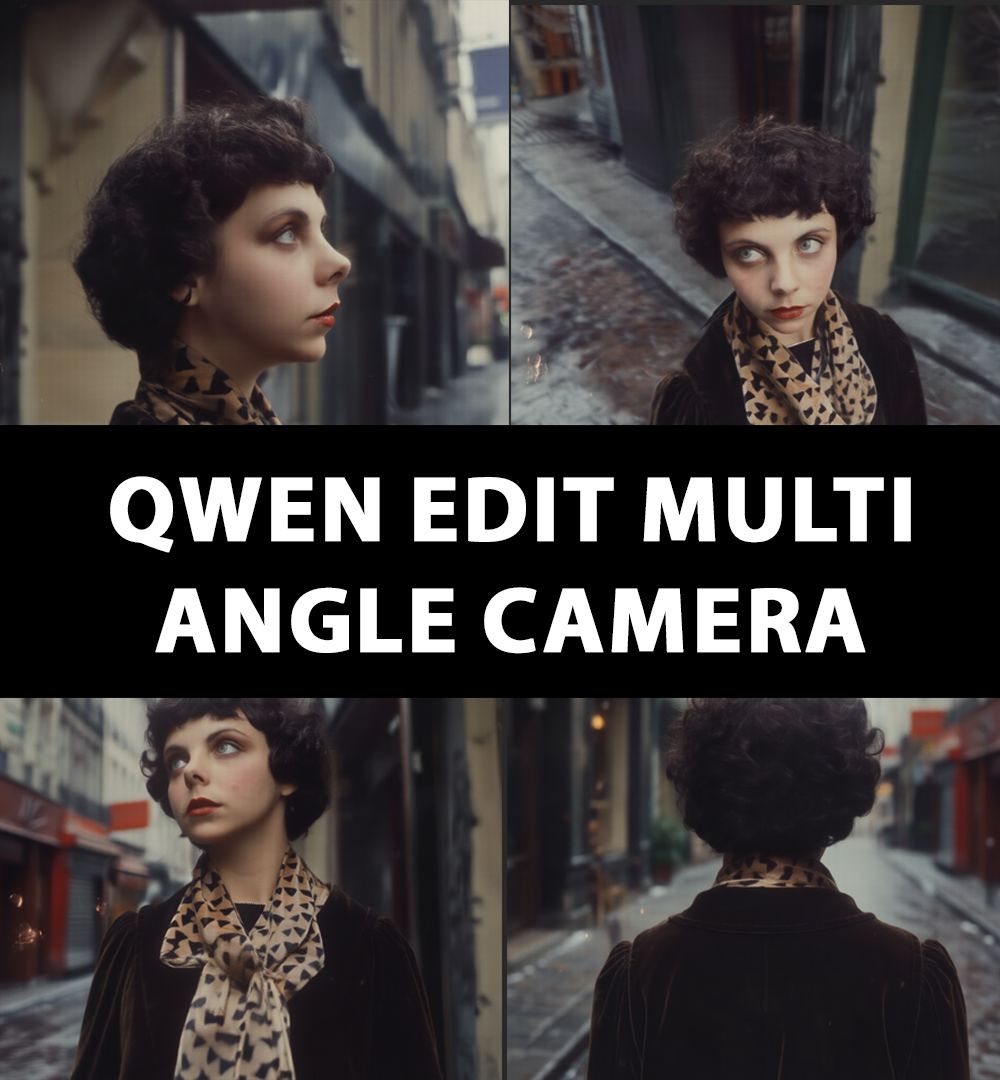
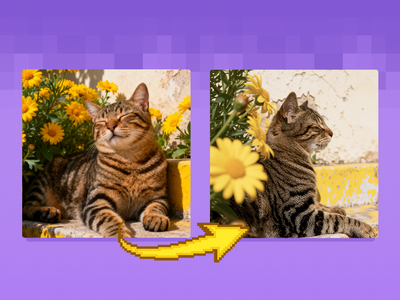
Re-render any subject from a new camera angle with Qwen Image Edit 2509 and a Multi-Angle LoRA. Upload one image, name the view, and hit run. Apache 2.0.
Qwen Image Edit 2509 · Change Camera Angle

Re-render any subject from a new camera angle with Qwen Image Edit 2509 and a Multi-Angle LoRA. Upload one image, name the view, and hit run. Apache 2.0.

Qwen Image Edit 2509 + Multi-Angle LoRA for Camera

Camera control

Image

Image editing

Image to image

LoRA

Qwen

Video

Re-render your subject from any camera angle with Qwen Image Edit 2509 and a Multi-Angle LoRA. Pan, tilt, rotate, wide-angle, or close-up. No trigger word.

Qwen Image Edit 2509 + Multi-Angle LoRA for Camera

Re-render your subject from any camera angle with Qwen Image Edit 2509 and a Multi-Angle LoRA. Pan, tilt, rotate, wide-angle, or close-up. No trigger word.

LITTLE_ISSN

onomono

3.5k

Camera control

Seedance

Video

A 26-scene Seedance 2.0 workflow that reimagines the Japanese folktale Issun-boshi, blending dry-brush textures, ink bleeds, and expressive linework from traditional Japanese painting with dynamic camera moves and high-impact action animation.
LITTLE_ISSN

A 26-scene Seedance 2.0 workflow that reimagines the Japanese folktale Issun-boshi, blending dry-brush textures, ink bleeds, and expressive linework from traditional Japanese painting with dynamic camera moves and high-impact action animation.

Wan2.2 Fun Camera for Camera Control
Camera control

Image to video

Video

Wan

Wan 2.2

Wan2.2 Fun Camera for Camera Control

Wan2.1 and RecamMaster for V2V Camera Control

Camera control

LoRA

Recammaster

Video

Video to video

Wan

Adjust the camera angle of an existing video, like magic.

Wan2.1 and RecamMaster for V2V Camera Control

Adjust the camera angle of an existing video, like magic.
Qwen Image Edit 2511 · Camera Angle Control

Camera control

Image

Image editing

Image to image

LoRA

Qwen

Video

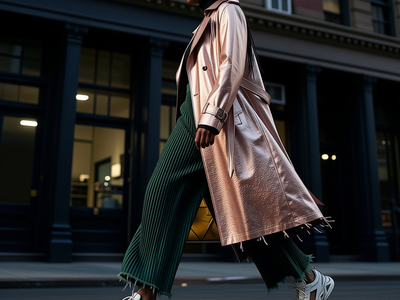
Set a precise camera angle with yaw, pitch, and distance using Qwen Image Edit 2511 and the Multi-Angle LoRA. Upload an image, dial in the view, hit run.

Qwen Image Edit 2511 · Camera Angle Control

Set a precise camera angle with yaw, pitch, and distance using Qwen Image Edit 2511 and the Multi-Angle LoRA. Upload an image, dial in the view, hit run.

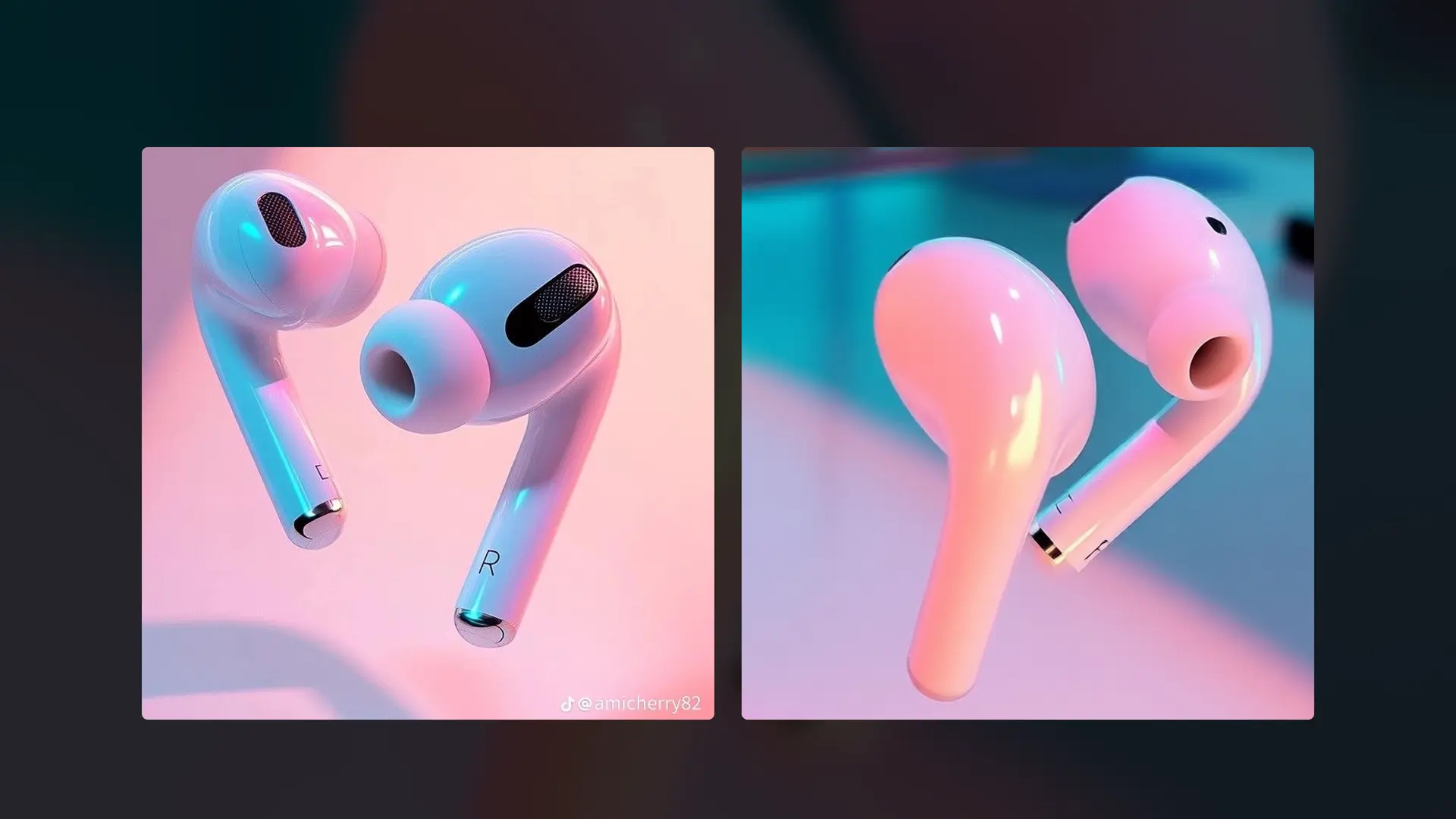
Qwen 2511 Multi-Angle Camera · I2I For Kids Edu

Camera control

Camera rotation

Image

Image editing

Image to image

LoRA

Qwen

Video

Re-render any photo from a new camera angle using Qwen Image Edit 2511 with the Multi-Angle LoRA. Upload a photo, set horizontal and vertical rotation, and hit run.
Qwen 2511 Multi-Angle Camera · I2I For Kids Edu

Re-render any photo from a new camera angle using Qwen Image Edit 2511 with the Multi-Angle LoRA. Upload a photo, set horizontal and vertical rotation, and hit run.

Qwen Image Edit – Multi-Angle Camera View
Camera control

Image

Image editing

Image to image

LoRA

Qwen

Video

Qwen Image Edit – Multi-Angle Camera View

Video to Video with Camera Control with Wan

Camera control

LoRA

Video

Video to video

Wan

Adjust the camera angle of an existing video, like magic.

Video to Video with Camera Control with Wan

Adjust the camera angle of an existing video, like magic.
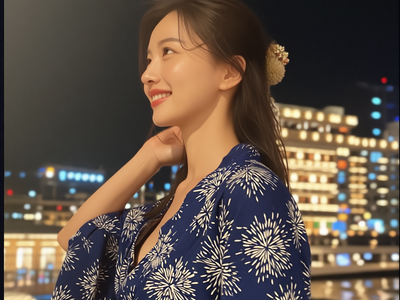
Camera Angle Control with Qwen
agi

agi

1.2k

Camera Angle Control

Camera control

LoRA

Multi Angle

Qwen

Video

Qwen

Camera Angle Control with Qwen

Qwen

Qwen Multiangle Light with Qwen Image Edit 2511

Camera control

Image

Image editing

Qwen

Relighting

Video

Relighting images using Qwen multiangle light node

Qwen Multiangle Light with Qwen Image Edit 2511

Relighting images using Qwen multiangle light node

Camera Angle Creation using Image2Vid

Camera control

Image2Vid

Image to video

Qwen

Video

Video to video

Wan

Wan 2.6

Using witness cameras to recreate additional shots that were not captured by principal photography

Camera Angle Creation using Image2Vid

Using witness cameras to recreate additional shots that were not captured by principal photography

Workflows = API

每个工作流都是一个 API 端点。 无需搭建后端,就能在你的产品中加入 AI 生成功能。 选一个工作流,自定义设置,点击“复制 Floyo API 代码片段”,搞定。

进一步了解 API

MCP

平台上的每个工作流,都能被你自己的智能体和内部工具调用,并受同样的管理员管控。

mcp.floyo.ai/mcp

阅读 MCP 文档

简易模板

打开一个现成的工作流,阅读说明,修改输入,点击 Run。大多数人从来不用打开节点。复杂的部分可有可无,都藏在幕后。

浏览工作流

Trust Center

在任何人运行之前,就知道是否安全。每个模型都标有 Verified Private 和 Commercial Use 状态,团队管控还能屏蔽你未批准的模型。管理员可以选择团队能使用哪些模型、提供商和节点。

查看 Trust Center

立即开始

免费课程

ComfyUI 101

Sebastian Kamph 主讲的免费课程Sebastian Kamph 主讲的免费课程

十节课,从空白画布到 ControlNet。节点、文生图、模型、LoRA、超分辨率放大和 KSampler 设置。无需安装。每节课都在这里运行,学完时你手上就有自己搭建的工作流。

开始课程

Sebastian Kamph 主讲的 ComfyUI 101
Floyo | 运镜控制