

Qwen Inpaint with Reference image
inpaint
qwen
756
Nodes & Models
Note
UNETLoader
qwen_image_edit_2509_fp8_e4m3fn.safetensors
CLIPLoader
qwen_2.5_vl_7b_fp8_scaled.safetensors
MarkdownNote
VAELoader
qwen_image_vae.safetensors
LoadImage
LoraLoaderModelOnly
Qwen-Image-Edit-2509-Lightning-4steps-V1.0-bf16.safetensors
ImageResizeKJv2
ModelSamplingAuraFlow
VAEEncode
ImageAndMaskPreview
TextEncodeQwenImageEditPlus
CFGNorm
ReferenceLatent
InpaintModelConditioning
KSampler
VAEDecode
SaveImage
Image Comparer (rgthree)
InpaintCropImproved
InpaintStitchImproved
Qwen Inpaint with reference image.
This workflow loads a base image that you can "AI retouch" or inpaint on top of, with the added benefit of being able to load a reference image.
Simply load a base image in the leftmost load image node and your reference image in the right load image node, mask the base image where you want the changes to appear and prompt for it.
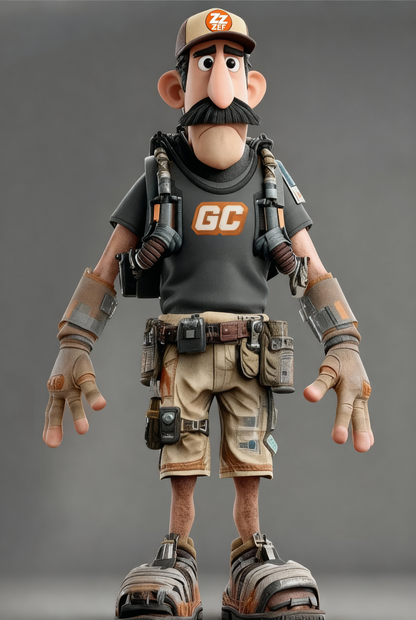
Example prompt: "Place this character in the scene in location X"
Usage tips:
Using a character sheet works very well when you want to change direction.
If you encounter issues with objects being cropped by your mask, try to mask a square and lower context area.
Read more
N