


COMMUNITY PAGE
Teaching the Workflow, Not the Setup
How Lighthouse AI Academy certifies production professionals in Ai for Creative Leaders advanced ComfyUI without twenty different machines deciding who keeps up.
|
Organization
Lighthouse AI Academy
|
Sector
Professional AI Education
|
|
Location
Worldwide / Remote
|
On Floyo
Cloud ComfyUI environment for advanced professional training
|
|
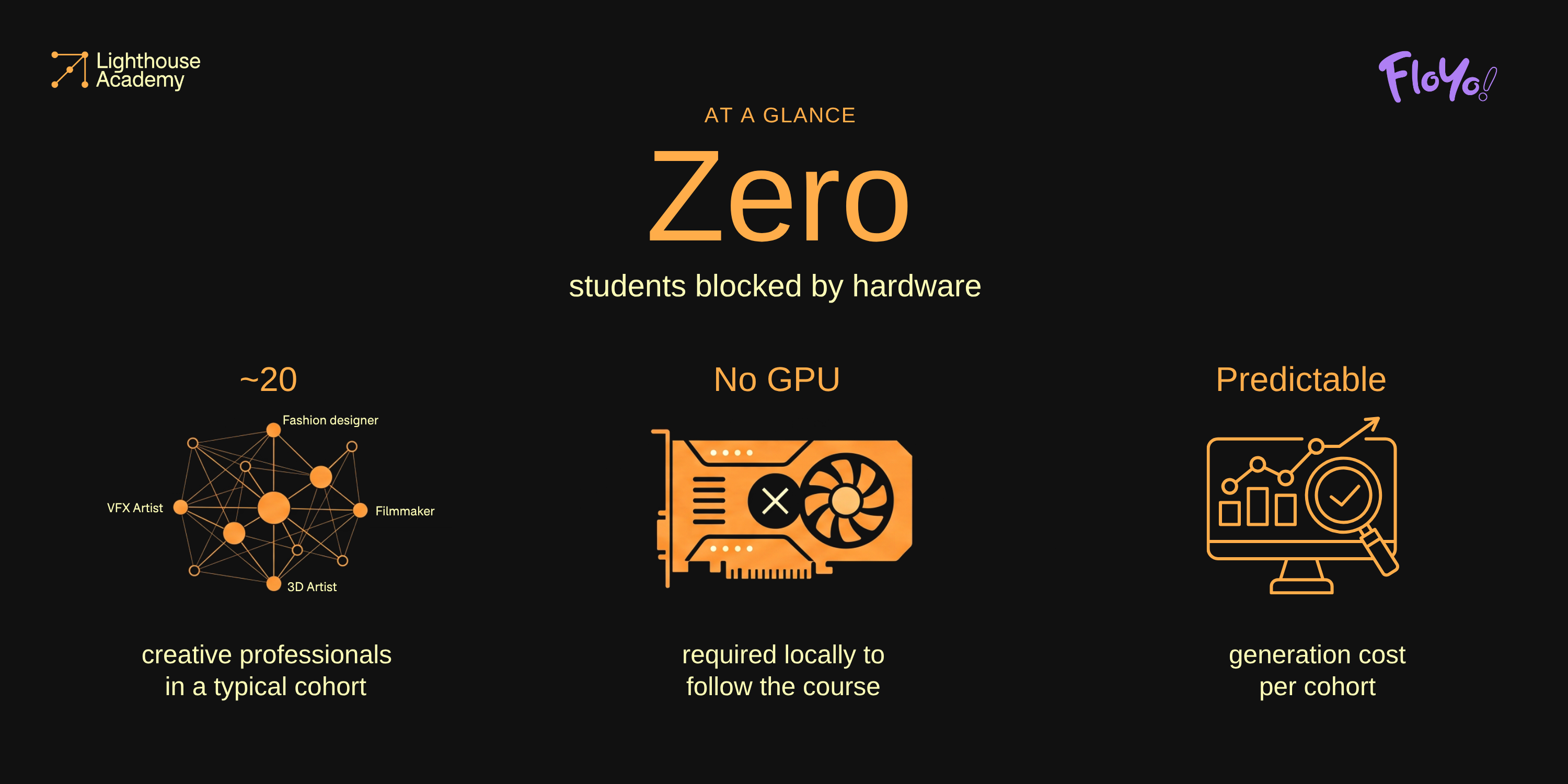
~20
Creative professionals in a typical cohort
|
Zero
Students blocked by hardware
|
|
No
Local GPU required to follow the course
|
Predictable
Generation cost per cohort
|
The Work
There is no standard yet for how AI gets used inside a production company. Studios are adopting it without a plan. Experienced professionals want to move into it without a roadmap. Everyone is heading somewhere, often not the same direction.
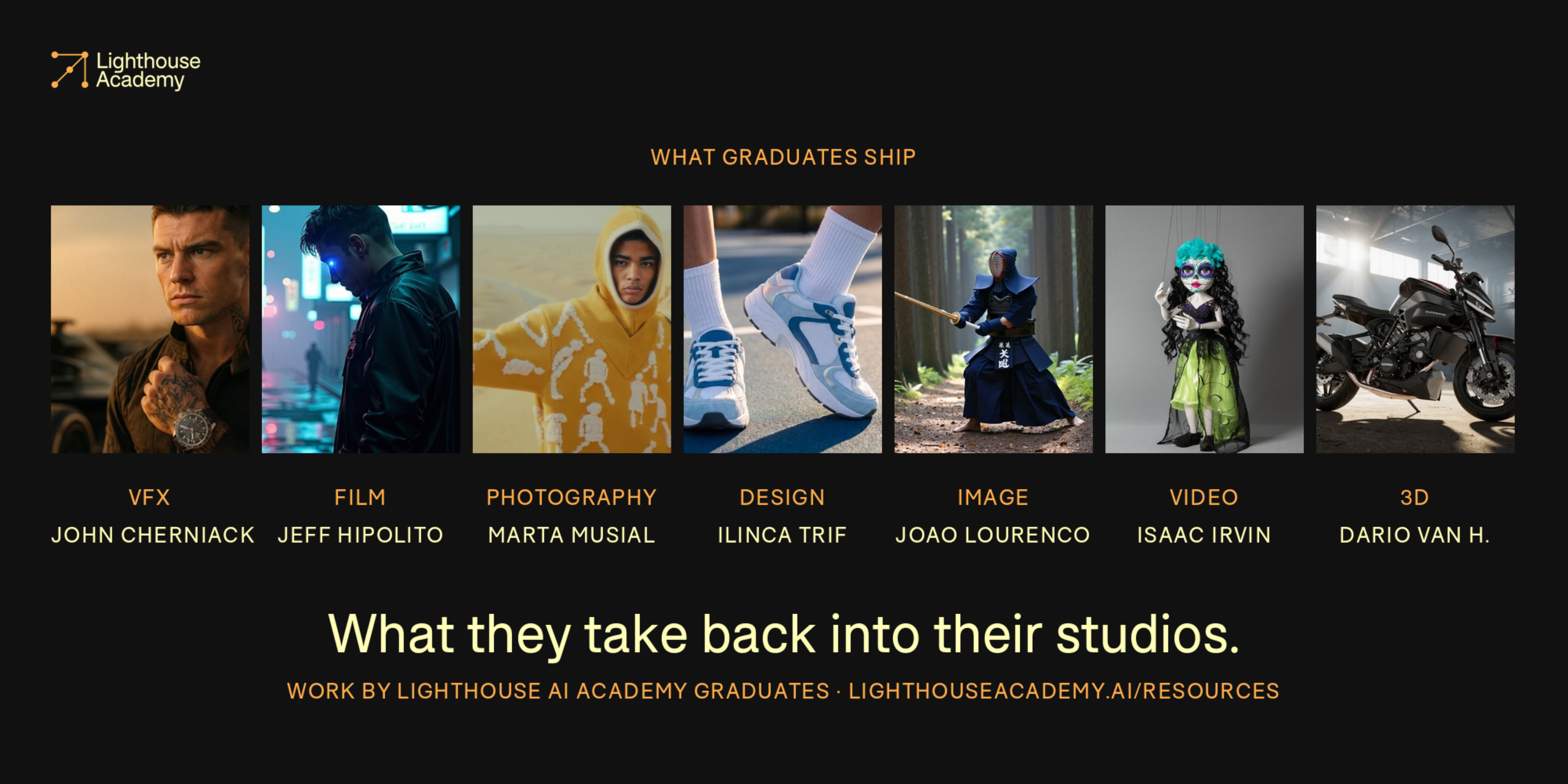
Lighthouse AI Academy fixes that one person at a time. It runs certification programs for people already deep in their craft: VFX supervisors, CG artists, filmmakers, editors, photographers, technical artists, post specialists, most with a decade or more behind them. The point isn't exposure to generative AI. It's proven capability, so a graduate can build a technical AI workflow, deploy it into an organization, and explain the reasoning to a client or a team.
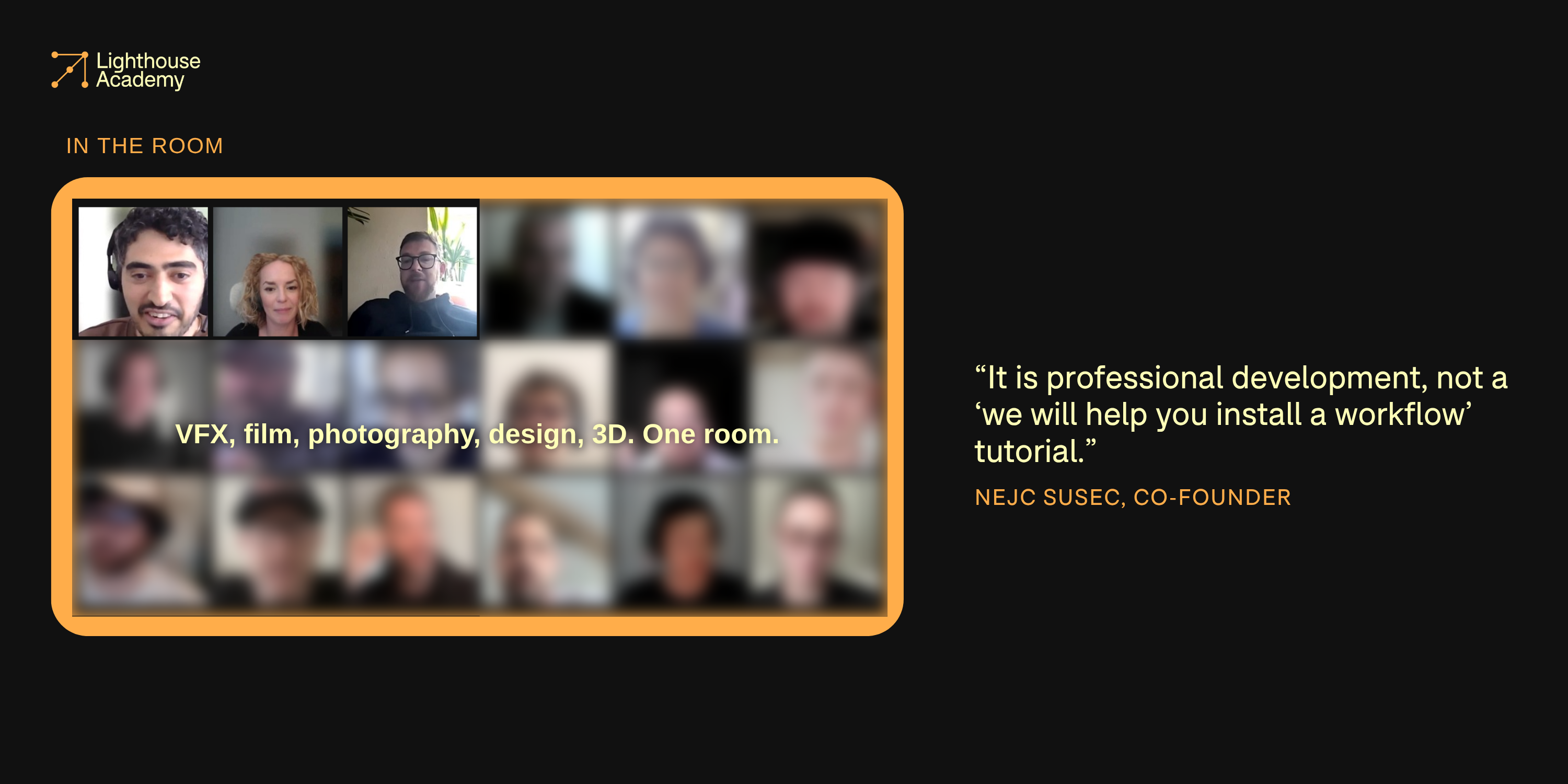
Floyo supports students across the Advanced ComfyUI and AI for Creative Leaders programs, where cohorts move past isolated generations into designing systems other people can use. Students are able to build custom nodes, train models, design production workflows, and understand the technology deeply enough to deploy it with confidence, lead strategic transformation roadmap for their team, align legal, IT and creative teams.
The Academy's philosophy is short: enhance, do not replace, the creative voice. Students build against real production problems, guided by mentors with decades of traditional experience and years of putting AI into commercial work.
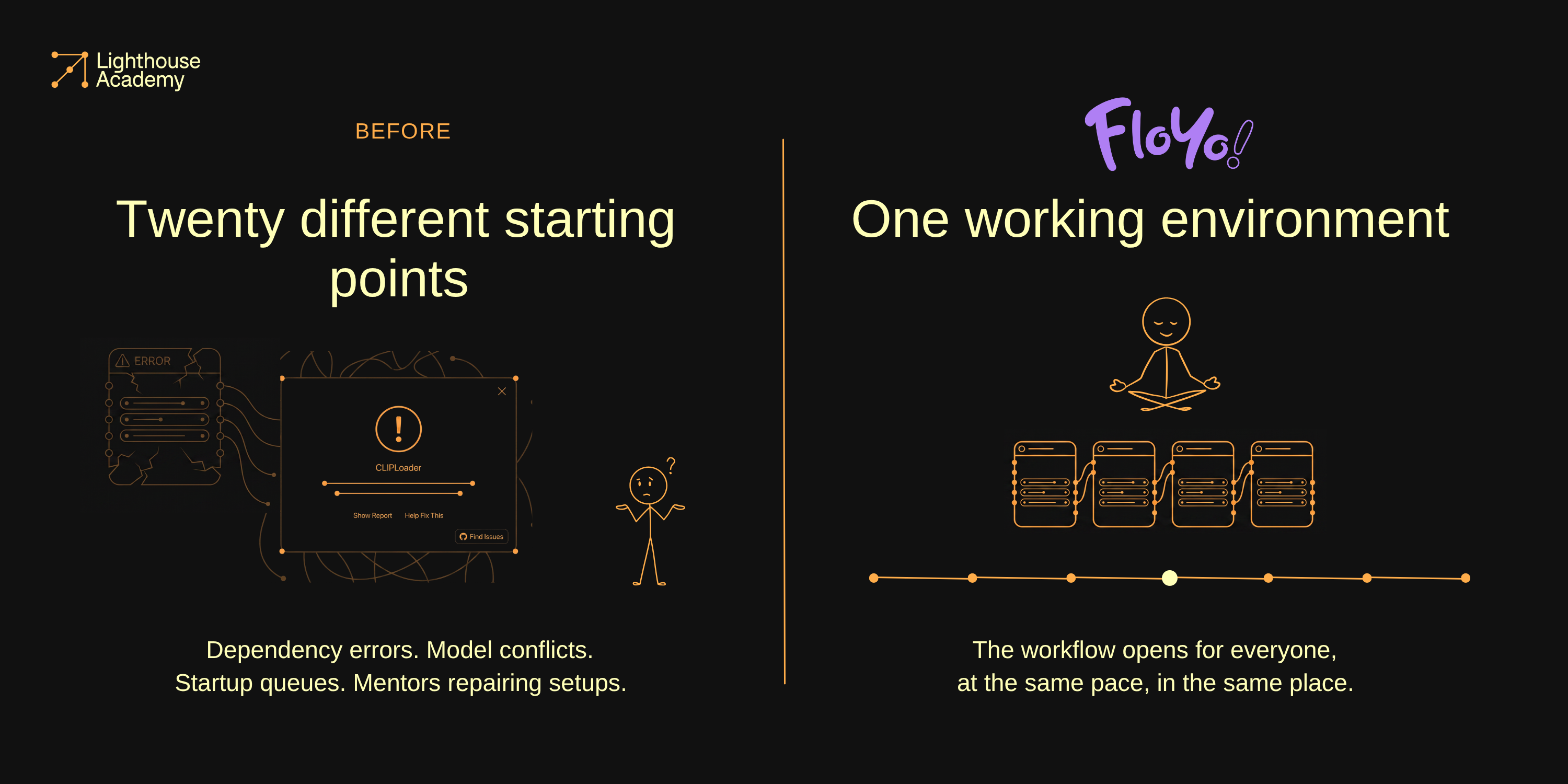
Before Floyo: an open canvas, twenty different starting points
ComfyUI suits the way Lighthouse teaches. It exposes the system underneath the result, so students can inspect how a workflow functions, rewire its logic, swap in models, and turn an experiment into a tool their studio can run.
That same openness is what makes it hard to teach at cohort scale. Every student arrives with a different machine, GPU, operating system, company legal / privacy policies, IT requirements and guardrails, dependency stack, and level of technical comfort. A workflow that launches instantly for one person refuses to open for another. Custom nodes fail to install. Model versions conflict. Startup queues drag. A lesson about production design turns into a group troubleshooting session.
Lighthouse has been working through cloud ComfyUI since last year, starting on ThinkDiffusion, this team's earlier product, then testing several others. The failures repeated across the category and across generations of it: environments broke, custom nodes and models wouldn't install, workflows failed, machines took too long to start.
For one artist experimenting alone, that friction is annoying. In a live class it sets the pace of the whole room. Mentors repair environments instead of teaching, and students without a capable local GPU fall behind exactly where the course gets valuable.
The Setup: one working environment, then make it your own
"Floyo has so far proven to work the most consistently and students are actually able to use it and produce results with workflows in Comfy."
Nejc Susec, co-founder, Lighthouse AI Academy
Floyo gives Lighthouse a shared cloud baseline without flattening the technical depth of the course.
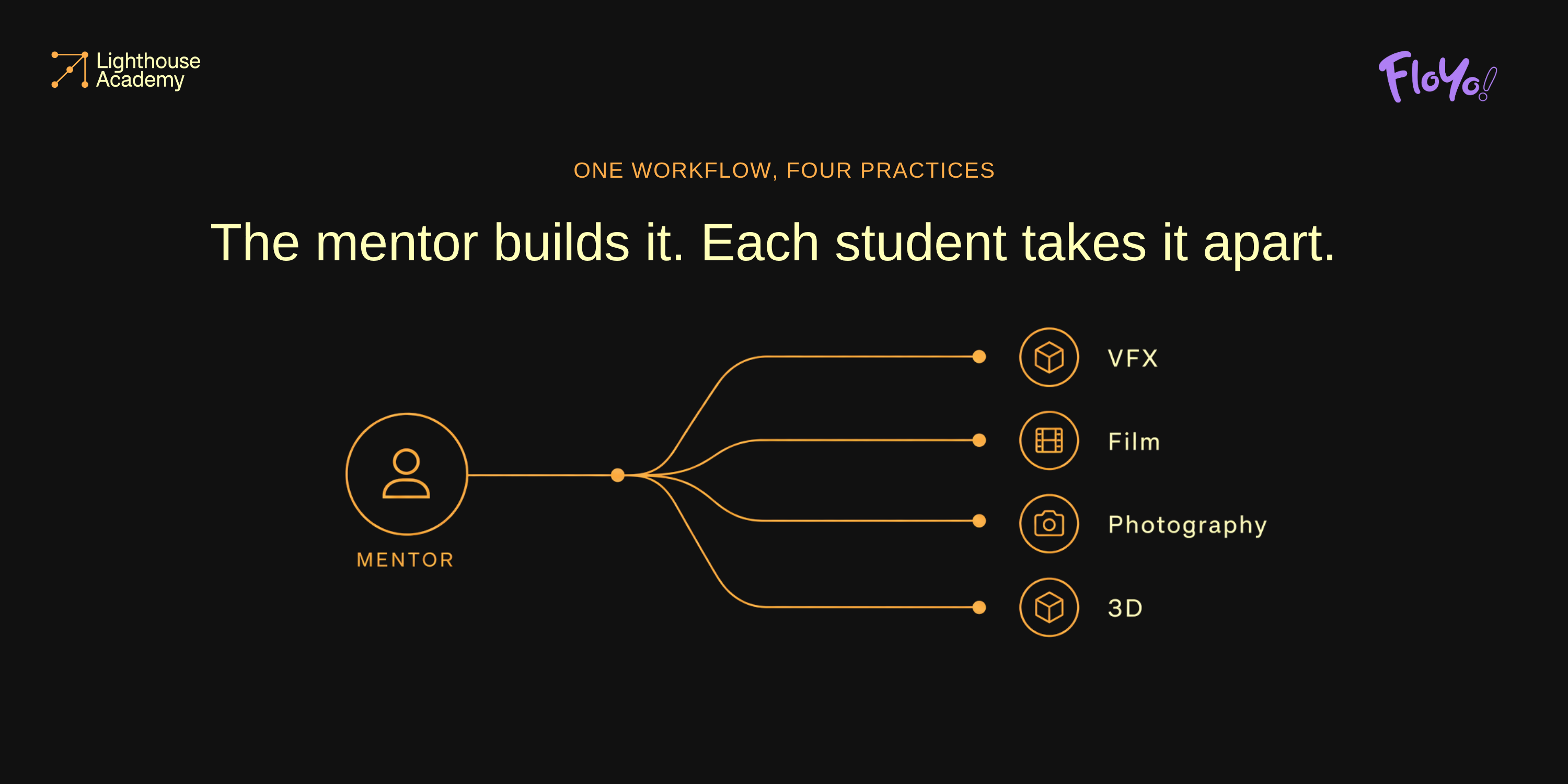
Before each session a mentor builds a working ComfyUI workflow with the required nodes, models, and example outputs. In class, the mentor walks through how it functions and why each decision was made. Students then get the same workflow in Floyo and take it apart.
The pattern holds across the image, video, and 3D modules:
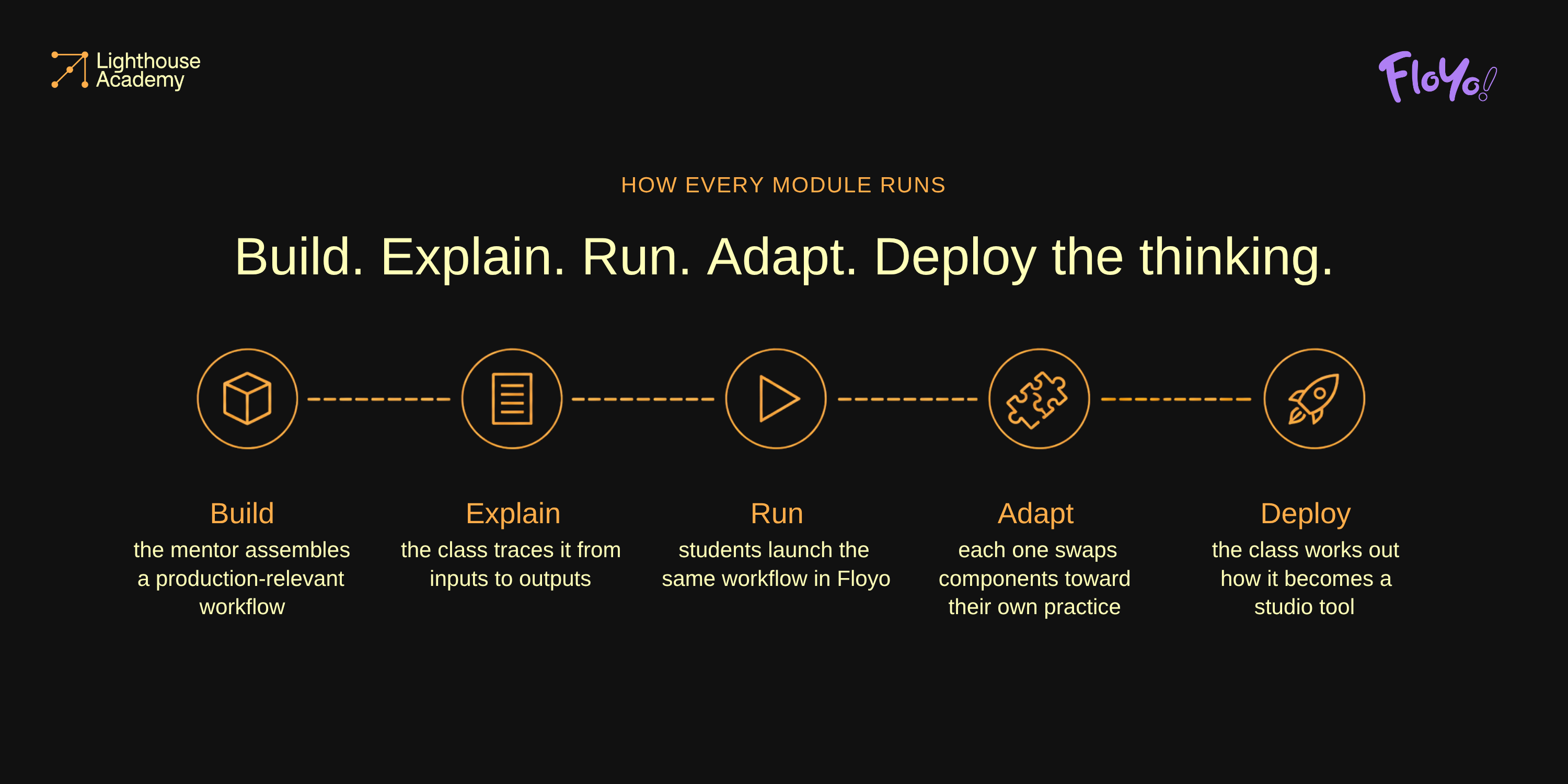
1. Build. The mentor assembles a production-relevant workflow from real tools, models, and use cases. 2. Explain. The class traces the system from inputs to outputs, including the reasoning behind it.
3. Run. Students launch the same workflow in Floyo, without reproducing the mentor's local setup first. 4. Adapt. Each student swaps components and pushes it toward their own practice.
5. Deploy the thinking. The class works through how that system becomes an internal tool, a batch pipeline, or a shared studio workflow.
Students with strong local workstations still work locally. Floyo doesn't replace anyone's local setup. It keeps access to the curriculum from depending on one, and it gives Lighthouse a way to show how a ComfyUI workflow moves off a single machine and into a team. Every mentor can run their own custom workflows in the cloud, so the group advances at almost the same pace.
Why the ComfyUI track exists
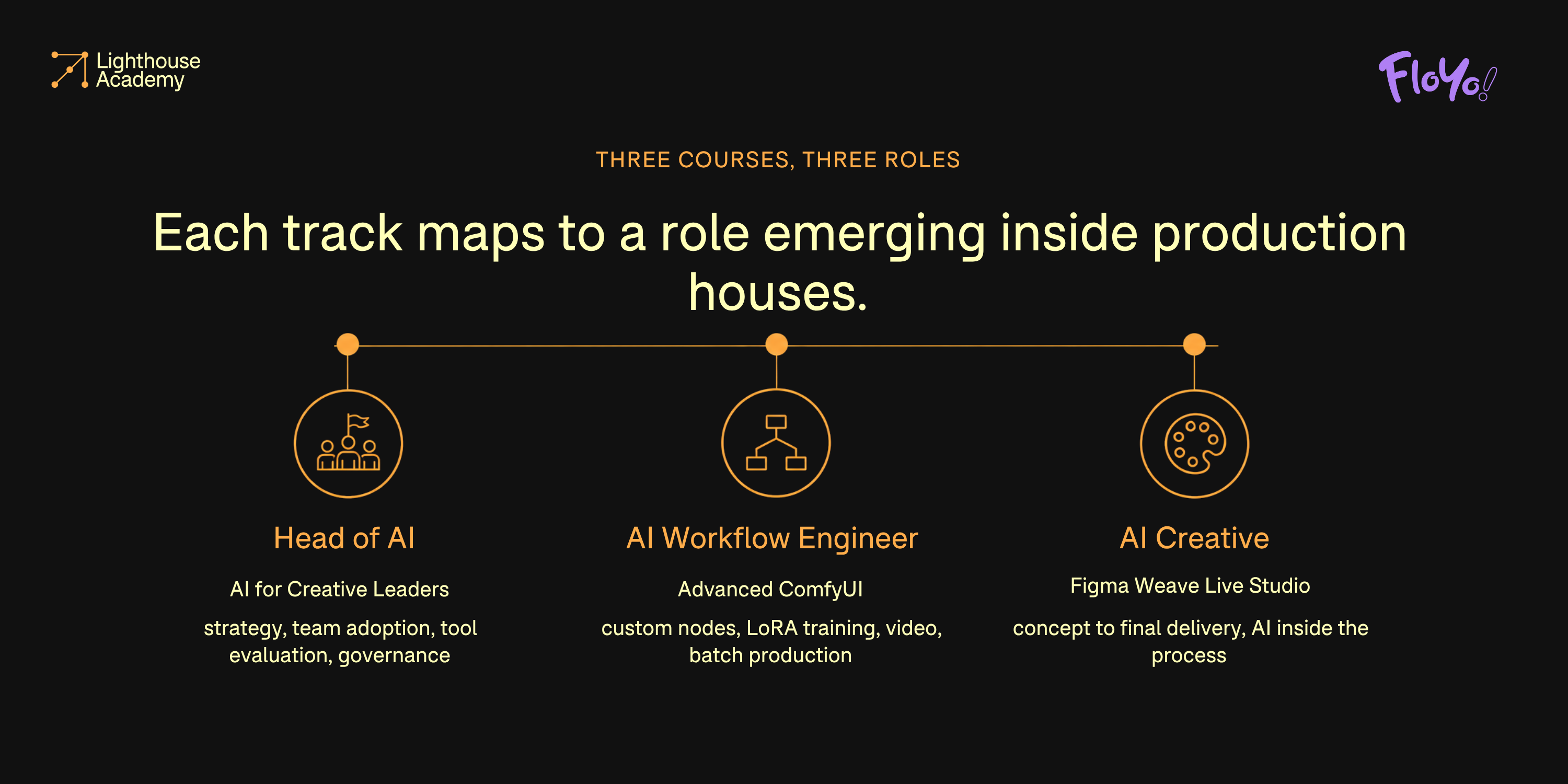
Lighthouse teaches across closed and open tools. The Creative Leaders program covers a broad range of models and platforms. The ComfyUI track is the one built around technical workflow engineering, model training, and tool deployment. Each course maps to a role Lighthouse has watched emerge inside production houses:
Head of AI (AI for Creative Leaders): strategy, team adoption, transformation roadmaps, tool evaluation, governance.
AI Workflow Engineer (Advanced ComfyUI): custom nodes, LoRA training, video generation, batch production systems.
AI Creative (Figma Weave Live Studio): concept to final delivery, with AI as a core part of the process.
The ComfyUI track starts at the root and builds up. Its course director actively researches machine learning and model development, including applications well outside generative AI in data analytics and computational design. The course is advanced on purpose, aimed at people who want to be first to build something for their studio.
The creative leaders track focuses in turn on creative strategy specifically for post-genAI pipelines, enabling team adoption, transformation roadmaps, tool evaluation, and governance at scale.
Tool-building has always been inseparable from VFX and production. Every filmmaking breakthrough came from a team that invented a way through a creative problem, usually by writing their own tools to get the work made.
"ComfyUI brings this ability to build tools and pipelines to everyone who touches it."
Nejc Susec, co-founder, Lighthouse AI Academy
The tradeoff is that an open canvas has no built-in roadmap. When you can do anything, deciding what to do next is the hard part. Lighthouse answers that with structured coverage of production fundamentals, modules that only exist because of the technology, and constant use of real examples from mentors' commercial work.
What It Unlocked: nobody falls off
Lighthouse is direct about the ceiling. Cloud ComfyUI won't be identical to a carefully maintained local workstation, and they don't claim otherwise. What changed is who gets to keep going.
Before, students without a suitable GPU hit a wall partway through the technical modules and stopped. Now there's no drop-off point. Everyone can open the lesson, run the workflow, produce results, and continue into the harder material.
Mentors teach custom systems instead of retreating to simplified demos that run anywhere. Class time moves off environment repair and back onto experimentation, critique, and production thinking. For a cohort of around twenty working professionals, that shows up three ways.
Access without lowering the ceiling
Students get a real route into creative leaders & advanced ComfyUI, and the Academy never designs the course around whatever runs on the least capable laptop in the room.
More of the session spent teaching
The environment is ready when the workflow arrives, so mentors spend their time on systems, creative decisions, and production application.
A clearer path from artist to technical lead
Students learn to build tools, reason about architecture, argue tradeoffs, and carry repeatable AI workflows back into a studio.
Where this goes next
Nobody can say what creative AI roles look like in three years. The technology moves too fast, and expectations rise faster than production reality.
Lighthouse doesn't train students around a single model or moment. It anchors them in the craft they already have, teaches what sits under the interface, and builds the judgment to move somewhere new.
Graduates take that back into studios. They start new production initiatives, build services and products, lead teams through adoption. Corporate has already started hiring for these roles, often without clear scope attached. The people finishing these cohorts are the ones who'll end up writing that scope, and evaluating the tooling that goes with it.
The durable skills aren't prompting or fluency with a particular model. They're critical thinking, system design, communication, and connecting new technology to work worth making.
Floyo keeps the education open to the whole cohort. Lighthouse keeps the technology in service of the person using it.
"Anchor yourself in your experience, be open to go somewhere new, likely unknown, go for it. You will arrive 100%."
Nejc Susec, co-founder, Lighthouse AI Academy
|
Organization
Lighthouse AI Academy
|
Team
Six-person core team plus an industry mentor roster
|
|
Focus
Certification programs for filmmaking, VFX, creative production, and brand teams
|
Location
Worldwide / Remote
|
|
Core need
Every student able to run the mentor's workflow in the same environment, at the same pace
|
Floyo use
Cloud ComfyUI environment for students and mentors
|
|
Website
|
LinkedIn
|
Run your team's workflows on Floyo
Browser-based ComfyUI in a shared, governed workspace. No machine setup, no idle costs.
How Lighthouse AI Academy certifies production professionals in Ai for Creative Leaders advanced ComfyUI without twenty different machines deciding who keeps up.