

Nano Banana Pro: Generate & Edit Images
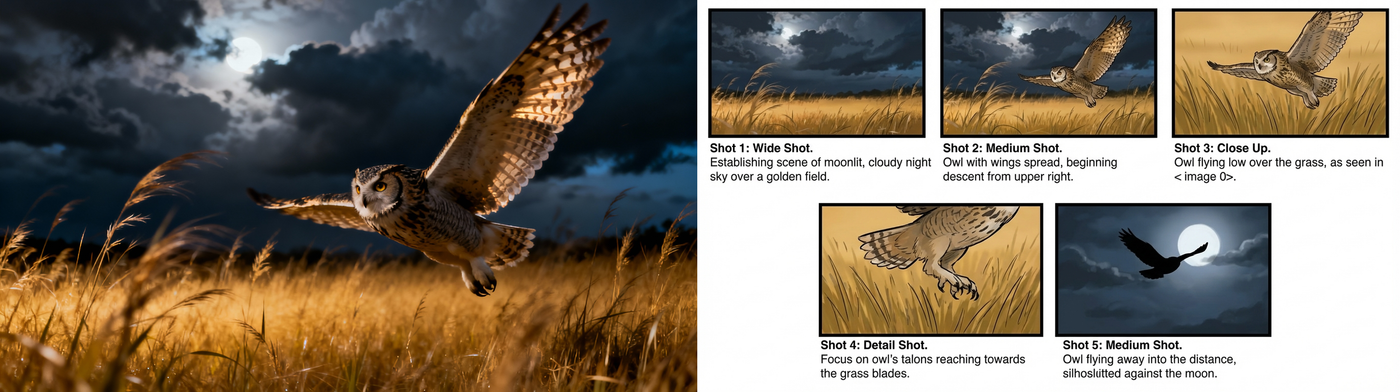
Google just released Nano Banana Pro, and honestly, it's a pretty big step up from the original Nano Banana. The main thing? It can actually put legible text in images now. Like, real text that you can read, not the garbled nonsense most AI models spit out.
API
gemini 3 pro
Image
Image2Image
typography
17.0k
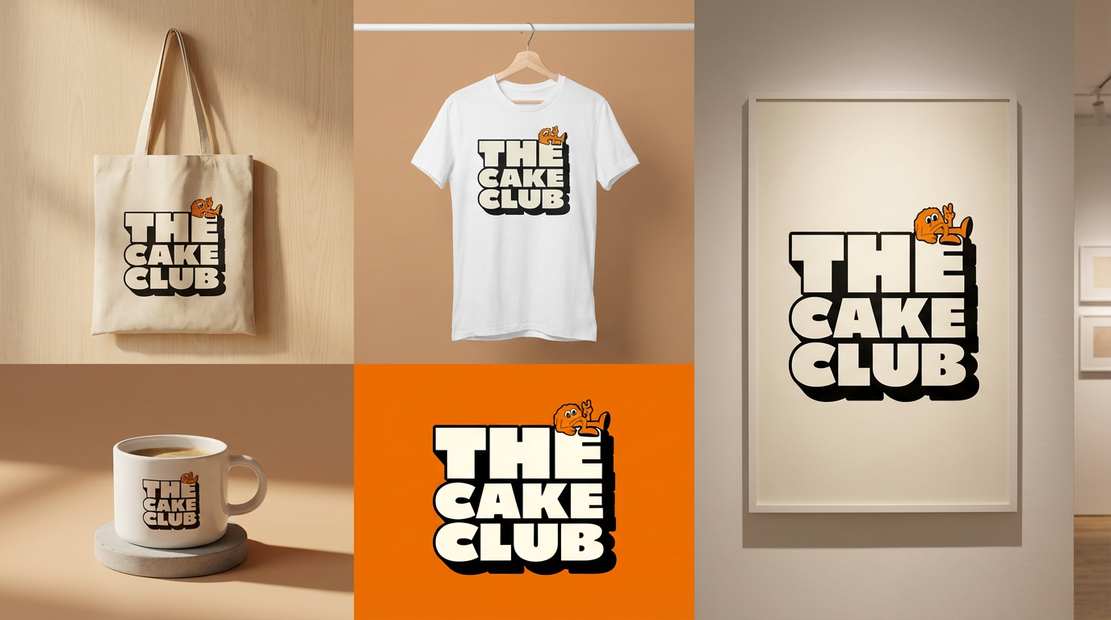
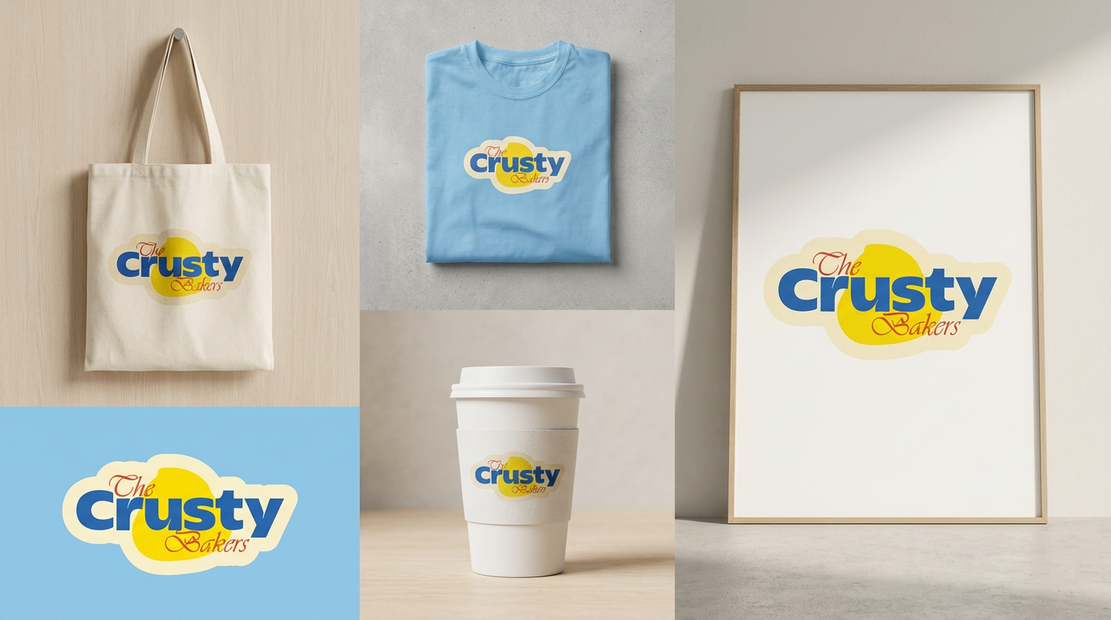


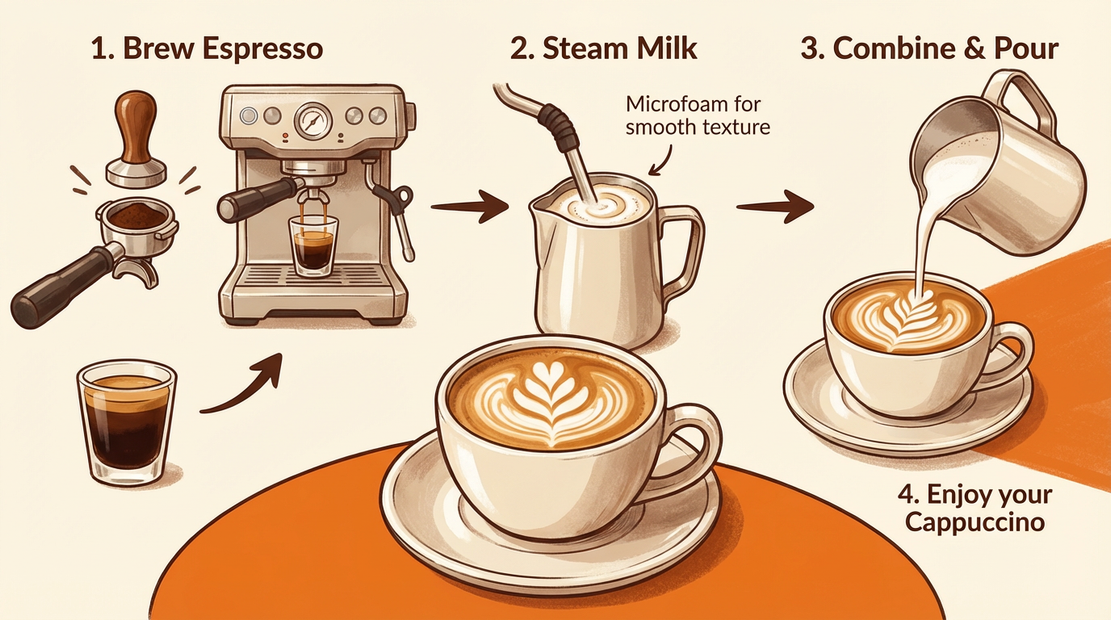
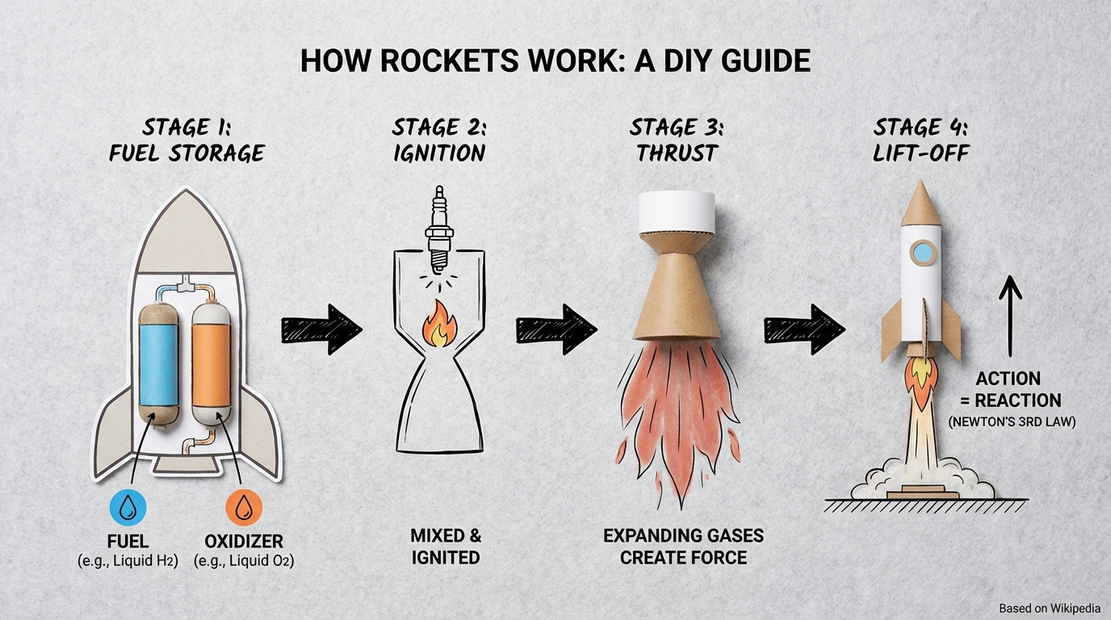









Nodes & Models
NanoBananaProUnified_floyo
LoadImage
ImageConcanate
SaveImage
PreviewImage
HOW IT WORKS
Step 1. Write your prompt Describe the image you want to make, or the edit you want to apply. Nano Banana Pro is strong at legible text, infographics, and photorealism, so spell out any words you want in the image. Works great with: text and typography · infographics · photorealism · product shots
Step 2. Add an image to edit (optional) Upload a photo to transform it, like "turn this scene into night time." Leave it out to generate from the prompt alone.
Step 3. Hit run and download You get back your image. When you start from an uploaded photo, the workflow shows the original and the result side by side so you can compare. Ready for: Photoshop · Figma · Canva · any editor
First time? Leave every setting as-is. The defaults (1K · PNG · auto aspect ratio · random seed) are the right starting point for almost everyone.
RECOMMENDED SETTINGS
Quick-start guide. Find the goal that matches yours and copy the settings.
Standard generation (most people) ★ Start here — 1K · PNG · auto aspect ratio. The right starting point for almost everyone.
Need print or large-format quality — Step the resolution up to 2K or 4K. Nano Banana Pro renders at native resolution and upscales cleanly, so detail holds when you print or zoom.
Want a specific shape — Set the aspect ratio to 1:1, 16:9, or 9:16 instead of auto, so the image fits where it will be used.
Generating text or an infographic — Spell out the exact words and where they go. This model renders legible, multi-language text, so the more precise you are, the cleaner the type.
Want real-world accuracy — Turn on web search grounding. The model can pull in current facts to build accurate diagrams, maps, and factual visuals.
Editing a photo — Upload it and name the change plainly, like "turn this scene into night, add warm streetlights." The rest of the image stays put.
Reproduce a result you liked — Set a fixed seed instead of leaving it at -1. The same prompt and seed give you the same image again.
Prompt: Be specific. For a new image, name the subject, style, lighting, and any text. For an edit, name the change and what to keep. Nano Banana Pro reasons about the prompt before it renders, so detail pays off.
USE CASES
🎨 Designers & Marketers Make posters, infographics, social graphics, and mockups with legible text baked in, instead of adding type in a separate pass.
🛍️ Product & E-commerce Generate or edit product visuals, swap scenes and lighting, and keep branding consistent across a set of images.
📊 Diagrams & Explainers Build accurate diagrams and maps, with web search grounding to keep the facts and labels right.
🌍 Localization Translate the text inside an image to ship the same design in another language without rebuilding it.
WHAT WORKS BEST / WHAT TO AVOID
✅ Works great
Images with text, signs, or typography
Infographics, posters, and layouts
Photorealistic scenes and product shots
Clear, detailed prompts
⚠️ May produce softer results
Dense paragraphs of tiny text
Vague or contradictory prompts
Edits that fight the original lighting
Many unrelated elements crammed into one image
NEW TO COMFYUI?
Start with the free ComfyUI for Beginners Course on Floyo. Sixteen short videos take you from zero to running your own AI workflows. No setup headaches, no jargon, clear hands-on lessons. Watch the course, then run any workflow here in your browser.
👉 Watch the free ComfyUI for Beginners Course →
FAQ
What is Nano Banana Pro? Nano Banana Pro is Google DeepMind's image generation and editing model, built on Gemini 3 Pro and released in November 2025. It is known for state-of-the-art text rendering, strong world knowledge, and high-fidelity output up to 4K. It handles both making images from a prompt and editing images you upload.
How is Nano Banana Pro different from the original Nano Banana? Nano Banana Pro runs on Gemini 3 Pro, while the original Nano Banana runs on Gemini 2.5 Flash Image. The original is built for fast, fun edits and quick generation. Pro is the higher-fidelity model: cleaner detail, far better text, support for up to 14 reference images, web search grounding, and 2K and 4K output for production work.
Can Nano Banana Pro render readable text in images? Yes, and it is one of the best models for it. Nano Banana Pro renders legible text in multiple languages, which makes it a fit for infographics, posters, menus, and slides. It can also translate the text inside an existing image, so you can localize a design without rebuilding it.
What resolutions and aspect ratios can it output? Nano Banana Pro generates at native 1K and upscales to 2K and 4K for print and large-format use. This workflow defaults to 1K PNG with an auto aspect ratio, and you can set a fixed ratio like 1:1, 16:9, or 9:16 to match where the image will go.
What does web search grounding do? Web search grounding lets Nano Banana Pro connect to Google Search and pull in real-world information while it builds an image. That is useful when accuracy matters, like diagrams, maps, or visuals that reference current facts. It is off by default in this workflow, so turn it on when you need it.
Can I use the results commercially? Yes. Images you generate on Floyo carry full commercial rights. Note that Google embeds an invisible SynthID watermark in Nano Banana Pro output to mark it as AI-generated, and you are responsible for having the right to any images you upload to edit.
How to run Nano Banana Pro online? You can run Nano Banana Pro online through Floyo. No installation, no setup, no API keys to wire up. Open the workflow in your browser, write a prompt or upload an image, and hit run. Free to try.
WHY FLOYO?
Floyo is the only platform with team collaboration for ComfyUI in the browser. You run workflows with no install. You share run history, assets, and models across your team. You pay only when you generate. Floyo supports open-source and closed-source models.
A designer runs a prompt and likes the result. A teammate opens that exact run from shared history and keeps going. No file handoffs. No version confusion.
For studios and enterprise teams, Floyo adds private workspaces, pooled resources, and a team usage dashboard. Other ComfyUI cloud tools run for one person at a time. Floyo runs for the whole team, with transparent per-generation costs.
Ready to try it? Write a prompt or upload an image, and run it. The settings are already set.
Questions? Watch the free course or check the FAQ above.
Read more


_1786351368179.png?width=400&height=300&quality=80&resize=cover)




