


Allez plus loin avec la vidéo
Tout explorer


Tous les workflows de type synchronisation labialeWorkflows : Synchronisation labiale
Tous les Workflows

Wan2.1 FusionX and MultiTalk - Image to Video
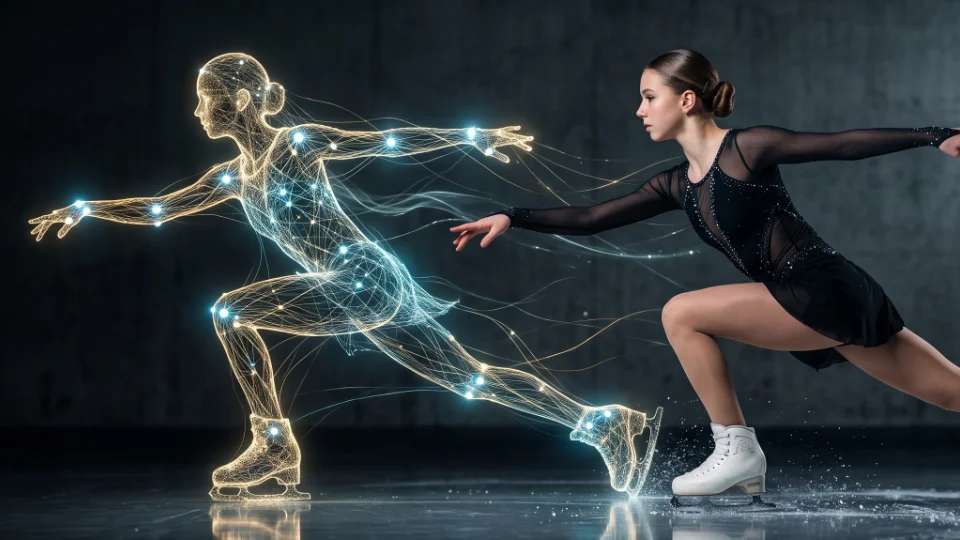
Turn any portrait - artwork, photos, or digital characters - into speaking, expressive videos that sync perfectly with audio input. MultiTalk handles lip movements, facial expressions, and body motion automatically.


InfiniteTalk | Image to Video: Unlimited Talking Avatar with Lip-sync

LTX 2.3 Lip sync I2V - Advanced Series 02
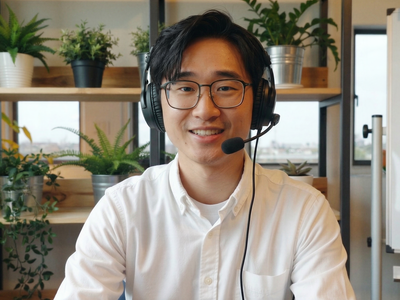
- Generates advanced lip sync image to video with LTX 2.3 with high quality and prompt adherence. - Related to the ComfyUI Advanced Video generation series on youtube channel : https://www.youtube.com/@AITold

Image to Talking Video - LTX 2.3 + ElevenLabs UGC

LatentSync - Lip Sync Video from Audio
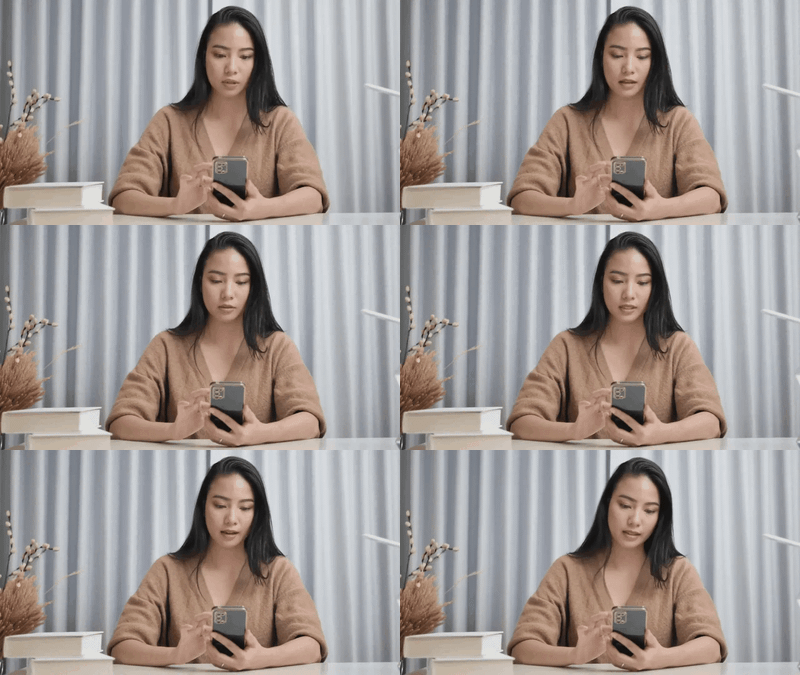
Make anyone in a video match your audio with LatentSync

LTX 2.3 Image + Audio to Video
Generate Image to Video with Custom Audio using LTX 2.3

LTX2.3 Lip Sync · Image + Audio to Video For Anime
Upload a portrait and an audio file. LTX 2.3 generates a 10-second 1080p video where the character speaks or sings in sync with your audio, using a three-pass upscaling pipeline with vocal separation, NAG, and static camera locking.


LTX-2.3 Pro - Image to Video with Lipsync
Animate a still image with LTX-2.3 Pro. Build a prompt from four parts (scene, dialog, ambient, style) and get a clip with lip-synced dialog and audio.
Wan 2.1 InfiniteTalk
Wan 2.1 InfiniteTalk talking video from audio and a reference clip

InfiniteTalk - Lip Sync Any Video to Any Audio

Kling AI Avatar V2 Pro - Photo to Talking Video
Turn a photo into a talking video with Kling Avatar V2 Pro.

LTX 2.3 - Audio to Video
Generate video from an audio track and a reference image with LTX 2.3
Workflows = API
Chaque workflow est un endpoint d’API. Intégrez la génération par IA à votre produit sans développer de backend. Choisissez un workflow, personnalisez-le, cliquez sur « Copier l’extrait de code Floyo API », et c’est fait.

MCP
Tous les workflows de la plateforme, accessibles depuis vos propres agents et outils internes, avec les mêmes contrôles d’administration.
mcp.floyo.ai/mcp
Templates simples
Ouvrez un workflow prêt à l’emploi, lisez les instructions, changez votre entrée, cliquez sur Exécuter. La plupart des gens n’ouvrent jamais un nœud. La complexité est facultative et reste sous le capot.

Trust Center
Sachez ce qui est sûr avant que quiconque ne l’exécute. Statuts Verified Private et Commercial Use pour chaque modèle, et des contrôles d’équipe pour bloquer ceux que vous n’approuvez pas.Les administrateurs choisissent les modèles, les fournisseurs et les nœuds que l’équipe peut utiliser.

Templates simples
Ouvrez un workflow prêt à l’emploi, lisez les instructions, changez votre entrée, cliquez sur Exécuter. La plupart des gens n’ouvrent jamais un nœud. La complexité est facultative et reste sous le capot.
Trust Center
Sachez ce qui est sûr avant que quiconque ne l’exécute. Statuts Verified Private et Commercial Use pour chaque modèle, et des contrôles d’équipe pour bloquer ceux que vous n’approuvez pas.Les administrateurs choisissent les modèles, les fournisseurs et les nœuds que l’équipe peut utiliser.
Workflows = API
Chaque workflow est un endpoint d’API. Intégrez la génération par IA à votre produit sans développer de backend.Choisissez un workflow, personnalisez-le, cliquez sur « Copier l’extrait de code Floyo API », et c’est fait.
Premiers pas
Cours gratuit
ComfyUI 101
cours gratuit de Sebastian KamphCours gratuit de Sebastian Kamph
Dix leçons, d’un canevas vierge jusqu’à ControlNet. Nœuds, texte vers image, modèles, LoRA, upscaling et réglages du KSampler. Rien à installer. Chaque leçon s’exécute ici : vous terminez avec des workflows que vous avez construits vous-même.
