


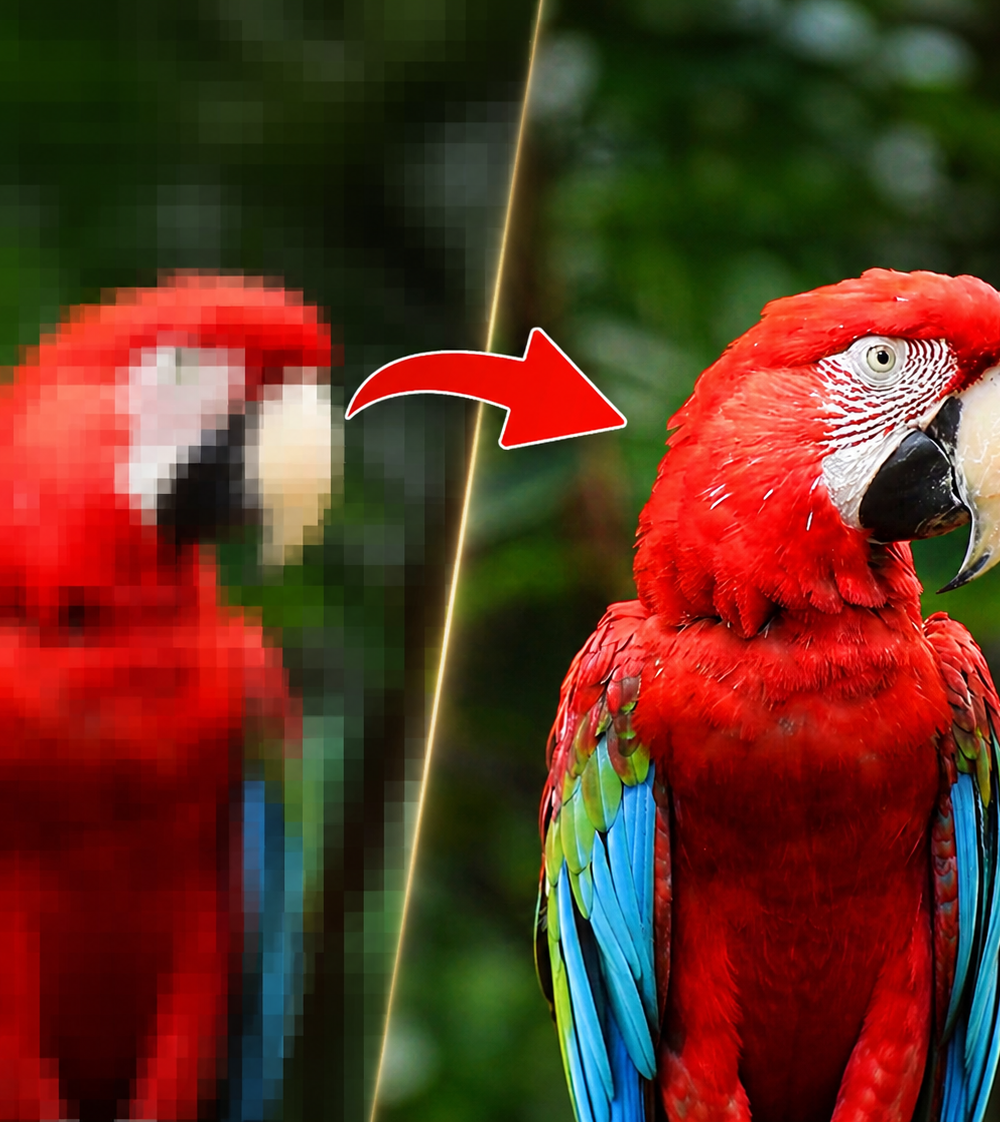
Allez plus loin avec la vidéo
Tout explorer


Tous les workflows de type upscaling vidéoWorkflows : Upscaling vidéo
Tous les Workflows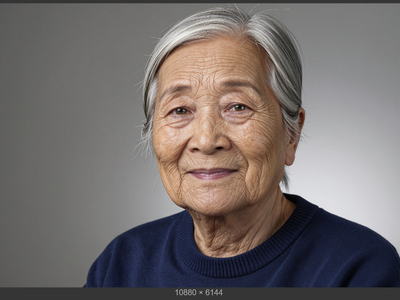

Z-Image Turbo + DyPE + SeedVR2 2.5 + TTP 16k reso

SeedVR2 and TTP Toolset 8k Image Upscale

LTX 2.3 Image to Video with Two-Pass Upscaling

Topaz Video Upscaler for Sharper Results
Upload a video, pick your enhancement model and quality level, and Topaz Video AI sharpens, denoises, and upscales it. Audio is preserved. Output is H265 MP4.

FlashVSR for Video Upscale
Upscale your videos

Vertical Video Background & Scene Rebuild
Vertical Video FX Insterter / Element Pass with Seedream + Wan
Vertical Video FX Inserter - Qwen + Wan 2.1 FunControl
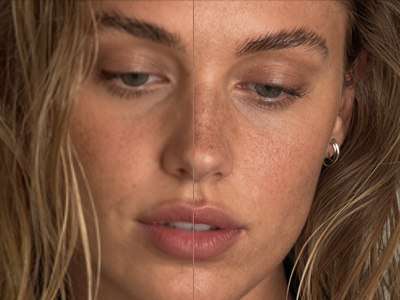

SeedVR 2 ultra resolution upscale
Using SeedVR 2 + UltimateSD Upscale + Z-Image Turbo to achieve extremely high resolution and sharp images.


Z-Image AI Influencer + Clothes & Pose Transfer
Create realistic AI influencer images with advanced clothes transfer, pose transfer, and cinematic styling using Z-Image Turbo + ControlNet in ComfyUI. Includes QwenVL prompt generation, Lineart ControlNet guidance, LoRA styling, and SEEDVR upscaling for ultra-detailed profession

SeedVR2 · Video Upscaler For Anime
Upload a low-resolution video and SeedVR2 upscales it to 1080p in a single diffusion step, restoring fine detail, removing compression artifacts, and maintaining temporal consistency across every frame.

LTX 2.3 Two-Pass · Image to Video For Anime
Upload an image and LTX Video 2.3 22B generates a 5-second video at 1080p with synchronized audio, using a two-pass pipeline that renders at low resolution first then upscales in latent space for sharp, detailed output.
Workflows = API
Chaque workflow est un endpoint d’API. Intégrez la génération par IA à votre produit sans développer de backend. Choisissez un workflow, personnalisez-le, cliquez sur « Copier l’extrait de code Floyo API », et c’est fait.

MCP
Tous les workflows de la plateforme, accessibles depuis vos propres agents et outils internes, avec les mêmes contrôles d’administration.
mcp.floyo.ai/mcp
Templates simples
Ouvrez un workflow prêt à l’emploi, lisez les instructions, changez votre entrée, cliquez sur Exécuter. La plupart des gens n’ouvrent jamais un nœud. La complexité est facultative et reste sous le capot.

Trust Center
Sachez ce qui est sûr avant que quiconque ne l’exécute. Statuts Verified Private et Commercial Use pour chaque modèle, et des contrôles d’équipe pour bloquer ceux que vous n’approuvez pas.Les administrateurs choisissent les modèles, les fournisseurs et les nœuds que l’équipe peut utiliser.

Templates simples
Ouvrez un workflow prêt à l’emploi, lisez les instructions, changez votre entrée, cliquez sur Exécuter. La plupart des gens n’ouvrent jamais un nœud. La complexité est facultative et reste sous le capot.
Trust Center
Sachez ce qui est sûr avant que quiconque ne l’exécute. Statuts Verified Private et Commercial Use pour chaque modèle, et des contrôles d’équipe pour bloquer ceux que vous n’approuvez pas.Les administrateurs choisissent les modèles, les fournisseurs et les nœuds que l’équipe peut utiliser.
Workflows = API
Chaque workflow est un endpoint d’API. Intégrez la génération par IA à votre produit sans développer de backend.Choisissez un workflow, personnalisez-le, cliquez sur « Copier l’extrait de code Floyo API », et c’est fait.
Premiers pas
Cours gratuit
ComfyUI 101
cours gratuit de Sebastian KamphCours gratuit de Sebastian Kamph
Dix leçons, d’un canevas vierge jusqu’à ControlNet. Nœuds, texte vers image, modèles, LoRA, upscaling et réglages du KSampler. Rien à installer. Chaque leçon s’exécute ici : vous terminez avec des workflows que vous avez construits vous-même.
