


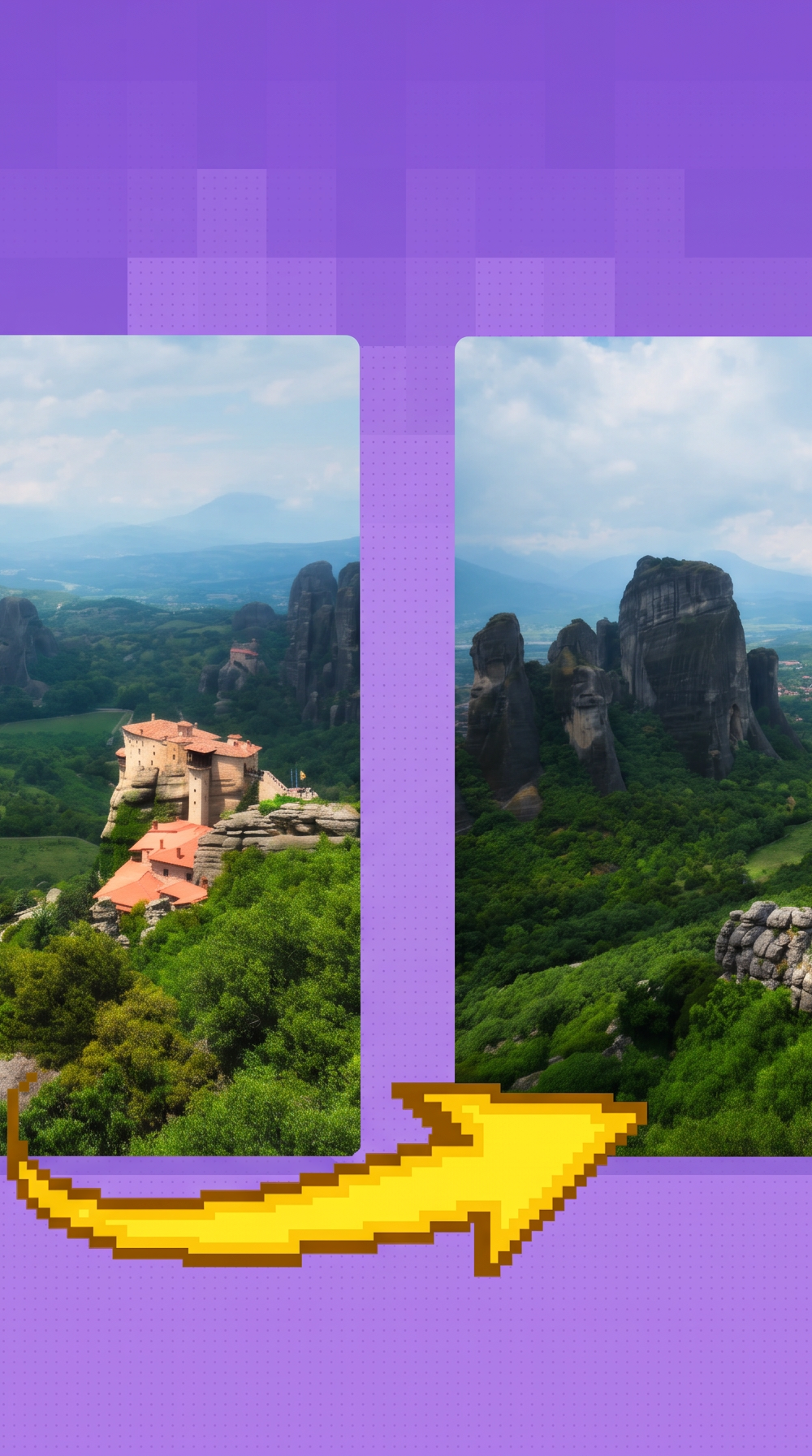
Haz más con imágenes
Ver todo

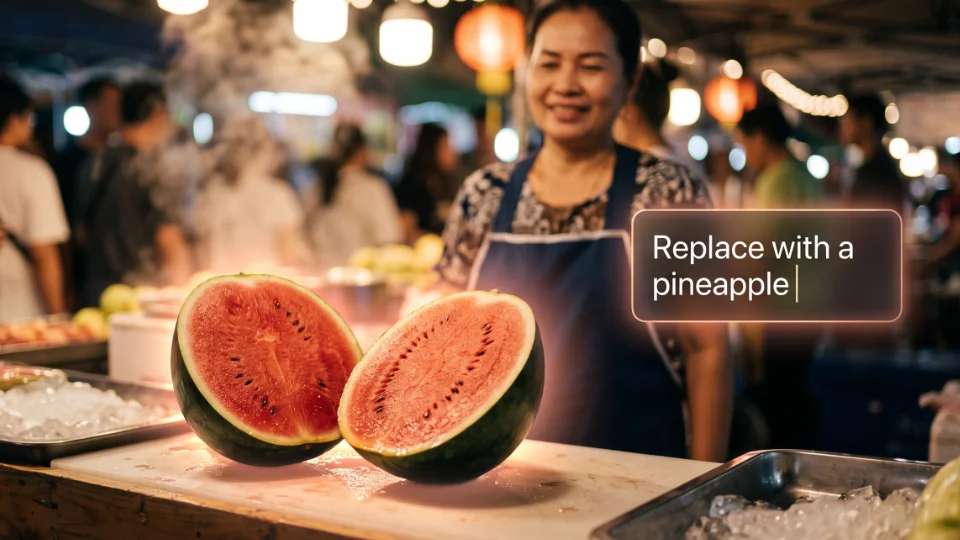

Todos los flujos de trabajo de outpaintingFlujos de trabajo de Outpainting
Todos los Workflows

Flux.2 Klein Image Expansion / Outpaint
Wan2.1 and VACE for Video to Video Outpainting
Wan VACE video outpainting invites you to break free from the limits of the frame and explore endless creative possibilities.
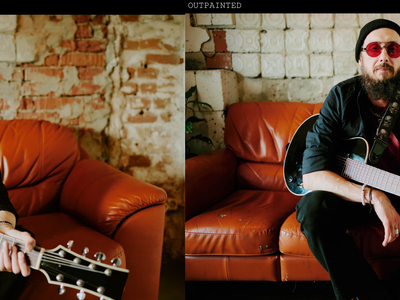
FLUX.2 Klein 4B for Image Outpainting
Outpaint image using Flux 2 Klein 4B using LanPaint and Outpaint LoRA
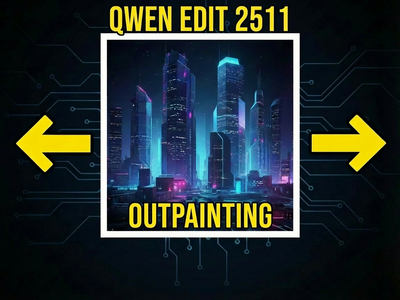

Qwen Edit 2511 OUTPAINTING
OUTPAINTING
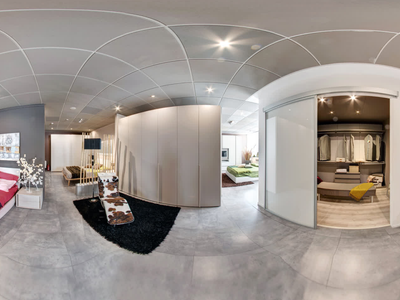
Flux 2 Klein 9B + 360 Panorama ERP LoRA
Turn any image into a full 360 equirectangular panorama with Klein 9B and a 360 ERP outpaint LoRA. Cut flat camera shots at any angle from the result.
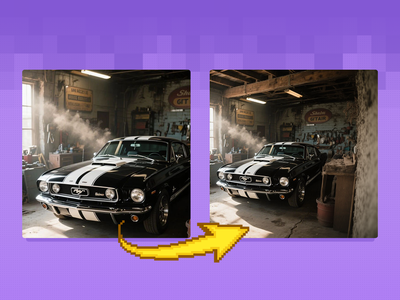
Flux Fill Dev Image Outpainting
Extend your images out for a wider field of view or just to see more of your subject. Expand compositions, change aspect ratios, or add creative elements while maintaining consistency in style, lighting, and detail while seamlessly blending with the existing artwork.

Flux 2 Klein 9B Panorama Inpainting
Edit 360 panoramas with Flux 2 Klein 9B. Select a region, describe the change, and the edit gets composited back into your full panoramic image. No warping.


Image Outpaint to Any Aspect Ratio
Reframe any image to a new aspect ratio without cropping. Nano Banana Pro extends the canvas, inventing new background pixels while keeping the original intact.

Graphic Design Recomposer - Reframe Ads

FLUX.2 Klein Outpaint · Image Expansion
Upload an image and FLUX.2 Klein extends the scene outward on both sides, filling in new content that matches the original lighting, perspective, and detail, then upscales the result with SeedVR2.

Extended

FLUX.2 Klein Image Expansion · I2I For Short Drama
Expand any photo with new content on any side using FLUX.2 Klein 9B for outpainting and SeedVR2 7B Sharp for upscaling. Upload a photo, set the expansion width, and hit run.
Workflows = APIs
Cada flujo de trabajo es un endpoint de API. Integra generación con IA en tu producto sin crear un backend. Elige un flujo de trabajo, personalízalo, haz clic en «Copiar fragmento de Floyo API» y listo.

MCP
Todos los flujos de trabajo de la plataforma, al alcance de tus agentes y herramientas internas, con los mismos controles de administración.
mcp.floyo.ai/mcp
Plantillas fáciles
Abre un flujo de trabajo listo, lee las instrucciones, cambia tu entrada y haz clic en Run. La mayoría nunca abre un nodo. La complejidad es opcional y queda tras bambalinas.

Trust Center
Sabe qué es seguro antes de que alguien lo ejecute. Estado Verified Private y Commercial Use para cada modelo, además de controles de equipo para bloquear los que no apruebes.Los administradores eligen qué modelos, proveedores y nodos puede usar el equipo.

Plantillas fáciles
Abre un flujo de trabajo listo, lee las instrucciones, cambia tu entrada y haz clic en Run. La mayoría nunca abre un nodo. La complejidad es opcional y queda tras bambalinas.
Trust Center
Sabe qué es seguro antes de que alguien lo ejecute. Estado Verified Private y Commercial Use para cada modelo, además de controles de equipo para bloquear los que no apruebes.Los administradores eligen qué modelos, proveedores y nodos puede usar el equipo.
Workflows = APIs
Cada flujo de trabajo es un endpoint de API. Integra generación con IA en tu producto sin crear un backend.Elige un flujo de trabajo, personalízalo, haz clic en «Copiar fragmento de Floyo API» y listo.
Empieza ya
Curso gratuito
ComfyUI 101
curso gratuito de Sebastian KamphCurso gratuito de Sebastian Kamph
Diez lecciones, del lienzo en blanco a ControlNet. Nodos, texto a imagen, modelos, LoRA, escalado y ajustes de KSampler. Nada que instalar. Cada lección se ejecuta aquí, así que terminas con flujos de trabajo creados por ti.
