


Entdecke weitere Anwendungsfälle
Alle entdecken


Alle Workflows für VFX und PostproduktionWorkflows für VFX und Postproduktion
Alle Workflows

Wan 2.6 Reference to Video
Wan 2.6 · Multi-Shot Image to Video
Turn a still image into a multi-shot video with sound using Wan 2.6 by Alibaba. The model plans camera cuts and syncs audio in one pass. Upload and run.
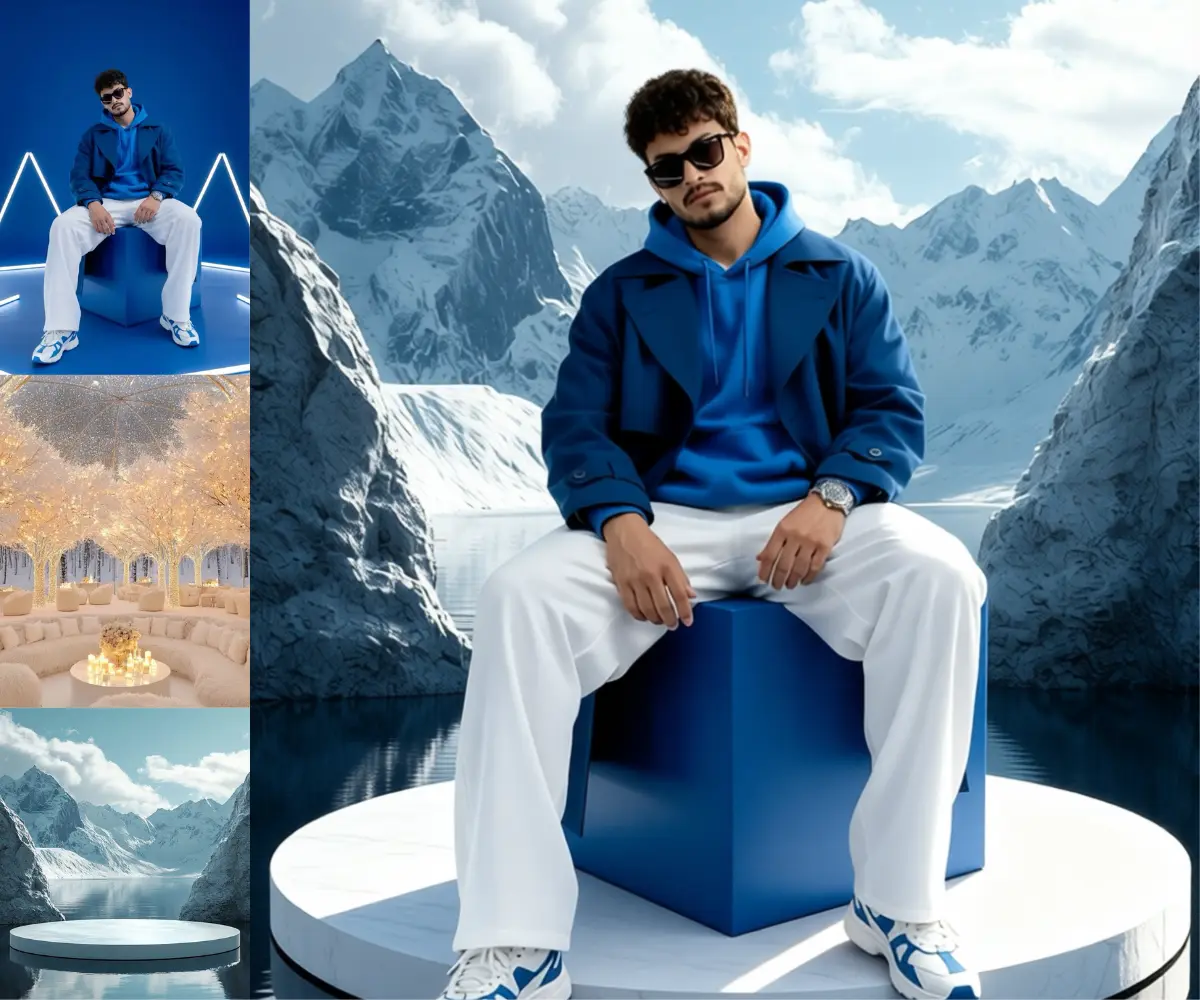
Qwen Image Edit 2511 · Composite
Place a subject into a new scene using Qwen Image Edit 2511 and the Kontext multi-reference method. Upload a subject and a background, describe the edit, run.
Seedance 2.0: Reference to Video
Composite up to nine reference images into one video clip with Seedance 2.0 by ByteDance. Tag each image in the prompt, describe the scene, and hit run.
Wan Alpha Create Transparent Videos
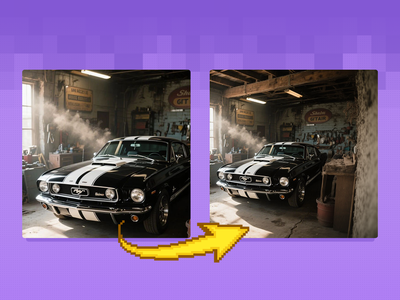
Flux Fill Dev Image Outpainting
Extend your images out for a wider field of view or just to see more of your subject. Expand compositions, change aspect ratios, or add creative elements while maintaining consistency in style, lighting, and detail while seamlessly blending with the existing artwork.
Corridor Key Green Screen Keying for Video
Upload green screen footage and get a clean alpha matte plus composite preview. Corridor Key's neural network handles hair, motion blur, and transparency.
Video Masking with Sam2 Comparison
Use a video clip and visual markers to segment/create masks of the subject or the inverse. Key Inputs Load Video: Use any Mp4 that you would like to segment or create a mask from Select subject: Use 3 green selectors to identify your subject and one red selector to identify the space outside your subject Modify markers: Shift+Click to add markers, Shift+Right Click to remove markers

Seedance 2.0 · Image to Video
Animate any still into a video clip with Seedance 2.0 by ByteDance. Upload a start image, add an optional end frame, describe the motion, and hit run.
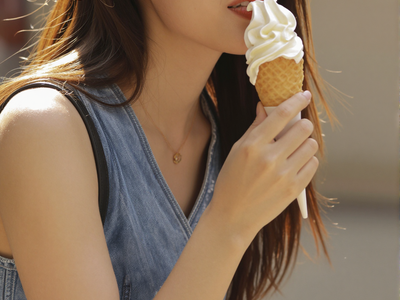
Z-Image Turbo · Text to Image With Diversity LoRA
Generate a different composition on every seed with Z-Image Turbo and the SDA diversity LoRA. Write a prompt, hit run, get layout variety. Apache 2.0.

Z-Image Turbo + SDA LoRA for Diverse Text to Image
Generate images with Z-Image Turbo while the SDA diversity LoRA stops every seed from producing the same pose and composition. 8 steps, 2x upscale to 2048.
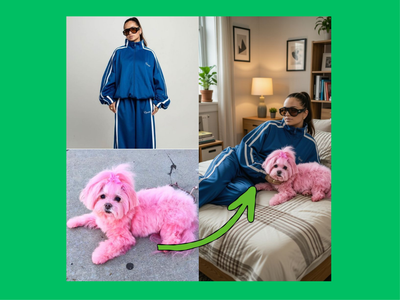

FireRed Image Edit 1.1 workflow
An open-source AI image editing model tuned for high-fidelity editing, character consistency, and multi-element composition. Excellent at changing visuals with straightforward prompts that may be used locally in ComfyUI.
Workflows = APIs
Jeder Workflow ist ein API-Endpoint. Bring KI-Generierung in dein Produkt, ohne ein Backend zu bauen. Wähle einen Workflow, pass ihn an, klicke auf „Snippet für die Floyo API kopieren“, fertig.

MCP
Jeder Workflow auf der Plattform, erreichbar für deine eigenen Agents und internen Tools, mit denselben Admin-Kontrollen.
mcp.floyo.ai/mcp
Einfache Vorlagen
Öffne einen fertigen Workflow, lies die Anleitung, ändere deine Eingabe und starte ihn mit einem Klick. Die meisten öffnen nie einen Node. Komplexität ist optional und bleibt unter der Haube.

Trust Center
Du weißt, was sicher ist, bevor es jemand ausführt. Status Verified Private und Commercial Use für jedes Modell, dazu Team-Kontrollen, mit denen du nicht freigegebene Modelle blockierst.Admins legen fest, welche Modelle, Anbieter und Nodes das Team nutzen darf.

Einfache Vorlagen
Öffne einen fertigen Workflow, lies die Anleitung, ändere deine Eingabe und starte ihn mit einem Klick. Die meisten öffnen nie einen Node. Komplexität ist optional und bleibt unter der Haube.
Trust Center
Du weißt, was sicher ist, bevor es jemand ausführt. Status Verified Private und Commercial Use für jedes Modell, dazu Team-Kontrollen, mit denen du nicht freigegebene Modelle blockierst.Admins legen fest, welche Modelle, Anbieter und Nodes das Team nutzen darf.
Workflows = APIs
Jeder Workflow ist ein API-Endpoint. Bring KI-Generierung in dein Produkt, ohne ein Backend zu bauen.Wähle einen Workflow, pass ihn an, klicke auf „Snippet für die Floyo API kopieren“, fertig.
Leg los
Kostenloser Kurs
ComfyUI 101
kostenloser Kurs von Sebastian KamphKostenloser Kurs von Sebastian Kamph
Zehn Lektionen, vom leeren Canvas bis zu ControlNet. Nodes, Text-zu-Bild, Modelle, LoRA, Upscaling und KSampler-Einstellungen. Nichts zu installieren. Jede Lektion läuft hier, also hast du am Ende Workflows, die du selbst gebaut hast.
