
Wan2.1 VACE and Ditto: Artistic Makeovers for Videos
Ditto
VACE
Video2Video
Wan
1
225




Overview
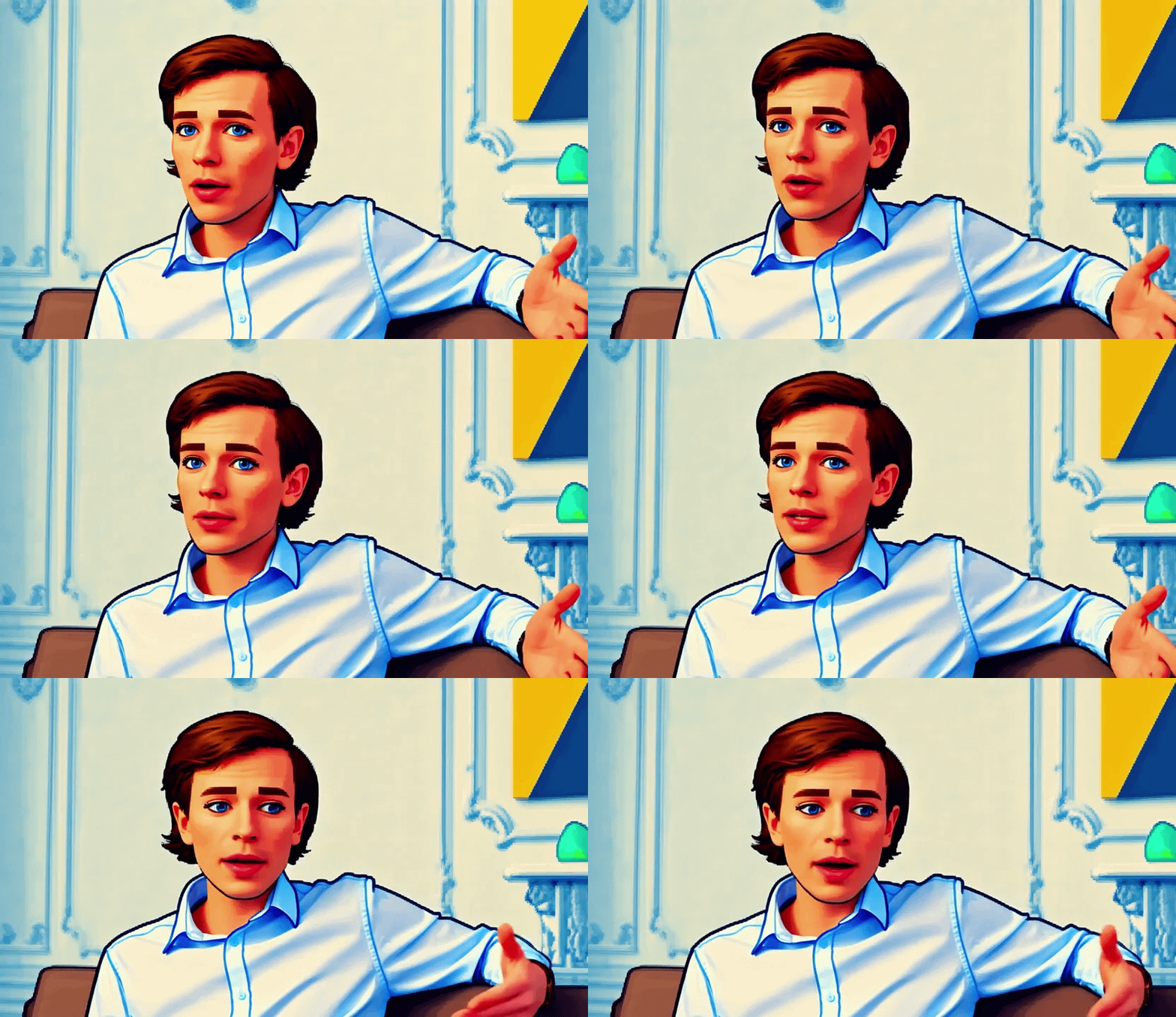
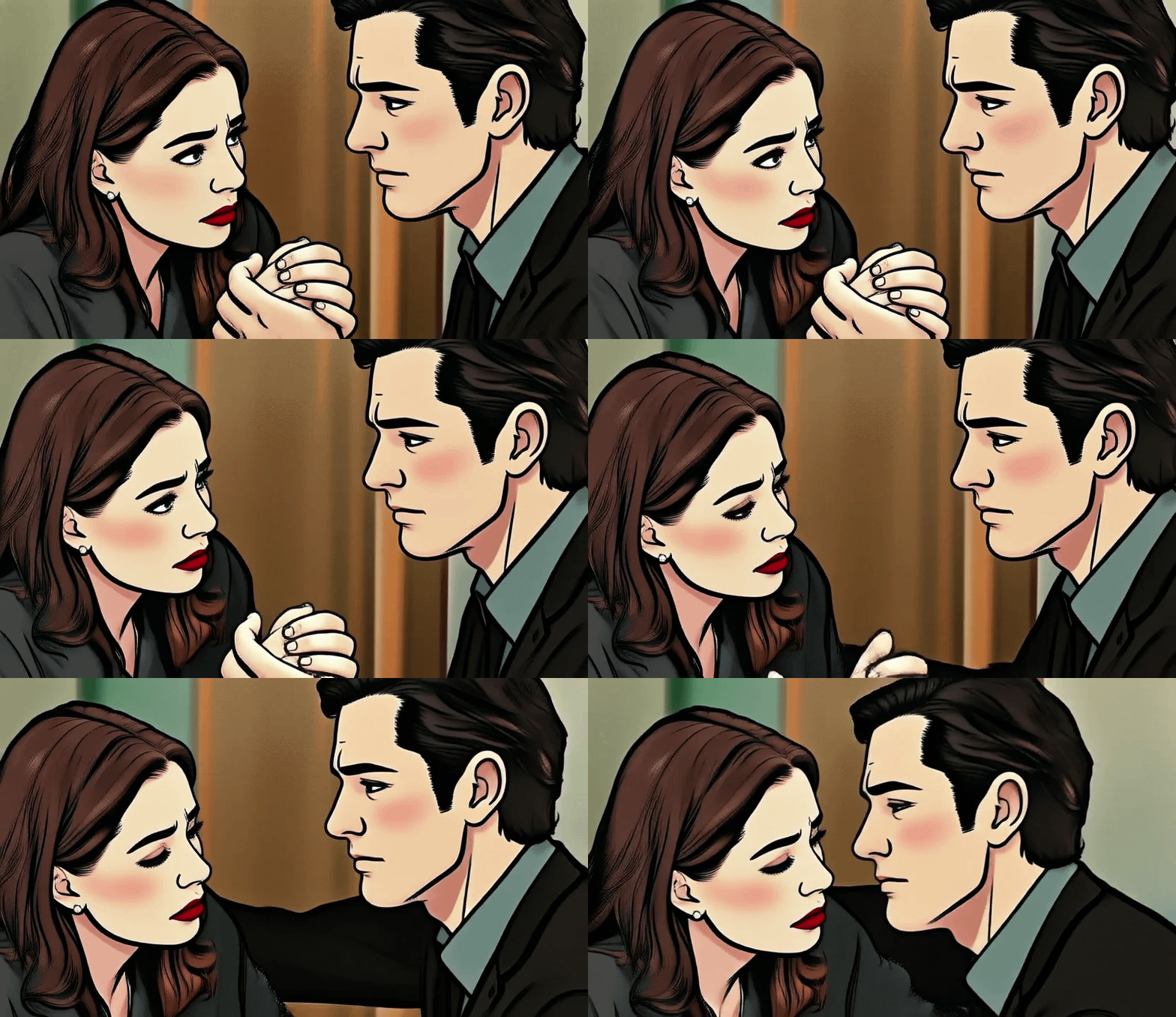
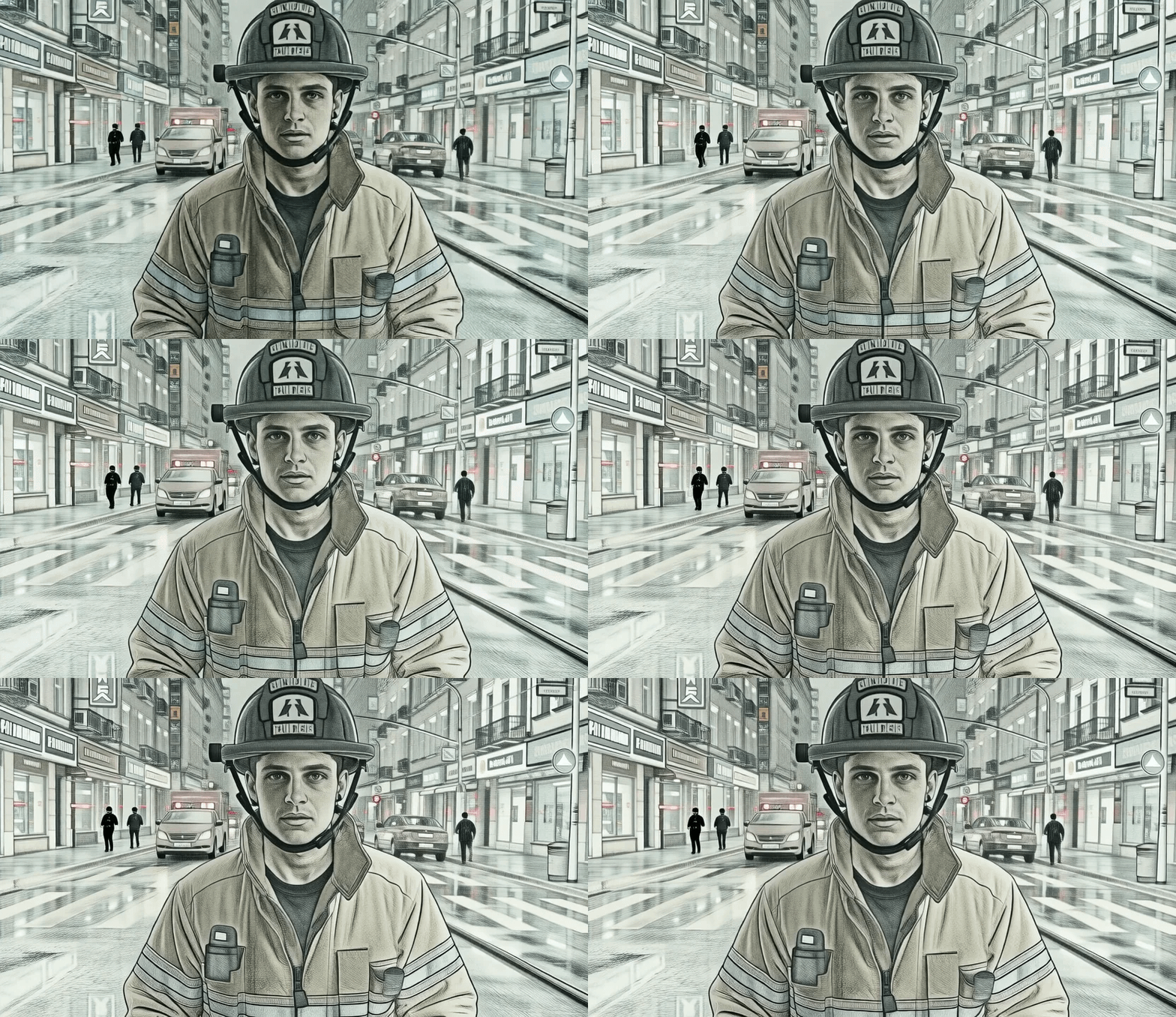
Artistic Makeovers for Videos: A Style Transformation using Wan VACE and Ditto is a simple way to give your videos a fresh, creative look. With this workflow, anyone can restyle video clips by just describing the effect they want. The tool keeps the motion and structure of the video steady, so your subjects look natural even with dramatic changes in style. Whether you want a cartoon, watercolor, or gold sculpture look, you simply type your prompt and get a smooth result without extra complicated steps.
Use Case
Suppose you have a short video and wish to make it look more artistic for social media or a personal project. You upload your video, type in a style you want (like “make it look like a Studio Ghibli animation” or “turn it into pixel art”), and let the tool do the rest. The workflow quickly applies the new look, keeping all movements smooth and realistic. The process is ideal for content creators, teachers, or anyone wanting their footage to stand out—without needing special editing skills or a powerful computer.
Read more

Nodes & Models
INTConstant
INTConstant
DiffusionModelSelector
ditto_global_comfy.safetensors
DiffusionModelLoaderKJ
Wan2_1-T2V-14B_fp8_e4m3fn.safetensors
ImageResizeKJv2
TorchCompileModelWanVideoV2
PatchModelPatcherOrder
VHS_LoadVideo
VHS_VideoInfo
VHS_VideoCombine
ImageResizeKJv2
Overview
Artistic Makeovers for Videos: A Style Transformation using Wan VACE and Ditto is a simple way to give your videos a fresh, creative look. With this workflow, anyone can restyle video clips by just describing the effect they want. The tool keeps the motion and structure of the video steady, so your subjects look natural even with dramatic changes in style. Whether you want a cartoon, watercolor, or gold sculpture look, you simply type your prompt and get a smooth result without extra complicated steps.
Use Case
Suppose you have a short video and wish to make it look more artistic for social media or a personal project. You upload your video, type in a style you want (like “make it look like a Studio Ghibli animation” or “turn it into pixel art”), and let the tool do the rest. The workflow quickly applies the new look, keeping all movements smooth and realistic. The process is ideal for content creators, teachers, or anyone wanting their footage to stand out—without needing special editing skills or a powerful computer.
Read more