
Wan2.1 Fun Control and Flux for V2V Restyle
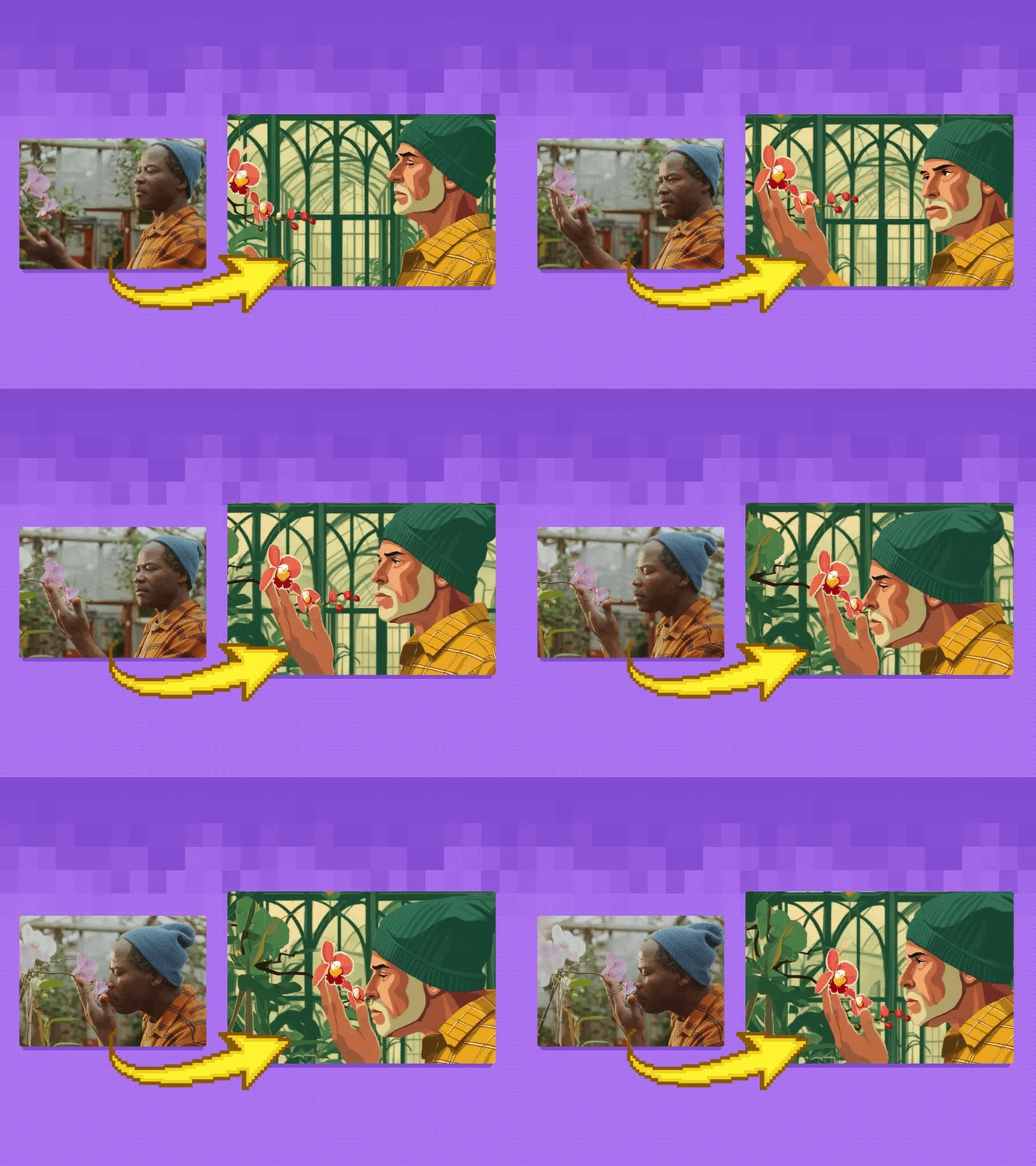
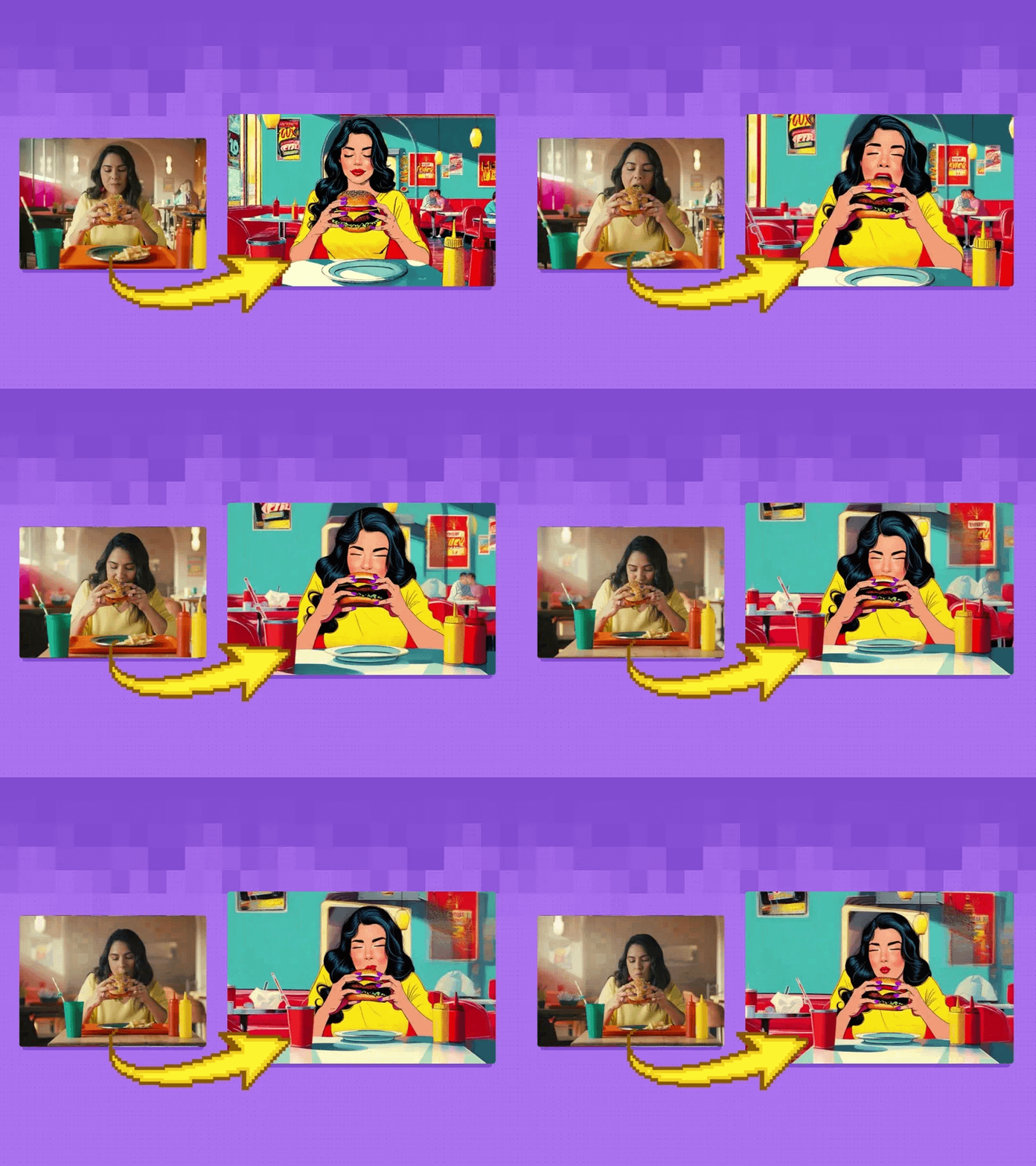
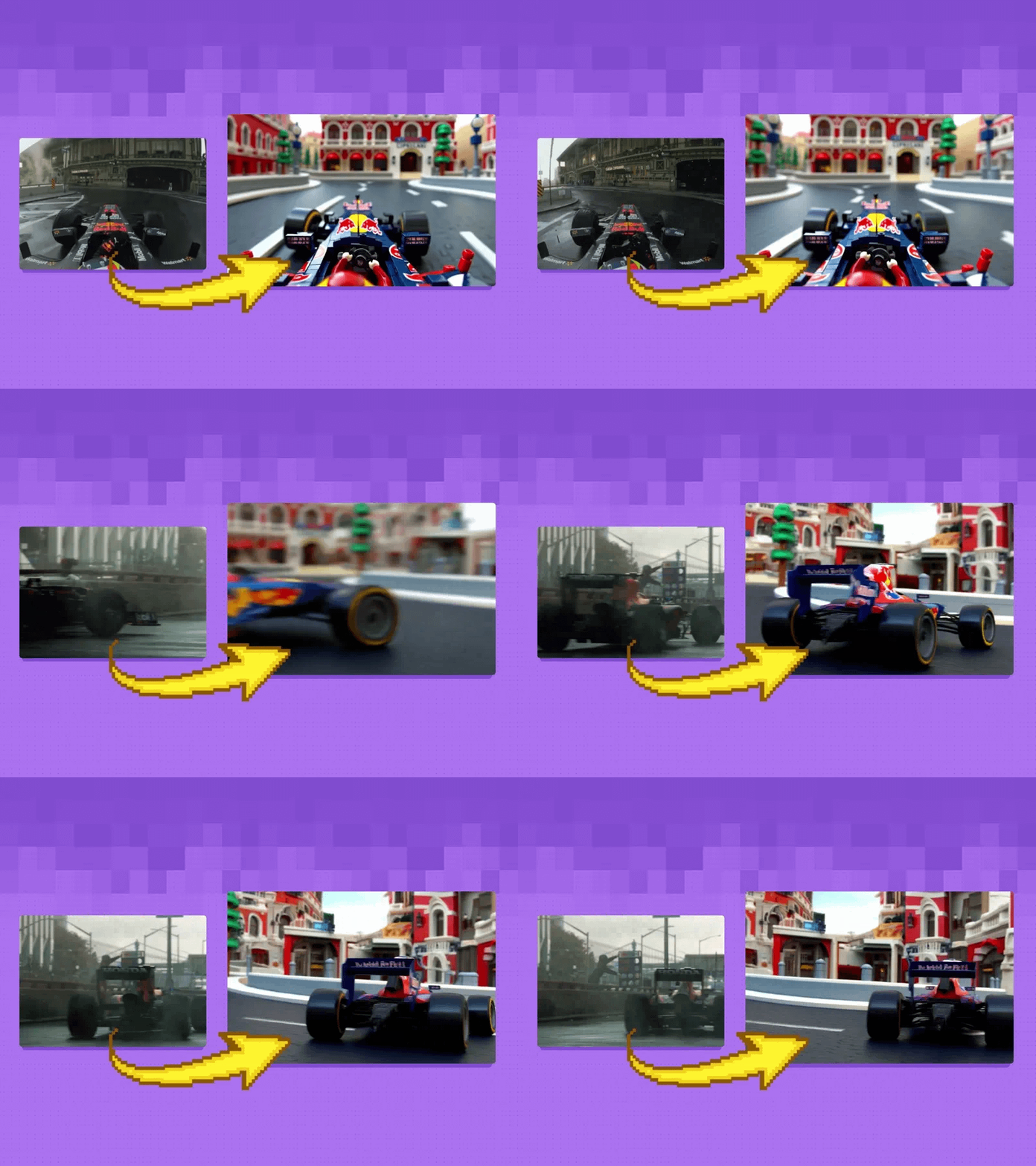
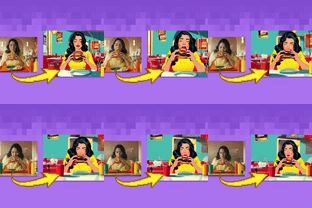
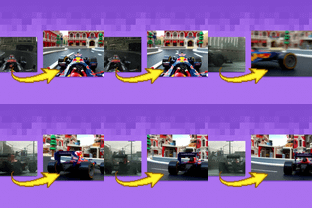
Create a new video by restyling an existing video with a reference image.
Controlnet
Flux
Video2Video
Wan2.1
8
2.2k






Nodes & Models
GetNode
WanVideoTeaCache
WanVideoSLG
VAELoader
Note
Label (rgthree)
PrimitiveInt
Fast Groups Muter (rgthree)
WanVideoLoraSelect
Wan/wan_i2v_720_l1v3w4llp4p3r_e50_with_trigger.safetensors
WanVideoModelLoader
Wan2.1-Fun-Control-14B_fp8_e4m3fn.safetensors
Fast Groups Bypasser (rgthree)
LoadWanVideoClipTextEncoder
open-clip-xlm-roberta-large-vit-huge-14_fp16.safetensors
LoadImage
AddLabel
CLIPTextEncodeFlux
PreviewImage
SetNode
ImageResizeKJ
WanVideoTextEncode
ImageBlend
WanVideoEncode
EmptyLatentImage
WanVideoControlEmbeds
WanVideoClipVisionEncode
VAEDecode
WanVideoImageToVideoEncode
SaveImage
WanVideoSampler
WanVideoDecode
ImageConcatMulti
Seed Everywhere
VHS_LoadVideo
VHS_SelectImages
VHS_VideoInfo
VHS_VideoCombine
VHS_LoadVideo
VHS_SelectImages
VHS_VideoInfo
VHS_VideoCombine
easy positive
easy float
MiDaS-DepthMapPreprocessor
Scribble_XDoG_Preprocessor
DWPreprocessor
AIO_Preprocessor
MiDaS-DepthMapPreprocessor
Scribble_XDoG_Preprocessor
DWPreprocessor
AIO_Preprocessor
DWPreprocessor
ImpactMakeImageBatch
CM_NearestSDXLResolution
ImageResize+
ImageResize+
RIFE VFI
rife47.pth
FinalFrameSelector
FinalFrameSelector
Create a new video by restyling an existing video with a reference image.
Restyle lets you apply the visual characteristics of one image (like a painting style) to another image or video. Unlike basic filters, AI-powered style transfer analyzes both the content and artistic elements, creating results that look like they were created in that style from scratch.
With Wan 2.1, you can transform ordinary videos into ones that appear hand-painted, animated, or rendered in specific artistic styles while maintaining the original movement and content.
Key Inputs
Load Reference Video: Use any Mp4 that you would like to transform
Image reference: Use any JPG or PNG showing your subject clearly in the style you'd like
Set Video Prompt: as descriptive a prompt as possible.
Width & height: Optimal resolution settings are noted, 1280x720 by default.
Frame load cap: how many desired frames in the output video (for Wan, it must be a multiple of 4, plus 1. for example, 65, or 101)
Skip first frames: Start the AI process somewhere in further into the video's timeline
Select every nth frame: Only process every other Nth frame in the generated video
Read more